
Super Backup & Clone – WordPress Backup, Clone & Migration Plugin
Verified from VirusTotal 100% Original Product and Virus Free. Free New Version Lifetime On Single Purchase. Unlimited Website Usage Price is in US dollars and included tax
Buy confidently with secure digital checkout, account-based downloads, and a cleaner WPPlugShop product experience.
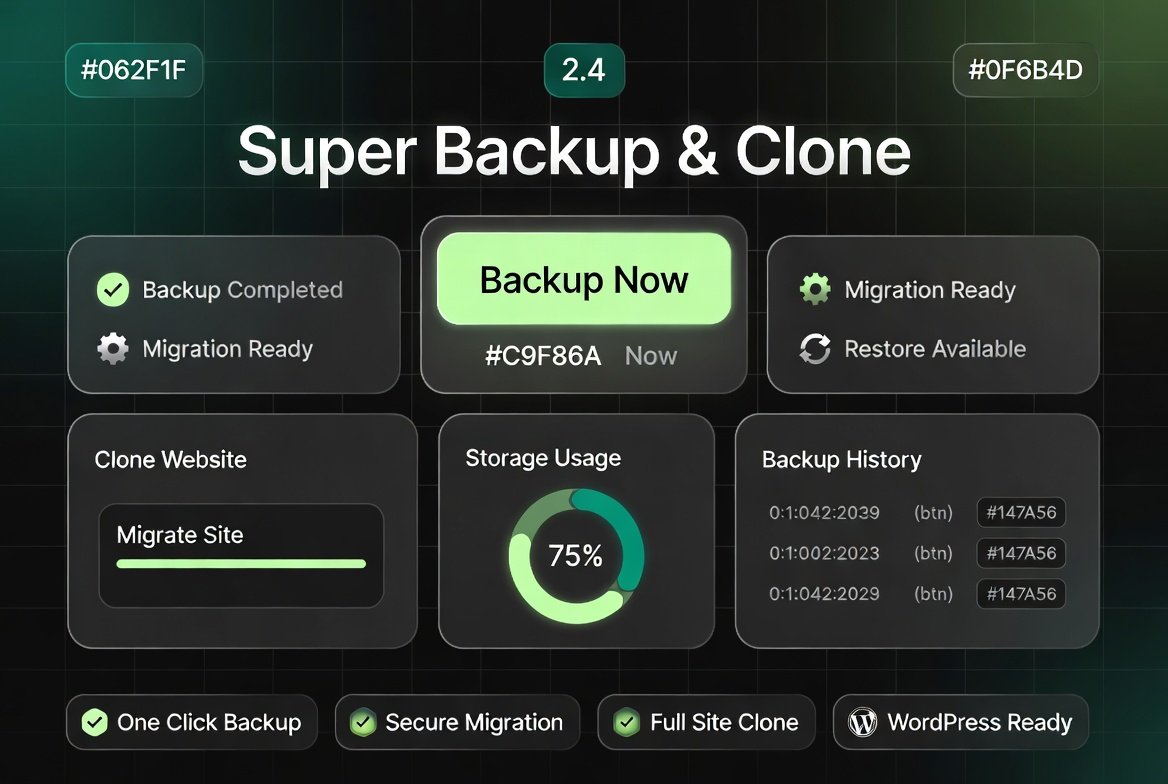
Preview Super Backup & Clone – WordPress Backup, Clone & Migration Plugin
View the product artwork, switch gallery images, and open a larger preview before checkout.
Get secure digital access for real WordPress projects
This section summarizes the buying experience and what customers can expect after checkout.
Product overview, benefits, and digital access details
Review the key product details, practical use cases, and digital access information before checkout.
Product Overview
Super Backup & Clone – Migrate for WordPress 2.4 is a powerful website management plugin that allows you to backup, clone, and migrate complete WordPress websites with ease. It simplifies complex technical processes like server migration, staging setup, and full-site duplication into a few clicks.
Whether you are moving your site to a new hosting provider, creating a staging environment, or securing your data with backups, this plugin provides a reliable and efficient workflow for WordPress users of all levels.
Why This Product Is Useful
WordPress website migration and backups are often complex, risky, and time-consuming when done manually. This plugin eliminates those challenges by automating the entire process.
- Prevents data loss with full website backups
- Removes complexity from manual migration tasks
- Enables quick cloning for staging environments
- Reduces downtime during website transfers
Key Features
- Full Website Backup: Backup files, themes, plugins, and database
- One-Click Cloning: Duplicate entire WordPress sites instantly
- Migration Tool: Move websites between hosting servers easily
- Restore System: Quickly restore backups when needed
- Staging Support: Create test environments safely
- Compression System: Efficient packaging of website data
- Hosting Compatibility: Works with most WordPress hosting providers
- Secure Transfer: Reliable data migration process
Main Benefits
- Safe and fast WordPress migration
- Zero coding required for backups and transfers
- Reduced risk of downtime or data loss
- Improved workflow for developers and agencies
- Easy staging site creation for testing
- Time-saving automation for site management
Best Use Cases
- Migrating WordPress sites to new hosting
- Creating staging and development environments
- Backing up WooCommerce stores regularly
- Cloning client websites for redesign or testing
- Disaster recovery and site restoration
- Developer workflow optimization
Who Should Use This Product?
- WordPress developers managing multiple sites
- Freelancers and agencies handling client migrations
- WooCommerce store owners needing secure backups
- Bloggers and content creators
- Hosting users migrating websites frequently
WP Plug Shop Access Benefits
- Instant digital download access
- Cost-effective WordPress migration solution
- Ready-to-use plugin package
- Secure delivery via WP Plug Shop
- Reusable across multiple client projects
Product Details
| Feature | Description |
|---|---|
| Product Name | Super Backup & Clone – Migrate for WordPress 2.4 |
| Category | WordPress Backup & Migration Plugin |
| Function | Backup, clone, restore, and migrate WordPress sites |
| Compatibility | WordPress core, hosting environments, databases |
| Use Case | Website migration, backup, and staging setup |
Feature Comparison
| Feature | Manual Process | With Super Backup & Clone |
|---|---|---|
| Website Migration | Complex manual transfer | One-click automated migration |
| Backup Process | Manual database + file handling | Full automated backup system |
| Cloning | Time-consuming setup | Instant site duplication |
| Risk of Errors | High risk | Minimized with automation |
| Downtime | Possible downtime | Minimal downtime transfer |
Pros and Considerations
| Pros | Considerations |
|---|---|
| Easy WordPress migration process | Large sites may take longer to process |
| Full backup and restore system | Requires sufficient hosting storage |
| One-click cloning feature | Best performance on optimized servers |
| Developer-friendly workflow | Advanced features may need configuration |
Final Verdict
Super Backup & Clone – Migrate for WordPress 2.4 is an essential tool for anyone managing WordPress websites who needs reliable backup, cloning, and migration capabilities.
It simplifies complex technical workflows into a smooth, automated process, making it ideal for developers, agencies, and business owners who value safety, speed, and efficiency.
Quick product answers for buyers and AI search
Clear product answers help buyers, search engines, and AI answer engines understand this product faster.
Best ways to use this WordPress digital product
These use cases help buyers quickly decide if this product fits their workflow.
How digital access works
No physical shipping is required. This is a digital product access purchase designed for account-based downloads.
Secure payment options for digital checkout
WPPlugShop supports trusted checkout options so buyers can complete digital purchases with more confidence.
Frequently asked questions
Buyer-focused answers about digital access, secure payments, downloads, support, and product usage.
Related WordPress tools you may also like
Explore related WordPress tools that may support the same workflow, website type, or project goal.
Choose the right WordPress tool with confidence
Request a product, explore membership access, or contact support if you want help choosing the right WordPress digital product before checkout.