⚡ Premium WordPress Plugins & Themes — Affordable prices, scanned tools, regular updates & fast support.

Hide My WP Ghost Pro – Advanced WordPress Security & Hack Prevention Plugin
Verified from VirusTotal 100% Original Product and Virus Free. Free New Version Lifetime On Single Purchase. Unlimited Website Usage Price is in US dollars and included tax
Buy confidently with secure digital checkout, account-based downloads, and a cleaner WPPlugShop product experience.
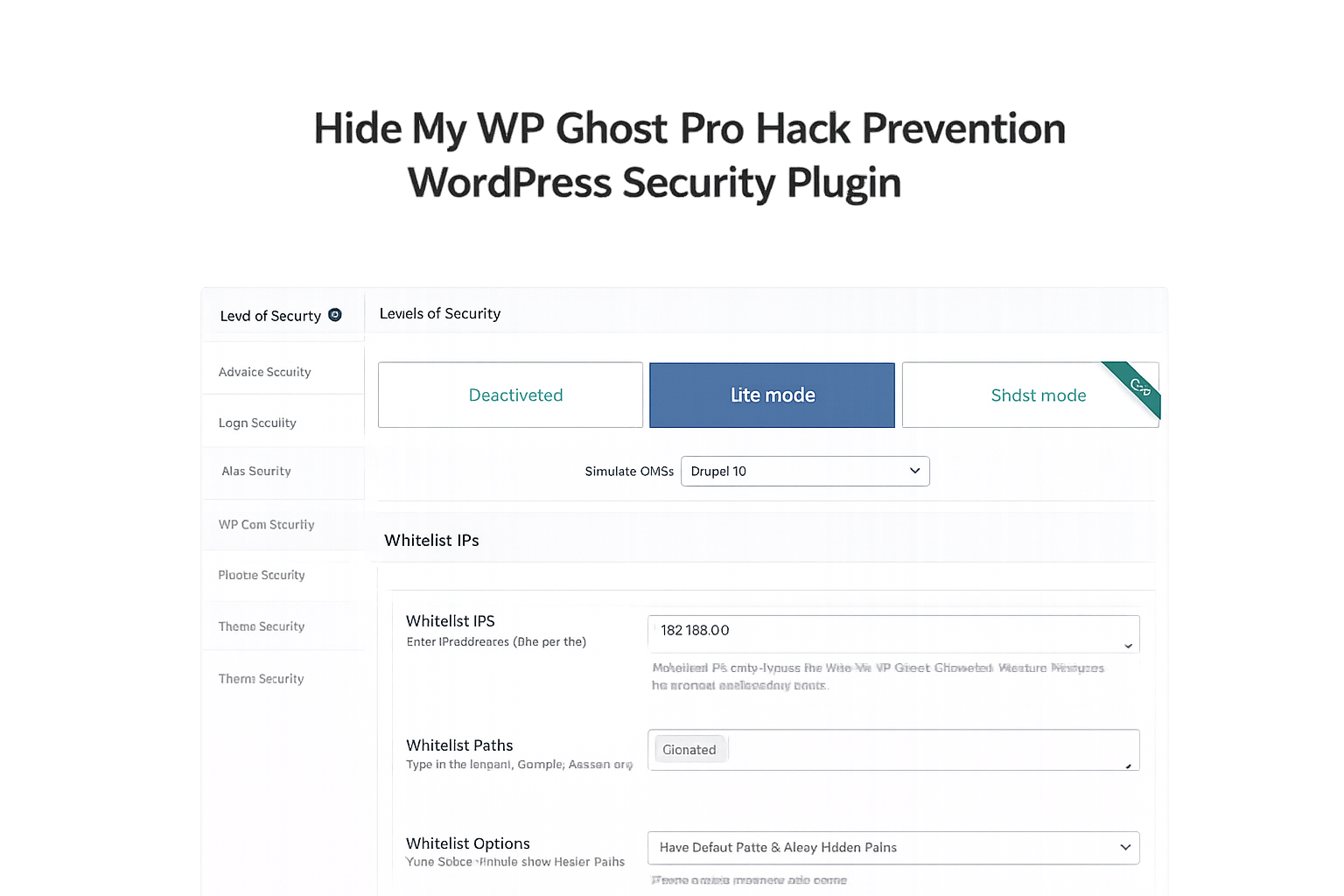
Preview Hide My WP Ghost Pro – Advanced WordPress Security & Hack Prevention Plugin
View the product artwork, switch gallery images, and open a larger preview before checkout.
Get secure digital access for real WordPress projects
This section summarizes the buying experience and what customers can expect after checkout.
Product overview, benefits, and digital access details
Review the key product details, practical use cases, and digital access information before checkout.
Product Overview
Hide My WP Ghost Pro 8.3.05 is a comprehensive WordPress security plugin designed to help website owners reduce exposure to common attacks by securing login areas, hiding WordPress footprints, hardening website configurations, and limiting opportunities for automated scanners and malicious bots. Instead of relying solely on malware detection, the plugin focuses on proactive security measures that make WordPress installations more difficult to identify and target.
Whether you manage a WooCommerce store, business website, membership platform, blog, agency portfolio, or client projects, maintaining strong website security is essential. Hide My WP Ghost Pro provides advanced security controls that help strengthen WordPress installations while improving protection against brute-force attempts, automated scans, and common attack vectors.
Built specifically for WordPress websites, the plugin offers a powerful combination of login protection, path security, firewall features, bot prevention, and website hardening tools that help administrators create a stronger security foundation.
Why This Product Is Useful
WordPress powers millions of websites worldwide, making it a common target for automated attacks and security scans. Many attacks begin by identifying standard WordPress locations such as login pages, admin paths, plugin directories, and publicly visible WordPress footprints.
Hide My WP Ghost Pro helps reduce this exposure by securing sensitive areas and limiting information that attackers often use during reconnaissance. This proactive approach can help website owners strengthen security while maintaining a smooth experience for legitimate users.
For WooCommerce stores, membership sites, agency-managed projects, and business websites, stronger login protection and security hardening can contribute to better operational stability and user confidence.
Key Features
- Hide WordPress Footprints to make WordPress installations more difficult to identify.
- Custom Login URL Protection for enhanced login security.
- wp-admin Security Controls to help reduce exposure of sensitive administrative areas.
- Brute Force Protection against repeated unauthorized login attempts.
- Firewall Security Features for additional protection layers.
- Bot Detection and Prevention to limit automated scanning activity.
- XML-RPC Protection to reduce common attack vectors.
- REST API Security Controls for improved endpoint management.
- Theme and Plugin Path Protection to reduce visible WordPress fingerprints.
- Security Hardening Recommendations for improved website configuration.
- Security Monitoring Tools to assist administrators with protection management.
- WooCommerce Security Compatibility for online stores and customer account areas.
Main Benefits
- Reduce visibility of common WordPress identifiers.
- Protect login pages from automated attacks.
- Strengthen overall WordPress security posture.
- Improve protection against brute-force login attempts.
- Help secure WooCommerce customer accounts.
- Reduce attack surface exposure.
- Enhance website hardening without extensive manual configuration.
- Provide security controls for agencies managing multiple websites.
- Support long-term website maintenance and protection strategies.
- Increase confidence when operating business-critical websites.
Best Use Cases
- WooCommerce Stores requiring stronger login and account protection.
- Business Websites seeking improved WordPress security.
- Membership Platforms with user registration and login systems.
- Agency Client Websites requiring consistent security standards.
- High-Traffic Websites exposed to frequent scanning attempts.
- Lead Generation Websites storing valuable customer information.
- Corporate WordPress Installations requiring enhanced hardening measures.
- Professional Blogs seeking additional login protection and security controls.
Who Should Use This Product?
- WordPress website owners.
- WooCommerce store operators.
- Digital agencies.
- Freelance WordPress developers.
- Business website administrators.
- Membership site owners.
- Corporate website managers.
- Website maintenance professionals.
- Security-conscious organizations.
- Anyone seeking improved WordPress security hardening.
WP Plug Shop Access Benefits
WP Plug Shop provides convenient access to premium WordPress resources that help professionals, agencies, freelancers, and business owners build and manage modern WordPress websites.
- Instant digital access after purchase.
- Secure checkout experience.
- GPL-friendly digital resources.
- Account-based download management.
- Suitable for real-world WordPress projects.
- Budget-conscious access to premium website tools.
- Quick deployment for development and production environments.
Product Details
| Specification | Details |
|---|---|
| Product Name | Hide My WP Ghost Pro |
| Version | 8.3.05 |
| Product Type | WordPress Security Plugin |
| Platform | WordPress |
| Primary Purpose | Website Security & Hack Prevention |
| Security Focus | Login Protection, Path Security, Hardening |
| Firewall Features | Included |
| WooCommerce Compatible | Yes |
| Target Users | Businesses, Agencies, Developers, Store Owners |
| Use Case | WordPress Security Hardening & Protection |
Feature Comparison
| Feature | Standard WordPress Setup | Hide My WP Ghost Pro |
|---|---|---|
| Custom Login URL | No | Yes |
| WordPress Footprint Protection | Limited | Advanced |
| Brute Force Protection | Limited | Enhanced |
| Firewall Features | No | Included |
| Attack Surface Reduction | Basic | Advanced |
| Bot Protection | Limited | Enhanced |
| Security Hardening Tools | Manual | Integrated |
| WooCommerce Security Support | Basic | Improved |
Pros and Considerations
| Pros | Considerations |
|---|---|
| Helps reduce WordPress footprint visibility | Requires proper setup and configuration |
| Provides login protection features | Security settings should be tested carefully |
| Supports website hardening efforts | Not a substitute for complete security practices |
| Useful for WooCommerce and membership sites | May require adjustment with custom environments |
| Includes firewall and bot protection features | Security plugins should be regularly maintained |
| Suitable for agencies managing multiple websites | Website backups remain recommended |
Final Verdict
Hide My WP Ghost Pro 8.3.05 is a valuable security solution for WordPress website owners seeking stronger login protection, attack surface reduction, WordPress footprint masking, and proactive website hardening. Its focus on making WordPress installations more difficult to identify and target provides an additional layer of protection beyond traditional security approaches.
For WooCommerce stores, business websites, membership platforms, agencies, and developers, the plugin offers a practical set of security tools that can contribute to a stronger overall security strategy. If you are looking for a WordPress security plugin that emphasizes prevention, hardening, and login protection, Hide My WP Ghost Pro is a strong addition to your WordPress security toolkit.
Frequently Asked Questions
What is Hide My WP Ghost Pro 8.3.05?
Hide My WP Ghost Pro 8.3.05 is a WordPress security plugin designed to help protect websites through login protection, WordPress footprint masking, firewall features, security hardening, and attack surface reduction. It helps make WordPress installations more difficult for automated bots and scanners to identify and target.
How does Hide My WP Ghost Pro improve WordPress security?
The plugin strengthens security by protecting login areas, hiding common WordPress paths, reducing exposed WordPress identifiers, limiting reconnaissance opportunities, and providing security hardening recommendations. These measures can help reduce exposure to common automated attacks.
Can Hide My WP Ghost Pro hide the default wp-login.php page?
Yes, one of the plugin's primary features is the ability to secure and customize login URLs, helping reduce exposure of default WordPress login endpoints that are commonly targeted by brute-force attacks.
Is Hide My WP Ghost Pro suitable for WooCommerce websites?
Yes, WooCommerce store owners can use the plugin to enhance login protection, secure administrative areas, and strengthen overall website security. This can be particularly valuable for stores handling customer accounts and online transactions.
Does this plugin replace other WordPress security plugins?
Hide My WP Ghost Pro focuses heavily on WordPress footprint protection, path security, and hardening. Depending on your security strategy, it may be used alongside other security solutions that provide malware scanning, backups, monitoring, or additional protection layers.
Can Hide My WP Ghost Pro prevent all hacking attempts?
No security plugin can guarantee complete protection against every threat. Hide My WP Ghost Pro helps reduce risks and strengthen security, but website security should always include strong passwords, updates, backups, proper hosting, and good security practices.
Does the plugin help protect against brute-force login attacks?
Yes, the plugin includes features designed to help protect login areas and reduce exposure to brute-force attempts by securing login endpoints and strengthening authentication-related security measures.
Will Hide My WP Ghost Pro affect my website design or content?
The plugin is primarily focused on security and hardening. In most cases, it does not change website content or design, though certain security settings may require configuration and testing to ensure compatibility with custom themes, plugins, and server environments.
Who should use Hide My WP Ghost Pro?
This plugin is ideal for WordPress website owners, WooCommerce store operators, agencies, freelancers, membership site administrators, bloggers, and businesses seeking stronger website protection and proactive security hardening.
Why is WordPress footprint hiding important?
Many automated attacks begin by identifying whether a website uses WordPress and locating common WordPress paths. By reducing publicly visible WordPress fingerprints, Hide My WP Ghost Pro helps make reconnaissance and automated targeting more difficult for potential attackers.
Quick product answers for buyers and AI search
Clear product answers help buyers, search engines, and AI answer engines understand this product faster.
Best ways to use this WordPress digital product
These use cases help buyers quickly decide if this product fits their workflow.
How digital access works
No physical shipping is required. This is a digital product access purchase designed for account-based downloads.
Secure payment options for digital checkout
WPPlugShop supports trusted checkout options so buyers can complete digital purchases with more confidence.
Frequently asked questions
Buyer-focused answers about digital access, secure payments, downloads, support, and product usage.
Related WordPress tools you may also like
Explore related WordPress tools that may support the same workflow, website type, or project goal.

Slider Revolution Responsive WordPress Plugin for Custom Sliders Only (Templates and Add-Ons Not Included)

WPML WooCommerce Multilingual

WooCommerce Subscriptions PRO

Rank Math Pro SEO Plugin – Version Download
Choose the right WordPress tool with confidence
Request a product, explore membership access, or contact support if you want help choosing the right WordPress digital product before checkout.