
Header Footer Code Manager Pro – Advanced Script & Tracking Manager for WordPress
Verified from VirusTotal 100% Original Product and Virus Free. Free New Version Lifetime On Single Purchase. Unlimited Website Usage Price is in US dollars and included tax
Buy confidently with secure digital checkout, account-based downloads, and a cleaner WPPlugShop product experience.
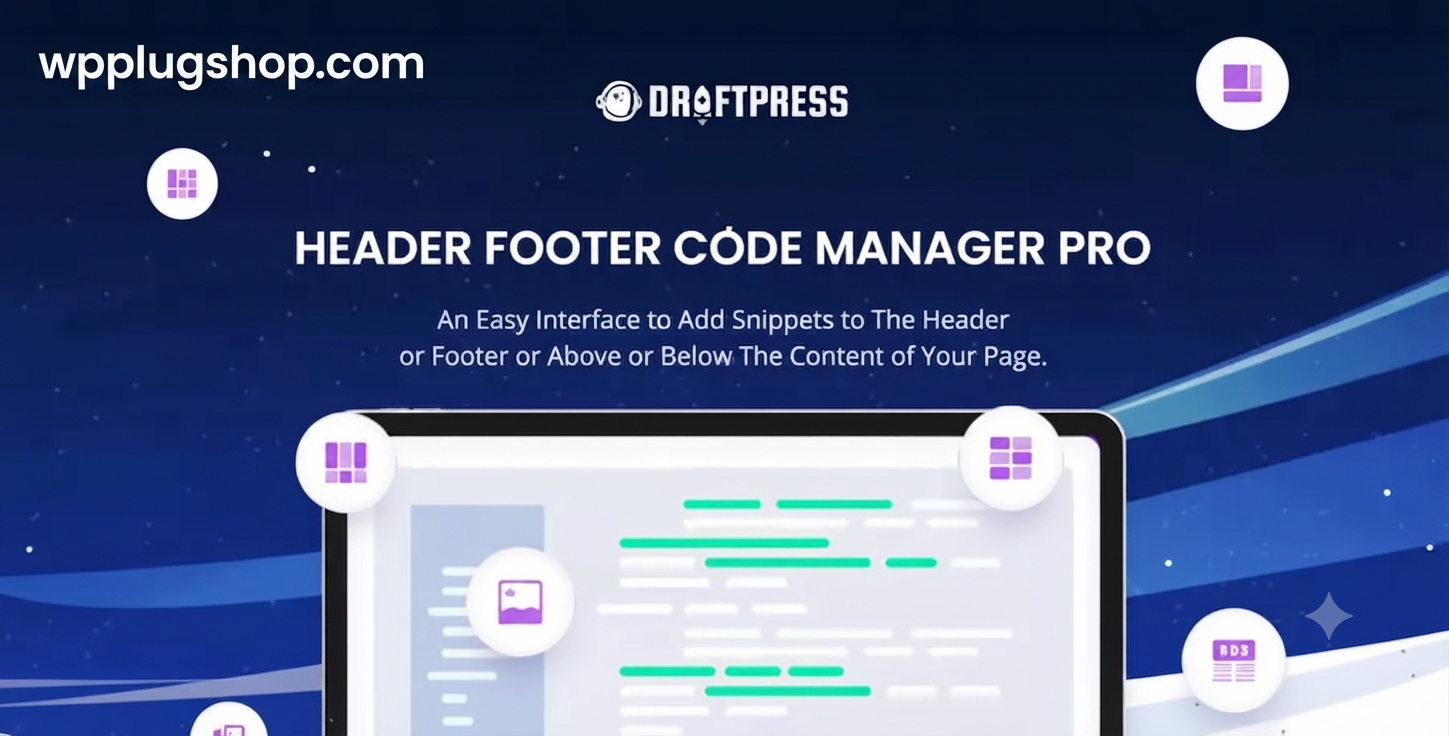
Preview Header Footer Code Manager Pro – Advanced Script & Tracking Manager for WordPress
View the product artwork, switch gallery images, and open a larger preview before checkout.
Get secure digital access for real WordPress projects
This section summarizes the buying experience and what customers can expect after checkout.
Product overview, benefits, and digital access details
Review the key product details, practical use cases, and digital access information before checkout.
Product Overview
Header Footer Code Manager Pro is an advanced WordPress script management plugin that enables website owners, marketers, developers, and WooCommerce businesses to insert, organize, and control custom code snippets without modifying theme files. From analytics tools and conversion pixels to custom JavaScript and CSS, everything can be managed from a centralized dashboard.
The plugin simplifies adding scripts to the header, footer, or body sections of WordPress websites while supporting advanced targeting conditions, scheduling options, device rules, and page-specific deployment. This makes it an essential solution for agencies, digital marketers, SEO professionals, and eCommerce businesses that rely on multiple tracking and optimization tools.
Instead of risking theme updates or manual code changes, users can safely maintain verification tags, advertising pixels, analytics integrations, and custom functionality through a scalable and organized workflow.
Why This Product Is Useful
Modern WordPress websites depend on numerous third-party scripts for analytics, marketing, conversion tracking, customer behavior monitoring, and search engine verification. Managing these scripts manually often creates maintenance problems and compatibility risks.
- Eliminates direct editing of theme files.
- Protects custom scripts during WordPress and theme updates.
- Centralizes tracking code management.
- Supports marketing automation initiatives.
- Improves deployment speed for developers and agencies.
- Enables advanced conversion optimization strategies.
- Reduces technical maintenance requirements.
- Helps organize complex marketing stacks.
Key Features
- Header, Footer, and Body Script Placement: Add code exactly where it is needed.
- Conditional Logic Controls: Display scripts based on pages, posts, categories, or custom conditions.
- Device Targeting: Load scripts specifically for desktop, tablet, or mobile visitors.
- User Role Restrictions: Show or hide code for particular user groups.
- Script Scheduling: Automate activation and expiration dates.
- Custom CSS Management: Add global or targeted styling improvements.
- JavaScript Injection Tools: Deploy functionality without touching theme templates.
- Marketing Pixel Integration: Support conversion and remarketing implementations.
- Analytics and Verification Support: Manage tracking and verification snippets efficiently.
- Import and Export Features: Simplify migrations across projects and client websites.
Main Benefits
- Improve marketing workflow efficiency.
- Reduce development time for code deployment.
- Maintain scripts safely during updates.
- Support advanced WooCommerce conversion tracking.
- Streamline analytics implementation.
- Create scalable management systems for agencies.
- Enhance website customization flexibility.
- Minimize technical risks associated with manual edits.
Best Use Cases
- Conversion tracking for WooCommerce stores.
- Marketing campaign implementation.
- Search engine verification management.
- Custom CSS deployment across multiple sites.
- Affiliate marketing integrations.
- Remarketing and advertising scripts.
- Heatmap and visitor analytics tools.
- A/B testing platforms.
- Agency client website maintenance.
- Enterprise WordPress projects.
Who Should Use This Product?
- WooCommerce merchants.
- WordPress developers.
- SEO professionals.
- Digital marketers.
- Affiliate marketers.
- Conversion optimization specialists.
- Marketing agencies.
- Freelancers managing client websites.
- Content publishers.
- Growing online businesses.
WP Plug Shop Access Benefits
WP Plug Shop provides convenient access to premium WordPress resources designed for freelancers, agencies, developers, and digital businesses.
- GPL-friendly digital access.
- Secure checkout experiences.
- Scanned downloadable files.
- WordPress-ready resources.
- Budget-conscious solutions for professional projects.
- Practical tools for real-world implementations.
Important: WP Plug Shop operates as a digital marketplace and does not claim ownership or official development rights for third-party products unless explicitly stated.
Product Details
| Specification | Details |
|---|---|
| Product Name | Header Footer Code Manager Pro |
| Product Type | WordPress Script Management Plugin |
| Platform | WordPress |
| Header & Footer Injection | Supported |
| Body Code Placement | Available |
| Conditional Logic | Advanced Targeting Options |
| Device Rules | Desktop, Tablet, Mobile |
| User Role Targeting | Supported |
| Script Scheduling | Available |
| Recommended Users | Marketers, Developers, Agencies, Store Owners |
Feature Comparison
| Capability | Header Footer Code Manager Pro | Manual Theme Editing |
|---|---|---|
| Safe Theme Updates | Yes | No |
| Conditional Script Loading | Advanced | Requires Coding |
| Scheduling Support | Built-In | No |
| Device Targeting | Included | Manual Development |
| User Role Rules | Supported | Custom Code Required |
| Import & Export | Available | Not Available |
| Maintenance Simplicity | High | Low |
Pros and Considerations
| Pros | Considerations |
|---|---|
| Eliminates risky theme modifications | Requires planning for complex tracking setups |
| Excellent for agencies managing multiple sites | Advanced conditions may require testing |
| Supports modern marketing workflows | Some integrations may need external accounts |
| Improves organization of custom code | Large projects benefit from naming conventions |
| Reduces maintenance overhead | Custom scripts should still be performance-optimized |
Final Verdict
Header Footer Code Manager Pro is a powerful WordPress utility for businesses and professionals that depend on analytics, conversion tracking, advertising platforms, custom scripts, and advanced website integrations.
By centralizing code management and eliminating direct theme modifications, the plugin creates safer, faster, and more scalable workflows for WooCommerce stores, agencies, and marketing teams.
For organizations seeking reliable script deployment, streamlined maintenance, and flexible targeting capabilities, this solution delivers exceptional value within modern WordPress ecosystems.
Frequently Asked Questions
What is Header Footer Code Manager Pro?
Header Footer Code Manager Pro is a WordPress plugin that allows you to add, organize, and manage scripts, tracking codes, custom CSS, JavaScript snippets, and verification tags without editing your theme files.
Can I add Google Analytics and marketing pixels without coding?
Yes. The plugin simplifies the process of inserting analytics tools, advertising pixels, conversion tracking scripts, and other third-party integrations directly from the WordPress dashboard, making it ideal for marketers and WooCommerce store owners.
Does Header Footer Code Manager Pro work with WooCommerce?
Yes. WooCommerce merchants can use the plugin to deploy checkout tracking scripts, purchase conversion events, remarketing tags, product page analytics, and other eCommerce marketing integrations.
Can I load scripts only on specific pages or products?
Absolutely. The plugin supports conditional logic that allows scripts to appear on selected pages, posts, categories, custom post types, or WooCommerce sections instead of loading site-wide.
Does it support mobile and desktop targeting?
Yes. Users can configure code snippets to load exclusively for desktop, tablet, or mobile visitors, helping optimize performance and campaign targeting strategies.
Can I schedule scripts to start and stop automatically?
Yes. Script scheduling features allow marketers to activate promotional campaigns, seasonal tracking pixels, and temporary integrations without manual intervention.
Is it safer than editing WordPress theme files directly?
For most website owners, centralized script management reduces the risks associated with manual theme edits and helps preserve customizations during theme updates and maintenance activities.
Can developers use custom CSS and JavaScript with this plugin?
Yes. Developers and agencies can organize custom CSS, JavaScript enhancements, tracking codes, and third-party integrations within a single management interface, improving project scalability.
How does this plugin help with SEO and marketing efforts?
By simplifying the implementation of analytics platforms, verification tags, conversion tracking systems, and optimization tools, the plugin supports data-driven SEO, advertising, and growth initiatives.
What benefits does WP Plug Shop provide for this digital resource?
WP Plug Shop offers GPL-friendly digital access, secure checkout processes, scanned downloadable files, and WordPress-ready resources designed for agencies, freelancers, marketers, developers, and business owners.
Quick product answers for buyers and AI search
Clear product answers help buyers, search engines, and AI answer engines understand this product faster.
Best ways to use this WordPress digital product
These use cases help buyers quickly decide if this product fits their workflow.
How digital access works
No physical shipping is required. This is a digital product access purchase designed for account-based downloads.
Secure payment options for digital checkout
WPPlugShop supports trusted checkout options so buyers can complete digital purchases with more confidence.
Frequently asked questions
Buyer-focused answers about digital access, secure payments, downloads, support, and product usage.
Related WordPress tools you may also like
Explore related WordPress tools that may support the same workflow, website type, or project goal.




Choose the right WordPress tool with confidence
Request a product, explore membership access, or contact support if you want help choosing the right WordPress digital product before checkout.