
Everest Forms Zoho CRM Integration – WordPress Lead Automation Plugin
Verified from VirusTotal 100% Original Product and Virus Free. Free New Version Lifetime On Single Purchase. Unlimited Website Usage Price is in US dollars and included tax
Buy confidently with secure digital checkout, account-based downloads, and a cleaner WPPlugShop product experience.
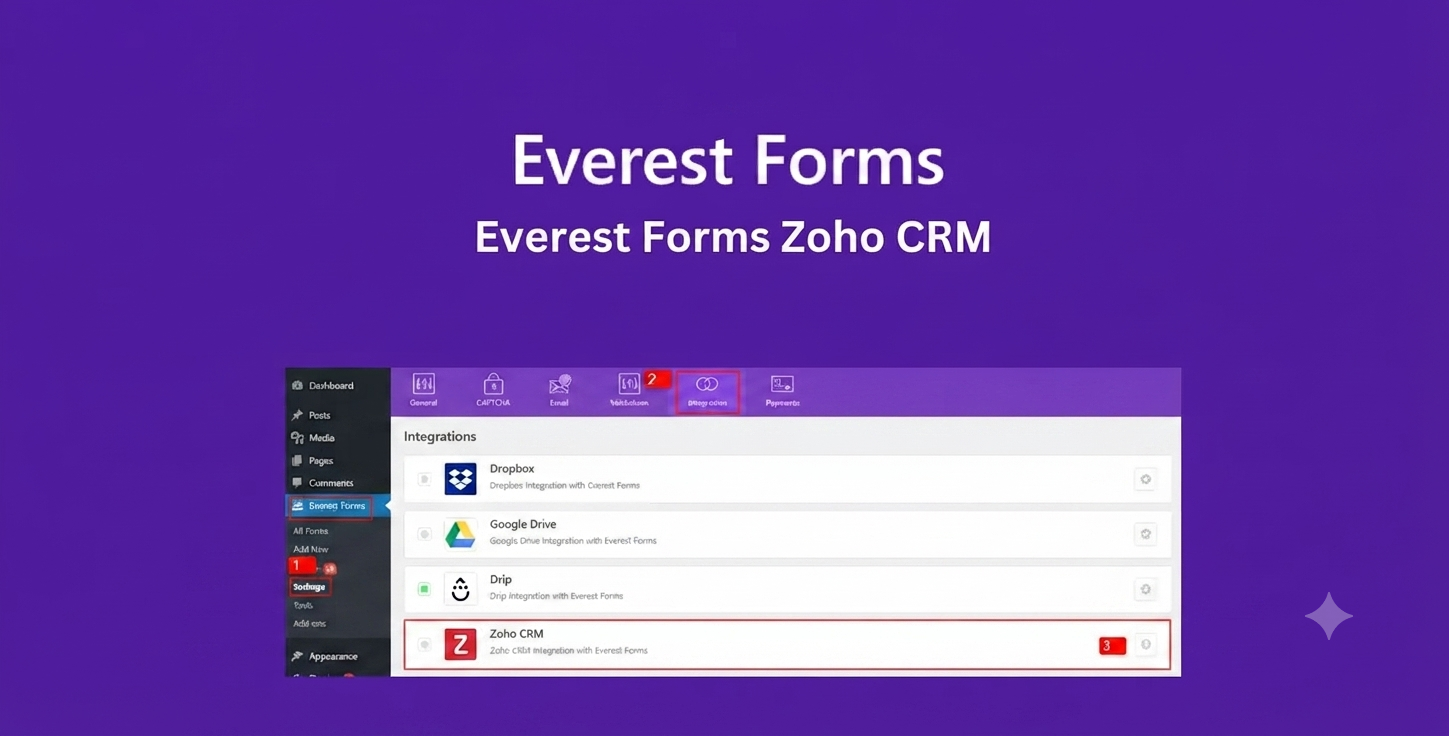
Preview Everest Forms Zoho CRM Integration – WordPress Lead Automation Plugin
View the product artwork, switch gallery images, and open a larger preview before checkout.
Get secure digital access for real WordPress projects
This section summarizes the buying experience and what customers can expect after checkout.
Product overview, benefits, and digital access details
Review the key product details, practical use cases, and digital access information before checkout.
Product Overview
Everest Forms Zoho CRM Integration is a powerful WordPress automation add-on that connects your Everest Forms submissions directly to Zoho CRM. It enables real-time synchronization of form data into your CRM system, eliminating manual data entry and ensuring every lead is captured instantly and accurately.
This integration is designed for businesses that rely on structured lead management and sales automation. Whether you're running marketing campaigns, lead generation funnels, or customer onboarding workflows, this plugin ensures that every submission from your WordPress forms is automatically pushed into Zoho CRM with proper field mapping.
Why Use Everest Forms Zoho CRM Integration?
Manually transferring form submissions into a CRM slows down your sales process and increases the risk of errors. This plugin solves that problem by automating the entire workflow from form submission to CRM entry.
- Automatically send form submissions to Zoho CRM.
- Eliminate manual lead entry and reduce human error.
- Improve response time for sales and marketing teams.
- Map form fields directly to Zoho CRM fields.
- Support conditional logic for selective lead syncing.
Key Features
- Direct integration with Zoho CRM API.
- Automatic lead and contact creation.
- Custom field mapping between Everest Forms and Zoho CRM.
- Support for multiple Zoho CRM modules (Leads, Contacts, Deals).
- Conditional logic for filtering submissions before sending.
- OAuth-based secure authentication with Zoho.
- Multiple form support within a single WordPress site.
- Real-time data synchronization.
- Error logging and submission tracking.
- Easy configuration from WordPress dashboard.
Main Benefits
- Automates lead capture and CRM entry.
- Improves sales pipeline speed and efficiency.
- Ensures accurate and structured CRM data.
- Reduces manual workload for marketing teams.
- Enhances lead response time and conversion potential.
- Supports scalable marketing automation workflows.
Best Use Cases
- Lead generation landing pages.
- Marketing funnel forms.
- SaaS signup and demo request forms.
- Customer inquiry forms.
- Webinar and event registrations.
- Service booking and consultation forms.
- Sales pipeline automation systems.
Who Should Use This Plugin?
- Marketing agencies.
- Sales teams and CRM managers.
- WordPress site owners using Everest Forms.
- SaaS businesses and startups.
- Lead generation companies.
- Automation-focused developers.
- Businesses using Zoho CRM.
WP Plug Shop Benefits
- Instant digital download after purchase.
- GPL-friendly WordPress product access.
- Easy setup and configuration process.
- Compatible with Everest Forms Pro.
- Works with production and staging environments.
- No coding required for basic setup.
Product Details
| Attribute | Details |
|---|---|
| Product Name | Everest Forms Zoho CRM Integration |
| Category | CRM Integration Plugin |
| Platform | WordPress |
| Compatible With | Everest Forms + Zoho CRM |
| Primary Function | Send form submissions directly to Zoho CRM |
| Supports | Leads, Contacts, Deals, field mapping, conditional logic |
Feature Comparison
| Feature | Manual Entry | Everest Forms Zoho CRM Integration |
|---|---|---|
| Lead Entry | Manual | Automated |
| Data Accuracy | Prone to errors | High accuracy |
| Speed | Slow | Real-time |
| Field Mapping | Manual copy | Automatic mapping |
| Scalability | Limited | High |
Pros and Considerations
| Pros | Considerations |
|---|---|
| Automates CRM lead capture. | Requires Zoho CRM setup. |
| Reduces manual workload. | Needs proper field mapping configuration. |
| Improves response time. | Best suited for lead-driven businesses. |
| Supports multiple forms. | Requires Everest Forms Pro. |
| Secure OAuth integration. | Initial setup may require CRM familiarity. |
Final Verdict
Everest Forms Zoho CRM Integration is an essential automation tool for any business using Zoho CRM and WordPress forms. It streamlines lead capture, eliminates manual data entry, and ensures your sales pipeline stays updated in real time. For businesses focused on growth, automation, and CRM efficiency, this plugin provides a reliable and scalable solution.
Frequently Asked Questions
What does the Everest Forms Zoho CRM Integration Addon do?
This addon automatically sends form submissions from Everest Forms directly into Zoho CRM, creating leads or contacts without manual data entry.
Do I need coding skills to set up this integration?
No, the integration is designed for no-code setup. You simply connect your Zoho CRM account, map form fields, and activate the automation.
Can I send different forms to different Zoho CRM modules?
Yes, you can configure multiple forms and route submissions to different CRM modules such as Leads, Contacts, or custom modules depending on your workflow.
Is real-time synchronization supported?
Yes, form submissions are sent to Zoho CRM in real time using secure API connections, ensuring immediate lead capture.
Can I map custom fields from Everest Forms to Zoho CRM?
Yes, the addon supports full field mapping including custom fields so your CRM data remains structured and consistent.
Does it work with conditional logic forms?
<pYes, you can use conditional logic to control which submissions are sent to Zoho CRM based on user input or form behavior.
Is this suitable for agencies managing multiple clients?
Yes, agencies can use this integration to manage multiple client websites and automate lead flow into different Zoho CRM accounts.
What happens if Zoho CRM API is temporarily unavailable?
If Zoho API experiences downtime, submissions may be queued or temporarily delayed depending on configuration, ensuring no lead is lost.
Can I use this with Elementor landing pages?
Yes, since Everest Forms works with WordPress page builders like Elementor, you can easily capture leads from landing pages and send them to Zoho CRM.
Is this better than manual CSV import to CRM?
Yes, automation eliminates delays, reduces errors, and ensures every lead is captured instantly compared to manual import workflows.
Quick product answers for buyers and AI search
Clear product answers help buyers, search engines, and AI answer engines understand this product faster.
Best ways to use this WordPress digital product
These use cases help buyers quickly decide if this product fits their workflow.
How digital access works
No physical shipping is required. This is a digital product access purchase designed for account-based downloads.
Secure payment options for digital checkout
WPPlugShop supports trusted checkout options so buyers can complete digital purchases with more confidence.
Frequently asked questions
Buyer-focused answers about digital access, secure payments, downloads, support, and product usage.
Related WordPress tools you may also like
Explore related WordPress tools that may support the same workflow, website type, or project goal.




Choose the right WordPress tool with confidence
Request a product, explore membership access, or contact support if you want help choosing the right WordPress digital product before checkout.