⚡ Premium WordPress Plugins & Themes — Affordable prices, scanned tools, regular updates & fast support.

Everest Forms Style Customizer Addon for WordPress – Visual Form Design Without CSS
Verified from VirusTotal 100% Original Product and Virus Free. Free New Version Lifetime On Single Purchase. Unlimited Website Usage Price is in US dollars and included tax
Buy confidently with secure digital checkout, account-based downloads, and a cleaner WPPlugShop product experience.
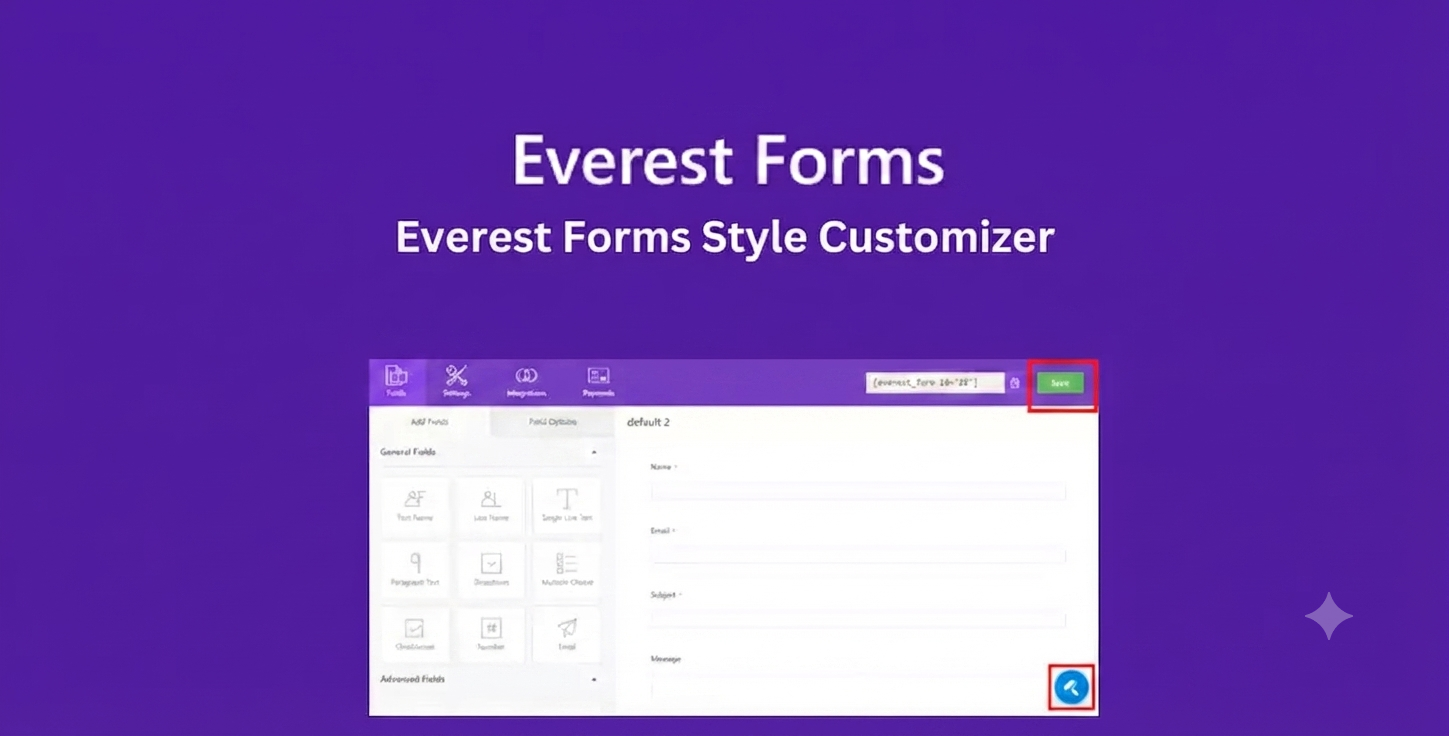
Preview Everest Forms Style Customizer Addon for WordPress – Visual Form Design Without CSS
View the product artwork, switch gallery images, and open a larger preview before checkout.
Get secure digital access for real WordPress projects
This section summarizes the buying experience and what customers can expect after checkout.
Product overview, benefits, and digital access details
Review the key product details, practical use cases, and digital access information before checkout.
Product Overview
The Everest Forms Style Customizer Addon helps you create visually appealing, brand-consistent WordPress forms without writing custom CSS. Whether you're designing a contact form, lead generation form, registration form, booking form, or WooCommerce inquiry form, this addon gives you intuitive styling controls to customize colors, typography, spacing, borders, buttons, and more.
Instead of relying on complex CSS or third-party styling plugins, you can build modern, responsive forms that seamlessly match your website's branding. This addon is an excellent choice for freelancers, agencies, designers, and businesses that want professional-looking forms while reducing development time.
Why This Product Is Useful
Default form designs often fail to match a website's branding, resulting in inconsistent user experiences and lower engagement. The Everest Forms Style Customizer Addon simplifies the design process by providing visual customization tools that help you create polished, responsive forms suitable for virtually any WordPress project.
- Create professional-looking forms without coding.
- Maintain consistent branding across your website.
- Improve user experience with clean, modern form layouts.
- Customize forms directly from the WordPress dashboard.
- Reduce time spent editing CSS files.
- Create reusable form design styles for multiple projects.
Key Features
- Visual form styling without CSS.
- Pre-designed form templates.
- Custom color palette controls.
- Typography customization.
- Button styling options.
- Input field styling.
- Border, radius, and spacing controls.
- Form container customization.
- Success, validation, and error message styling.
- Responsive design customization.
- Optional custom CSS support for advanced users.
- Works well alongside Elementor-based websites.
Main Benefits
- Professional Appearance: Design attractive WordPress forms that reinforce your brand identity.
- No Coding Required: Customize layouts, colors, and typography using visual controls.
- Improved User Experience: Better-looking forms can help increase engagement and form completion rates.
- Faster Workflow: Spend less time editing CSS and more time building websites.
- Responsive Design: Forms remain attractive across desktop, tablet, and mobile devices.
Best Use Cases
- Contact forms
- Lead generation forms
- Newsletter signup forms
- Customer inquiry forms
- WooCommerce quote request forms
- Booking and appointment forms
- Registration forms
- Job application forms
- Event registration forms
- Client onboarding forms
Who Should Use This Product?
- WordPress website owners
- Freelancers
- Digital agencies
- UI/UX designers
- WooCommerce store owners
- Elementor users
- Marketing professionals
- Developers looking for faster styling workflows
- Bloggers and content creators
- Small businesses building branded websites
WP Plug Shop Access Benefits
- Instant digital access after purchase.
- GPL-friendly WordPress-ready resource.
- Secure checkout process.
- Suitable for freelancers, agencies, and developers.
- Budget-conscious access for professional WordPress projects.
- Scanned digital files for additional confidence.
Product Details
| Feature | Details |
|---|---|
| Product Type | WordPress Form Styling Addon |
| Platform | WordPress |
| Required Plugin | Everest Forms |
| Customization | Colors, Typography, Buttons, Borders, Spacing, Templates |
| Responsive Design | Yes |
| Custom CSS Support | Available for advanced customization |
| Compatibility | Works with Everest Forms and integrates well with Elementor-based websites |
| Best For | Professional WordPress form design and branding |
Feature Comparison
| Capability | Default Forms | Everest Forms Style Customizer Addon |
|---|---|---|
| Visual Styling | Basic | Advanced |
| Color Customization | Limited | Comprehensive |
| Typography Controls | No | Yes |
| Button Design | Basic | Fully Customizable |
| Responsive Form Design | Standard | Enhanced |
| Brand Consistency | Manual CSS Required | Visual Controls |
| Reusable Design Styles | Limited | Supported |
Pros and Considerations
| Pros | Considerations |
|---|---|
| Create attractive forms without coding. | Requires Everest Forms to function. |
| Improves overall website branding. | Advanced customizations may still benefit from CSS knowledge. |
| Responsive and mobile-friendly styling. | Available styling options depend on the installed addon version. |
| Works well for agencies and freelancers. | Complex design systems may require additional customization. |
| Supports reusable styling workflows. | Best results are achieved with thoughtful brand design. |
Final Verdict
The Everest Forms Style Customizer Addon is an excellent solution for anyone who wants professional-looking WordPress forms without spending hours writing CSS. With powerful visual customization options, responsive styling controls, and flexible design settings, it helps create forms that align with your brand while improving usability and user trust.
Whether you're building client websites, WooCommerce stores, landing pages, or business websites, this addon streamlines the form design process and provides a polished, consistent experience across your WordPress projects.
Frequently Asked Questions
What is the Everest Forms Style Customizer Addon?
The Everest Forms Style Customizer Addon is a WordPress extension that lets you visually customize the appearance of Everest Forms. You can modify colors, typography, buttons, input fields, borders, spacing, and other design elements without writing custom CSS for most styling tasks.
Do I need coding knowledge to customize my forms?
No. The addon is designed with a visual customization interface, allowing beginners and professionals to create branded, responsive forms without coding. For advanced styling requirements, optional custom CSS can also be used.
Can I customize the colors and fonts of my forms?
Yes. You can personalize form colors, typography, buttons, backgrounds, borders, and other visual elements to match your website's branding and create a consistent user experience.
Does the addon work with Elementor websites?
Yes. The Style Customizer Addon works well alongside Elementor-powered WordPress websites, helping you maintain consistent styling between your page layouts and embedded forms.
Can I create mobile-friendly form designs?
Yes. The styling options are designed to help you build responsive forms that display well across desktops, tablets, and smartphones.
What types of forms can I customize?
You can customize contact forms, registration forms, lead generation forms, booking forms, newsletter signup forms, customer inquiry forms, WooCommerce quote request forms, and many other forms built with Everest Forms.
Will this addon improve the user experience of my forms?
A clean, well-designed form can improve readability, strengthen brand consistency, and encourage more users to complete your forms. While results vary by website and audience, thoughtful form design often contributes to a better overall user experience.
Is the Everest Forms Style Customizer Addon suitable for agencies and freelancers?
Yes. Agencies, freelancers, designers, and developers can use the addon to quickly create professional-looking forms across multiple client websites while maintaining consistent branding and reducing design time.
Do I need the Everest Forms plugin to use this addon?
Yes. This addon extends the functionality of Everest Forms and requires the Everest Forms plugin to be installed and configured on your WordPress website.
Can I use custom CSS along with the visual styling options?
Yes. If you need additional design flexibility beyond the built-in controls, the addon supports custom CSS, allowing advanced users to further personalize their forms while still benefiting from the visual customization features.
Quick product answers for buyers and AI search
Clear product answers help buyers, search engines, and AI answer engines understand this product faster.
Best ways to use this WordPress digital product
These use cases help buyers quickly decide if this product fits their workflow.
How digital access works
No physical shipping is required. This is a digital product access purchase designed for account-based downloads.
Secure payment options for digital checkout
WPPlugShop supports trusted checkout options so buyers can complete digital purchases with more confidence.
Frequently asked questions
Buyer-focused answers about digital access, secure payments, downloads, support, and product usage.
Related WordPress tools you may also like
Explore related WordPress tools that may support the same workflow, website type, or project goal.

Advanced DataBase Cleaner PRO

WP Rocket WordPress Cache Plugin Download Secure Performance Optimization 2026

Slider Revolution Responsive WordPress Plugin for Custom Sliders Only (Templates and Add-Ons Not Included)

CartFlows Pro WooCommerce Cart Recovery
Choose the right WordPress tool with confidence
Request a product, explore membership access, or contact support if you want help choosing the right WordPress digital product before checkout.