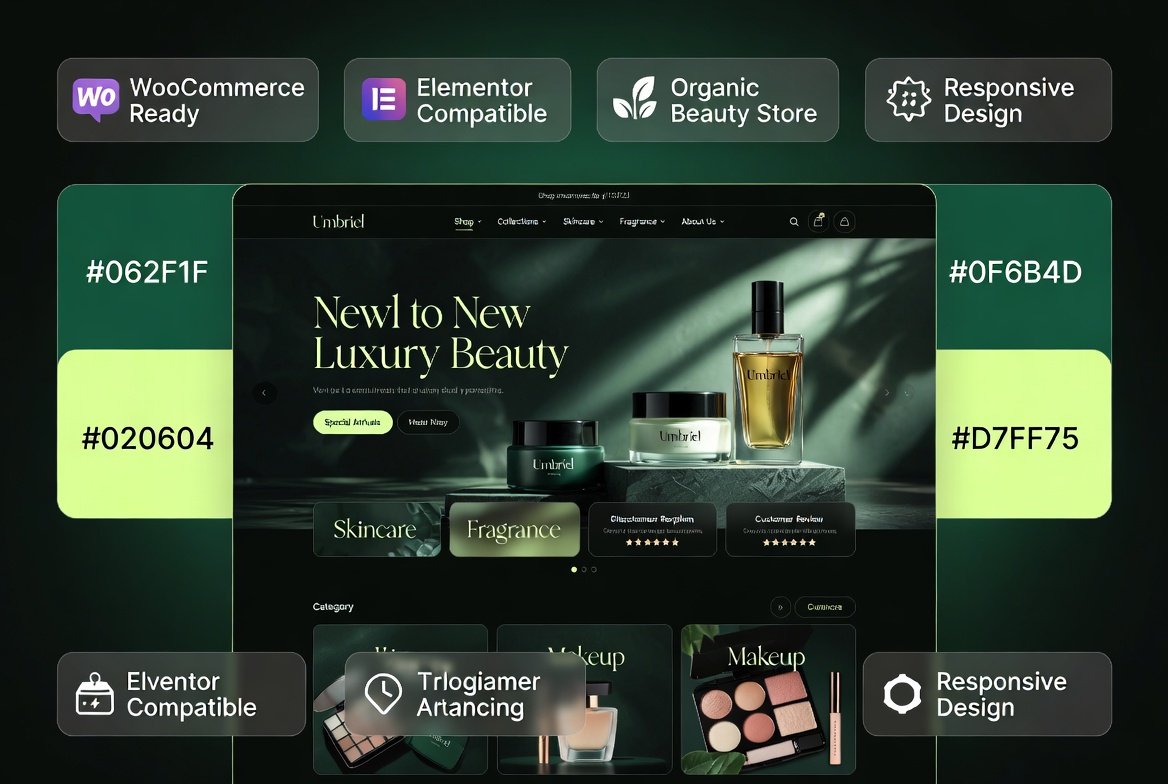
Umbriel Organic Cosmetics & Perfume WooCommerce WordPress Theme 1.3.1 is a premium eCommerce solution designed specifically for beauty brands, organic skincare businesses, cosmetics retailers, perfume boutiques, wellness stores, and personal care product websites. Built with WooCommerce and Elementor compatibility, Umbriel combines elegant design with advanced shopping features to help businesses create a modern and conversion-focused online store.
The theme provides professional product presentation, responsive layouts, advanced product filtering, wishlist functionality, product comparison tools, and numerous eCommerce enhancements that improve the shopping experience for beauty and wellness customers.
Why This Product Is Useful
Beauty and cosmetics businesses rely heavily on visual presentation, brand trust, and smooth customer experiences. Generic themes often lack the specialized layouts and product display features required to showcase skincare products, fragrances, beauty collections, and wellness items effectively.
Umbriel solves this challenge by offering a purpose-built beauty store solution with WooCommerce-powered shopping capabilities, allowing brands to highlight products professionally while improving customer engagement and conversion opportunities.
Showcase products with premium visual presentation
Best Use Cases
Organic skincare stores
Cosmetics eCommerce websites
Perfume and fragrance boutiques
Natural beauty brands
Wellness product retailers
Spa and salon product stores
Handmade cosmetics businesses
Luxury beauty product websites
Health and personal care stores
Beauty product marketplaces
Who Should Use This Product?
Umbriel is ideal for entrepreneurs, beauty brands, skincare manufacturers, fragrance retailers, wellness businesses, salon owners, and WooCommerce store operators seeking a professional and visually appealing online store.
Whether you sell organic skincare products, luxury perfumes, cosmetics collections, or wellness products, Umbriel provides the tools and design flexibility needed to establish a premium digital storefront.
WP Plug Shop Access Benefits
Instant digital access after purchase
WordPress-ready downloadable package
Suitable for real eCommerce projects
Fast deployment and setup
Professional beauty-focused design
WooCommerce integration included
Ideal for agencies and online store owners
Product Details
Specification
Details
Product Name
Umbriel
Version
1.3.1
Product Type
Beauty & Cosmetics WooCommerce Theme
Primary Industry
Beauty, Cosmetics & Wellness
WooCommerce Compatible
Yes
Elementor Compatible
Yes
Responsive Design
Yes
SEO Optimized
Yes
Multilingual Support
WPML Compatible
Feature Comparison
Feature
Umbriel Theme
Generic WooCommerce Theme
Beauty-Focused Design
Included
Limited
AJAX Product Filtering
Supported
May Require Addons
Wishlist Functionality
Included
Often External Plugin
Product Comparison
Included
Usually Not Built-In
360° Product View
Supported
Rarely Available
Beauty Store Optimization
Purpose Built
Generic
Pros and Considerations
Pros
Considerations
Designed specifically for beauty brands
Advanced features may require configuration
Strong WooCommerce integration
Large catalogs benefit from quality hosting
Excellent product presentation options
Customization may require Elementor familiarity
Supports international stores
Some integrations depend on plugin setup
Modern shopping experience
Store optimization remains the owner’s responsibility
Final Verdict
Umbriel Organic Cosmetics & Perfume WooCommerce WordPress Theme 1.3.1 is an excellent choice for beauty businesses seeking a premium WooCommerce store solution. With advanced shopping tools, Elementor compatibility, responsive layouts, and beauty-focused design elements, it helps brands create a polished online presence while improving the customer shopping experience.
For organic skincare stores, perfume boutiques, cosmetics retailers, wellness brands, and personal care businesses, Umbriel provides a professional foundation for building a successful WooCommerce-powered eCommerce website.
Please note: This is a digital product. Due to its digital nature, all sales are final — no refund will be provided after purchase and delivery. Please see our Refund Policy before purchasing.
1 Reviews
Loading reviews...
Unable to load reviews. Please try again later.
Henry RiveraRated 5 out of 5
2 days ago
Does everything promised
No license headaches, no waiting — just downloaded and used it. The design quality is genuinely impressive for this price. Would definitely buy from this shop again.
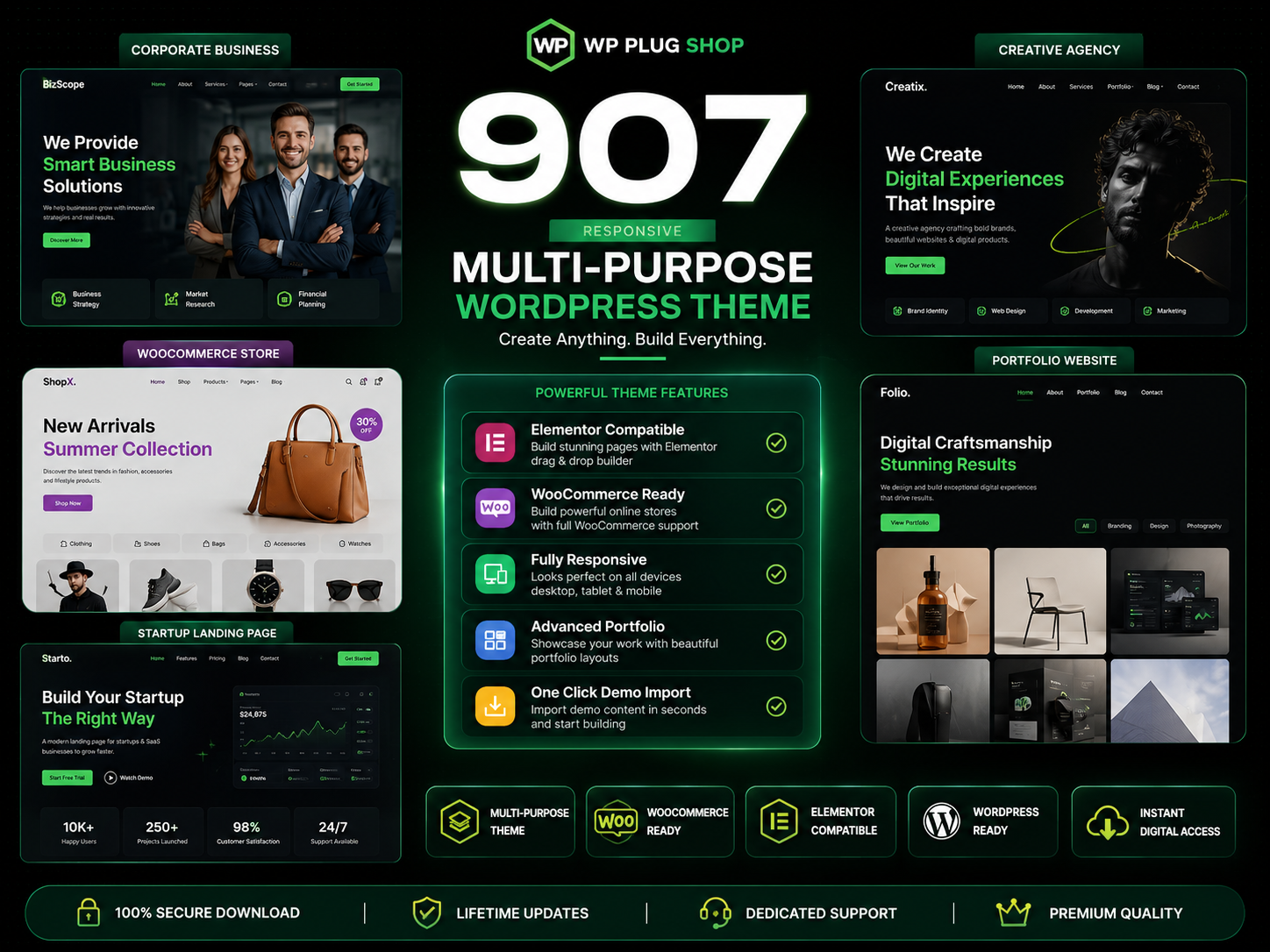
907 Responsive Multi-Purpose WordPress Theme is a flexible and feature-rich WordPress website solution designed for businesses, agencies, freelancers, startups, online
The 907 Theme – Responsive Multi-Purpose WordPress Theme is a flexible and powerful website-building solution designed for users who want to create professional
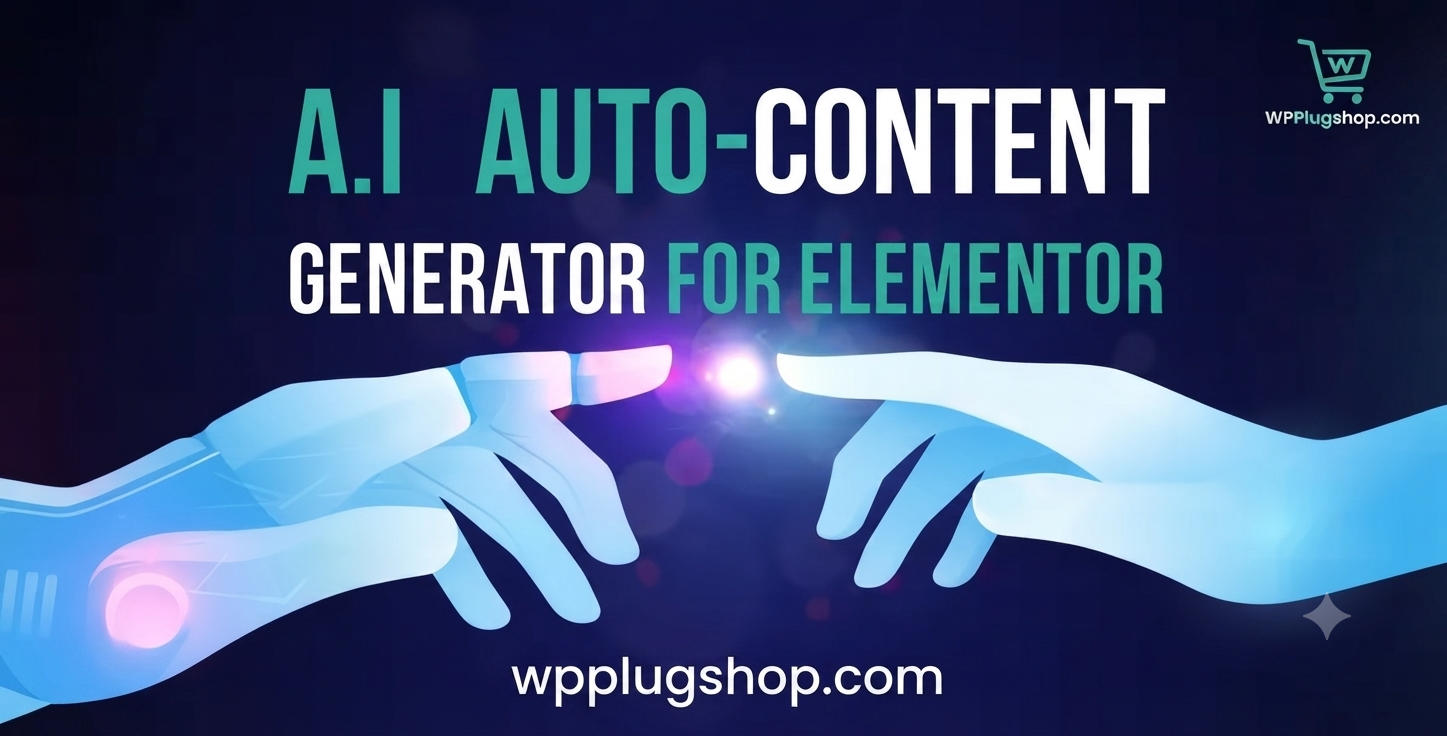
A.I Autocontent for Elementor 1.0.0 is an AI-powered content generation plugin designed specifically for Elementor users who want to create website content faster and
A.I. AutoContent for Elementor is a groundbreaking extension that brings the power of artificial intelligence directly into your favorite page builder. Designed for
Building an online community, membership portal, or secure corporate intranet using generic WordPress templates often leads to mismatched design aesthetics, severe