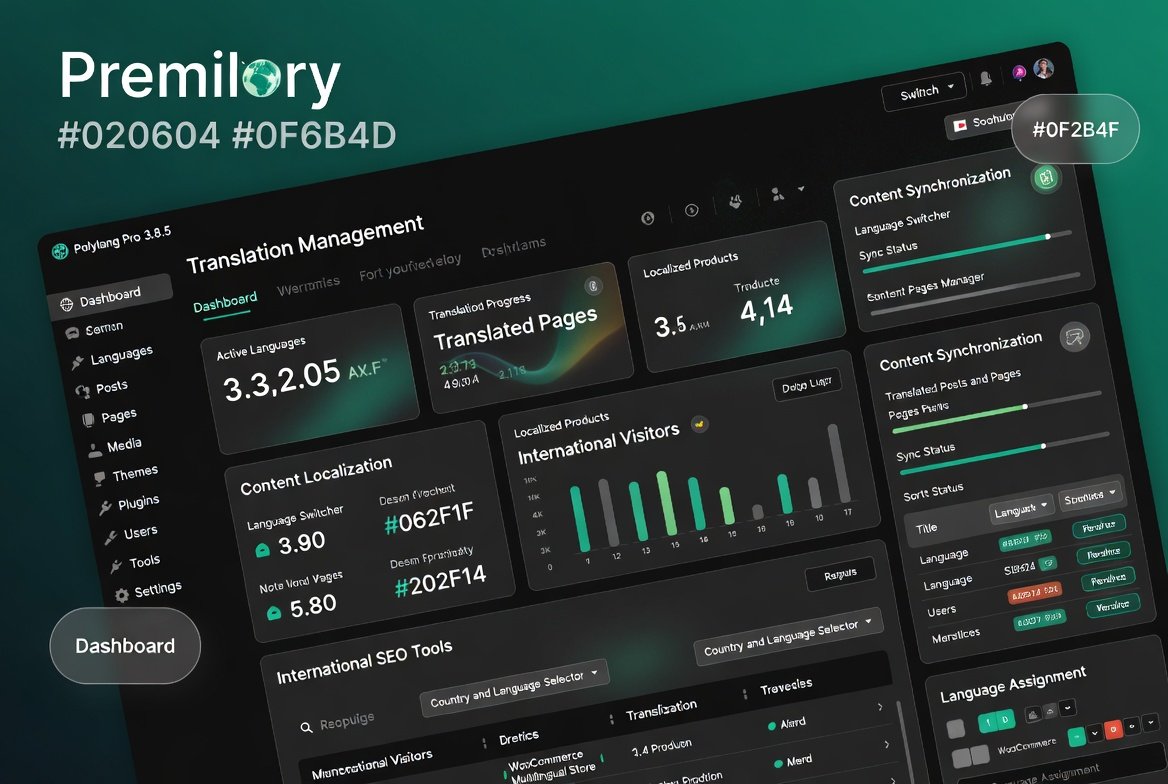
Polylang Pro 3.8.5 – Multilingual WordPress Translation & Localization Plugin
Polylang Pro 3.8.5 – Multilingual WordPress Translation & Localization Plugin
SKU:805088797c0a
Polylang Pro 3.8.5 – Multilingual WordPress Translation & Localization Plugin Polylang Pro is a powerful multilingual WordPress plugin that allows you to create,
Polylang Pro 3.8.5 – Multilingual WordPress Translation & Localization Plugin
Polylang Pro is a powerful multilingual WordPress plugin that allows you to create, manage, and optimize websites in multiple languages from a single WordPress installation. Whether you run a business website, WooCommerce store, blog, educational platform, or corporate portal, Polylang Pro helps you reach international audiences with professional multilingual content management.
The plugin enables translation of posts, pages, custom post types, categories, tags, menus, widgets, media, and WooCommerce products while maintaining SEO-friendly multilingual structures. With advanced language management and localization tools, Polylang Pro makes global website expansion simple and efficient.
Create Fully Multilingual Websites
Manage multiple languages from one WordPress dashboard without creating separate websites.
Unlimited language support
Centralized content management
Multi-language website creation
Flexible language configuration
Scalable multilingual architecture
Translate Posts, Pages & Custom Content
Translate all important website content while maintaining full control over each language version.
Post translation
Page translation
Custom post type support
Custom taxonomy translation
Content localization tools
Advanced Language Switcher
Allow visitors to easily switch between available languages using customizable language selectors.
Language switcher widgets
Dropdown language selectors
Flag-based language switchers
Menu integration
Mobile-friendly language controls
WooCommerce Multilingual Support
Create multilingual WooCommerce stores and provide localized shopping experiences for international customers.
Product translations
Category translations
Store localization
Multilingual product management
International eCommerce support
SEO-Friendly Multilingual Architecture
Improve international search visibility with multilingual SEO best practices and optimized language structures.
SEO-friendly URLs
Hreflang support
Localized metadata
Language-specific indexing
International SEO optimization
Content Synchronization Tools
Keep translated content organized and synchronized across multiple languages.
Translation relationships
Content synchronization
Language assignment management
Translation workflow control
Efficient content organization
Translate Menus, Widgets & Media
Deliver a complete multilingual experience by translating every aspect of your website.
Menu translation
Widget translation
Media translation
Navigation localization
Multilingual interface management
Professional Localization Features
Customize website experiences for visitors based on language and regional preferences.
Localized content delivery
Regional targeting
Language-specific content management
Global audience support
Website localization controls
Perfect For
International businesses
WooCommerce stores
Corporate websites
Educational platforms
Travel websites
Membership communities
Government organizations
Nonprofit websites
Global brands
Key Features Overview
Unlimited languages
Translation management
Language switchers
WooCommerce integration
SEO-friendly URLs
Hreflang support
Custom post type translation
Taxonomy translation
Media translation
Content synchronization
System Compatibility
WordPress CMS
WooCommerce
Elementor
Gutenberg Editor
Most WordPress themes
Popular WordPress plugins
Product Specifications
Feature
Details
Product Name
Polylang Pro
Version
3.8.5
Type
Multilingual WordPress Plugin
Unlimited Languages
Supported
WooCommerce Support
Included
Language Switcher
Included
SEO Optimization
Supported
Media Translation
Supported
Why Choose Polylang Pro?
Polylang Pro offers a lightweight, flexible, and SEO-friendly approach to multilingual website management. It helps businesses and organizations expand internationally while maintaining excellent performance, user experience, and search engine visibility across multiple languages.
Final Verdict
Polylang Pro 3.8.5 is a comprehensive multilingual WordPress solution that combines translation management, WooCommerce localization, international SEO optimization, language switching, and content synchronization into one professional platform. It is an excellent choice for website owners seeking global growth and multilingual audience engagement.
Please note: This is a digital product. Due to its digital nature, all sales are final — no refund will be provided after purchase and delivery. Please see our Refund Policy before purchasing.
2 Reviews
Loading reviews...
Unable to load reviews. Please try again later.
Eric MorenoRated 4 out of 5
1 day ago
Pretty good overall
Exactly what I was looking for. Five stars.
Jeffrey GriffinRated 5 out of 5
1 day ago
Five stars, no complaints
The whole process from purchase to using it was painless. The plugin works smoothly on my WordPress site and plays well with my other tools. Great value compared to the original price elsewhere.
907 Responsive Multi-Purpose WordPress Theme is a flexible and feature-rich WordPress website solution designed for businesses, agencies, freelancers, startups, online
The 907 Theme – Responsive Multi-Purpose WordPress Theme is a flexible and powerful website-building solution designed for users who want to create professional
A.I Autocontent for Elementor 1.0.0 is an AI-powered content generation plugin designed specifically for Elementor users who want to create website content faster and
A.I. AutoContent for Elementor is a groundbreaking extension that brings the power of artificial intelligence directly into your favorite page builder. Designed for
Aardvark – Community, Membership & BuddyPress WordPress Theme is a premium WordPress theme designed to help you build professional online communities, membership
Building an online community, membership portal, or secure corporate intranet using generic WordPress templates often leads to mismatched design aesthetics, severe
Original price:$150.00Price:
$3.99
Secure checkoutCards via Stripe — Apple Pay & Google Pay too
Instant deliveryDownload from your account right after payment
Lifetime updatesEvery new version, free — on a single purchase
100% original & cleanVerified virus-free, GPL licensed files