Before After Images Comparison WordPress Plugin – Interactive Image Slider & Visual Comparison Tool
Before After Images Comparison WordPress Plugin – Interactive Image Slider & Visual Comparison Tool
SKU:c725ef13a8e3
Before After Images Comparison WordPress Plugin is a powerful visual storytelling tool that lets you display two images in an interactive slider format. Visitors can
Before After Images Comparison WordPress Plugin is a powerful visual storytelling tool that lets you display two images in an interactive slider format. Visitors can drag a handle to compare “before” and “after” versions of an image, making transformations instantly clear and highly engaging.
This plugin is widely used in industries where visual proof matters—such as beauty, fitness, real estate, design, renovation, and photography. It turns static images into interactive conversion-focused content that improves trust and user engagement on WordPress websites.
Why This Product Is Useful
Static images often fail to communicate transformation or improvement effectively. Users need a clear visual comparison to understand value instantly.
This plugin solves that by enabling an interactive slider that allows users to directly compare two images in real time. It improves storytelling, boosts engagement, and increases conversions by showing real results instead of just describing them.
Key Features
Interactive before/after image slider with draggable handle
Responsive design optimized for mobile and desktop
Horizontal and vertical comparison modes
Custom labels for “Before” and “After” images
Shortcode support for easy embedding
Gutenberg block compatibility
Elementor integration support (depending on setup)
Touch-friendly swipe interaction for mobile users
Adjustable slider position and style controls
Lightweight frontend performance
Main Benefits
Increases user engagement with interactive visuals
Improves conversion rates on landing and service pages
Builds trust through real transformation evidence
Enhances portfolio and case study presentation
Works without any coding knowledge
Suitable for marketing and sales-driven websites
Improves visual storytelling quality
Best Use Cases
Cosmetic and beauty clinics showing treatment results
This plugin is ideal for anyone who wants to visually demonstrate change, improvement, or transformation on their WordPress website.
Agencies building high-converting landing pages
Freelancers showcasing portfolio work
Business owners in visual industries
Marketers focused on conversion optimization
WordPress developers building client sites
WP Plug Shop Access Benefits
Through WP Plug Shop, users gain access to a practical and conversion-focused visual tool designed for real-world WordPress projects. It is especially useful for agencies, freelancers, and creators building engaging websites for clients.
Instant digital download access
WordPress-ready plugin package
Easy integration into pages and posts
Ideal for client projects and portfolios
Cost-effective solution for agencies
Product Details
Product Name
Before After Images Comparison WordPress Plugin
Type
Visual Image Comparison Slider Plugin
Function
Interactive before/after image comparison
Compatibility
WordPress, Gutenberg, Elementor (varies by setup)
Interaction Type
Drag slider, touch swipe, responsive UI
Feature Comparison
Feature
Static Images
Before After Plugin
Engagement
Low
High interactive engagement
Visual Storytelling
Limited
Clear transformation display
User Interaction
None
Drag & swipe slider
Conversion Impact
Moderate
High conversion potential
Mobile Experience
Basic viewing
Touch-friendly interaction
Pros and Considerations
Pros
Considerations
Highly engaging visual format
Easy to use and integrate
Improves conversion rates
Mobile responsive design
Great for marketing storytelling
Best used with high-quality images
Requires paired before/after visuals
Advanced styling may require configuration
Final Verdict
Before After Images Comparison WordPress Plugin is an essential visual marketing tool for any WordPress website that relies on transformation storytelling. It helps businesses clearly demonstrate value, build trust, and increase conversions through interactive image comparison.
If you want to turn static images into powerful conversion-driven visuals, this plugin is a simple yet highly effective solution for modern WordPress websites.
Frequently Asked Questions
What is a Before After Images Comparison WordPress Plugin?
It is a WordPress plugin that allows you to display two images in an interactive slider so users can compare “before” and “after” versions by dragging a handle.
How does the before and after slider work?
The plugin overlays two images and adds a draggable slider handle. Users can move the handle left or right (or up and down) to compare both images in real time.
Can I use this plugin without coding knowledge?
Yes, the plugin is designed for beginners. You can easily add image comparisons using shortcodes or page builder elements without any coding.
Is this plugin mobile-friendly?
Yes, it is fully responsive and supports touch gestures, allowing mobile users to swipe and compare images smoothly.
Can I use it with Elementor?
Yes, most versions support Elementor integration either through widgets or shortcode embedding, making it easy to use in page builder layouts.
What industries benefit most from this plugin?
It is widely used in beauty clinics, fitness, real estate, photography, design agencies, renovation companies, and any business showing transformations.
Can I add multiple before-after sliders on one page?
Yes, you can place multiple comparison sliders on the same page using shortcodes or blocks.
Does it slow down my website?
No, the plugin is lightweight and optimized for performance, ensuring fast loading times even with multiple sliders.
Can I customize the labels and slider style?
Yes, you can customize labels like “Before” and “After,” as well as adjust styling such as handle position and appearance depending on plugin settings.
Is this good for marketing and conversions?
Yes, before-after comparisons are proven to increase trust and engagement, making them highly effective for conversion-focused landing pages.
Please note: This is a digital product. Due to its digital nature, all sales are final — no refund will be provided after purchase and delivery. Please see our Refund Policy before purchasing.
1 Reviews
Loading reviews...
Unable to load reviews. Please try again later.
Susan BrewerRated 5 out of 5
1 day ago
Smooth experience from start to finish
Downloaded instantly after checkout and had it running the same day. It integrated with my existing setup without any conflicts. Recommend it if you need something like this.
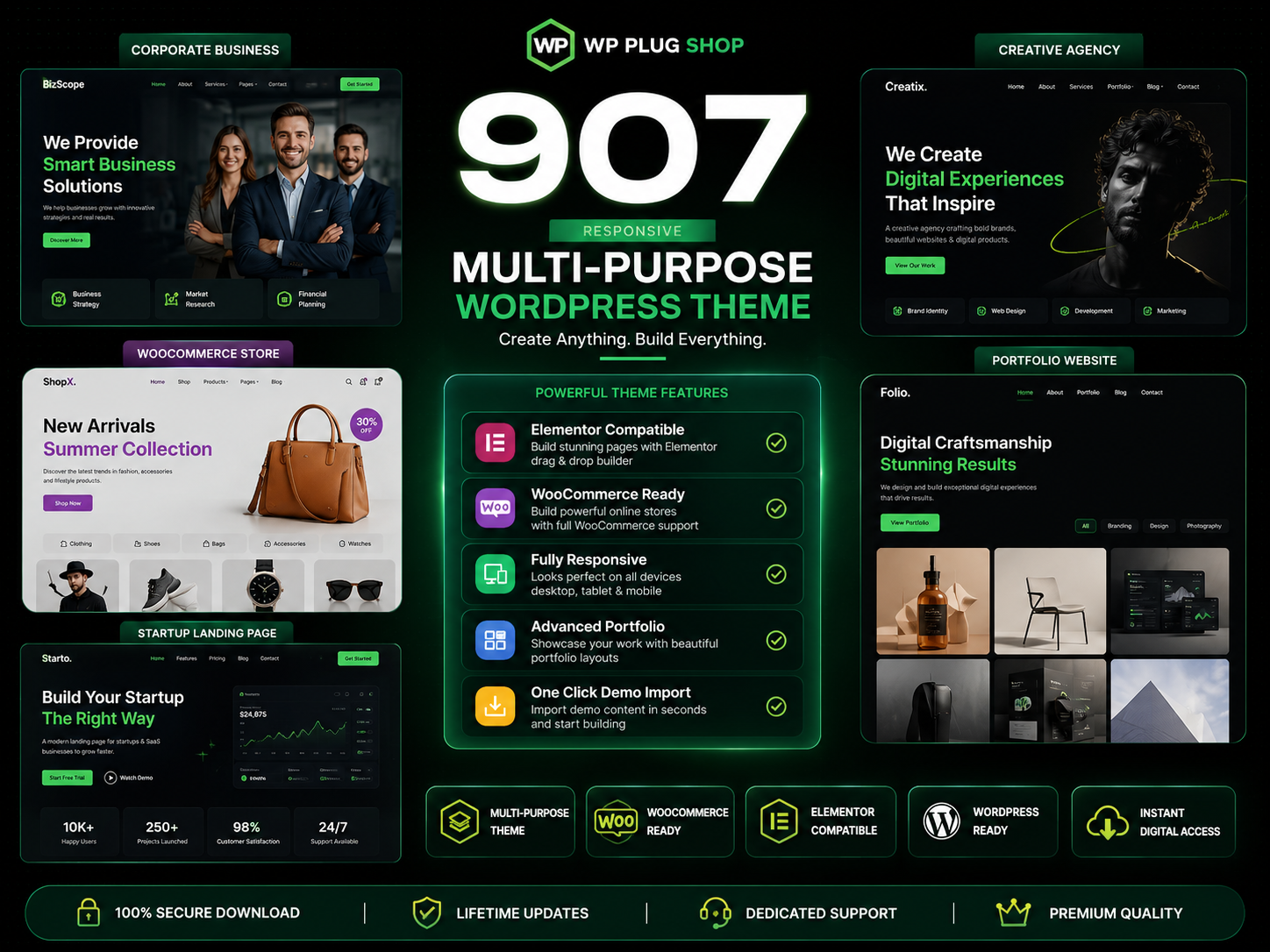
907 Responsive Multi-Purpose WordPress Theme is a flexible and feature-rich WordPress website solution designed for businesses, agencies, freelancers, startups, online
The 907 Theme – Responsive Multi-Purpose WordPress Theme is a flexible and powerful website-building solution designed for users who want to create professional
A.I Autocontent for Elementor 1.0.0 is an AI-powered content generation plugin designed specifically for Elementor users who want to create website content faster and
A.I. AutoContent for Elementor is a groundbreaking extension that brings the power of artificial intelligence directly into your favorite page builder. Designed for
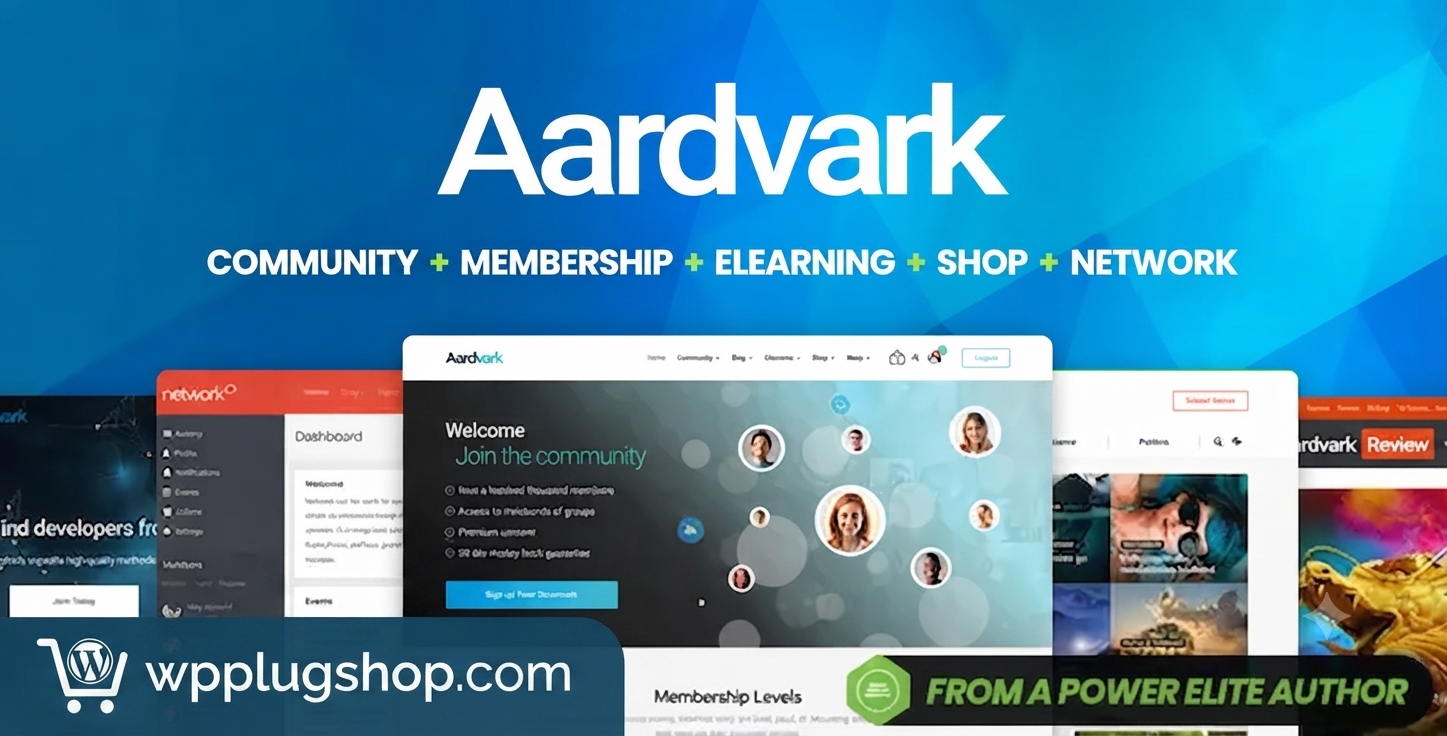
Aardvark – Community, Membership & BuddyPress WordPress Theme is a premium WordPress theme designed to help you build professional online communities, membership
Building an online community, membership portal, or secure corporate intranet using generic WordPress templates often leads to mismatched design aesthetics, severe
Original price:$150.00Price:
$3.99
Secure checkoutCards via Stripe — Apple Pay & Google Pay too
Instant deliveryDownload from your account right after payment
Lifetime updatesEvery new version, free — on a single purchase
100% original & cleanVerified virus-free, GPL licensed files