
Show Single Variations for WooCommerce by IconicWP – Premium Variation Display Plugin
Verified from VirusTotal 100% Original Product and Virus Free. Free New Version Lifetime On Single Purchase. Unlimited Website Usage Price is in US dollars and included tax
Buy confidently with secure digital checkout, account-based downloads, and a cleaner WPPlugShop product experience.
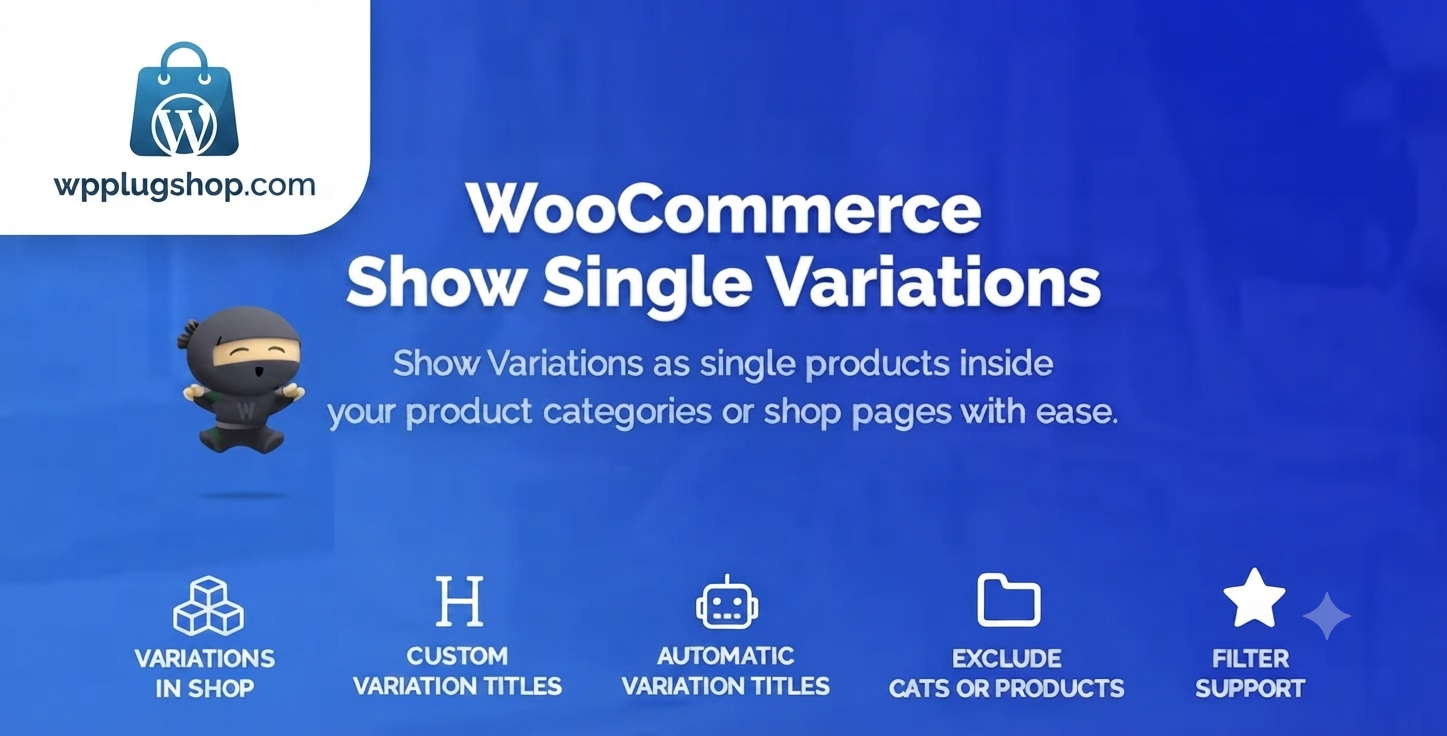
Preview Show Single Variations for WooCommerce by IconicWP – Premium Variation Display Plugin
View the product artwork, switch gallery images, and open a larger preview before checkout.
Get secure digital access for real WordPress projects
This section summarizes the buying experience and what customers can expect after checkout.
Product overview, benefits, and digital access details
Review the key product details, practical use cases, and digital access information before checkout.
Product Overview
Show Single Variations for WooCommerce by IconicWP is the ultimate tool for store owners looking to eliminate the "hidden variation" problem. By default, WooCommerce hides your product variations behind a single parent page. This plugin breaks those barriers, allowing you to showcase each variation—such as specific sizes, colors, or materials—as its own standalone product directly on your shop, category, and search result pages.
Why This Product Is Useful
Every extra click a customer makes is an opportunity for them to leave your site. When customers have to visit a parent page and manually select their preferred options from a dropdown menu, it adds friction to the buying process. Show Single Variations removes this barrier, letting users browse, compare, and add to cart directly from your main catalog. It creates a cleaner, faster, and more conversion-focused shopping experience.
Key Features
- Individual Listings: Display each variation as a unique product in your store.
- Shop, Category, & Search Support: Variations appear seamlessly across all main shop pages.
- Granular Control: Choose which products or specific variations to hide or display.
- Parent Product Management: Option to hide the "parent" variable product for a cleaner catalog.
- Custom Titles: Rename your variations for better clarity (e.g., "T-Shirt - Red - Large" instead of just "T-Shirt").
- Native WooCommerce Integration: Works perfectly with your existing shop loop and search functionality.
- Add-to-Cart Efficiency: Allow customers to purchase variations directly from your catalog pages.
Main Benefits
- Boost Conversions: Reduced friction means faster checkouts and fewer abandoned carts.
- Improved SEO: Each variation can potentially rank in search results, bringing more traffic to your site.
- Better User Experience: Customers find exactly what they want at a single glance.
- Catalog Clarity: Give your store a professional, high-volume feel by highlighting all available choices.
Best Use Cases
- Apparel Stores: Displaying all colors and sizes as distinct items for easy browsing.
- Electronics Retailers: Separating different storage capacities or hardware configurations.
- Furniture Shops: Showing various finishes or materials side-by-side in the catalog.
- Subscription Boxes: Allowing quick selection of different plan levels.
Who Should Use This Product?
This plugin is perfect for WooCommerce store owners, e-commerce managers, and web agencies who need to optimize their product display and maximize visibility for multi-variant product lines.
WP Plug Shop Access Benefits
By downloading Show Single Variations for WooCommerce from WP Plug Shop, you gain:
- Access to 100% original, clean, and developer-verified plugin files.
- A cost-effective way to implement premium UX features.
- Instant digital access for immediate deployment to your live store.
- The peace of mind that comes with using high-quality GPL-licensed software.
Product Details
| Feature | Specification |
|---|---|
| Plugin Name | Show Single Variations |
| Developer | IconicWP |
| Platform | WooCommerce / WordPress |
| Compatibility | Works with most themes and filters |
Feature Comparison
| Feature | Default WooCommerce | With Iconic Show Single Variations |
|---|---|---|
| Catalog Display | Parent product only | Individual variations shown |
| Customer Clicks | High (Visit page -> Select) | Low (Find -> Add to Cart) |
| SEO Reach | Limited to parent | Expanded to every variation |
| Search Results | Parent only | Specific variations searchable |
Pros and Considerations
| Pros | Considerations |
|---|---|
| Significant UX improvement | Can increase catalog page count |
| Easy to install and configure | Requires careful attribute naming for best results |
| Powerful visibility controls | Best for stores with high-variation inventory |
Final Verdict
If you want to stop hiding your products behind complex menus and start boosting your sales, Show Single Variations is a must-have. It transforms your catalog into a powerful, accessible, and user-friendly experience that drives more clicks and more revenue.
Frequently Asked Questions
What does Show Single Variations for WooCommerce do?
It allows you to display individual product variations (like a specific color or size) as separate items in your WooCommerce shop, category, and search pages, rather than hiding them behind a single parent product.
Does this plugin improve SEO?
Yes. By turning variations into standalone product listings, you increase the number of indexable pages on your site, which can help your store rank for more specific, long-tail search terms.
Can I choose which variations to display?
Absolutely. The plugin provides granular visibility settings, allowing you to choose exactly which products or variations you want to show or hide in your store listings.
Does this work with my current theme?
IconicWP plugins are designed to be highly compatible with most well-coded WordPress themes. It integrates directly into the standard WooCommerce product loop.
Will my customers be confused by seeing multiple variations?
On the contrary, it usually enhances the user experience. Instead of forcing them to navigate to a product page and select options, they can find exactly what they are looking for directly in the catalog, often reducing the steps to checkout.
Can I hide the parent product?
Yes, you can configure the plugin to hide the parent variable product if you prefer to have a cleaner shop page where only the specific, purchasable variations are displayed.
Does this impact site performance?
The plugin is engineered to be lightweight and efficient, designed specifically for high-traffic WooCommerce stores without causing significant performance overhead.
Is this compatible with product filters?
Yes, it integrates well with standard WooCommerce filtering systems, ensuring that customers can still narrow down their searches effectively even with individual variations displayed.
Quick product answers for buyers and AI search
Clear product answers help buyers, search engines, and AI answer engines understand this product faster.
Best ways to use this WordPress digital product
These use cases help buyers quickly decide if this product fits their workflow.
How digital access works
No physical shipping is required. This is a digital product access purchase designed for account-based downloads.
Secure payment options for digital checkout
WPPlugShop supports trusted checkout options so buyers can complete digital purchases with more confidence.
Frequently asked questions
Buyer-focused answers about digital access, secure payments, downloads, support, and product usage.
Related WordPress tools you may also like
Explore related WordPress tools that may support the same workflow, website type, or project goal.




Choose the right WordPress tool with confidence
Request a product, explore membership access, or contact support if you want help choosing the right WordPress digital product before checkout.