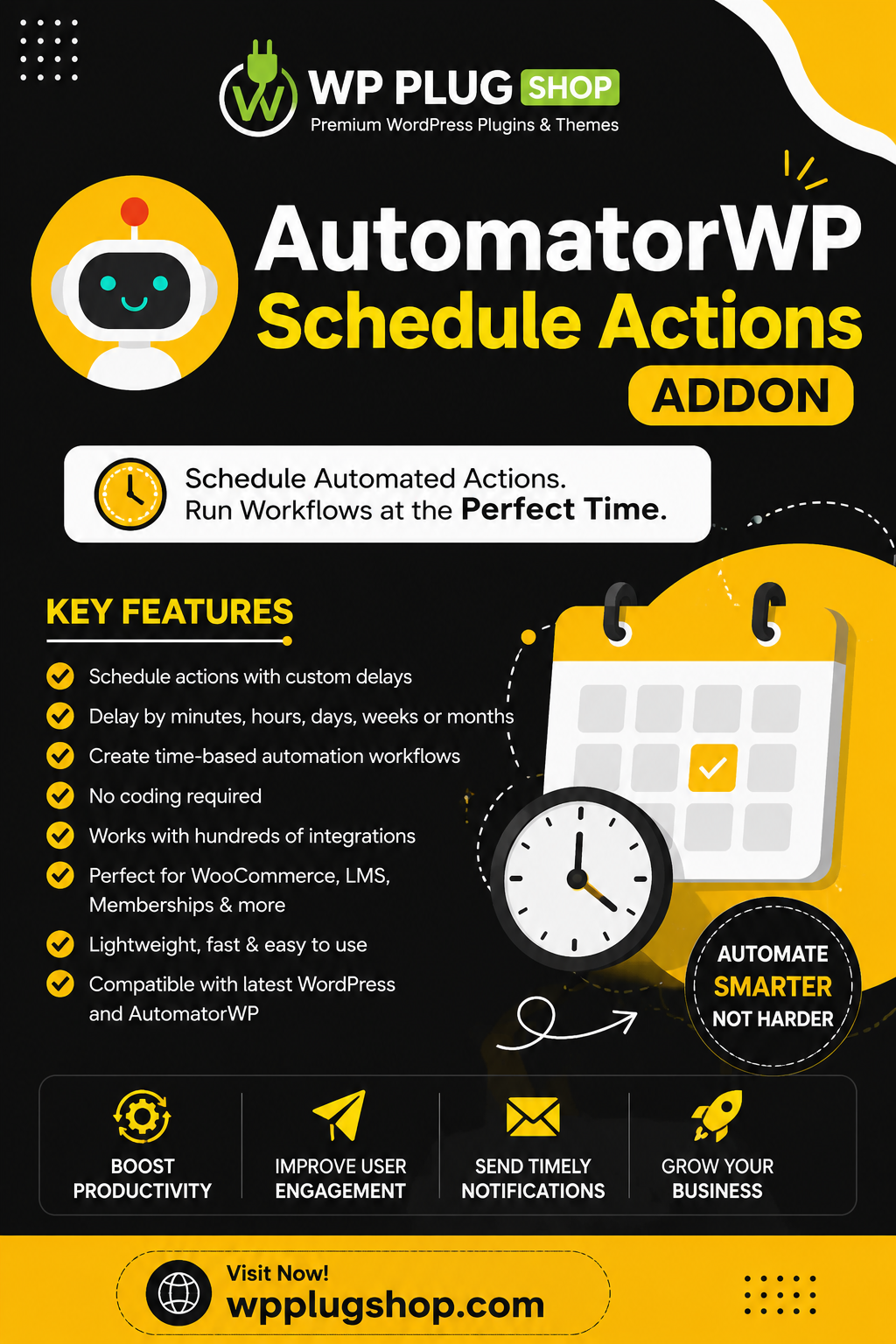
AutomatorWP Schedule Actions Addon extends AutomatorWP by allowing you to schedule automated actions instead of executing them immediately. Delay workflows by minutes, hours, days, weeks, or custom time intervals to create powerful, time-based automations for your WordPress website without writing any code.
Perfect for membership sites, WooCommerce stores, online courses, marketing campaigns, customer follow-ups, appointment reminders, and business automation, this addon gives you complete control over when your automation actions are executed.
Key Features
- Schedule automation actions with custom delays.
- Delay actions by minutes, hours, days, weeks, or months.
- Create time-based automation workflows.
- No coding required.
- Works seamlessly with AutomatorWP recipes.
- Automate follow-up emails and reminders.
- Compatible with hundreds of AutomatorWP integrations.
- Simple setup and intuitive interface.
- Lightweight and performance optimized.
- Compatible with the latest WordPress and AutomatorWP versions.
AutomatorWP Schedule Actions Addon – Schedule WordPress Automations with Precision
AutomatorWP Schedule Actions Addon enhances the capabilities of AutomatorWP by allowing you to delay and schedule automation actions instead of executing them instantly. Build advanced automation workflows that run minutes, hours, days, weeks, or even months after a trigger occurs, giving you complete control over your WordPress automation strategy.
Whether you’re sending follow-up emails, scheduling membership access, releasing course content, notifying customers, or automating business processes, this addon helps you execute tasks at exactly the right time without writing a single line of code.
Why Choose AutomatorWP Schedule Actions Addon?
Not every automation should happen immediately. Many business processes require delays, reminders, scheduled notifications, or timed actions. This addon gives you complete flexibility by allowing automation recipes to execute according to your preferred schedule, helping create smarter and more personalized workflows.
From online stores and membership websites to learning platforms and marketing campaigns, scheduled automation improves customer engagement while reducing repetitive manual work.
Key Features
- Schedule automation actions with custom delays.
- Delay workflows by minutes, hours, days, weeks, or months.
- Create advanced time-based automation recipes.
- Execute actions at scheduled intervals.
- Build intelligent customer follow-up sequences.
- Automate reminder notifications.
- Schedule membership upgrades.
- Delay WooCommerce actions.
- Automate LMS learning workflows.
- Supports unlimited automation recipes.
- Visual no-code workflow builder.
- Works with AutomatorWP integrations.
- Simple configuration interface.
- Lightweight and optimized for performance.
- Compatible with the latest WordPress versions.
Popular Automation Examples
- Send follow-up emails 24 hours after purchase.
- Schedule welcome emails for new users.
- Unlock membership content after a specified period.
- Delay course enrollment notifications.
- Schedule customer reminders before appointments.
- Notify administrators about pending actions.
- Grant user roles after a waiting period.
- Schedule coupon delivery for marketing campaigns.
- Delay reward point distribution.
- Create automated onboarding sequences.
Perfect For
- WooCommerce stores
- Membership websites
- Online learning platforms
- Marketing automation
- Business websites
- Subscription services
- Digital product sellers
- Online coaching businesses
- Agencies and freelancers
- Corporate websites
- Event management websites
- Service-based businesses
- Community platforms
- Educational websites
- WordPress developers
Benefits
- Automate repetitive tasks.
- Improve customer engagement.
- Deliver communications at the perfect time.
- Reduce manual administration.
- Create advanced marketing workflows.
- Increase productivity.
- Enhance user experience.
- Build smarter automation recipes.
- No programming knowledge required.
- Scale your WordPress business efficiently.
Easy Setup
Install the addon alongside AutomatorWP, activate it, and begin adding scheduled actions to your automation recipes. The intuitive interface makes it easy for beginners and advanced users to build sophisticated delayed workflows within minutes.
Advanced Scheduling Capabilities
AutomatorWP Schedule Actions Addon gives you complete control over when automation tasks are executed. Instead of running actions immediately after a trigger occurs, you can schedule them based on your business requirements, making your automation workflows more flexible, organized, and effective.
Whether you need to delay emails, automate onboarding sequences, schedule reminders, or release content over time, this addon ensures every automation happens exactly when it’s needed.
Comprehensive Feature Highlights
- Schedule delayed automation actions.
- Create unlimited scheduled workflows.
- Delay actions by minutes, hours, days, weeks, or months.
- Execute multiple scheduled actions within one recipe.
- Flexible automation timing options.
- No coding or technical skills required.
- Visual workflow configuration.
- Works with all supported AutomatorWP integrations.
- Lightweight and optimized performance.
- Supports complex automation strategies.
- Reliable scheduled task execution.
- Easy administration interface.
- Developer-friendly architecture.
- Translation-ready.
- Regular compatibility updates.
Popular Use Cases
- Schedule customer follow-up emails.
- Deliver onboarding email sequences.
- Send membership renewal reminders.
- Unlock premium content after a waiting period.
- Release online course lessons gradually.
- Schedule WooCommerce order notifications.
- Delay coupon distribution.
- Notify administrators about important events.
- Schedule appointment reminders.
- Automate customer engagement campaigns.
- Create recurring marketing workflows.
- Improve customer retention through timely communication.
Compatible Website Types
- WooCommerce stores
- Membership websites
- Learning Management Systems (LMS)
- Business websites
- Agency websites
- Coaching platforms
- Subscription services
- Digital product marketplaces
- Community websites
- Event management platforms
- Booking websites
- Corporate portals
- Educational institutions
- Freelancer websites
- Marketing websites
Technical Compatibility
- Latest WordPress versions.
- Latest AutomatorWP releases.
- WooCommerce compatible.
- Elementor compatible.
- Classic Editor support.
- Block Editor compatible.
- Responsive websites.
- Translation-ready.
- RTL language support.
- SEO-friendly architecture.
Why Buy from WP Plug Shop?
WP Plug Shop provides premium WordPress plugins, WooCommerce extensions, Elementor addons, themes, and website tools at affordable prices. Our products are carefully curated to help developers, agencies, freelancers, marketers, and business owners build feature-rich WordPress websites quickly and efficiently.
- Latest premium WordPress products.
- Affordable pricing.
- Fast and secure downloads.
- Easy installation.
- Suitable for beginners and professionals.
- Growing collection of WordPress resources.
Frequently Asked Questions
Do I need AutomatorWP to use this addon?
Yes. The Schedule Actions Addon is an extension for AutomatorWP and requires the core AutomatorWP plugin to create and manage scheduled automation workflows.
Can I delay actions by custom time intervals?
Yes. You can configure automation actions to run after minutes, hours, days, weeks, or months depending on your workflow requirements.
Is coding required?
No. The addon integrates with AutomatorWP’s visual recipe builder, allowing anyone to create advanced scheduled automations without programming knowledge.
Download AutomatorWP Schedule Actions Addon Today
Take your WordPress automation to the next level with AutomatorWP Schedule Actions Addon. Schedule tasks precisely when they should run, automate customer communications, simplify repetitive processes, and create intelligent time-based workflows that improve efficiency and enhance the user experience across your website.
Please note: This is a digital product. Due to its digital nature, all sales are final — no refund will be provided after purchase and delivery. Please see our Refund Policy before purchasing.