
Divi Switch Pro Plugin – Advanced Divi Customization & Design Tool
Verified from VirusTotal 100% Original Product and Virus Free. Free New Version Lifetime On Single Purchase. Unlimited Website Usage Price is in US dollars and included tax
Buy confidently with secure digital checkout, account-based downloads, and a cleaner WPPlugShop product experience.
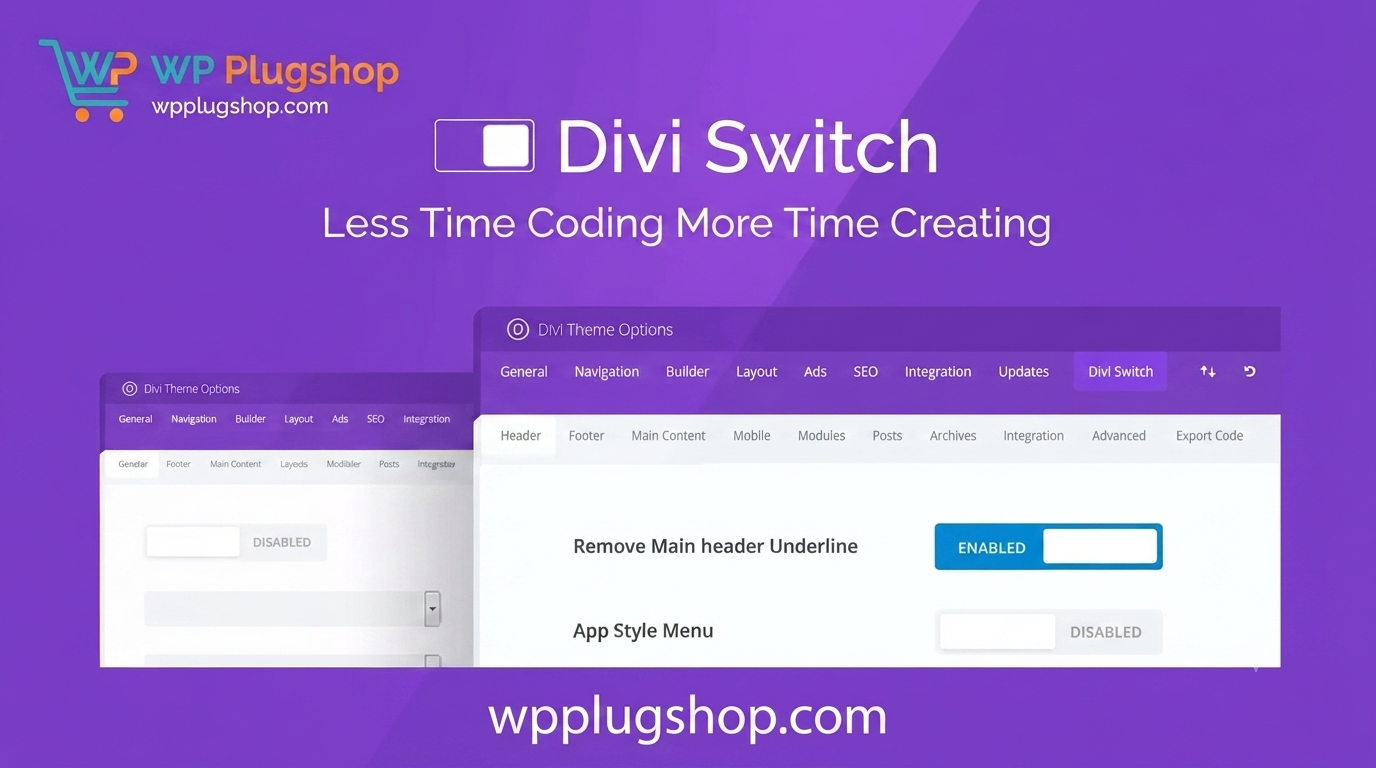
Preview Divi Switch Pro Plugin – Advanced Divi Customization & Design Tool
View the product artwork, switch gallery images, and open a larger preview before checkout.
Get secure digital access for real WordPress projects
This section summarizes the buying experience and what customers can expect after checkout.
Product overview, benefits, and digital access details
Review the key product details, practical use cases, and digital access information before checkout.
Product Overview
Divi Switch Pro is a must-have configuration plugin for every WordPress professional using the Divi Theme. Designed to bridge the gap between basic theme options and complex custom coding, this powerful tool allows you to implement advanced design tweaks, layout adjustments, and functional enhancements using simple toggle switches. Whether you are an agency developer or a DIY website owner, Divi Switch Pro simplifies your design workflow by turning hours of CSS development into seconds of configuration.
Why This Product Is Useful
Customizing Divi often requires injecting snippets of CSS, which can become unmanageable as your site grows. Divi Switch Pro eliminates this technical debt. By providing a centralized dashboard of toggleable features, it allows you to control header behaviors, mobile menu styles, button animations, and layout spacing without touching a single line of code. It ensures your site remains lightweight, clean, and perfectly aligned with your design vision.
Key Features
- One-Click Configuration: Dozens of design toggles to apply professional-grade changes instantly.
- Header & Menu Controls: Easily customize sticky headers, mobile menu breakpoints, and navigation layouts.
- Dynamic Design Tweaks: Manage button hover effects, custom spacing, and font overrides effortlessly.
- No Coding Required: A user-friendly interface that brings premium developer features to every user.
- Performance Focused: Keeps your site optimized by replacing heavy custom code with lightweight plugin logic.
Main Benefits
- Efficiency: Drastically reduce development time for new Divi projects.
- Consistency: Maintain high design standards across all client websites with a unified toolset.
- Accessibility: Empower non-coding team members to make professional adjustments safely.
Best Use Cases
- Building high-converting WooCommerce stores with custom navigation layouts.
- Rapid development for agency clients requiring frequent layout tweaks.
- Optimizing mobile user experience for Divi-based blog websites.
- Creating unique, branded design elements that stand out from standard Divi layouts.
Who Should Use This Product?
Divi Switch Pro is the ideal resource for WordPress freelancers, web design agencies, WooCommerce store owners, and Divi enthusiasts who want to unlock the full potential of their WordPress projects without the need for extensive coding knowledge.
WP Plug Shop Access Benefits
At WP Plug Shop, we provide budget-conscious access to top-tier digital tools. When you acquire Divi Switch Pro through us, you get:
- GPL-Friendly Access: Secure digital files for your professional projects.
- Instant Digital Download: Get started on your website build immediately after purchase.
- Secure Checkout: A safe, encrypted environment for your digital resources.
- WordPress Ready: Files are verified and ready for seamless integration into your Divi-based site.
Product Details
| Feature | Specification |
|---|---|
| Product Name | Divi Switch Pro Plugin |
| Category | WordPress Plugins / Divi Extensions |
| Compatibility | Divi Theme (latest versions) |
| Installation | Standard WordPress Plugin Upload |
| Core Benefit | Design customization without CSS |
Feature Comparison
| Feature | Manual CSS Approach | Divi Switch Pro |
|---|---|---|
| Time Effort | High (Research & Coding) | Low (Toggle & Save) |
| Coding Required | Yes | No |
| Safety | Risk of Breakage | Stable/Verified |
Pros and Considerations
| Pros | Considerations |
|---|---|
| Massive time saver for agencies | Requires active Divi Theme installation |
| Clean, bloat-free design | Familiarity with Divi dashboard recommended |
| Consistent layout control | Check theme version compatibility |
Final Verdict
Divi Switch Pro is an essential asset for any Divi power user. By simplifying complex design tasks into a streamlined, toggle-based interface, it allows you to focus on creativity rather than code. Enhance your workflow, boost your site design, and deliver premium results with Divi Switch Pro today.
Frequently Asked Questions
What is the Divi Switch Pro plugin?
Divi Switch Pro is a configuration plugin for the Divi Theme that adds a set of advanced design and layout controls to your WordPress dashboard. It allows you to toggle features like advanced header styles, menu adjustments, and button animations on or off without writing custom CSS code.
Do I need to know how to code to use this plugin?
Absolutely not. Divi Switch Pro is designed specifically for non-coders and agency owners who want to achieve professional design results through a simple interface. If you can use a toggle switch, you can customize your site with this plugin.
Is Divi Switch Pro compatible with all versions of Divi?
It is designed to work seamlessly with modern versions of the Divi Theme. We recommend ensuring your Divi theme is updated to the latest version to maintain full functionality and design consistency across your website.
Will Divi Switch Pro slow down my website?
No, Divi Switch Pro is built to be lightweight. It replaces the need for bloated, often messy custom CSS files with efficient, standardized code, which can actually help keep your site running smoothly and quickly.
Can I use this on multiple WordPress websites?
As a resource provided by WP Plug Shop, this digital download is ready for use on your WordPress projects. Please review our specific license access terms regarding usage on multiple domains.
How do I install Divi Switch Pro?
Installation is simple. Once you download the file from your account, you can install it just like any other plugin: go to Plugins > Add New > Upload Plugin in your WordPress dashboard, upload the .zip file, and activate it.
Does this plugin include official developer support?
Divi Switch Pro from WP Plug Shop provides you with the functional digital files required for your project. Accessing the product through our marketplace provides a budget-conscious way to use premium tools without relying on the official developer's support channels.
Is this the official plugin?
WP Plug Shop provides GPL-friendly digital access to premium WordPress resources. This ensures you have a secure, verified file to use for your design work at a significantly reduced cost.
Quick product answers for buyers and AI search
Clear product answers help buyers, search engines, and AI answer engines understand this product faster.
Best ways to use this WordPress digital product
These use cases help buyers quickly decide if this product fits their workflow.
How digital access works
No physical shipping is required. This is a digital product access purchase designed for account-based downloads.
Secure payment options for digital checkout
WPPlugShop supports trusted checkout options so buyers can complete digital purchases with more confidence.
Frequently asked questions
Buyer-focused answers about digital access, secure payments, downloads, support, and product usage.
Related WordPress tools you may also like
Explore related WordPress tools that may support the same workflow, website type, or project goal.




Choose the right WordPress tool with confidence
Request a product, explore membership access, or contact support if you want help choosing the right WordPress digital product before checkout.