
WooCurrency by WooBeWoo PRO – WooCommerce Multi Currency Switcher Plugin
Verified from VirusTotal 100% Original Product and Virus Free. Free New Version Lifetime On Single Purchase. Unlimited Website Usage Price is in US dollars and included tax
Buy confidently with secure digital checkout, account-based downloads, and a cleaner WPPlugShop product experience.
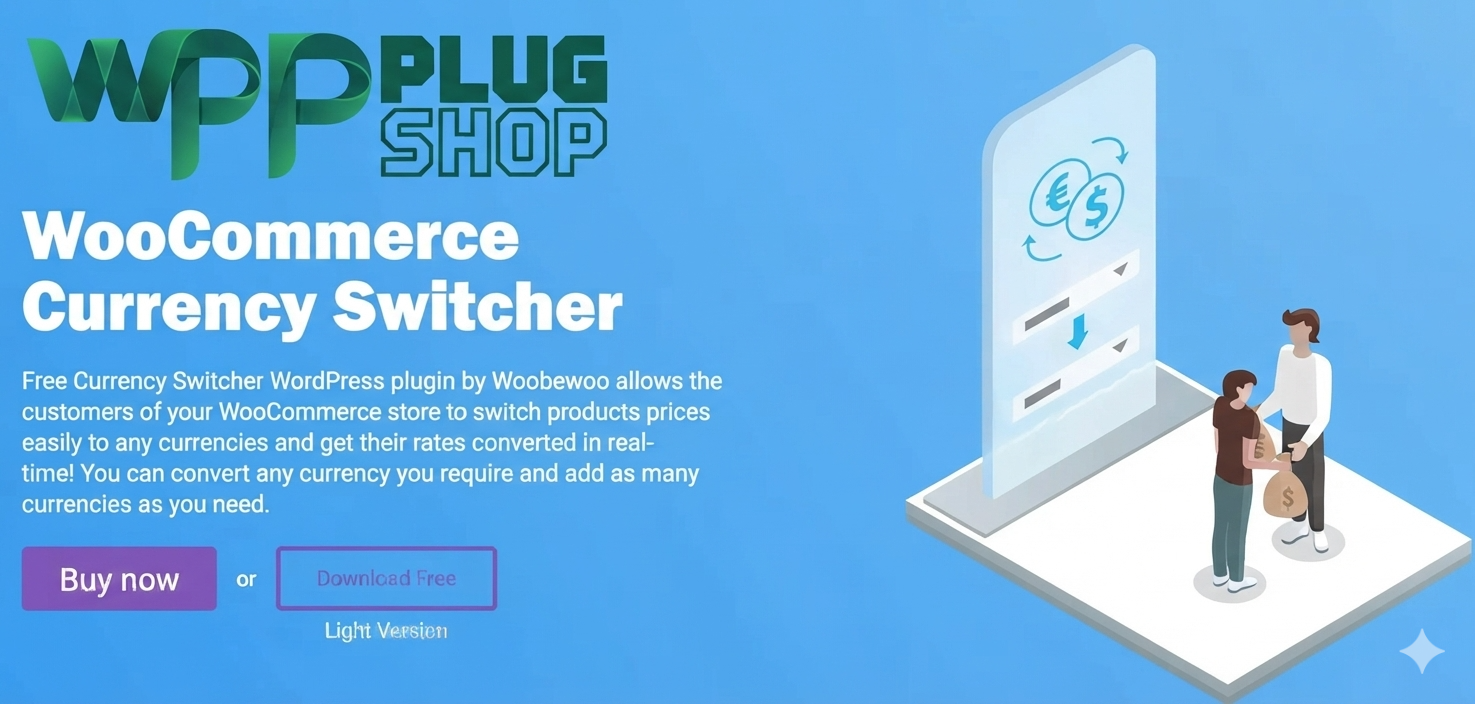
Preview WooCurrency by WooBeWoo PRO – WooCommerce Multi Currency Switcher Plugin
View the product artwork, switch gallery images, and open a larger preview before checkout.
Get secure digital access for real WordPress projects
This section summarizes the buying experience and what customers can expect after checkout.
Product overview, benefits, and digital access details
Review the key product details, practical use cases, and digital access information before checkout.
Product Overview
WooCurrency by WooBeWoo PRO – WooCommerce Multi Currency Switcher Plugin is a powerful WooCommerce extension designed to help online stores sell globally by allowing customers to view product prices in their preferred currencies. It provides flexible currency switching, exchange rate management, and localized pricing features for international ecommerce websites.
By default, WooCommerce uses a single store currency, which can create challenges for customers shopping from different countries. WooCurrency solves this problem by adding multi-currency functionality, allowing store owners to display prices in various currencies and create a more convenient shopping experience.
This plugin is ideal for international WooCommerce stores, dropdigital access websites, digital product shops, marketplaces, and businesses that want to expand their customer base worldwide.
Why This Product Is Useful
Global customers prefer seeing product prices in familiar currencies before making purchasing decisions. Currency differences can create uncertainty and make checkout experiences more complicated.
WooCurrency by WooBeWoo PRO helps businesses overcome these challenges by providing an easy way to manage multiple currencies and offer localized pricing options directly within WooCommerce.
- Support International Customers: Allow shoppers to browse products using their preferred currency.
- Create Localized Shopping Experiences: Display prices in currencies familiar to customers from different regions.
- Improve Store Usability: Make product pricing easier to understand for global visitors.
- Manage Currency Settings Easily: Configure currencies, exchange rates, and display options from one place.
- Expand Global Sales Opportunities: Prepare your WooCommerce store for international audiences.
Key Features
- Multi Currency Support: Add and manage multiple currencies for your WooCommerce store.
- Currency Switcher: Allow customers to manually switch between available currencies.
- Exchange Rate Management: Configure currency conversion rates according to your business needs.
- Automatic Currency Updates: Keep currency values updated with exchange rate options.
- Custom Currency Display: Control currency symbols, formats, and price presentation.
- International Pricing Support: Provide localized product prices for customers worldwide.
- Currency Dropdown Options: Add convenient currency selection tools to your store.
- WooCommerce Integration: Works directly with WooCommerce product pricing and shopping workflows.
- Flexible Store Settings: Customize currency behavior according to your ecommerce requirements.
- Global Ecommerce Support: Create a better shopping experience for international buyers.
Main Benefits
- Sell Worldwide: Make your WooCommerce store more accessible to customers from different countries.
- Improve Customer Confidence: Help shoppers understand product prices more easily.
- Reduce Currency Confusion: Display familiar pricing instead of forcing customers to calculate conversions.
- Enhance Shopping Experience: Provide a more personalized ecommerce journey.
- Support International Growth: Prepare your store for global selling opportunities.
- Improve Store Professionalism: Offer features expected from modern international ecommerce websites.
Best Use Cases
- International WooCommerce stores
- Global ecommerce websites
- Dropdigital access stores
- Digital product marketplaces
- Subscription websites
- Multilingual online shops
- Fashion stores
- Electronics stores
- Service marketplaces
- Cross-border businesses
Who Should Use This Product?
WooCurrency by WooBeWoo PRO is designed for WooCommerce store owners who want to provide a better shopping experience for customers from multiple countries.
- WooCommerce store owners
- International retailers
- Dropdigital access entrepreneurs
- Digital product sellers
- Ecommerce agencies
- WordPress developers
- Freelancers
- Online marketplace owners
- Global brands
- Business website managers
WP Plug Shop Access Benefits
- GPL-Friendly Access: Access useful WordPress resources for professional ecommerce projects.
- Instant Digital Access: Quickly access purchased digital products.
- WordPress Ready Resources: Suitable for developers, agencies, and store owners.
- Secure Digital Delivery: Enjoy a simple and reliable digital marketplace experience.
- Affordable Professional Tools: Explore ecommerce solutions for improving WooCommerce functionality.
Product Details
| Detail | Information |
|---|---|
| Product Name | WooCurrency by WooBeWoo PRO |
| Product Type | WooCommerce Multi Currency Plugin |
| Main Function | Currency Switching and Price Localization |
| Platform | WordPress + WooCommerce |
| Best For | International Ecommerce Stores |
| Category | WooCommerce Extensions |
Feature Comparison
| Feature | WooCurrency Pro | Default WooCommerce |
|---|---|---|
| Multiple Currency Support | Yes | No |
| Currency Switching | Yes | Limited |
| Exchange Rate Management | Advanced | Basic |
| Localized Pricing | Supported | Limited |
| International Selling Features | Enhanced | Requires Extensions |
| Currency Display Controls | Flexible | Basic |
Pros and Considerations
| Pros | Considerations |
|---|---|
| Excellent for global WooCommerce stores | Requires WooCommerce installation |
| Improves international shopping experience | Exchange rate settings need configuration |
| Flexible currency management | Best suited for stores serving multiple regions |
| Supports localized pricing displays | Currency strategy depends on business needs |
| Easy integration with WooCommerce | Large stores may require additional localization tools |
Final Verdict
WooCurrency by WooBeWoo PRO – WooCommerce Multi Currency Switcher Plugin is a valuable solution for ecommerce businesses that want to provide customers with flexible currency options and improve international shopping experiences.
With multi-currency support, exchange rate management, and customizable currency displays, WooCurrency helps WooCommerce stores create a more professional global selling environment.
For international retailers, dropdigital access stores, and businesses targeting customers worldwide, WooCurrency provides the tools needed to make WooCommerce pricing more accessible and customer-friendly.
Frequently Asked Questions
What is WooCurrency by WooBeWoo PRO?
WooCurrency by WooBeWoo PRO is a WooCommerce multi-currency plugin that allows online stores to display product prices in different currencies and provide customers with a localized shopping experience.
Can WooCurrency add multiple currencies to WooCommerce?
Yes. WooCurrency allows WooCommerce store owners to add multiple currencies and give customers the option to switch between available currency choices.
Does WooCurrency support currency switching?
Yes. The plugin provides a currency switcher feature that allows shoppers to select their preferred currency while browsing products on a WooCommerce website.
Who should use WooCurrency by WooBeWoo PRO?
WooCurrency is ideal for international WooCommerce stores, global ecommerce businesses, dropdigital access websites, digital product sellers, and online marketplaces.
Can WooCurrency help WooCommerce stores sell internationally?
Yes. By displaying prices in familiar currencies, WooCurrency helps businesses create a more convenient shopping experience for customers from different countries.
Does WooCurrency support exchange rate management?
Yes. WooCurrency includes exchange rate management options that allow store owners to configure currency conversion settings according to their requirements.
Is WooCurrency compatible with WooCommerce?
Yes. WooCurrency is specifically designed for WooCommerce websites and integrates with WooCommerce product pricing and ecommerce workflows.
Can I display local currency prices on my WooCommerce store?
Yes. WooCurrency allows store owners to display product prices in different currencies, helping customers view prices in a currency they understand.
Is WooCurrency useful for dropdigital access stores?
Yes. Dropdigital access businesses serving customers from multiple countries can use WooCurrency to provide localized pricing options and improve shopping convenience.
Does WooCurrency improve the customer shopping experience?
WooCurrency can improve shopping usability by reducing currency confusion and allowing visitors to view prices in their preferred currency.
Can WooCurrency be used for digital product stores?
Yes. Digital product sellers can use WooCurrency to display prices in multiple currencies for customers around the world.
What is the difference between WooCommerce default currency and WooCurrency?
WooCommerce normally uses one default store currency, while WooCurrency adds multi-currency functionality, currency switching, and localized price display options.
Quick product answers for buyers and AI search
Clear product answers help buyers, search engines, and AI answer engines understand this product faster.
Best ways to use this WordPress digital product
These use cases help buyers quickly decide if this product fits their workflow.
How digital access works
No physical shipping is required. This is a digital product access purchase designed for account-based downloads.
Secure payment options for digital checkout
WPPlugShop supports trusted checkout options so buyers can complete digital purchases with more confidence.
Frequently asked questions
Buyer-focused answers about digital access, secure payments, downloads, support, and product usage.
Related WordPress tools you may also like
Explore related WordPress tools that may support the same workflow, website type, or project goal.



Choose the right WordPress tool with confidence
Request a product, explore membership access, or contact support if you want help choosing the right WordPress digital product before checkout.