
Everest Forms Google Sheets – Google Sheets Integration for WordPress Forms
Verified from VirusTotal 100% Original Product and Virus Free. Free New Version Lifetime On Single Purchase. Unlimited Website Usage Price is in US dollars and included tax
Buy confidently with secure digital checkout, account-based downloads, and a cleaner WPPlugShop product experience.
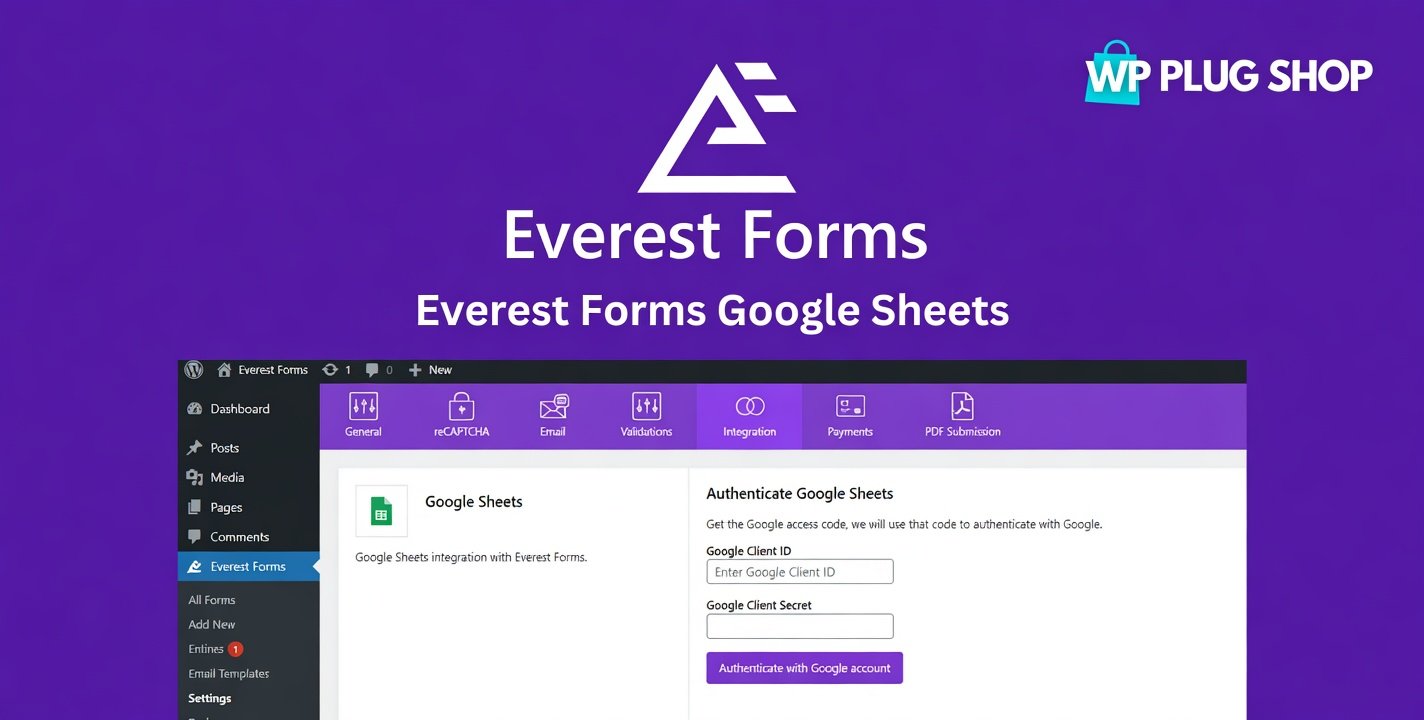
Preview Everest Forms Google Sheets – Google Sheets Integration for WordPress Forms
View the product artwork, switch gallery images, and open a larger preview before checkout.
Get secure digital access for real WordPress projects
This section summarizes the buying experience and what customers can expect after checkout.
Product overview, benefits, and digital access details
Review the key product details, practical use cases, and digital access information before checkout.
Product Overview
Everest Forms Google Sheets 1.2.2 is a powerful automation addon that connects Everest Forms with Google Sheets, allowing every form submission to be sent directly to a spreadsheet in real time. Instead of manually exporting or copying form entries, you can automatically organize your data inside Google Sheets for reporting, collaboration, and workflow automation.
This addon simplifies data management by automatically creating spreadsheet rows whenever users submit a form. Whether you're collecting leads, customer inquiries, job applications, event registrations, or survey responses, your data stays organized and accessible.
Designed for businesses, agencies, educational institutions, and developers, Everest Forms Google Sheets helps streamline form management while improving productivity through automation.
Why Choose Everest Forms Google Sheets?
Manual data exports consume valuable time and increase the risk of errors. By automatically syncing form submissions to Google Sheets, you can improve collaboration, simplify reporting, and eliminate repetitive administrative tasks.
- Automatically sync form submissions.
- Eliminate manual spreadsheet updates.
- Organize form data in Google Sheets.
- Improve team collaboration.
- Access real-time submission records.
- Increase workflow efficiency.
Key Features
- Real-Time Google Sheets Sync: Automatically send every Everest Forms submission to Google Sheets as soon as it is received.
- Field Mapping: Match form fields with spreadsheet columns for structured and organized data.
- Automatic Row Creation: Add each new submission as a separate row without manual intervention.
- Multiple Form Support: Connect multiple Everest Forms to different Google Sheets.
- Google Account Integration: Securely connect your Google account for seamless synchronization.
- Spreadsheet Organization: Keep submissions centralized for reporting and data analysis.
- Workflow Automation: Reduce repetitive tasks and automate form data collection.
- Team Collaboration: Share spreadsheets with team members for real-time collaboration.
- Easy Configuration: Configure synchronization settings directly within Everest Forms.
- WordPress Integration: Works seamlessly with Everest Forms on WordPress websites.
Main Benefits
- Save time through automation.
- Reduce manual data entry.
- Improve data accuracy.
- Enhance reporting capabilities.
- Centralize form submissions.
- Increase team productivity.
- Improve collaboration.
- Simplify workflow management.
Best Use Cases
- Contact forms
- Lead generation forms
- Job application forms
- Customer inquiry forms
- Event registrations
- Survey and feedback forms
- Student registration forms
- Appointment booking forms
- Internal business workflows
- Marketing campaign forms
Who Should Use Everest Forms Google Sheets?
- Business Owners: Automate form data collection and reporting.
- Marketing Agencies: Collect and manage leads efficiently.
- HR Teams: Organize job applications automatically.
- Educational Institutions: Manage student registrations in spreadsheets.
- Developers: Add Google Sheets automation to client websites.
- WordPress Users: Improve workflow efficiency with automated data synchronization.
WP Plug Shop Benefits
- GPL-friendly WordPress-ready digital resource.
- Instant digital access after purchase.
- Secure checkout process.
- Scanned files for additional confidence.
- Suitable for developers, agencies, and business websites.
- Affordable workflow automation solution.
Product Details
| Specification | Details |
|---|---|
| Product Name | Everest Forms Google Sheets |
| Version | 1.2.2 |
| Plugin Type | Everest Forms Google Sheets Integration Addon |
| Platform | WordPress + Everest Forms + Google Sheets |
| Main Purpose | Automatically sync Everest Forms submissions to Google Sheets |
| Best For | Businesses, agencies, educators, marketers, and developers using Everest Forms |
Feature Comparison
| Feature | Default Everest Forms | Everest Forms Google Sheets |
|---|---|---|
| Store Form Entries | Yes | Yes |
| Automatic Google Sheets Sync | No | Yes |
| Real-Time Data Export | No | Yes |
| Field Mapping | No | Yes |
| Workflow Automation | Limited | Advanced |
Pros and Considerations
| Pros | Considerations |
|---|---|
| Automatically synchronizes form submissions. | Requires Everest Forms plugin. |
| Eliminates manual spreadsheet updates. | Requires a Google account for integration. |
| Improves reporting and collaboration. | Proper API authorization is required during setup. |
| Easy to configure and maintain. | Compatibility may vary with third-party customizations. |
Final Verdict
Everest Forms Google Sheets 1.2.2 is an excellent automation addon for Everest Forms users who want to streamline data collection and improve productivity. By automatically sending form submissions to Google Sheets, it simplifies reporting, enhances collaboration, and eliminates repetitive manual tasks for businesses of all sizes.
```html
Frequently Asked Questions
What is Everest Forms Google Sheets?
Everest Forms Google Sheets is a premium addon that automatically syncs Everest Forms submissions with Google Sheets, allowing you to store and manage form data in real time.
Who should use Everest Forms Google Sheets?
This addon is ideal for businesses, marketers, agencies, educators, HR teams, event organizers, and WordPress users who want to automate form data collection and reporting.
Does this addon require Everest Forms?
Yes. Everest Forms Google Sheets is an extension for the Everest Forms plugin and requires it to be installed and activated on your WordPress website.
Can form submissions be sent to Google Sheets automatically?
Yes. Every new form submission can be automatically added as a new row in your connected Google Sheets spreadsheet.
Can I map form fields to spreadsheet columns?
Yes. The addon allows you to map individual Everest Forms fields to specific Google Sheets columns for organized data management.
Does it support multiple forms?
Yes. You can connect multiple Everest Forms to different Google Sheets based on your workflow requirements.
Can I use Google Sheets for reporting and collaboration?
Yes. Once your form data is synced, you can use Google Sheets for reporting, filtering, analysis, and real-time collaboration with your team.
Is coding required to set up the integration?
No. The addon provides an intuitive setup process that allows you to connect your Google account and configure synchronization without writing code.
Does the addon work in real time?
Yes. Supported form submissions are synchronized with Google Sheets automatically as they are received.
Can developers use this addon for client websites?
Yes. Developers and agencies can use the addon to automate form submission workflows for client WordPress websites.
Does Everest Forms Google Sheets work with WordPress?
Yes. It is designed specifically for WordPress websites using the Everest Forms plugin.
Why choose Everest Forms Google Sheets?
It provides a simple and efficient way to automate form data management by sending submissions directly to Google Sheets, improving productivity, collaboration, and reporting while eliminating manual data entry.
```
Quick product answers for buyers and AI search
Clear product answers help buyers, search engines, and AI answer engines understand this product faster.
Best ways to use this WordPress digital product
These use cases help buyers quickly decide if this product fits their workflow.
How digital access works
No physical shipping is required. This is a digital product access purchase designed for account-based downloads.
Secure payment options for digital checkout
WPPlugShop supports trusted checkout options so buyers can complete digital purchases with more confidence.
Frequently asked questions
Buyer-focused answers about digital access, secure payments, downloads, support, and product usage.
Related WordPress tools you may also like
Explore related WordPress tools that may support the same workflow, website type, or project goal.




Choose the right WordPress tool with confidence
Request a product, explore membership access, or contact support if you want help choosing the right WordPress digital product before checkout.