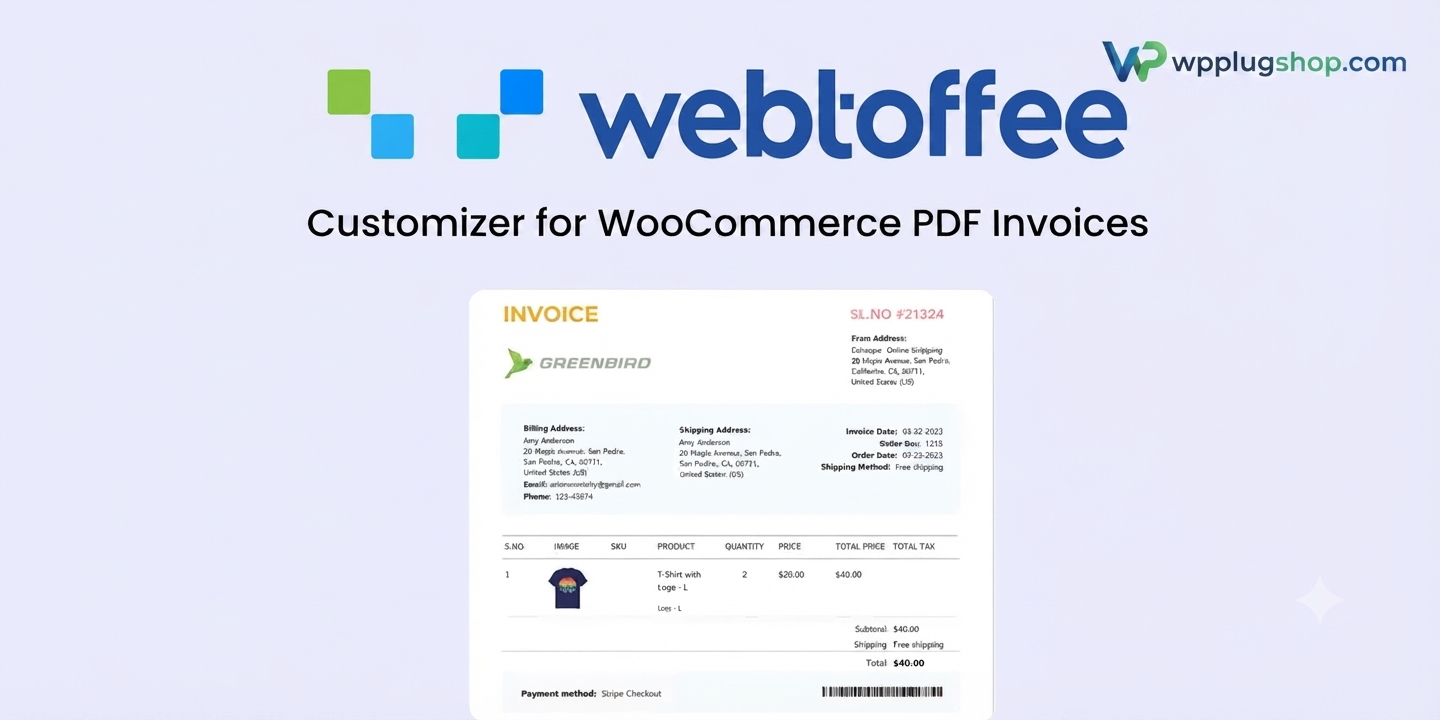
Frequently Asked Questions (FAQs)
1. What is WebToffee Customizer for WooCommerce PDF Invoices?
WebToffee Customizer for WooCommerce PDF Invoices is a premium WooCommerce plugin that lets you visually design and customize PDF invoices, packing slips, digital access labels, delivery notes, dispatch labels, credit notes, proforma invoices, and other order documents using an intuitive editor.
2. Which WooCommerce documents can I customize?
The plugin supports customization of PDF invoices, packing slips, digital access labels, dispatch labels, delivery notes, pick lists, address labels, proforma invoices, and credit notes, depending on your WooCommerce setup and installed WebToffee plugins.
3. Does the plugin include a drag-and-drop editor?
Yes. It includes a visual drag-and-drop editor that makes it easy to design professional WooCommerce documents without requiring programming knowledge.
4. Can I create custom invoice templates?
Yes. You can create your own invoice layouts, customize branding elements, modify headers and footers, add company information, and build reusable templates that match your business identity.
5. Can I add my company logo and branding?
Absolutely. The plugin allows you to add your company logo, business details, colors, typography, and other branding elements to create professional-looking PDF documents.
6. Is WebToffee Customizer compatible with WooCommerce?
Yes. The plugin is specifically designed for WooCommerce and integrates with supported WebToffee invoice and document plugins to simplify order document management.
7. Does the plugin provide a live preview while editing?
Yes. A real-time preview allows you to view design changes before saving or generating PDF documents, making customization faster and more accurate.
8. Can I display order information dynamically?
Yes. You can include dynamic order information such as customer details, billing and digital access addresses, product information, prices, taxes, payment methods, order numbers, and other WooCommerce order data.
9. Is coding knowledge required?
No. Most invoice customization can be completed using the visual editor. Advanced users can also extend layouts using custom code where supported.
10. Is the plugin suitable for businesses of all sizes?
Yes. Whether you operate a small WooCommerce store or manage a large eCommerce business, the plugin helps create consistent and professional order documents for customers and internal operations.
11. Can I use reusable templates?
Yes. The plugin supports reusable templates, allowing you to save customized layouts and apply them across multiple WooCommerce documents for consistent branding.
12. Does the plugin support multilingual WooCommerce stores?
The plugin is compatible with many multilingual WooCommerce environments when used alongside supported translation solutions. Compatibility depends on your overall WordPress configuration.
13. Who should use WebToffee Customizer for WooCommerce PDF Invoices?
This plugin is ideal for WooCommerce store owners, agencies, freelancers, developers, wholesalers, retailers, dropdigital access businesses, and eCommerce companies that want professionally branded PDF invoices and order documents.
14. What are the main benefits of using this plugin?
Key benefits include visual document customization, drag-and-drop editing, reusable templates, dynamic WooCommerce data integration, professional branding, improved customer experience, and streamlined document management.
15. Why choose WebToffee Customizer for WooCommerce PDF Invoices?
WebToffee Customizer provides a flexible and user-friendly solution for designing professional WooCommerce PDF documents. With customizable templates, live previews, branding options, and seamless WooCommerce integration, it helps businesses create polished order documents while maintaining a consistent brand identity.
WebToffee Customizer for WooCommerce PDF Invoices – Frequently Asked Questions
1. What is WebToffee Customizer for WooCommerce PDF Invoices?
WebToffee Customizer for WooCommerce PDF Invoices is a premium WooCommerce plugin that allows you to visually customize PDF invoices and other order documents using an intuitive drag-and-drop editor. It helps create professional, branded documents without requiring advanced coding skills.
2. Which WooCommerce documents can be customized?
The plugin supports customization of PDF invoices, packing slips, digital access labels, dispatch labels, delivery notes, credit notes, proforma invoices, pick lists, and other supported WooCommerce order documents.
3. Does the plugin include a drag-and-drop invoice builder?
Yes. It features a visual drag-and-drop builder that enables you to easily arrange document elements, modify layouts, and create professional invoice templates with real-time editing.
4. Can I add my company logo and business branding?
Yes. You can customize invoices with your company logo, business information, brand colors, typography, headers, footers, and other branding elements to maintain a consistent business identity.
5. Does the plugin support dynamic WooCommerce order data?
Yes. It can display dynamic order information including customer details, billing and digital access addresses, order numbers, purchased products, quantities, taxes, discounts, totals, payment methods, and other WooCommerce order data.
6. Can I save reusable invoice templates?
Yes. You can create reusable document templates and apply them across multiple WooCommerce document types, helping maintain consistency while reducing design time.
7. Is a live preview available during customization?
Yes. The plugin provides a live preview that allows you to review layout changes before generating or printing PDF documents.
8. Does WebToffee Customizer work with WooCommerce?
Yes. The plugin is built specifically for WooCommerce and integrates with supported WebToffee document management extensions to simplify invoice customization and document generation.
9. Do I need coding knowledge to use this plugin?
No. Most users can customize invoice templates using the visual editor. Advanced users also have additional options for custom styling and code-based modifications where supported.
10. Is the plugin suitable for small and large WooCommerce stores?
Yes. Whether you operate a small online shop or a large eCommerce business, the plugin helps generate professional and consistent order documents for customers and internal workflows.
11. Can I customize invoice layouts for different business needs?
Yes. You can design layouts for different document types, adjust spacing, insert custom fields, rearrange sections, and tailor templates to match your operational requirements.
12. Is the plugin compatible with multilingual WooCommerce stores?
The plugin is designed to work with multilingual WooCommerce environments when used alongside supported translation solutions. Compatibility depends on your WordPress configuration and installed plugins.
13. Who should use WebToffee Customizer for WooCommerce PDF Invoices?
This plugin is ideal for WooCommerce store owners, eCommerce businesses, wholesalers, retailers, dropdigital access stores, agencies, freelancers, developers, and businesses that want professionally branded invoices and order documents.
14. What are the key benefits of using this plugin?
Major benefits include drag-and-drop customization, reusable templates, live preview, dynamic WooCommerce data support, professional branding, improved customer experience, streamlined document management, and flexible invoice design.
15. Why choose WebToffee Customizer for WooCommerce PDF Invoices?
WebToffee Customizer provides a comprehensive solution for designing professional WooCommerce invoices and business documents. Its visual editor, branding capabilities, reusable templates, and WooCommerce integration make it an excellent choice for businesses seeking polished and customizable PDF documents.
16. Can the plugin help create a more professional customer experience?
Yes. Professionally designed invoices and order documents reinforce your brand identity, improve customer communication, and provide clear, well-organized transaction records that enhance the overall shopping experience.
WebToffee Customizer for WooCommerce PDF Invoices – Frequently Asked Questions
1. What is WebToffee Customizer for WooCommerce PDF Invoices?
WebToffee Customizer for WooCommerce PDF Invoices is a premium WooCommerce extension that enables you to visually design and customize PDF invoices and other order documents using an intuitive drag-and-drop editor. It helps businesses create professional, branded documents without extensive technical knowledge.
2. Which WooCommerce documents can I customize with this plugin?
The plugin supports customization of PDF invoices, packing slips, digital access labels, delivery notes, dispatch labels, credit notes, proforma invoices, pick lists, and other supported WooCommerce order documents depending on your installed WebToffee extensions.
3. Does the plugin include a visual drag-and-drop builder?
Yes. It provides a user-friendly drag-and-drop editor that allows you to customize document layouts, reposition elements, and create professional invoice templates with minimal effort.
4. Can I add my company logo, colors, and branding?
Yes. You can personalize invoices with your company logo, business information, brand colors, typography, headers, footers, signatures, and other branding elements to create a consistent professional appearance.
5. Can I display dynamic WooCommerce order information?
Yes. The plugin supports dynamic order data including customer details, billing and digital access addresses, purchased products, SKU information, taxes, discounts, payment methods, digital access details, order numbers, and totals.
6. Does the plugin offer reusable invoice templates?
Yes. You can create reusable templates and apply them across multiple document types, reducing repetitive work while maintaining consistent branding throughout your WooCommerce store.
7. Is there a live preview before generating PDF documents?
Yes. The built-in preview feature lets you review layout changes in real time before saving, printing, or generating WooCommerce PDF documents.
8. Is coding knowledge required?
No. Most customization tasks can be completed using the visual editor. Advanced users may also extend layouts with custom code where supported.
9. Can I customize different document layouts independently?
Yes. Each document type can have its own layout, allowing you to create unique invoice, packing slip, digital access label, delivery note, and credit note designs based on your business requirements.
10. Is the plugin suitable for WooCommerce stores of all sizes?
Absolutely. Whether you run a small online shop, wholesale business, dropdigital access store, subscription service, or enterprise-level WooCommerce store, the plugin helps produce professional business documents.
11. Can I improve my store's branding with customized invoices?
Yes. Professionally branded invoices help strengthen customer trust, improve brand recognition, and create a polished purchasing experience by maintaining consistent visual identity across all order documents.
12. Is WebToffee Customizer compatible with multilingual WooCommerce websites?
The plugin works with many multilingual WooCommerce environments when combined with compatible translation plugins. Compatibility depends on your WordPress setup and installed extensions.
13. Who should use WebToffee Customizer for WooCommerce PDF Invoices?
This plugin is ideal for WooCommerce store owners, eCommerce businesses, agencies, freelancers, developers, wholesalers, retailers, manufacturers, distributors, and businesses that require customized order documentation.
14. What are the biggest advantages of this plugin?
Its major advantages include drag-and-drop editing, reusable templates, real-time preview, dynamic WooCommerce data support, flexible branding, multiple document customization, professional layouts, and streamlined document management.
15. Why choose WebToffee Customizer for WooCommerce PDF Invoices?
WebToffee Customizer provides a comprehensive document customization solution for WooCommerce. With its visual editor, reusable templates, advanced branding options, live preview functionality, and seamless WooCommerce integration, it helps businesses generate professional PDF invoices and order documents while improving operational efficiency.
16. How can customized PDF invoices benefit my WooCommerce business?
Customized invoices enhance your brand image, provide customers with well-organized transaction records, improve professionalism, simplify business documentation, and create a better post-purchase experience that reinforces trust in your online store.