
Bookly Outlook Calendar Addon – Microsoft Outlook Booking Integration Plugin
Verified from VirusTotal 100% Original Product and Virus Free. Free New Version Lifetime On Single Purchase. Unlimited Website Usage Price is in US dollars and included tax
Buy confidently with secure digital checkout, account-based downloads, and a cleaner WPPlugShop product experience.
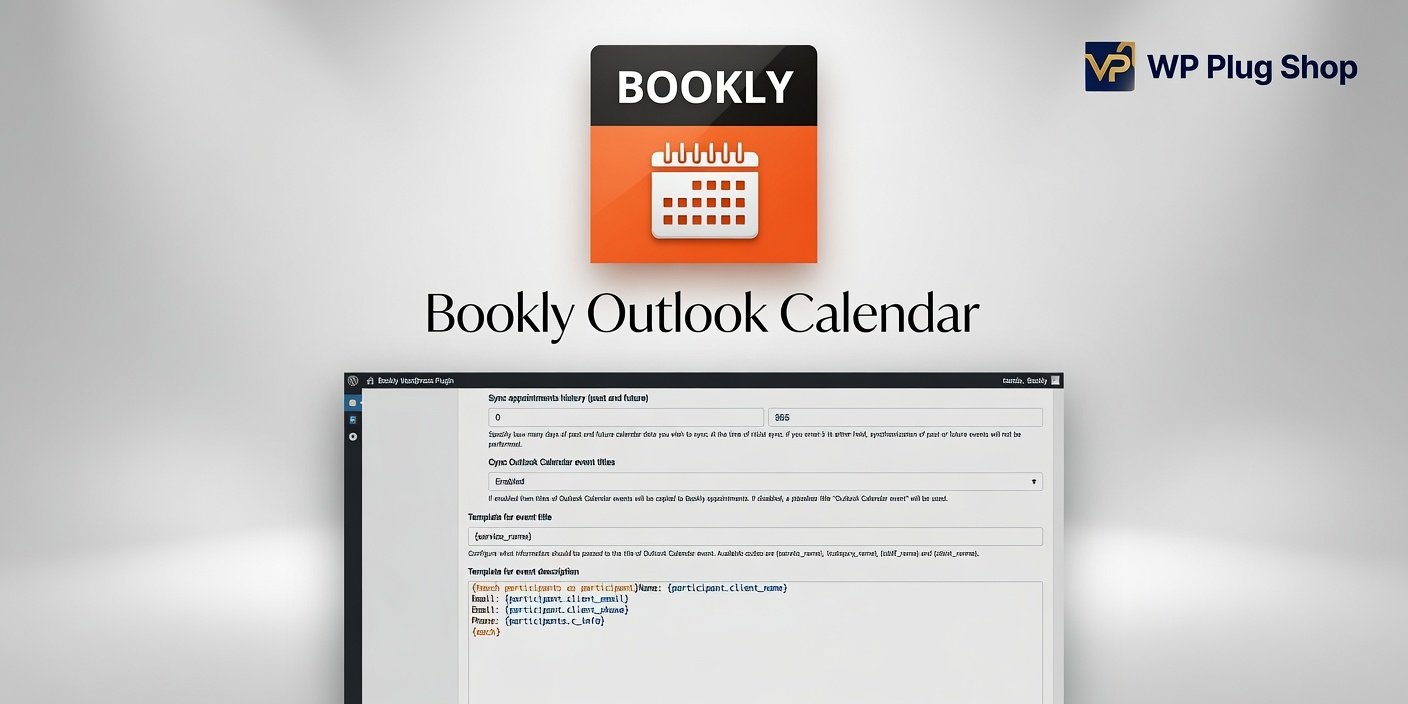
Preview Bookly Outlook Calendar Addon – Microsoft Outlook Booking Integration Plugin
View the product artwork, switch gallery images, and open a larger preview before checkout.
Get secure digital access for real WordPress projects
This section summarizes the buying experience and what customers can expect after checkout.
Product overview, benefits, and digital access details
Review the key product details, practical use cases, and digital access information before checkout.
Product Overview
Bookly Outlook Calendar Addon – Microsoft Outlook Booking Integration Plugin is a powerful WordPress booking extension that connects the Bookly appointment scheduling system with Microsoft Outlook Calendar. It helps businesses synchronize appointments, manage availability, and keep their schedules organized across multiple platforms.
With this addon, appointment-based businesses can connect their Bookly bookings with Outlook calendars to reduce scheduling conflicts and improve daily workflow management. It provides a convenient way to keep track of appointments without manually updating multiple calendars.
Whether you manage a clinic, salon, consulting business, coaching service, or any appointment-based website, Bookly Outlook Calendar helps create a smoother and more efficient scheduling experience.
Why Choose Bookly Outlook Calendar Addon?
Managing appointments across different calendars can become difficult and time-consuming. Bookly Outlook Calendar simplifies this process by connecting your booking system with Outlook, helping you maintain accurate schedules and improve business organization.
- Calendar Synchronization: Keep Bookly appointments connected with Microsoft Outlook Calendar.
- Better Scheduling: Manage appointments more efficiently across platforms.
- Reduced Conflicts: Help prevent overlapping bookings and scheduling issues.
- Improved Workflow: Save time by automating calendar updates.
Key Features
- Outlook Calendar Integration: Connect Bookly appointments with Microsoft Outlook.
- Appointment Synchronization: Keep booking information updated between calendars.
- Calendar Event Management: Manage appointments as Outlook calendar events.
- Automatic Schedule Updates: Reduce the need for manual calendar changes.
- Bookly Integration: Works with the Bookly appointment booking system.
- Availability Management: Maintain accurate appointment availability.
- Business Calendar Organization: Keep professional schedules structured.
- Booking Workflow Improvement: Simplify appointment management processes.
- Multi-Platform Scheduling: Connect online bookings with daily calendar tools.
Main Benefits
- Synchronize appointments with Outlook Calendar.
- Reduce manual calendar management.
- Improve appointment organization.
- Avoid scheduling conflicts.
- Save time managing bookings.
- Create a professional booking workflow.
- Improve customer appointment management.
- Keep business schedules updated.
Best Use Cases
- Medical clinics
- Beauty salons
- Spa businesses
- Consultants
- Coaches
- Fitness trainers
- Educational services
- Professional service providers
Who Should Use This Plugin?
Bookly Outlook Calendar Addon is ideal for businesses that rely on appointments and want to connect their WordPress booking system with Microsoft Outlook Calendar.
- Healthcare Providers: Manage patient appointments efficiently.
- Service Businesses: Keep customer bookings synchronized.
- Consultants: Organize client meetings and schedules.
- Trainers: Manage recurring sessions and appointments.
- Agencies: Build better booking workflows for clients.
WP Plug Shop Benefits
- Premium WordPress booking solutions.
- Professional calendar integration tools.
- Business automation plugins.
- Appointment management resources.
- Advanced WordPress extensions.
Product Details
| Product Detail | Information |
|---|---|
| Product Type | Bookly Calendar Integration Addon |
| Platform | WordPress |
| Required Plugin | Bookly PRO |
| Main Function | Sync Bookly appointments with Outlook Calendar |
| Best For | Appointment-based businesses and service providers |
Feature Comparison
| Feature | Bookly Outlook Calendar | Standard Bookly Setup |
|---|---|---|
| Outlook Calendar integration | Yes | No |
| Appointment synchronization | Yes | Limited |
| Calendar workflow automation | Yes | Basic |
| Multi-calendar management | Enhanced | Limited |
| Scheduling organization | Improved | Standard |
Pros and Considerations
| Pros | Considerations |
|---|---|
| Connects Bookly with Outlook Calendar. | Requires Bookly PRO. |
| Helps organize appointments. | Requires proper calendar configuration. |
| Reduces manual scheduling work. | Best suited for appointment businesses. |
| Improves booking workflows. | Calendar settings may vary. |
Final Verdict
Bookly Outlook Calendar Addon – Microsoft Outlook Booking Integration Plugin is an excellent solution for businesses that need a connected scheduling system. By synchronizing Bookly appointments with Outlook Calendar, it helps improve organization, reduce conflicts, and simplify appointment management.
For clinics, consultants, salons, trainers, and other service providers, Bookly Outlook Calendar provides a reliable way to manage bookings and calendars together in one efficient workflow.
Frequently Asked Questions
What is Bookly Outlook Calendar Addon?
Bookly Outlook Calendar Addon is a WordPress extension that connects the Bookly appointment booking system with Microsoft Outlook Calendar for improved appointment synchronization and schedule management.
Does Bookly Outlook Calendar require Bookly PRO?
Yes. The addon requires Bookly PRO to be installed and active on your WordPress website.
Can Bookly appointments sync with Outlook Calendar?
Yes. The addon allows Bookly appointments to be connected with Outlook Calendar, helping businesses manage schedules more efficiently.
Does this addon help prevent double bookings?
Yes. By keeping calendars synchronized, it can help reduce scheduling conflicts and improve appointment availability management.
Who can use Bookly Outlook Calendar Addon?
It is suitable for clinics, salons, consultants, trainers, coaches, and any business that manages appointments through WordPress.
Can service businesses benefit from Outlook Calendar integration?
Yes. Businesses that rely on meetings, consultations, or scheduled services can benefit from a connected calendar workflow.
Does Bookly Outlook Calendar improve appointment management?
Yes. It reduces manual calendar updates and helps keep appointment information organized between Bookly and Outlook.
Is technical knowledge required to use this addon?
Basic WordPress and Bookly setup knowledge is helpful, but advanced coding skills are not required.
Can I use this addon with an Elementor website?
Yes. It can be used with Elementor-designed WordPress websites as long as Bookly PRO is properly configured.
Why connect Bookly with Outlook Calendar?
Connecting Bookly with Outlook allows businesses to manage appointments more efficiently, maintain accurate schedules, and improve daily workflow organization.
Quick product answers for buyers and AI search
Clear product answers help buyers, search engines, and AI answer engines understand this product faster.
Best ways to use this WordPress digital product
These use cases help buyers quickly decide if this product fits their workflow.
How digital access works
No physical shipping is required. This is a digital product access purchase designed for account-based downloads.
Secure payment options for digital checkout
WPPlugShop supports trusted checkout options so buyers can complete digital purchases with more confidence.
Frequently asked questions
Buyer-focused answers about digital access, secure payments, downloads, support, and product usage.
Related WordPress tools you may also like
Explore related WordPress tools that may support the same workflow, website type, or project goal.




Choose the right WordPress tool with confidence
Request a product, explore membership access, or contact support if you want help choosing the right WordPress digital product before checkout.