
Gravity Forms Supercharge Add-On – Interactive Forms for Better UX & Higher Conversions
Verified from VirusTotal 100% Original Product and Virus Free. Free New Version Lifetime On Single Purchase. Unlimited Website Usage Price is in US dollars and included tax
Buy confidently with secure digital checkout, account-based downloads, and a cleaner WPPlugShop product experience.
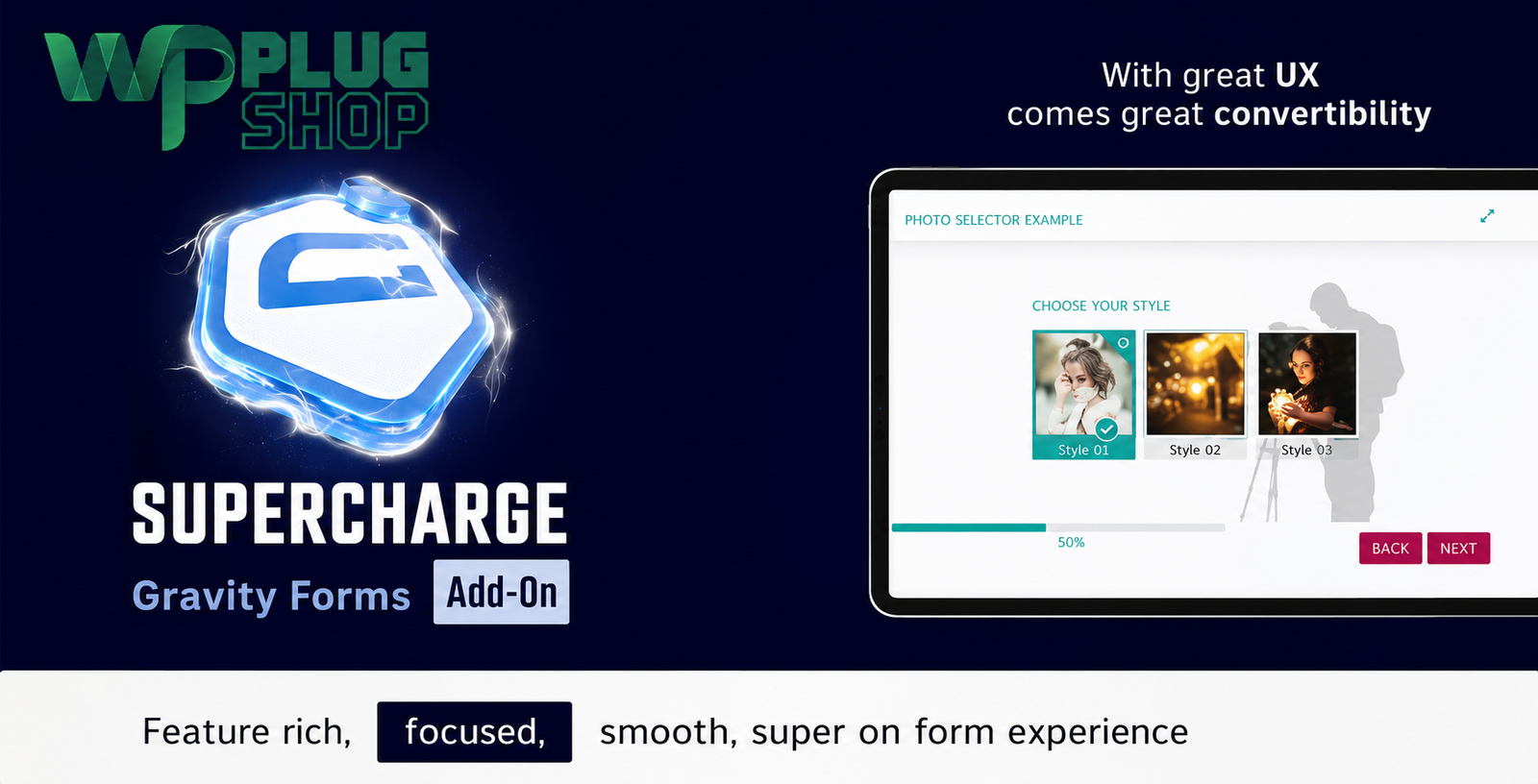
Preview Gravity Forms Supercharge Add-On – Interactive Forms for Better UX & Higher Conversions
View the product artwork, switch gallery images, and open a larger preview before checkout.
Get secure digital access for real WordPress projects
This section summarizes the buying experience and what customers can expect after checkout.
Product overview, benefits, and digital access details
Review the key product details, practical use cases, and digital access information before checkout.
Frequently Asked Questions
1. What is Gravity Forms Supercharge Add-On?
Gravity Forms Supercharge Add-On is a premium extension for Gravity Forms that transforms standard forms into modern, interactive, one-question-at-a-time experiences. It helps improve user engagement and can increase form completion rates with a smoother user experience.
2. Do I need Gravity Forms to use this add-on?
Yes. This add-on is an extension for Gravity Forms and requires the Gravity Forms plugin to be installed and activated on your WordPress website.
3. Can I create fullscreen forms with Gravity Forms Supercharge?
Yes. The plugin supports beautiful fullscreen form layouts, giving visitors a distraction-free experience that encourages higher completion rates.
4. Is Gravity Forms Supercharge suitable for lead generation?
Absolutely. Businesses, agencies, marketers, and freelancers commonly use it to create engaging lead generation forms, contact forms, surveys, registrations, and application forms.
5. Does this add-on improve user experience?
Yes. By displaying one field at a time, adding smooth transitions, progress indicators, and intuitive navigation, the plugin creates a cleaner and more enjoyable form-filling experience.
6. Is the plugin compatible with modern WordPress websites?
The add-on is designed to work with current WordPress installations alongside compatible versions of Gravity Forms. Always verify compatibility with your website before deployment.
7. Can I customize the appearance of my forms?
Yes. You can customize colors, typography, layouts, navigation elements, progress bars, buttons, backgrounds, and various design settings to match your website branding.
8. What types of forms can I build?
You can build contact forms, quote request forms, booking forms, registration forms, surveys, questionnaires, customer feedback forms, event registrations, lead capture forms, and many other interactive forms.
9. Who should use Gravity Forms Supercharge?
This plugin is ideal for WordPress developers, digital agencies, WooCommerce store owners, marketers, business websites, educational organizations, SaaS companies, and anyone looking to create engaging forms with Gravity Forms.
10. Why choose Gravity Forms Supercharge for interactive forms?
Gravity Forms Supercharge provides a modern, conversion-focused form experience with fullscreen layouts, one-question-at-a-time interactions, customizable styling, responsive design, and improved usability, making it an excellent solution for creating professional WordPress forms.
Frequently Asked Questions (FAQ)
1. What is Gravity Forms Supercharge Add-On?
Gravity Forms Supercharge Add-On is a premium extension for Gravity Forms that transforms traditional WordPress forms into beautiful, interactive, one-question-at-a-time experiences. It enhances usability, engagement, and overall form completion.
2. Is Gravity Forms required to use this add-on?
Yes. Gravity Forms Supercharge is an extension that requires the Gravity Forms plugin to be installed and activated on your WordPress website.
3. How does the one-question-at-a-time form layout improve conversions?
Displaying one field at a time reduces cognitive load, minimizes distractions, and creates a smoother experience that encourages users to complete longer forms.
4. Can I create fullscreen forms with Gravity Forms Supercharge?
Yes. The plugin supports elegant fullscreen forms that provide a distraction-free interface for registrations, surveys, lead generation, and customer onboarding.
5. Is Gravity Forms Supercharge mobile responsive?
Yes. The add-on is designed to deliver an excellent experience across desktops, tablets, and mobile devices, helping maintain usability on every screen size.
6. Can I customize the appearance of my forms?
Yes. You can customize colors, typography, buttons, navigation controls, progress bars, backgrounds, transitions, layouts, and other visual elements to match your website branding.
7. What types of forms can I build using Gravity Forms Supercharge?
You can create contact forms, lead generation forms, quote request forms, booking forms, appointment forms, surveys, quizzes, registration forms, customer feedback forms, event registrations, and application forms.
8. Who should use Gravity Forms Supercharge?
This plugin is ideal for WordPress developers, freelancers, agencies, WooCommerce store owners, marketers, SaaS businesses, educators, nonprofits, and anyone looking to create modern, engaging online forms.
9. Does Gravity Forms Supercharge work with multi-step forms?
Yes. It enhances the form-filling experience with smooth navigation, animated transitions, progress indicators, and interactive layouts that work well for complex multi-step forms.
10. Can I use Gravity Forms Supercharge for lead generation campaigns?
Absolutely. Interactive forms often improve user engagement, making the plugin an excellent choice for marketing campaigns, newsletter subscriptions, consultations, and sales inquiries.
11. Is coding knowledge required to use Gravity Forms Supercharge?
No. Most customization options are available through user-friendly settings, allowing website owners to create professional interactive forms without writing code.
12. Why choose Gravity Forms Supercharge for WordPress?
Gravity Forms Supercharge combines modern UI, fullscreen layouts, one-question-at-a-time interactions, responsive design, flexible customization, and improved user experience to help create professional forms that encourage higher completion rates.
Frequently Asked Questions About Gravity Forms Supercharge Add-On
1. What is Gravity Forms Supercharge Add-On for WordPress?
Gravity Forms Supercharge Add-On is a premium extension for Gravity Forms that converts traditional forms into modern, interactive, one-question-at-a-time experiences. It improves user engagement with fullscreen layouts, smooth animations, progress indicators, and customizable styling.
2. Does this plugin require Gravity Forms?
Yes. Gravity Forms Supercharge is an add-on and requires the Gravity Forms plugin to be installed and activated before it can be used.
3. What are the main benefits of Gravity Forms Supercharge?
The plugin helps create visually appealing forms, improves the user experience, reduces form abandonment, increases engagement, supports fullscreen forms, and provides flexible customization options.
4. Can I create conversational forms with Gravity Forms Supercharge?
Yes. The plugin allows you to display one field at a time, creating a conversational and distraction-free form experience that feels more natural for visitors.
5. Is Gravity Forms Supercharge mobile-friendly?
Yes. Forms created with the add-on are responsive and optimized for desktops, tablets, and smartphones to provide a consistent user experience across devices.
6. Can I customize the design of my forms?
Yes. You can customize colors, typography, buttons, navigation, progress bars, backgrounds, spacing, animations, and layouts to match your website branding.
7. Which types of forms can I build?
You can create contact forms, lead generation forms, booking forms, appointment forms, surveys, quizzes, customer feedback forms, registration forms, quote request forms, application forms, and many other interactive forms.
8. Is Gravity Forms Supercharge suitable for WooCommerce websites?
Yes. WooCommerce store owners can use it for product inquiries, wholesale registration, support requests, custom order forms, and customer feedback forms.
9. Can digital agencies and freelancers use this plugin?
Absolutely. Agencies, freelancers, developers, and marketers use Gravity Forms Supercharge to build modern client forms that are both professional and user-friendly.
10. Does the plugin include progress indicators?
Yes. Progress bars and navigation indicators help users understand how much of the form remains, creating a smoother completion experience.
11. Is coding knowledge required?
No. Most settings are available through an intuitive interface, allowing users to build attractive interactive forms without writing custom code.
12. Why choose Gravity Forms Supercharge over standard Gravity Forms layouts?
Gravity Forms Supercharge enhances the standard Gravity Forms experience with fullscreen layouts, conversational forms, modern animations, flexible styling, improved usability, and an engaging interface that can encourage higher form completion rates.
13. Who should use Gravity Forms Supercharge?
This add-on is ideal for WordPress developers, freelancers, agencies, WooCommerce store owners, SaaS businesses, educational institutions, nonprofits, bloggers, and businesses that want more engaging online forms.
14. What makes Gravity Forms Supercharge a good choice for lead generation?
Interactive forms can provide a more engaging experience than traditional forms. Features such as one-question-at-a-time layouts, fullscreen display, and progress tracking help create a streamlined process for collecting leads and customer information.
15. Is Gravity Forms Supercharge suitable for long forms?
Yes. The plugin is particularly useful for lengthy forms because it presents fields in a structured, easy-to-follow format that helps users stay focused throughout the submission process.
Quick product answers for buyers and AI search
Clear product answers help buyers, search engines, and AI answer engines understand this product faster.
Best ways to use this WordPress digital product
These use cases help buyers quickly decide if this product fits their workflow.
How digital access works
No physical shipping is required. This is a digital product access purchase designed for account-based downloads.
Secure payment options for digital checkout
WPPlugShop supports trusted checkout options so buyers can complete digital purchases with more confidence.
Frequently asked questions
Buyer-focused answers about digital access, secure payments, downloads, support, and product usage.
Related WordPress tools you may also like
Explore related WordPress tools that may support the same workflow, website type, or project goal.




Choose the right WordPress tool with confidence
Request a product, explore membership access, or contact support if you want help choosing the right WordPress digital product before checkout.