
Blog Designer PRO for WordPress – Custom Blog Layout & Design Plugin
Verified from VirusTotal 100% Original Product and Virus Free. Free New Version Lifetime On Single Purchase. Unlimited Website Usage Price is in US dollars and included tax
Buy confidently with secure digital checkout, account-based downloads, and a cleaner WPPlugShop product experience.
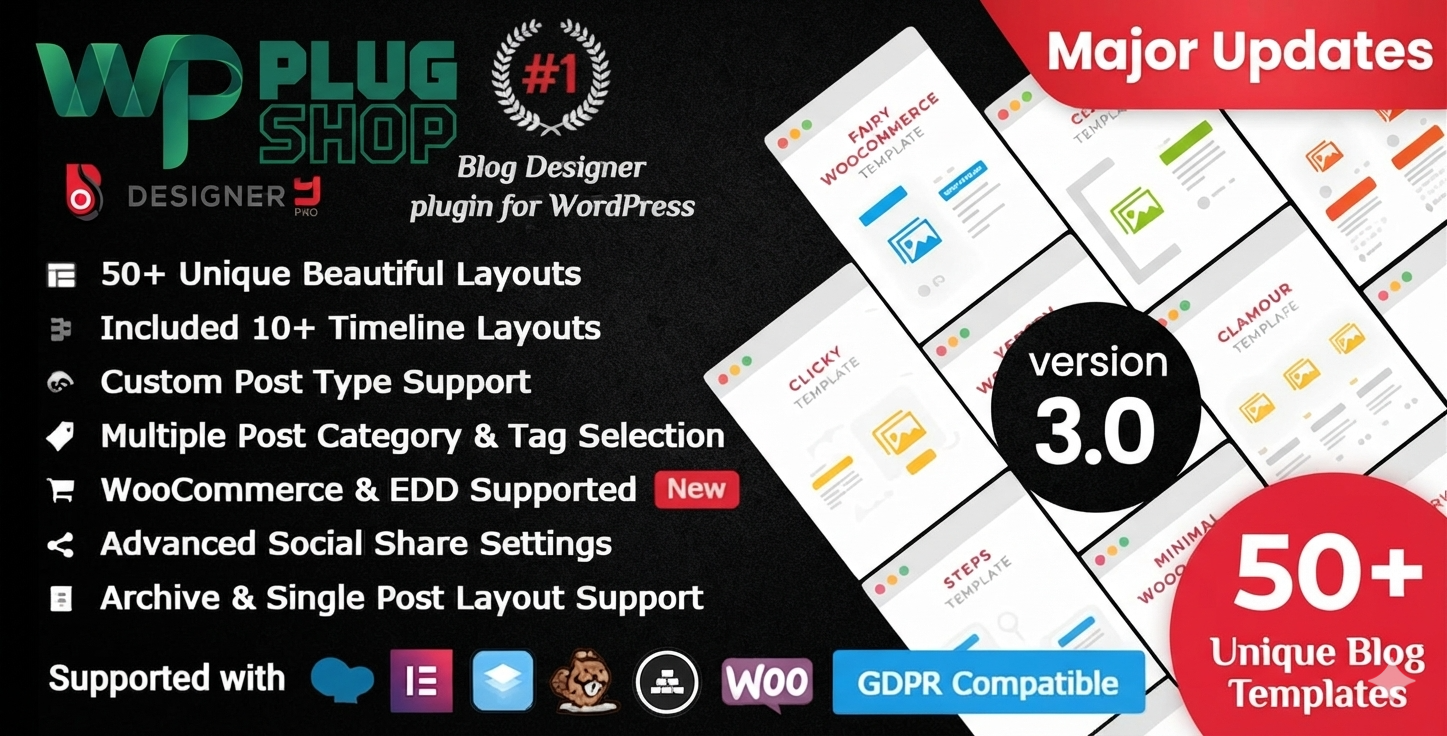
Preview Blog Designer PRO for WordPress – Custom Blog Layout & Design Plugin
View the product artwork, switch gallery images, and open a larger preview before checkout.
Get secure digital access for real WordPress projects
This section summarizes the buying experience and what customers can expect after checkout.
Product overview, benefits, and digital access details
Review the key product details, practical use cases, and digital access information before checkout.
Product Overview
Blog Designer PRO for WordPress is a powerful blog layout and design plugin that helps website owners create more engaging, flexible, and responsive blog experiences without relying entirely on custom theme development.
Instead of being limited to a single default WordPress blog layout, you can create different content presentation styles using grid, masonry, list, slider, timeline, and other layout formats. The plugin is designed to help customize blog pages, archive pages, category pages, tag pages, author archives, search results, and single-post layouts.
Whether you run a personal blog, business website, magazine, news portal, content marketing platform, or another content-focused WordPress website, Blog Designer PRO provides a dedicated workflow for improving how posts and other content are presented.
This makes it a useful choice for anyone searching for a WordPress blog layout plugin, custom blog design plugin, responsive blog layout tool, WordPress blog grid plugin, masonry blog plugin, or archive layout solution.
Why This Product Is Useful
Many WordPress websites rely on the default blog layout provided by their active theme. While a standard layout may be sufficient for basic publishing, content-heavy websites often need more control over how posts are displayed and organized.
Blog Designer PRO for WordPress helps provide a more flexible approach to blog design. Instead of developing every blog layout from scratch, website owners can work with prebuilt layouts and dedicated controls for presenting content in different ways.
You can create layouts for different content areas, including the main blog, categories, tags, author archives, search pages, and single posts. This makes it easier to create a consistent but flexible content experience for readers across different sections of a WordPress website.
For publishers and content marketers, the plugin can also help improve content discovery by presenting posts through visual formats such as grids, masonry layouts, sliders, lists, and timelines.
Key Features
- Prebuilt blog layouts: Start with ready-made layout designs for creating different WordPress blog experiences.
- Grid layouts: Present posts in structured multi-column grid formats.
- Masonry layouts: Create flexible masonry-style content arrangements for visual blog presentation.
- List layouts: Display posts in clean, readable list-based formats.
- Slider layouts: Present selected content through interactive slider-style layouts where supported.
- Timeline layouts: Create chronological content presentation for stories, updates, events, and other timeline-oriented content.
- Responsive layouts: Create blog designs intended to adapt across desktop, tablet, and mobile viewing experiences.
- Custom post type support: Extend layout possibilities to supported custom post type content.
- Archive page layouts: Customize supported archive content presentation.
- Category and tag layouts: Create different content layouts for taxonomy-based blog pages.
- Author archive layouts: Present author-related content through customized layouts.
- Search result layouts: Improve the visual presentation of WordPress search results where supported.
- Single-post design options: Customize supported single-post content presentation.
- Live preview workflow: Preview layout changes during the design process where supported.
- Multiple pagination options: Use available pagination methods such as traditional pagination, load more, or scroll-based content loading where supported.
- Import and export: Reuse layouts through available import and export functionality.
- Layout duplication: Duplicate existing layouts to create variations more efficiently.
- Post ordering controls: Organize content presentation through supported post ordering options.
- Social sharing options: Add supported social sharing functionality to content layouts.
- Google Fonts support: Use supported Google Fonts options for typography customization.
- Post meta controls: Control the display of supported post metadata elements.
- Related post options: Display related content through available configuration options.
- Custom CSS support: Add additional styling through supported custom CSS options.
Main Benefits
- Improve blog presentation: Replace a basic default blog layout with more flexible content presentation options.
- Create multiple design styles: Use different layout formats for different content types and website sections.
- Improve content discovery: Help readers browse posts through grids, lists, masonry layouts, sliders, and timelines.
- Customize archive experiences: Create more flexible layouts for categories, tags, authors, search pages, and other supported archives.
- Support responsive content presentation: Build layouts intended for modern desktop, tablet, and mobile viewing experiences.
- Reduce dependence on custom development: Use dedicated blog layout tools instead of manually developing every blog template from the beginning.
- Reuse successful layouts: Duplicate, import, and export layouts where supported to streamline the design workflow.
- Support content-focused websites: Create more engaging presentation styles for blogs, magazines, news websites, and content hubs.
Best Use Cases
- Personal WordPress blogs
- Business blogs
- Technology websites
- News and magazine websites
- Fashion and lifestyle blogs
- Entrepreneurship websites
- Educational and tutorial websites
- Portfolio websites
- Company news sections
- Content marketing websites
- Product update blogs
- Organization and NGO websites
- Timeline-based storytelling websites
- Websites with multiple content categories
- Content-heavy WordPress websites
Who Should Use This Product?
Blog Designer PRO for WordPress is suitable for website owners and professionals who want more control over the visual presentation of WordPress content.
- Bloggers: Create more engaging layouts for personal and professional blog content.
- Publishers: Organize large volumes of articles through structured and visual layouts.
- Magazine and news websites: Present content through grid, masonry, list, slider, and other formats.
- Business owners: Create a more professional blog and content marketing experience.
- Content marketers: Improve the way articles, guides, and educational content are presented.
- Agencies and freelancers: Build customized blog experiences for suitable client projects.
- WordPress developers: Use specialized blog layout functionality to speed up content design workflows.
- Website administrators: Manage different blog and archive presentation styles across a WordPress website.
WP Plug Shop Access Benefits
WP Plug Shop provides digital access to WordPress plugins, themes, design tools, content solutions, and other digital resources. Blog Designer PRO is suitable for WordPress users looking for a dedicated tool to improve blog and content layout design.
- WordPress-ready resource: Suitable for compatible WordPress blog and content projects.
- Digital access: Access the product through the WP Plug Shop digital marketplace.
- Useful for real projects: Suitable for bloggers, publishers, developers, agencies, freelancers, and businesses.
- Budget-conscious access: Add specialized blog design functionality to your WordPress toolkit.
- Secure checkout: Complete your purchase through the WP Plug Shop digital marketplace.
Product Details
| Product Detail | Information |
|---|---|
| Product Name | Blog Designer PRO for WordPress |
| Product Type | WordPress Blog Layout and Design Plugin |
| Primary Function | Create and customize blog, archive, taxonomy, and supported single-post layouts |
| Platform | WordPress |
| Layout Styles | Grid, masonry, list, slider, timeline, and other supported layouts |
| Archive Support | Supported category, tag, author, date, and search archive layouts |
| Post Support | Supported single-post and custom post type layout workflows |
| Responsive Design | Layout controls for different device viewing experiences |
| Customization | Supported typography, post meta, layout, spacing, and styling options |
| Layout Management | Supported import, export, duplication, and preview workflows |
| Pagination | Supported pagination, load more, and scroll-based loading options |
| Best For | Blogs, magazines, news websites, content hubs, and WordPress publishers |
| WooCommerce Relevance | Indirect; useful for WooCommerce websites with blog and content sections |
| Elementor Relevance | Not the primary functionality of this plugin |
Feature Comparison
| Capability | Blog Designer PRO | Default WordPress Blog Layout |
|---|---|---|
| Layout variety | Offers multiple supported blog presentation formats | Usually depends on the active theme's default layout options |
| Grid and masonry designs | Designed to support dedicated grid and masonry blog layouts | Availability depends on the active theme |
| Timeline presentation | Supports timeline-style content layouts where configured | Usually not available as a standard default layout |
| Archive customization | Provides dedicated options for supported archive layouts | Usually controlled primarily by the theme |
| Single-post layouts | Offers supported single-post design customization | Usually follows the theme's standard single-post template |
| Layout reuse | Supports available duplication and import/export workflows | Often requires manual theme or template changes |
| Custom post types | Supports layout workflows for compatible custom post types | Depends on the theme and additional tools |
Pros and Considerations
| Pros | Considerations |
|---|---|
| Provides specialized tools for WordPress blog layout design | Compatibility should be checked with the active WordPress theme |
| Supports multiple layout styles for different content needs | Exact features may depend on the installed product version |
| Useful for blogs, magazines, publishers, and content-heavy websites | Some advanced layouts may require configuration and design customization |
| Can reduce the need to manually develop every blog layout | Theme and plugin compatibility should be verified before implementation |
| Includes supported layout management and reuse workflows | Users should review available features for their specific WordPress environment |
Final Verdict
Blog Designer PRO for WordPress is a specialized solution for website owners who want more control over how WordPress blog content is displayed. With support for multiple layout styles and dedicated workflows for blogs, archives, taxonomies, author pages, search results, and single posts, it can help create a more flexible content presentation experience.
For anyone searching for a WordPress blog layout plugin, custom blog design plugin, blog grid and masonry plugin, responsive blog layout tool, or WordPress archive design solution, Blog Designer PRO provides a focused set of tools for improving blog and content presentation.
If your website depends on publishing, content marketing, news, magazine-style content, or a large collection of blog posts, this plugin can be a useful addition to your WordPress design toolkit. Check compatibility with your active theme and WordPress environment before implementation.
Frequently Asked Questions
What is Blog Designer PRO for WordPress?
Blog Designer PRO is a WordPress blog layout and design plugin that helps users create customized blog, archive, category, tag, author, search, and single-post layouts using different supported design formats.
How can I customize my WordPress blog layout?
You can use Blog Designer PRO to create and customize different WordPress blog layouts, including grid, masonry, list, slider, and timeline-style designs, depending on the available product features and configuration.
Can I create a grid blog layout in WordPress?
Yes. Blog Designer PRO supports grid-style blog layouts that can help display WordPress posts in structured multi-column designs.
Does Blog Designer PRO support masonry blog layouts?
Yes. The plugin includes support for masonry-style content layouts, helping users create more flexible visual arrangements for blog posts and other supported content.
Can I create custom category and tag archive layouts?
Blog Designer PRO provides supported layout options for category and tag archive pages, allowing website owners to create more customized content presentation experiences.
Can I customize WordPress author archive pages?
Yes. The plugin includes supported author archive layout options that can help present posts associated with specific authors in a more customized design.
Can Blog Designer PRO customize single-post layouts?
Yes. Blog Designer PRO includes supported single-post design options that can help website owners create a more customized presentation for individual WordPress posts.
Is Blog Designer PRO suitable for magazine and news websites?
Yes. Its multiple blog layout formats can be useful for magazine, news, publishing, and content-heavy WordPress websites that need flexible ways to display large amounts of content.
Can I use different blog layouts on one WordPress website?
Yes. The plugin is designed to support multiple layout styles and layout management workflows, allowing suitable websites to create different designs for different content areas.
Does Blog Designer PRO support responsive blog layouts?
Yes. The plugin provides responsive layout options intended to help blog content adapt to different device viewing experiences, including desktop, tablet, and mobile screens.
Quick product answers for buyers and AI search
Clear product answers help buyers, search engines, and AI answer engines understand this product faster.
Best ways to use this WordPress digital product
These use cases help buyers quickly decide if this product fits their workflow.
How digital access works
No physical shipping is required. This is a digital product access purchase designed for account-based downloads.
Secure payment options for digital checkout
WPPlugShop supports trusted checkout options so buyers can complete digital purchases with more confidence.
Frequently asked questions
Buyer-focused answers about digital access, secure payments, downloads, support, and product usage.
Related WordPress tools you may also like
Explore related WordPress tools that may support the same workflow, website type, or project goal.




Choose the right WordPress tool with confidence
Request a product, explore membership access, or contact support if you want help choosing the right WordPress digital product before checkout.