
Meta Box Settings Page Addon for WordPress – Custom Theme & Plugin Settings Builder
Verified from VirusTotal 100% Original Product and Virus Free. Free New Version Lifetime On Single Purchase. Unlimited Website Usage Price is in US dollars and included tax
Buy confidently with secure digital checkout, account-based downloads, and a cleaner WPPlugShop product experience.
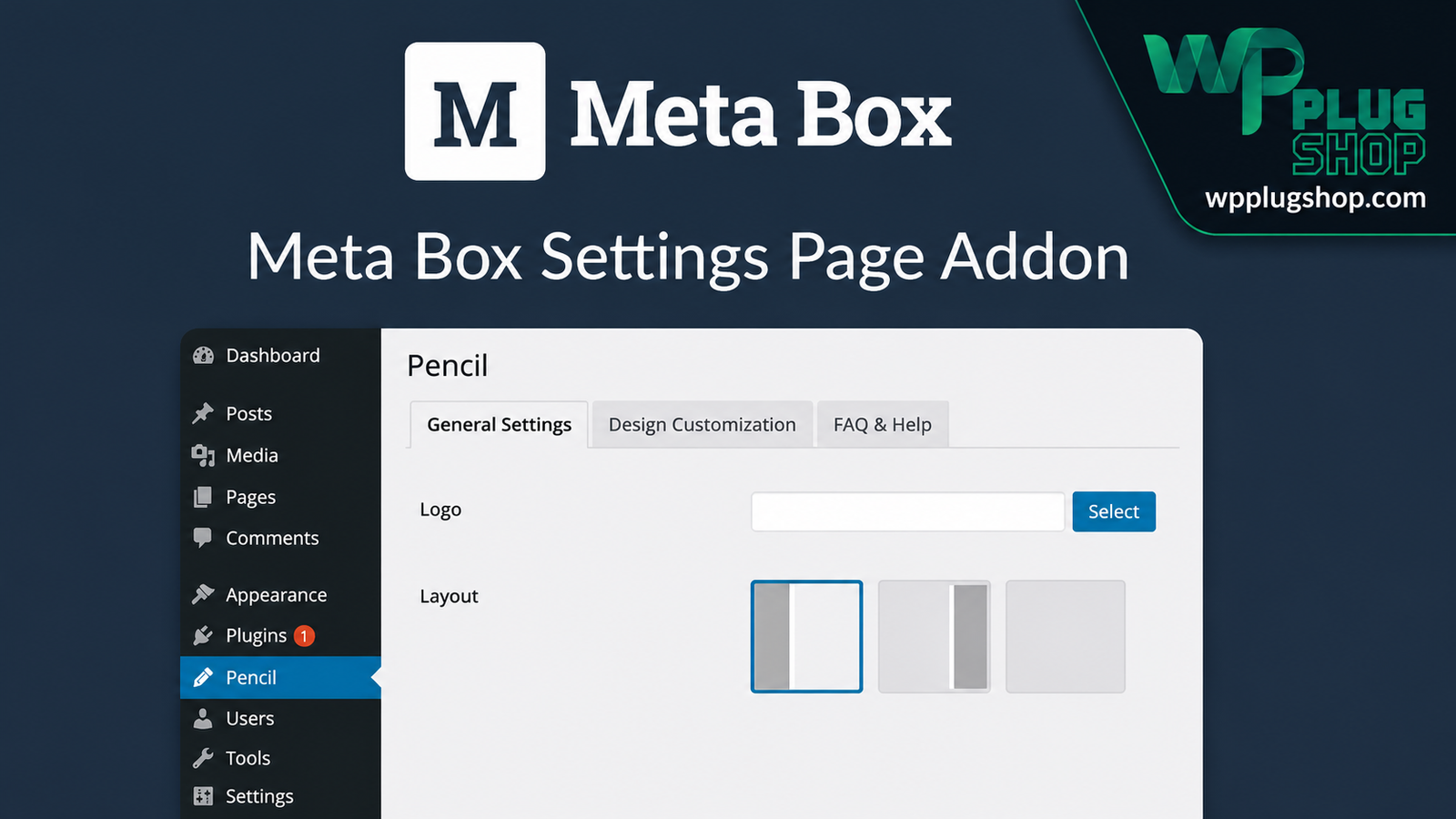
Preview Meta Box Settings Page Addon for WordPress – Custom Theme & Plugin Settings Builder
View the product artwork, switch gallery images, and open a larger preview before checkout.
Get secure digital access for real WordPress projects
This section summarizes the buying experience and what customers can expect after checkout.
Product overview, benefits, and digital access details
Review the key product details, practical use cases, and digital access information before checkout.
Meta Box Settings Page Addon for WordPress – Custom Theme & Plugin Settings Builder
Meta Box Settings Page Addon is a powerful extension for the Meta Box framework that allows you to build professional WordPress settings pages, theme options panels, plugin configuration screens, and custom admin interfaces with ease. Whether you're developing custom themes, plugins, WooCommerce solutions, or client websites, this addon provides a flexible and efficient way to organize settings using the native WordPress admin interface.
Instead of creating settings pages from scratch, you can quickly build fully customized admin pages with support for tabs, meta boxes, top-level menus, submenus, WordPress Customizer integration, multisite compatibility, and the complete Meta Box field ecosystem. This helps reduce development time while delivering a clean and intuitive user experience.
Why Choose Meta Box Settings Page Addon?
Creating custom settings pages manually often requires extensive coding and WordPress Settings API knowledge. The Meta Box Settings Page Addon simplifies the process, allowing developers to create modern configuration panels that are easier to manage, maintain, and extend.
- Create unlimited WordPress settings pages.
- Build professional theme options panels.
- Create plugin configuration pages with ease.
- Organize settings using tabs and meta boxes.
- Improve the WordPress admin experience.
- Reduce development time.
- Maintain a native WordPress interface.
- Perfect for developers, agencies, and freelancers.
Key Features
- Create unlimited settings pages.
- Build WordPress theme options panels.
- Create plugin settings pages.
- Support for top-level admin menus.
- Create submenu pages.
- Tabbed settings interface.
- Meta box layout support.
- Native WordPress admin styling.
- Custom menu icons.
- WordPress Customizer integration.
- Multisite network settings support.
- Flexible option storage.
- Works seamlessly with Meta Box custom fields.
- Developer-friendly architecture.
- Beginner-friendly implementation.
- Highly customizable layouts.
- Supports reusable admin components.
- Optimized for modern WordPress development.
Main Benefits
- Save valuable development time.
- Create cleaner WordPress dashboards.
- Improve client usability.
- Reduce repetitive coding.
- Organize configuration options professionally.
- Build scalable WordPress projects.
- Create reusable admin interfaces.
- Improve productivity for agencies.
- Maintain WordPress coding standards.
- Deliver better user experiences.
Perfect For
- WordPress Developers
- Theme Developers
- Plugin Developers
- WooCommerce Developers
- Agencies
- Freelancers
- Client Projects
- Business Websites
- Membership Websites
- Custom WordPress Applications
Use Cases
- Create theme options panels.
- Build plugin settings pages.
- Create WooCommerce configuration panels.
- Develop client dashboards.
- Manage custom plugin options.
- Create multisite settings.
- Build SaaS administration panels.
- Create reusable WordPress frameworks.
- Develop enterprise WordPress solutions.
- Customize WordPress admin workflows.
WP Plug Shop Benefits
Get premium WordPress resources from WP Plug Shop with confidence.
- GPL-friendly digital access.
- Secure checkout.
- Instant digital download.
- Scanned files for added confidence.
- WordPress-ready resources.
- Affordable pricing for developers and agencies.
- Suitable for professional projects.
Product Details
| Specification | Details |
|---|---|
| Product Name | Meta Box Settings Page Addon |
| Product Type | Premium WordPress Plugin Extension |
| Framework | Meta Box |
| Platform | WordPress |
| Category | Developer Tools |
| Main Purpose | Create custom WordPress settings pages |
| Compatible With | Meta Box Framework |
| Ideal Users | Developers, Agencies, Freelancers |
| Interface | Native WordPress Admin |
| Skill Level | Beginner to Advanced |
Feature Comparison
| Feature | Standard Development | Meta Box Settings Page Addon |
|---|---|---|
| Create Settings Pages | Manual Coding | ✔ Easy |
| Theme Options | Custom Development | ✔ Built-In Support |
| Plugin Options | Manual | ✔ Supported |
| Tabbed Interface | Extra Development | ✔ Included |
| Meta Box Layout | Manual Setup | ✔ Included |
| Customizer Integration | Complex | ✔ Supported |
| Multisite Support | Additional Coding | ✔ Available |
| Native WordPress UI | Requires Custom Work | ✔ Included |
Pros & Considerations
| Pros | Considerations |
|---|---|
| Significantly reduces development time. | Requires the Meta Box framework. |
| Professional WordPress admin interface. | Best suited for Meta Box-based projects. |
| Flexible page organization. | Some advanced customizations may require development knowledge. |
| Supports tabs, menus, and meta boxes. | Compatibility depends on your WordPress environment. |
| Ideal for scalable WordPress projects. | Review plugin compatibility before deployment. |
Why Buy from WP Plug Shop?
Frequently Asked Questions
What is the Meta Box Settings Page Addon?
The Meta Box Settings Page Addon is a premium extension for the Meta Box framework that enables you to create custom WordPress settings pages, theme options panels, plugin configuration pages, and admin interfaces using the native WordPress dashboard.
Do I need the Meta Box plugin to use this addon?
Yes. This addon is designed to work with the Meta Box framework and requires the Meta Box plugin to be installed and activated before it can be used.
Can I create unlimited WordPress settings pages?
Yes. The addon allows you to create multiple settings pages for themes, plugins, WooCommerce projects, and custom WordPress applications without manually building each page from scratch.
Does the addon support tabs and meta boxes?
Yes. You can organize settings using tabs, sections, and Meta Box fields, making complex configuration pages easier to manage and more user-friendly.
Can I create theme options panels with this addon?
Absolutely. The Meta Box Settings Page Addon is ideal for building professional theme options panels that integrate seamlessly into the WordPress admin dashboard.
Can I build plugin settings pages?
Yes. Developers can create custom settings pages for WordPress plugins, allowing users to manage plugin options through a clean and intuitive interface.
Is the Meta Box Settings Page Addon compatible with WordPress Multisite?
Yes. The addon supports WordPress Multisite, making it suitable for network-wide settings and enterprise WordPress installations.
Does it work with WooCommerce projects?
Yes. Developers can use the addon to build custom WooCommerce settings pages, store configuration panels, and other administrative interfaces for WooCommerce-powered websites.
Who should use the Meta Box Settings Page Addon?
This addon is ideal for WordPress developers, theme authors, plugin developers, freelancers, agencies, WooCommerce developers, and businesses that need professional, customizable admin settings pages.
Why download the Meta Box Settings Page Addon from WP Plug Shop?
WP Plug Shop offers GPL-friendly digital access to premium WordPress resources, secure checkout, scanned files, instant digital delivery, and a curated collection of tools for developers, agencies, and website owners. Availability through WP Plug Shop does not imply official developer support or ownership of third-party software.
- Premium GPL-friendly WordPress resources.
- Fast and secure digital delivery.
- Reliable downloads for developers and agencies.
- Professional marketplace focused on WordPress solutions.
- Excellent value for freelancers, businesses, and website owners.
Final Verdict
Meta Box Settings Page Addon is an essential extension for WordPress developers who want to create professional settings pages without unnecessary complexity. Its seamless integration with the Meta Box ecosystem, support for unlimited settings pages, native WordPress interface, tabs, meta boxes, and multisite compatibility make it an excellent solution for building modern WordPress themes, plugins, WooCommerce extensions, and custom client projects.
If you're looking for a faster, cleaner, and more scalable way to manage WordPress configuration pages, the Meta Box Settings Page Addon is a valuable addition to your development toolkit.
Quick product answers for buyers and AI search
Clear product answers help buyers, search engines, and AI answer engines understand this product faster.
Best ways to use this WordPress digital product
These use cases help buyers quickly decide if this product fits their workflow.
How digital access works
No physical shipping is required. This is a digital product access purchase designed for account-based downloads.
Secure payment options for digital checkout
WPPlugShop supports trusted checkout options so buyers can complete digital purchases with more confidence.
Frequently asked questions
Buyer-focused answers about digital access, secure payments, downloads, support, and product usage.
Related WordPress tools you may also like
Explore related WordPress tools that may support the same workflow, website type, or project goal.




Choose the right WordPress tool with confidence
Request a product, explore membership access, or contact support if you want help choosing the right WordPress digital product before checkout.