
GravityView GravityExport – Advanced Gravity Forms Export & Reporting Plugin for WordPress
Verified from VirusTotal 100% Original Product and Virus Free. Free New Version Lifetime On Single Purchase. Unlimited Website Usage Price is in US dollars and included tax
Buy confidently with secure digital checkout, account-based downloads, and a cleaner WPPlugShop product experience.
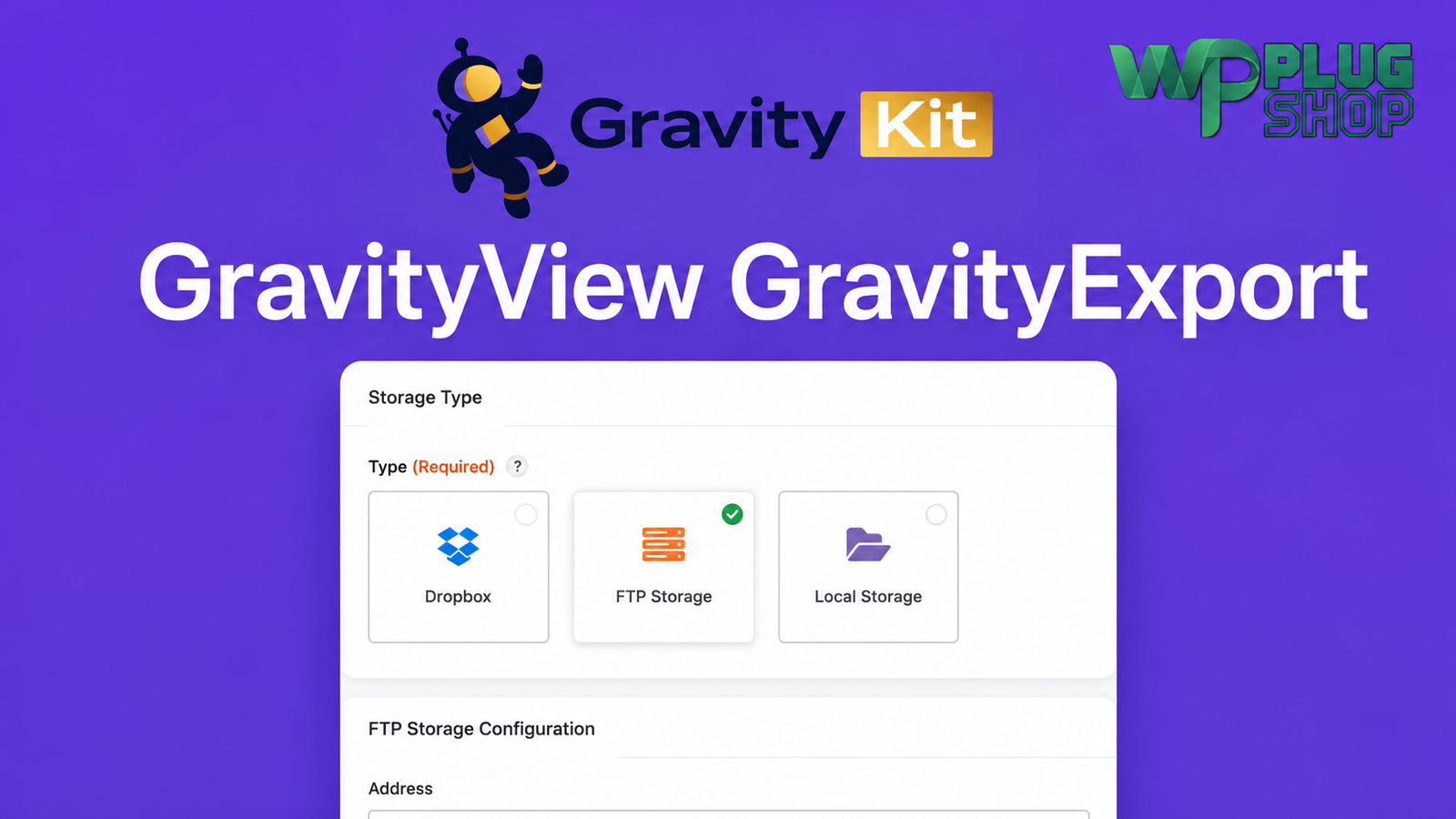
Preview GravityView GravityExport – Advanced Gravity Forms Export & Reporting Plugin for WordPress
View the product artwork, switch gallery images, and open a larger preview before checkout.
Get secure digital access for real WordPress projects
This section summarizes the buying experience and what customers can expect after checkout.
Product overview, benefits, and digital access details
Review the key product details, practical use cases, and digital access information before checkout.
GravityView GravityExport is an advanced export and reporting add-on for Gravity Forms that helps you transform form entries into professional reports with ease. Whether you need Excel spreadsheets, CSV files, or PDF documents, this powerful solution streamlines the entire export process while giving you greater control over your data.
Designed for businesses, agencies, developers, educators, membership websites, and organizations that rely on Gravity Forms, GravityView GravityExport simplifies reporting through customizable exports, automated workflows, secure sharing options, and flexible storage destinations. Instead of manually compiling reports, you can generate polished documents in just a few clicks.
If your website collects customer inquiries, registrations, surveys, applications, bookings, or custom submissions, GravityView GravityExport makes managing and distributing your data significantly easier.
Why This Product Is Useful
Gravity Forms provides powerful form-building capabilities, but many websites require advanced reporting beyond standard CSV exports. GravityView GravityExport extends these capabilities by allowing you to generate professional reports that are easier to share, analyze, archive, and automate.
Whether you're sending weekly sales reports, exporting survey responses, sharing event registrations, or preparing client data, this plugin reduces manual work while improving workflow efficiency.
- Export entries in multiple professional formats.
- Create organized reports for clients and teams.
- Reduce repetitive manual exports.
- Automate recurring reporting tasks.
- Securely distribute exported files.
- Improve productivity across WordPress projects.
Key Features
- Export Gravity Forms entries to Excel (XLSX).
- Generate CSV exports for data analysis.
- Create professional PDF reports.
- Export filtered form entries.
- Schedule automatic exports.
- Create reusable export templates.
- Generate secure download links.
- Support Dropbox integration.
- Support FTP/SFTP storage.
- Local storage export options.
- Flexible report customization.
- Works seamlessly with Gravity Forms.
- Designed for GravityView workflows.
- Simple export management interface.
- Ideal for recurring business reporting.
Main Benefits
- Save valuable administrative time.
- Eliminate repetitive manual exports.
- Create professional reports instantly.
- Improve data organization.
- Share reports securely with clients or teams.
- Automate reporting workflows.
- Enhance productivity for agencies and businesses.
- Simplify client reporting.
- Support better business decision-making through organized data.
- Scale reporting for growing WordPress websites.
Best Use Cases
- Lead generation reports.
- Customer inquiry management.
- Membership applications.
- Job application exports.
- Event registration reporting.
- Survey result analysis.
- Educational enrollment records.
- Client reporting dashboards.
- Business analytics.
- WooCommerce quote request forms.
- Wholesale order request management.
- Internal company reporting.
Who Should Use This Product?
- WordPress developers
- Freelancers
- Digital agencies
- WooCommerce store owners
- Business websites
- Educational institutions
- Marketing teams
- Human resource departments
- Membership communities
- Event organizers
- Non-profit organizations
- Website administrators using Gravity Forms
WP Plug Shop Access Benefits
When you choose this product through WP Plug Shop, you gain access to a professionally managed digital download designed for WordPress professionals and businesses.
- GPL-friendly digital access.
- Instant digital download.
- Secure checkout experience.
- Scanned digital files.
- Budget-conscious solution for WordPress users.
- Suitable for agencies managing multiple projects.
Product Details
| Feature | Details |
|---|---|
| Product Name | GravityView GravityExport |
| Category | WordPress Plugin |
| Plugin Type | Gravity Forms Export & Reporting Add-On |
| Compatible With | Gravity Forms |
| Export Formats | Excel (XLSX), CSV, PDF |
| Automation | Scheduled & recurring exports |
| Storage Options | Dropbox, FTP/SFTP, Local Storage |
| Filtering | Advanced entry filtering |
| Templates | Reusable export templates |
| Ideal For | Reporting, analytics, client data, surveys, registrations, business workflows |
Feature Comparison
| Capability | Native Gravity Forms | GravityView GravityExport |
|---|---|---|
| Excel Export | Limited | ✔ |
| CSV Export | Basic | ✔ Advanced |
| PDF Export | ✖ | ✔ |
| Scheduled Exports | ✖ | ✔ |
| Secure Download Links | ✖ | ✔ |
| Dropbox Integration | ✖ | ✔ |
| FTP/SFTP Export | ✖ | ✔ |
| Reusable Templates | ✖ | ✔ |
| Advanced Reporting | Limited | ✔ |
Pros and Considerations
Frequently Asked QuestionsWhat is GravityView GravityExport?GravityView GravityExport is a premium Gravity Forms reporting and export add-on that helps you generate professional reports from your form entries. It supports exporting data in Excel (XLSX), CSV, and PDF formats, making it easier to organize, analyze, and share information collected through Gravity Forms.Can I export Gravity Forms entries to Excel, CSV, and PDF?Yes. GravityView GravityExport allows you to export Gravity Forms entries into multiple popular formats, including Excel (XLSX), CSV, and PDF. This flexibility makes it suitable for reporting, business analysis, client communication, and record keeping.Does GravityView GravityExport support automated exports?Yes. The plugin supports scheduled and automated export workflows, allowing you to generate reports at predefined intervals. This helps reduce repetitive manual work and improves productivity for businesses that regularly process form data.Can I filter entries before exporting them?Yes. You can export specific Gravity Forms entries by applying filters based on your reporting requirements. This allows you to generate targeted reports instead of exporting your entire database.Can exported reports be stored automatically?GravityView GravityExport supports multiple storage destinations, including local storage, FTP/SFTP servers, and cloud storage services such as Dropbox. This makes it easier to automate report delivery and centralize your exported data.Who should use GravityView GravityExport?This plugin is ideal for WordPress developers, freelancers, digital agencies, WooCommerce store owners, educational institutions, event organizers, membership websites, nonprofit organizations, HR departments, and businesses that rely on Gravity Forms to collect and manage data.Is GravityView GravityExport compatible with WooCommerce?While it is primarily designed for Gravity Forms, it works well on WooCommerce websites that use Gravity Forms for product inquiries, quote requests, registration forms, custom product options, wholesale applications, bookings, and customer information collection.What types of reports can I create with GravityView GravityExport?You can generate a wide range of reports, including customer submissions, lead reports, survey responses, event registrations, membership applications, employee forms, booking requests, client reports, business analytics, and other Gravity Forms data exports.Why should I choose GravityView GravityExport for WordPress reporting?GravityView GravityExport offers advanced reporting capabilities beyond the default Gravity Forms export options. Features such as Excel and PDF exports, scheduled reporting, reusable templates, secure sharing, advanced filtering, and flexible storage destinations make it a powerful reporting solution for WordPress websites.What are the benefits of downloading GravityView GravityExport from WP Plug Shop?WP Plug Shop provides GPL-friendly digital access, instant downloads, secure checkout, and scanned digital files for WordPress professionals. This offers a convenient and budget-conscious way to access premium WordPress tools for your projects while following safe marketplace practices.
| Pros | Considerations |
|---|---|
| Professional Excel, CSV, and PDF exports | Requires Gravity Forms |
| Automated reporting workflows | Best suited for websites handling form data |
| Multiple storage destinations | Some integrations may require additional configuration |
| Secure report sharing | Advanced workflows may require planning |
| Flexible filtering and templates | Features depend on your Gravity Forms setup |
Final Verdict
GravityView GravityExport is an excellent solution for WordPress websites that need more than basic form exports. With support for Excel, CSV, PDF reporting, scheduled exports, secure sharing, advanced filtering, and multiple storage destinations, it helps streamline reporting while reducing manual work.
Whether you manage customer inquiries, event registrations, surveys, business records, or membership applications, this plugin provides a reliable and efficient way to organize, export, and distribute your Gravity Forms data. For agencies, businesses, and developers looking to improve reporting workflows, GravityView GravityExport is a valuable addition to any professional WordPress toolkit.
Quick product answers for buyers and AI search
Clear product answers help buyers, search engines, and AI answer engines understand this product faster.
Best ways to use this WordPress digital product
These use cases help buyers quickly decide if this product fits their workflow.
How digital access works
No physical shipping is required. This is a digital product access purchase designed for account-based downloads.
Secure payment options for digital checkout
WPPlugShop supports trusted checkout options so buyers can complete digital purchases with more confidence.
Frequently asked questions
Buyer-focused answers about digital access, secure payments, downloads, support, and product usage.
Related WordPress tools you may also like
Explore related WordPress tools that may support the same workflow, website type, or project goal.




Choose the right WordPress tool with confidence
Request a product, explore membership access, or contact support if you want help choosing the right WordPress digital product before checkout.