
Report Builder for wpDataTables – DOCX & XLSX Generator
Verified from VirusTotal 100% Original Product and Virus Free. Free New Version Lifetime On Single Purchase. Unlimited Website Usage Price is in US dollars and included tax
Buy confidently with secure digital checkout, account-based downloads, and a cleaner WPPlugShop product experience.
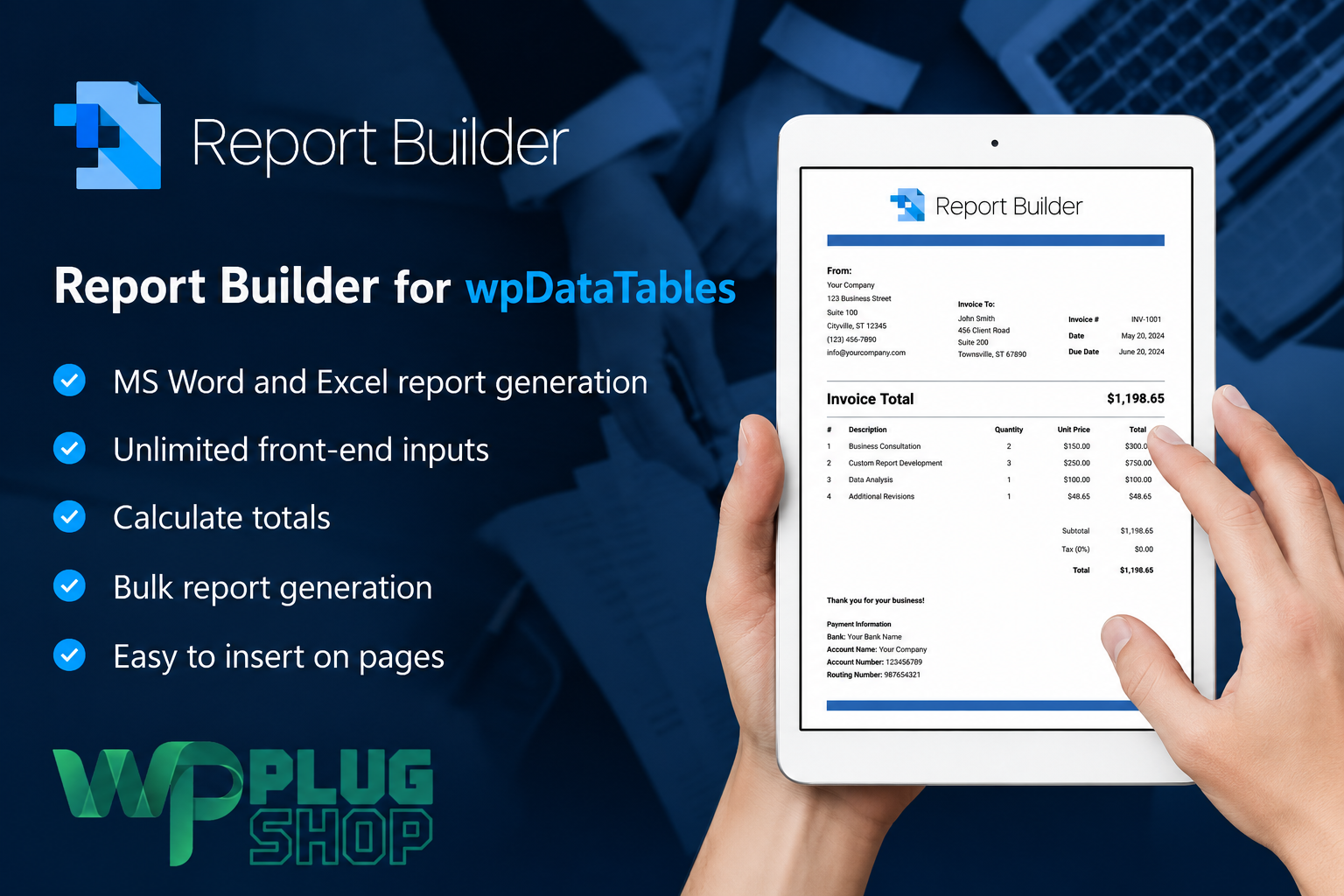
Preview Report Builder for wpDataTables – DOCX & XLSX Generator
View the product artwork, switch gallery images, and open a larger preview before checkout.
Get secure digital access for real WordPress projects
This section summarizes the buying experience and what customers can expect after checkout.
Product overview, benefits, and digital access details
Review the key product details, practical use cases, and digital access information before checkout.
Product Overview
Report Builder for wpDataTables – DOCX & XLSX Generator 2.2 is a WordPress reporting add-on designed to transform wpDataTables data into customized Microsoft Word DOCX and Excel XLSX documents. It helps businesses, agencies, educational institutions and data-driven website owners generate professional reports without manually copying information from WordPress tables into separate document files.
The plugin uses reusable Word and Excel templates containing placeholders. During report generation, those placeholders are replaced with current values from the connected wpDataTable. This workflow can be used to create invoices, financial summaries, employee reports, certificates, registration documents, survey reports, project summaries, transaction records and other data-driven documents.
Report Builder supports both complete-table reports and personalized files generated from individual rows. It can also create multiple documents in bulk and package them into a downloadable ZIP archive, making it useful for workflows involving payslips, student reports, customer statements, certificates or individualized business records.
Important requirement: This product is an add-on for wpDataTables and requires the premium version of wpDataTables to use its integrated reporting features. The core wpDataTables Premium plugin is not automatically included unless specifically stated in the WP Plug Shop product package.
Why This Product Is Useful
Standard table export tools usually produce basic files with limited control over branding, layout and document structure. Report Builder offers a more flexible approach by allowing users to prepare reusable DOCX or XLSX templates with their own headings, logos, formatted paragraphs, tables and dynamic data fields.
Once a template and data source have been configured, users can generate updated documents without repeatedly rebuilding the same report. This can reduce manual administrative work and help maintain a more consistent document format across departments, clients, projects and reporting periods.
- Reduces repetitive document work: Generate recurring reports from reusable templates instead of manually entering the same information into Word or Excel.
- Uses current WordPress data: Pull values directly from a connected wpDataTable during document generation.
- Supports branded documents: Include logos, headers, formatted text, structured tables and other static template elements.
- Creates personalized files: Generate separate reports for individual database rows, customers, employees, students or records.
- Supports bulk workflows: Produce multiple documents together and distribute them through a ZIP package.
- Improves report consistency: Use one approved template structure across repeated reporting tasks.
- Supports front-end reporting: Allow authorized website users to generate documents through configured front-end controls.
Key Features
Generate Word DOCX Reports
Create editable Microsoft Word DOCX documents using templates prepared with the required placeholders. This is useful for reports that need structured paragraphs, formatted headings, branded letterheads, tables, signatures or additional editing after generation.
Create Excel XLSX Documents
Generate Excel XLSX files for calculations, financial records, transaction lists, attendance data, project tracking, inventory information and other spreadsheet-based reporting requirements.
Direct wpDataTables Integration
Report Builder can pull data from tables created and managed through wpDataTables. This allows WordPress administrators to connect existing table data with reusable reporting templates instead of manually transferring values into external documents.
Placeholder-Based Templates
Build document templates using placeholders that represent table fields and report variables. During generation, each placeholder is automatically replaced with the corresponding value from the selected wpDataTables data source.
Default Values and Front-End Inputs
Report variables can use predefined values or accept information entered through front-end input fields. This allows users to add report-specific data, such as a custom title, reporting period, customer reference, introductory note or document date, before generating the final file.
Static and Dynamic Document Content
Combine static content such as company logos, headings, instructions and legal text with dynamic values taken from WordPress tables. This provides greater layout flexibility than a standard unformatted table export.
Complete Table Reports
Create one consolidated document containing data from an entire wpDataTable. This approach is suitable for sales summaries, financial overviews, registration lists, survey results, inventory records and project status reports.
Individual Row Reports
Generate a separate Word or Excel document for each selected table row. Individual report generation is useful for invoices, payslips, certificates, customer profiles, employee summaries, application records and student performance reports.
Bulk Report Generation
Create multiple personalized reports in one operation instead of processing every database record separately. Generated files can be grouped into a ZIP archive for easier downloading and distribution.
Filtered Report Output
Report generation can follow the active wpDataTables view, including configured filtering, search terms, sorting and pagination behavior. This helps users create reports based on a selected segment of data rather than exporting every available record.
Front-End Document Generation
Place report-generation controls on a WordPress page so authorized visitors, employees, clients or members can generate documents through the website interface. The available controls and permissions depend on the configured report and table settings.
Back-End Reporting Workflow
Administrators can also generate reports from the WordPress back end, making the add-on suitable for internal reporting, scheduled administrative tasks and controlled document production.
Role-Based Report Access
Control which WordPress user roles can access configured reports. This can help protect internal documents and limit report generation to relevant employees, clients, members or administrative users.
Custom Report Layouts
Create different templates for different reporting requirements. A single website can use separate layouts for invoices, employee summaries, course registrations, financial reports, application records and client documents.
Reusable Business Templates
Once a report template has been prepared, it can be reused whenever updated documents are needed. This supports recurring weekly, monthly, quarterly or project-based reporting workflows.
Shortcode and Page Integration
Configured Report Builder controls can be inserted into suitable WordPress content areas, allowing report forms and document-generation buttons to be placed on relevant pages according to the selected setup.
Main Benefits
- Save administrative time: Reduce manual copying between WordPress, Microsoft Word and Excel.
- Automate recurring reports: Reuse templates whenever current documents are required.
- Create polished output: Maintain branded formatting instead of relying on basic table exports.
- Generate personalized documents: Produce individual files for each customer, employee, student or database record.
- Process multiple records: Use bulk generation for high-volume document workflows.
- Improve data accuracy: Pull report values directly from the configured wpDataTables source.
- Offer front-end self-service: Allow permitted users to generate their own reports where appropriate.
- Control report access: Limit document-generation features according to WordPress user roles.
- Support multiple departments: Create separate templates for finance, human resources, education, operations and client reporting.
- Maintain editable formats: Generate DOCX and XLSX files that can be reviewed or edited with compatible office software.
Best Use Cases
Invoices and Financial Reports
Generate branded invoices, account summaries, sales overviews, payment records, expense reports and other financial documents from data stored in wpDataTables.
Employee and Human Resources Documents
Create individual employee profiles, payslips, attendance summaries, performance evaluations and departmental reports from structured WordPress data.
Student Reports and Certificates
Educational institutions can generate student result sheets, examination records, course summaries, attendance documents and personalized certificates.
Client and Customer Reports
Agencies, consultants and service providers can prepare account summaries, project reports, customer statements, performance documents and personalized client deliverables.
Registration and Application Summaries
Turn registration data, application records, event submissions or course enrolment information into structured Word or Excel documents.
Survey and Research Reports
Generate reports from survey responses, research data, feedback records and other structured information displayed through wpDataTables.
Project and Task Reporting
Create project summaries, task trackers, completion reports, resource records and progress documents using current project data stored in WordPress.
Transaction and Inventory Lists
Prepare transaction histories, stock records, product catalogues, inventory reports and operational spreadsheets from connected data sources.
Contracts and Business Documents
Use placeholders and front-end inputs to populate reusable contract templates, commercial offers, welcome letters, statements and other structured documents. Legal documents should always be reviewed by a qualified professional before use.
Internal Business Dashboards
Add report-generation controls to protected dashboard pages so team members can produce approved reports from the data relevant to their role.
Who Should Use This Product?
- Businesses generating recurring Word or Excel reports from WordPress data.
- wpDataTables Premium users who need more control than standard table exports provide.
- Agencies creating customized reports for clients.
- Finance teams preparing invoices, statements and transaction summaries.
- Human resources departments generating employee documents.
- Schools, academies and training providers producing student records or certificates.
- Membership websites offering personalized downloadable documents.
- Administrators managing registrations, surveys, applications or project records.
- Developers building custom WordPress reporting systems.
- Organizations that need role-based front-end report access.
WP Plug Shop Access Benefits
WP Plug Shop provides budget-conscious digital access to WordPress-ready resources for developers, freelancers, agencies, website owners and business projects. Eligible files can be accessed through the customer account after successful checkout according to the information displayed on the product page.
- Instant digital access: Access the available downloadable package through your WP Plug Shop account after order processing.
- Account-based downloads: Keep eligible digital products organized in one customer dashboard.
- Secure checkout: Complete your order through the payment options available on WP Plug Shop.
- GPL-friendly access: Obtain budget-conscious access to a WordPress-ready reporting resource according to the stated product terms.
- Useful for real projects: Test and use the available files for suitable WordPress development, business and client projects.
- Product request assistance: Contact WP Plug Shop when you need help locating an available WordPress product or version.
Independent marketplace notice: WP Plug Shop is an independent digital marketplace and is not the original developer of Report Builder or wpDataTables. Official developer support, original marketplace purchase codes, hosted services, vendor account access and third-party access detailss are not included unless specifically confirmed on the WP Plug Shop product page.
Product Details
| Product Detail | Information |
|---|---|
| Product Name | Report Builder for wpDataTables – DOCX & XLSX Generator |
| Listing Version | 2.2 |
| Product Type | Premium WordPress Reporting Add-on |
| Category | Reporting, Data Management and Document Automation |
| Platform | WordPress |
| Required Integration | wpDataTables Premium |
| Minimum WordPress Requirement | WordPress 5.0 or newer according to the publisher information for version 2.2 |
| Document Formats | Microsoft Word DOCX and Microsoft Excel XLSX |
| Template Method | Reusable DOCX or XLSX templates with placeholders and dynamic variables |
| Data Source | Tables and structured data configured through wpDataTables |
| Report Types | Complete-table reports and individual row-based reports |
| Bulk Generation | Supported, including grouped download workflows |
| Front-End Inputs | Supported for configurable report variables |
| Filtered Reports | Can follow relevant wpDataTables filters, searches, sorting and visible table data |
| User Access Control | Role-based report access options |
| Suitable Outputs | Invoices, reports, certificates, statements, registrations, contracts, summaries and spreadsheets |
| Delivery Method | Digital download through the WP Plug Shop customer account, subject to the product page terms |
| Installation Recommendation | Create a complete backup and test the add-on with wpDataTables Premium in a staging environment |
| Compatibility Notice | Confirm compatibility with the installed WordPress, wpDataTables, PHP and server environment before production use |
Feature Comparison
| Reporting Requirement | Basic Table Export | Report Builder for wpDataTables |
|---|---|---|
| Word DOCX Generation | Usually unavailable | Generates customized DOCX documents from table data |
| Excel XLSX Generation | May produce a basic spreadsheet export | Uses reusable XLSX templates with dynamic values |
| Custom Branding | Limited control over logos, headings and document structure | Supports branded templates with static and dynamic content |
| Template Reusability | A new layout may need to be prepared manually | One configured template can be used for repeated reports |
| Individual Reports | Usually exports all data into one file | Can create separate documents for individual rows |
| Bulk Document Generation | Files may need to be created individually | Supports multiple report generation and grouped downloads |
| Front-End Variables | Not normally available | Allows configured values to be entered before report generation |
| Filtered Output | May ignore the exact user-selected table view | Can respect relevant filters, search, sorting and visible data |
| Role-Based Access | Usually depends on separate custom development | Provides report access controls for WordPress user roles |
| Personalized Documents | Requires manual editing or custom automation | Populates templates with individual table-row values |
| Report Placement | Export controls are typically limited to the table interface | Report-generation controls can be added to suitable WordPress pages |
| Business Workflow | Designed mainly for simple data export | Designed for invoices, certificates, reports, statements and reusable documents |
Pros and Considerations
| Pros | Considerations |
|---|---|
| Generates editable Word DOCX and Excel XLSX documents | Requires wpDataTables Premium for the integrated reporting workflow |
| Uses reusable templates with dynamic placeholders | Templates must be prepared and mapped correctly before generation |
| Supports company logos, headers and formatted static content | Complex layouts may require careful testing in Microsoft Office or compatible software |
| Creates individual or complete-table reports | The quality of the output depends on the structure and accuracy of the source data |
| Bulk generation can reduce repetitive administrative work | Large bulk jobs may depend on server memory, processing limits and hosting performance |
| Front-end inputs provide additional document customization | Input forms and permissions must be configured appropriately |
| Filtered reports can reflect a selected data view | Filters, sorting and pagination should be tested with the chosen table configuration |
| Role-based access supports internal and client-facing dashboards | Sensitive reports still require proper WordPress security and user-management practices |
| Suitable for finance, education, HR and project-reporting workflows | Specialized legal, tax or accounting documents should be reviewed by qualified professionals |
| Can reduce manual copying between WordPress and office software | It does not replace proper database management or data-validation procedures |
| Budget-conscious access is available through WP Plug Shop | Official support and original vendor license services are not included unless stated |
Final Verdict
Report Builder for wpDataTables – DOCX & XLSX Generator 2.2 is a practical document-automation solution for WordPress websites that need more than a basic table export. It connects reusable Word and Excel templates with wpDataTables data to produce structured, branded and editable documents.
The add-on is especially valuable for organizations that repeatedly create invoices, employee summaries, student reports, registration documents, client statements, certificates or financial spreadsheets. Its support for individual row reports, complete-table documents, front-end variables, filtered output and bulk generation makes it suitable for both small administrative tasks and higher-volume reporting workflows.
Users should remember that this product requires wpDataTables Premium and that successful report generation depends on properly prepared templates, accurate table data and a compatible WordPress server environment. Complex templates and bulk processing should be tested in a staging installation before the reporting system is made available to live users.
For businesses, agencies and institutions seeking a WordPress DOCX and XLSX report generator with reusable templates and dynamic wpDataTables integration, Report Builder provides a flexible foundation for creating professional data-driven documents.
Frequently Asked Questions
What is Report Builder for WordPress?
Report Builder is a WordPress document-generation plugin designed to create personalized Microsoft Word DOCX and Excel XLSX reports from website data. It can populate prepared document templates with real-time information, helping businesses automate repetitive reporting, document creation, and data-export workflows.
Can Report Builder generate both Word DOCX and Excel XLSX files?
Yes. Report Builder functions as both a Word DOCX generator for WordPress and an Excel XLSX report generator. You can prepare a reusable Word or Excel template, connect the required data or front-end fields, and generate downloadable documents directly through WordPress.
Does Report Builder require wpDataTables?
Report Builder offers close integration with wpDataTables and can use a wpDataTable as the data source for dynamic reports. Depending on the report configuration, it can also generate documents using front-end user inputs without selecting a wpDataTable. wpDataTables integration is particularly useful for filtered tables, database-driven reports, transaction lists, and row-based document generation.
Can it generate reports using real-time WordPress data?
Yes. The plugin can pull current information from the selected data source when a document is requested. This makes it suitable for creating real-time WordPress reports, updated transaction summaries, personalized statements, sales reports, employee records, academic reports, and other documents that should reflect the latest available data.
Can I use my own branded DOCX or XLSX templates?
Yes. You can prepare custom Microsoft Word or Excel templates containing your preferred logo, business details, headings, tables, fonts, colors, and document layout. Report Builder replaces configured template variables with the relevant data while helping you maintain a consistent professional document format.
Does Report Builder support bulk document generation?
Yes. Report Builder can generate multiple DOCX or XLSX documents in a single workflow. When configured for row-based generation, it can create a separate document for each relevant wpDataTable row and package the generated files inside a downloadable ZIP archive. This is useful for producing employee statements, customer letters, invoices, certificates, student reports, and other personalized documents in bulk.
Can website visitors enter information before generating a document?
Yes. Report Builder supports front-end input variables that allow users to provide information such as a customer name, notes, reference number, date, or other custom values. These inputs can then be inserted into the generated Word or Excel document, making the plugin useful for personalized forms, quotations, agreements, applications, and self-service report downloads.
What types of documents can be created with this WordPress report generator?
The plugin can be used for invoices, contracts, commercial offers, transaction lists, financial summaries, sales reports, employee statements, student performance reports, welcome letters, task trackers, catalogs, statistical reports, and other template-based documents. The final use depends on your data source, template structure, variables, and WordPress workflow.
Do I need advanced coding skills to use Report Builder?
Advanced coding is generally not required for standard report-generation workflows. Reports are created through a step-by-step wizard where you select a data source, configure variables, upload a DOCX or XLSX template, preview the output, and save the report. However, basic knowledge of WordPress, document templates, placeholders, and data organization can help you configure more advanced reports correctly.
Does WP Plug Shop provide the official developer license or official support?
WP Plug Shop provides budget-conscious digital access to the WordPress-ready product files described on the product page. WP Plug Shop is an independent marketplace and is not the original developer of Report Builder. Unless specifically stated otherwise, premium digital access activation, developer account access, and direct support from the original product author are not included. Review the product details and compatibility requirements before using it on a live website.
Quick product answers for buyers and AI search
Clear product answers help buyers, search engines, and AI answer engines understand this product faster.
Best ways to use this WordPress digital product
These use cases help buyers quickly decide if this product fits their workflow.
How digital access works
No physical shipping is required. This is a digital product access purchase designed for account-based downloads.
Secure payment options for digital checkout
WPPlugShop supports trusted checkout options so buyers can complete digital purchases with more confidence.
Frequently asked questions
Buyer-focused answers about digital access, secure payments, downloads, support, and product usage.
Related WordPress tools you may also like
Explore related WordPress tools that may support the same workflow, website type, or project goal.




Choose the right WordPress tool with confidence
Request a product, explore membership access, or contact support if you want help choosing the right WordPress digital product before checkout.