
WooCommerce Order Tags Extension – Smart Order Management Plugin
Verified from VirusTotal 100% Original Product and Virus Free. Free New Version Lifetime On Single Purchase. Unlimited Website Usage Price is in US dollars and included tax
Buy confidently with secure digital checkout, account-based downloads, and a cleaner WPPlugShop product experience.
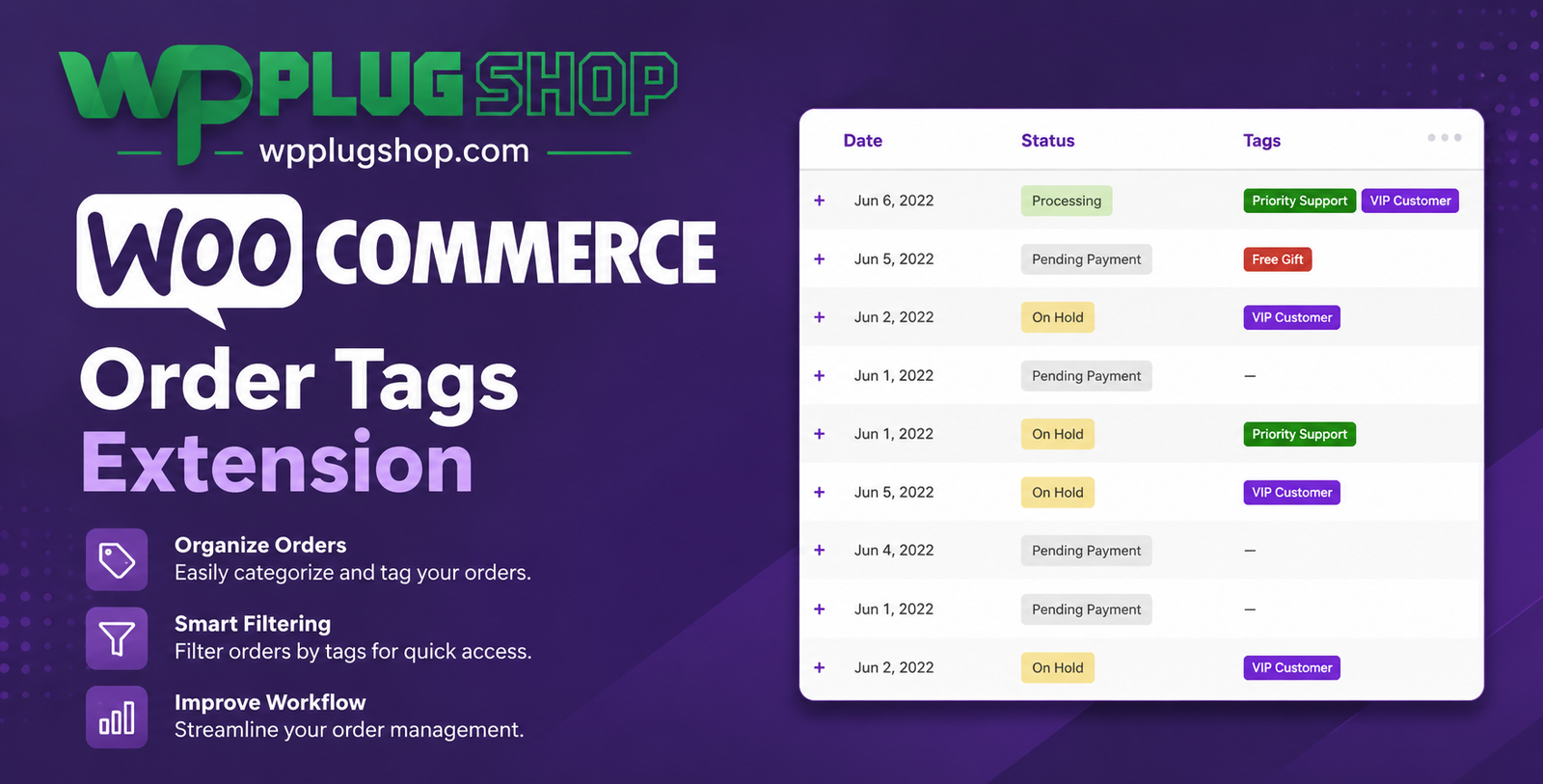
Preview WooCommerce Order Tags Extension – Smart Order Management Plugin
View the product artwork, switch gallery images, and open a larger preview before checkout.
Get secure digital access for real WordPress projects
This section summarizes the buying experience and what customers can expect after checkout.
Product overview, benefits, and digital access details
Review the key product details, practical use cases, and digital access information before checkout.
Frequently Asked Questions
1. What is the WooCommerce Order Tags Extension?
The WooCommerce Order Tags Extension is a powerful order management plugin that allows store owners to automatically or manually assign tags to WooCommerce orders. It helps organize, filter, prioritize, and manage orders more efficiently.
2. How does the WooCommerce Order Tags Extension work?
The extension assigns order tags based on configurable rules or manual actions. Tags can be applied using conditions such as purchased products, product categories, order totals, payment methods, digital access methods, customer roles, coupons, and more.
3. Can I automatically assign tags to WooCommerce orders?
Yes. The plugin supports automatic order tagging based on predefined rules, helping reduce manual work and improve workflow automation.
4. Can I manually add or remove order tags?
Yes. Store administrators can manually assign, edit, or remove tags from individual or multiple WooCommerce orders whenever needed.
5. What can order tags be used for?
Order tags can be used to organize orders, identify priority shipments, track wholesale customers, mark special requests, categorize payment methods, monitor digital access workflows, and simplify order processing.
6. Does the extension support bulk order tag management?
Yes. Administrators can manage tags across multiple orders, making it easier to update large numbers of orders without editing them individually.
7. Can I filter WooCommerce orders using tags?
Yes. The extension allows store managers to quickly search, filter, and locate orders based on assigned tags, improving order management efficiency.
8. Is the WooCommerce Order Tags Extension suitable for large online stores?
Absolutely. The plugin is ideal for stores with high order volumes, helping teams organize and process orders more effectively as the business grows.
9. Is coding knowledge required to use the plugin?
No. The extension integrates directly into WooCommerce, providing an intuitive interface that allows administrators to configure order tagging without programming knowledge.
10. Why should I use the WooCommerce Order Tags Extension?
The WooCommerce Order Tags Extension improves order organization, automates repetitive tasks, simplifies filtering, enhances fulfillment workflows, and helps businesses manage WooCommerce orders more efficiently.
Additional Frequently Asked Questions
11. Can I create custom order tags in WooCommerce?
Yes. The WooCommerce Order Tags Extension allows you to create custom tags that match your business workflow, making it easier to categorize and manage different types of orders.
12. Can I assign tags based on payment methods?
Yes. You can automatically assign order tags according to the payment method selected by the customer, helping simplify payment verification and order processing.
13. Does the plugin support digital access-based order tags?
Yes. Order tags can be applied based on digital access methods, allowing fulfillment teams to quickly identify local delivery, express digital access, pickup orders, and other digital access workflows.
14. Can I tag orders using customer roles?
Yes. The extension supports automatic tagging based on customer roles, making it useful for managing wholesale customers, VIP members, distributors, and retail buyers.
15. Is the WooCommerce Order Tags Extension suitable for wholesale stores?
Absolutely. Wholesale businesses can use order tags to separate wholesale orders from retail purchases, improving order organization and operational efficiency.
16. Can I use tags to prioritize urgent orders?
Yes. Administrators can assign priority tags to rush orders, high-value purchases, or time-sensitive shipments, helping staff identify orders that require immediate attention.
17. Does the extension improve WooCommerce order management?
Yes. By organizing orders with meaningful tags and automation rules, the plugin reduces manual work, speeds up order handling, and improves overall workflow efficiency.
18. Can I search WooCommerce orders by assigned tags?
Yes. The plugin provides filtering and search capabilities based on order tags, making it faster to locate specific groups of orders in the WooCommerce dashboard.
19. Is the WooCommerce Order Tags Extension compatible with the latest WooCommerce version?
The extension is developed for WooCommerce and supported WordPress versions. Always verify compatibility with your installed versions before deploying it on a live store.
20. Who should use the WooCommerce Order Tags Extension?
This extension is ideal for WooCommerce store owners, fulfillment teams, wholesalers, online retailers, agencies, subscription businesses, and enterprises looking to automate and streamline order management.
Advanced Frequently Asked Questions
21. Can I automatically tag orders based on purchased products?
Yes. The WooCommerce Order Tags Extension can assign tags automatically based on products, product categories, order contents, and other configurable conditions, helping streamline order organization.
22. Does the plugin support coupon-based order tagging?
Yes. You can configure rules to apply tags when customers use specific coupons or promotional codes, making it easier to track marketing campaigns and promotional orders.
23. Can I organize high-value orders with custom tags?
Yes. Orders can be tagged based on order totals, allowing you to identify premium purchases, VIP customers, or high-priority orders for faster processing.
24. Is the WooCommerce Order Tags Extension suitable for stores with thousands of orders?
Absolutely. The extension is designed to improve order organization for businesses of all sizes, including high-volume WooCommerce stores with large order databases.
25. Can order tags improve warehouse and fulfillment workflows?
Yes. Order tags help warehouse teams quickly identify packing priorities, digital access methods, special handling requirements, and fulfillment stages, improving operational efficiency.
26. Does the plugin reduce manual order management?
Yes. Automated tagging rules reduce repetitive administrative tasks, minimize human error, and help staff process orders more consistently.
27. Is the WooCommerce Order Tags Extension compatible with mobile administration?
Yes. Store administrators can manage WooCommerce orders and assigned tags from compatible devices through the WordPress admin interface, making order management more flexible.
28. Can I combine multiple order tag rules?
Yes. The extension supports multiple automation rules, allowing you to organize orders using combinations of products, payment methods, digital access methods, customer roles, coupons, and other supported conditions.
29. Does the plugin help improve reporting and order tracking?
Yes. Organized order tags make it easier to filter orders, monitor workflows, analyze business operations, and quickly locate specific order groups for reporting purposes.
30. Why should I choose the WooCommerce Order Tags Extension?
The WooCommerce Order Tags Extension provides powerful order organization, automated tagging, advanced filtering, bulk tag management, and workflow optimization. It is an excellent solution for WooCommerce stores that want to improve fulfillment efficiency, reduce manual work, and streamline day-to-day order management.
Quick product answers for buyers and AI search
Clear product answers help buyers, search engines, and AI answer engines understand this product faster.
Best ways to use this WordPress digital product
These use cases help buyers quickly decide if this product fits their workflow.
How digital access works
No physical shipping is required. This is a digital product access purchase designed for account-based downloads.
Secure payment options for digital checkout
WPPlugShop supports trusted checkout options so buyers can complete digital purchases with more confidence.
Frequently asked questions
Buyer-focused answers about digital access, secure payments, downloads, support, and product usage.
Related WordPress tools you may also like
Explore related WordPress tools that may support the same workflow, website type, or project goal.




Choose the right WordPress tool with confidence
Request a product, explore membership access, or contact support if you want help choosing the right WordPress digital product before checkout.