
Build and operate your own multi-domain temporary email platform with a self-hosted PHP-based system designed around temporary inboxes and IMAP email reception.
Verified from VirusTotal 100% Original Product and Virus Free. Free New Version Lifetime On Single Purchase. Unlimited Website Usage Price is in US dollars and included tax
Buy confidently with secure digital checkout, account-based downloads, and a cleaner WPPlugShop product experience.
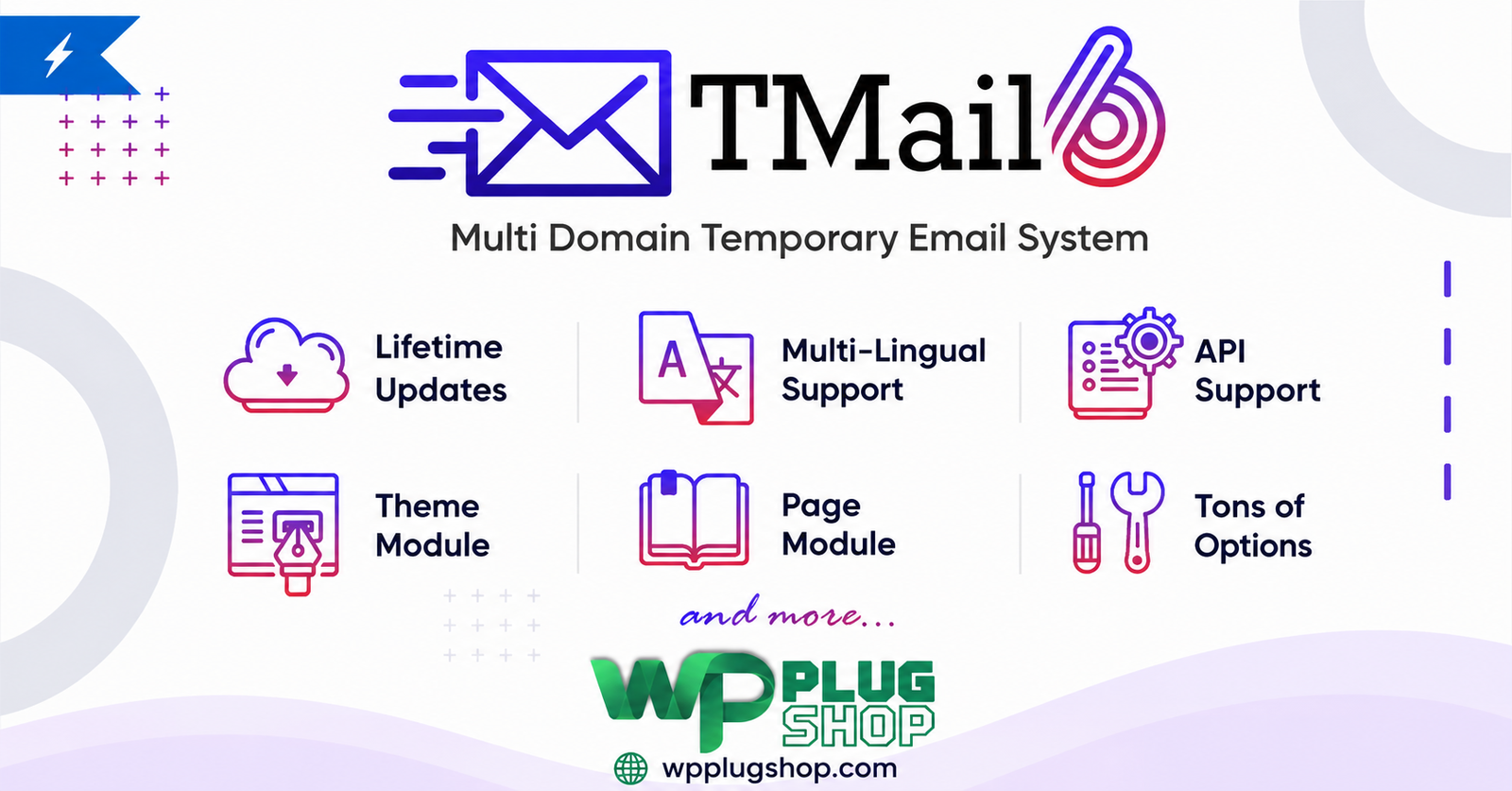
Preview Build and operate your own multi-domain temporary email platform with a self-hosted PHP-based system designed around temporary inboxes and IMAP email reception.
View the product artwork, switch gallery images, and open a larger preview before checkout.
Get secure digital access for real WordPress projects
This section summarizes the buying experience and what customers can expect after checkout.
Product overview, benefits, and digital access details
Review the key product details, practical use cases, and digital access information before checkout.
Frequently Asked Questions
What is TMail Multi Domain Temporary Email System?
TMail Multi Domain Temporary Email System is a self-hosted temporary email platform designed to let you operate a temporary or disposable email service using your own hosting environment and supported email domains.
What is a self-hosted temporary email system?
A self-hosted temporary email system is software that you install and operate on your own server or compatible hosting environment rather than relying entirely on a third-party temporary mail website. This can provide greater control over the platform, configuration, domains, and deployment environment.
Can TMail support multiple email domains?
Yes. Multi-domain support is a core part of TMail's positioning. It is designed for deployments where temporary email addresses need to be provided across multiple configured domains.
Can I create my own temporary email website with TMail?
Yes. TMail is designed as a self-hosted temporary email system, making it suitable for creating a temporary mail website or service on compatible hosting infrastructure.
What hosting environment does TMail require?
TMail is designed for a PHP-based hosting environment. The documented requirements include a compatible PHP version, MySQL database support, IMAP functionality, and other required PHP extensions. Always verify the current requirements before deployment.
Does TMail require IMAP?
Yes. IMAP is an important part of the documented TMail setup because it is used to retrieve incoming email messages for the temporary mail system.
What is a catch-all email account and why is it useful for TMail?
A catch-all email configuration can receive messages sent to addresses that have not been individually created as mailboxes. This can be useful for a temporary email platform because the application can process incoming messages for dynamically generated addresses.
Can TMail be used with custom domains?
TMail is designed around multi-domain temporary email functionality, making custom domain configuration an important part of the deployment process. Domain and mail-server configuration must be completed correctly for incoming messages to reach the system.
Is TMail a WordPress plugin?
No. TMail is better categorized as a standalone PHP-based temporary email system rather than a conventional WordPress plugin. It can be offered through a WordPress marketplace, but its deployment requirements should be evaluated independently from WordPress hosting.
Is TMail a WooCommerce plugin?
No. TMail is not primarily a WooCommerce extension. It is a standalone temporary email platform intended for deployment on compatible PHP hosting infrastructure.
Can TMail be used for disposable email addresses?
Yes. Temporary and disposable email addresses are the central use case of the platform. Configuration should be designed responsibly and in accordance with applicable service-provider policies and local requirements.
Can I use TMail for a temporary inbox service?
Yes. TMail is designed around temporary email inbox functionality, allowing incoming messages to be retrieved through the configured email infrastructure and presented through the application.
Is TMail suitable for developers and agencies?
It can be useful for developers, agencies, hosting operators, and technical users who need to deploy and manage a self-hosted temporary email platform and have access to suitable PHP, database, and mail infrastructure.
Can TMail run on shared hosting?
It may run on compatible shared hosting when the hosting environment satisfies the application's PHP, database, IMAP, mail, and extension requirements. Hosting limitations should be checked before installation because some shared hosts restrict mail-server or catch-all configurations.
Does TMail need a MySQL database?
Yes. MySQL database support is part of the documented technical requirements. The database is used by the application as part of its installation and operational configuration.
Can TMail work with several temporary email domains?
Yes. Multi-domain functionality allows a deployment to work with more than one configured email domain, subject to the correct DNS, mail routing, catch-all, and server configuration.
What should I configure before launching a TMail website?
Before launch, configure the required PHP environment, database, domains, DNS records, incoming mail routing, IMAP access, catch-all handling where required, and application settings. Test incoming messages thoroughly before making the service publicly available.
Is TMail suitable for a public temporary email service?
TMail can be used as the technical foundation for a self-hosted temporary email service, but operating a public service requires careful consideration of abuse prevention, acceptable-use policies, privacy practices, mail reputation, storage limits, and applicable laws.
What are the main benefits of a self-hosted temp mail platform?
A self-hosted platform can provide greater control over domains, infrastructure, application configuration, and service presentation compared with relying solely on an external temporary email provider. The actual level of control depends on the hosting and mail infrastructure used.
Who should consider TMail Multi Domain Temporary Email System?
TMail is best suited to technically capable users, developers, agencies, and businesses that want to operate a configurable multi-domain temporary email platform and can manage the required PHP, database, DNS, and mail-server infrastructure.
Frequently Asked Questions
What is TMail Multi Domain Temporary Email System?
TMail Multi Domain Temporary Email System is a self-hosted PHP-based platform for operating a temporary email service with support for multiple email domains and temporary inbox functionality.
Can I build my own temporary email website with TMail?
Yes. TMail is designed for self-hosted deployment, allowing you to build and operate a temporary email website on compatible hosting infrastructure instead of depending entirely on an external temp mail provider.
Does TMail support multiple temporary email domains?
Yes. Multi-domain temporary email is a core feature of TMail. You can configure supported email domains for your deployment and use them as part of the temporary email service.
What is required to install TMail?
TMail requires a compatible PHP hosting environment with the necessary PHP version, MySQL database support, IMAP functionality, and required PHP extensions. Mail and domain configuration are also important for receiving messages correctly.
Does TMail require PHP?
Yes. TMail is a PHP-based temporary email system, so the hosting environment needs to support the PHP version and extensions required by the application.
Does TMail use MySQL?
Yes. MySQL database support is part of the documented installation requirements. The database is used by the application to store and manage the information required by the temporary email platform.
Why does TMail require IMAP?
IMAP is used to retrieve incoming email messages from the configured mail infrastructure. This allows the temporary email application to process incoming messages and display them through the temporary inbox interface.
What is catch-all email and how does it work with TMail?
A catch-all mailbox can accept messages sent to email addresses that have not been individually created as mailboxes. This can be useful for temporary email systems where addresses may be generated dynamically and incoming messages need to be routed to the application.
Can TMail work with custom email domains?
Yes. TMail is built around multi-domain temporary email functionality, so compatible custom domains can be configured as part of the deployment. Correct DNS, mail routing, and server configuration are required.
Can TMail create disposable email inboxes?
Yes. Temporary and disposable inboxes are the primary use case of the system. The service can be configured to provide temporary email addresses through the supported domain and mail infrastructure.
Can TMail run on shared hosting?
TMail can potentially run on shared hosting when all required PHP, database, IMAP, mail-routing, and server features are available. Some shared hosting providers restrict catch-all mailboxes or advanced email configurations, so compatibility should be confirmed before installation.
Is TMail compatible with WordPress?
TMail is not primarily a WordPress plugin. It is a standalone PHP application that should be evaluated according to its own hosting, database, PHP, and email requirements. It can coexist with WordPress on suitable hosting when server configuration allows it.
Is TMail a WooCommerce temporary email plugin?
No. TMail is a standalone temporary email system rather than a WooCommerce extension. It can be deployed alongside a WordPress or WooCommerce website, but its core functionality is independent of WooCommerce.
Who can benefit from a self-hosted temporary email system?
Developers, agencies, technical businesses, hosting operators, and other users who need control over temporary email domains and infrastructure may benefit from a self-hosted solution such as TMail.
Can agencies use TMail with multiple domains?
Yes. Its multi-domain architecture can be useful for agencies or technical teams managing temporary email services across multiple configured domains, provided the required mail and hosting infrastructure is available.
What is the difference between TMail and a third-party temp mail service?
TMail is designed for self-hosted deployment, giving the operator control over the hosting environment, configured domains, application setup, and mail infrastructure. A third-party temp mail service manages those components on behalf of its users.
Can TMail be used to operate a public temporary email service?
It can provide the technical foundation for a public temporary email website, but operating such a service requires appropriate abuse controls, privacy policies, acceptable-use rules, mail reputation management, storage controls, and compliance with applicable laws and hosting-provider policies.
What should I configure before making TMail publicly accessible?
Configure the required PHP environment, MySQL database, domains, DNS records, incoming mail routing, IMAP access, and catch-all settings where required. Test message delivery and inbox behavior before opening the service to public users.
Is TMail suitable for developers who want a customizable temp mail platform?
Yes. TMail is particularly relevant to technically capable users who want to deploy and manage their own temporary email infrastructure instead of relying exclusively on a hosted disposable email provider.
What are the main advantages of TMail Multi Domain Temporary Email System?
The main advantages include self-hosted deployment, multi-domain temporary email functionality, temporary inbox management, PHP-based hosting compatibility, and greater control over the underlying email infrastructure compared with a fully managed third-party temporary mail service.
Quick product answers for buyers and AI search
Clear product answers help buyers, search engines, and AI answer engines understand this product faster.
Best ways to use this WordPress digital product
These use cases help buyers quickly decide if this product fits their workflow.
How digital access works
No physical shipping is required. This is a digital product access purchase designed for account-based downloads.
Secure payment options for digital checkout
WPPlugShop supports trusted checkout options so buyers can complete digital purchases with more confidence.
Frequently asked questions
Buyer-focused answers about digital access, secure payments, downloads, support, and product usage.
Related WordPress tools you may also like
Explore related WordPress tools that may support the same workflow, website type, or project goal.




Choose the right WordPress tool with confidence
Request a product, explore membership access, or contact support if you want help choosing the right WordPress digital product before checkout.