Frequently Asked Questions
What is Iconic WooCommerce Linked Variations?
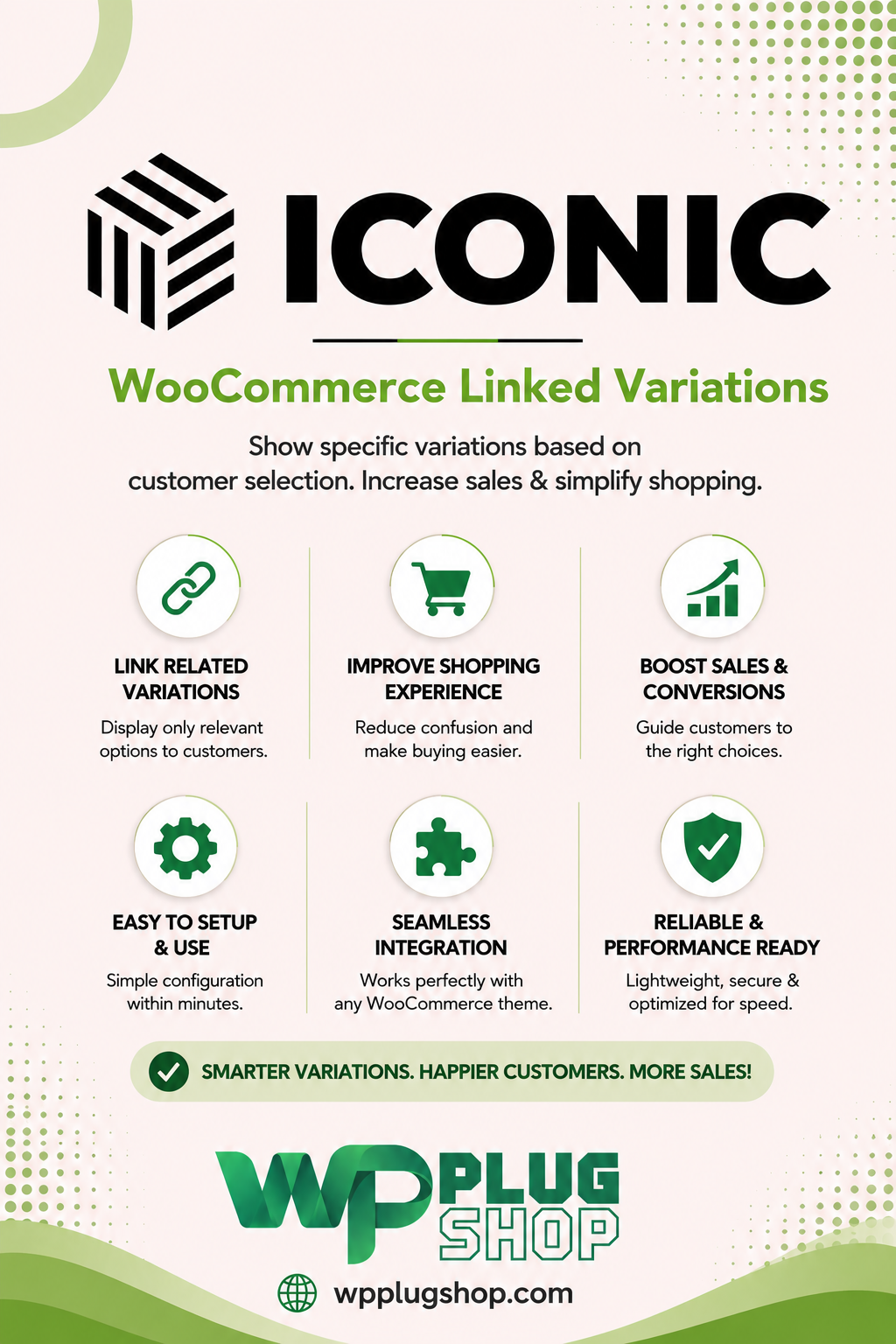
Iconic WooCommerce Linked Variations is a WooCommerce product linking solution that lets store owners connect separate products and present them as related variation-style choices on product pages.
How does WooCommerce Linked Variations work?
Instead of placing every option inside one variable product, you can create individual WooCommerce products and connect them using relevant attributes. Customers can then select related products from the linked variation options.
Can I link separate WooCommerce products as variations?
Yes. Linked Variations is designed specifically for connecting separate WooCommerce products so customers can navigate between related products as if they were variations.
Can linked WooCommerce products have their own URLs?
Yes. Because the linked options are separate products, each product can maintain its own product page and URL. This can be useful when different product versions require individual descriptions, images, pricing, or catalog information.
Can I link WooCommerce products by color?
Yes. Color is a common use case for linked products. Separate products can be connected using attributes and presented through visual or text-based options so shoppers can move between different color products.
Can I link WooCommerce products by size or other attributes?
Yes. Linked product relationships can be organized around relevant WooCommerce attributes, making the system useful for catalogs where separate products need to be connected by size, color, style, material, finish, or other product characteristics.
Can linked products use image swatches?
Yes. Image-based product options can provide a visual way for customers to navigate between related products. This can be particularly useful for fashion, footwear, furniture, cosmetics, and other visually driven catalogs.
Can I use text links for WooCommerce linked variations?
Yes. Text-based options can be used when images or color swatches are not the best fit. This gives store owners flexibility when displaying connected product choices.
What is the difference between linked products and native WooCommerce variations?
Native WooCommerce variations normally exist inside a parent variable product, while linked variations connect separate WooCommerce products. This makes the linked approach useful when each related product needs its own product page, URL, content, catalog entry, or product-specific information.
Why would I use separate products instead of WooCommerce variations?
Separate products can be useful when different versions need independent product pages, descriptions, images, URLs, inventory management, or catalog visibility. Linked Variations can then connect those individual products for easier customer navigation.
Can I use WooCommerce Linked Variations for clothing products?
Yes. Clothing stores can use linked products for different colors, styles, designs, or other product versions while allowing shoppers to move between related items directly from the product page.
Is WooCommerce Linked Variations useful for footwear stores?
Yes. Footwear catalogs can use linked products to connect separate shoes by color, design, collection, or other attributes while keeping each product as an independent WooCommerce item.
Can I use linked variations for furniture products?
Yes. Furniture stores can connect separate products representing different finishes, materials, colors, or configurations and make those relationships easier for shoppers to discover.
Can I connect products with different descriptions?
Yes. One advantage of using separate WooCommerce products is that each product can maintain its own product-specific title, description, images, pricing, and other catalog information.
Can customers switch between linked products from the product page?
Yes. Linked product options can be displayed on the product page, allowing customers to select another related product without having to return to a category or shop archive to find it.
Can WooCommerce linked products improve product navigation?
Yes. Connecting related products directly on the product page can make product discovery easier and reduce the need for customers to repeatedly browse category or search pages to find another version.
Is Iconic WooCommerce Linked Variations suitable for large product catalogs?
It can be useful for larger catalogs where many individual products need to be grouped into logical product families. Linking related products can provide a more structured browsing experience for customers.
Can I use linked variations for image-based product choices?
Yes. Image-based choices can help shoppers visually identify related products and are particularly useful when the primary difference between products is visual, such as color, pattern, finish, or style.
Is Iconic WooCommerce Linked Variations a WordPress plugin?
Yes. It is designed for WooCommerce stores running on WordPress and extends the way related products can be connected and displayed within the WooCommerce shopping experience.
Is Iconic WooCommerce Linked Variations a WooCommerce plugin?
Yes. Its primary purpose is to enhance WooCommerce product organization and customer navigation by connecting individual products as linked variation-style options.
Who should use WooCommerce Linked Variations?
WooCommerce store owners, agencies, developers, and merchants with separate products for colors, styles, sizes, finishes, or other product variations can benefit from a linked-product approach.
What types of WooCommerce stores can benefit from linked variations?
Fashion, footwear, furniture, electronics, cosmetics, accessories, home goods, and other product catalogs can benefit when related products need to remain independent while still being presented together.
Can linked products be organized into product groups?
Yes. Related WooCommerce products can be organized into logical groups so shoppers can understand which products belong to the same product family or variation set.
Is WooCommerce Linked Variations useful for SEO?
It can support an SEO-friendly product architecture when separate products genuinely require their own pages, content, and URLs. However, search performance depends on the overall site’s content quality, internal linking, indexing, canonical settings, and technical SEO.
Can each linked product have its own product content?
Yes. Because linked products remain individual WooCommerce products, each can have its own title, description, images, pricing, inventory information, and other product-specific content.
What is the main benefit of Iconic WooCommerce Linked Variations?
The main benefit is the ability to keep products independent while connecting them through an intuitive variation-style interface, giving shoppers a simpler way to discover related products without forcing every option into one native variable product.
Frequently Asked Questions
What is Iconic WooCommerce Linked Variations?
Iconic WooCommerce Linked Variations is a WooCommerce solution that lets store owners connect separate products and display them as related variation-style choices on product pages.
Can I link separate WooCommerce products as variations?
Yes. The plugin is designed to connect individual WooCommerce products so customers can navigate between related products as variation-style options.
Can linked WooCommerce products have separate URLs?
Yes. Since linked options remain individual WooCommerce products, each product can maintain its own URL, product page, description, images, pricing, and catalog information.
Can I link WooCommerce products by color?
Yes. You can connect separate products using relevant attributes such as color and display the related products through visual or text-based options.
Can I link WooCommerce products by size or other attributes?
Yes. Product attributes can be used to organize relationships between separate products, making the solution useful for color, size, style, material, finish, and other product characteristics.
Can WooCommerce Linked Variations use image swatches?
Yes. Image-based options can provide a visual way for customers to navigate between related products, making them useful for fashion, footwear, furniture, cosmetics, and other visually driven stores.
Can I use text links for linked WooCommerce products?
Yes. Text-based options provide an alternative when images or color swatches are not appropriate for the product catalog.
What is the difference between linked products and native WooCommerce variations?
Native WooCommerce variations normally exist inside a parent variable product, while linked variations connect separate WooCommerce products. This makes linked products useful when each related product needs its own page, URL, content, pricing, or catalog presence.
Why use separate products instead of WooCommerce variations?
Separate products are useful when individual versions require independent product pages, descriptions, images, URLs, inventory, or catalog information while still needing an easy way for customers to switch between related products.
Can I use Linked Variations for clothing products?
Yes. Clothing stores can connect separate products representing different colors, styles, designs, or other product variations while keeping each product independently manageable.
Can I use Linked Variations for footwear?
Yes. Footwear stores can connect separate products by color, design, collection, or other attributes and allow shoppers to navigate between related products directly from the product page.
Can I use linked variations for furniture?
Yes. Furniture stores can connect products representing different colors, finishes, materials, or configurations while keeping each item as an independent WooCommerce product.
Can linked products have different descriptions?
Yes. Because the linked products remain separate products, each can have its own product title, description, images, pricing, inventory, and other product-specific information.
Can customers switch between linked products from the product page?
Yes. Related product options can be displayed directly on the product page, allowing customers to select another connected product without returning to the shop or category page.
Can WooCommerce Linked Variations improve product navigation?
Yes. Showing related products directly on the product page can make product discovery easier and help customers find alternative colors, styles, sizes, or related versions more efficiently.
Is Iconic WooCommerce Linked Variations useful for large catalogs?
It can be useful for stores with many individual products that belong to logical product families. Linking related products can create a more organized browsing experience while preserving separate product records.
Can I use image-based product choices?
Yes. Image-based choices can help customers visually identify related products, particularly when the main difference involves color, pattern, finish, style, or appearance.
Is Iconic WooCommerce Linked Variations a WordPress plugin?
Yes. It is designed for WooCommerce stores running on WordPress and extends the way related products can be connected and presented to shoppers.
Is Iconic WooCommerce Linked Variations a WooCommerce plugin?
Yes. Its primary purpose is to enhance WooCommerce product organization and customer navigation by connecting individual products as linked variation-style options.
Who should use WooCommerce Linked Variations?
WooCommerce store owners, agencies, developers, and merchants who maintain separate products for colors, styles, sizes, finishes, or other product options can benefit from a linked-product structure.
What types of stores can benefit from linked variations?
Fashion, footwear, furniture, electronics, cosmetics, accessories, home goods, and other product catalogs can benefit when related products need to remain independent while still being presented together.
Can linked products be organized into product groups?
Yes. Related WooCommerce products can be organized into logical groups so shoppers can understand which products belong to the same product family.
Is WooCommerce Linked Variations useful for SEO?
It can support an SEO-friendly product architecture when separate products genuinely require their own pages, content, and URLs. Actual search performance depends on content quality, internal linking, indexing, canonical settings, and overall technical SEO.
Can each linked product have its own product content?
Yes. Since linked products remain individual WooCommerce products, each can have its own title, description, images, pricing, inventory information, and other product-specific content.
What is the main benefit of Iconic WooCommerce Linked Variations?
The main benefit is the ability to keep products independent while connecting them through an intuitive variation-style interface, making it easier for shoppers to discover related products without putting every option into a single variable product.
Frequently Asked Questions
Can I use separate WooCommerce products for different colors?
Yes. Separate WooCommerce products can be connected through linked variations so customers can move between different color options while each color remains an independent product.
How can I connect related WooCommerce products on one product page?
You can connect related products using WooCommerce Linked Variations and display the connected products as variation-style options directly on the product page.
Can WooCommerce linked products keep individual product pages?
Yes. Each linked item remains an individual WooCommerce product, allowing it to retain its own product page, URL, title, description, images, pricing, and inventory information.
Can I create product swatches that link to different WooCommerce products?
Yes. Linked product options can be presented using visual or text-based choices, allowing shoppers to select a related product from the product page instead of using a traditional variation selector.
Is Linked Variations better than using one WooCommerce variable product?
It depends on the store structure. Linked Variations can be especially useful when each option needs to remain a separate product with its own URL, content, images, pricing, inventory, or catalog presence.
Can I use WooCommerce Linked Variations for products with different descriptions?
Yes. Since the linked items remain separate products, each can have unique product descriptions and other product-specific information while still being connected as related options.
Can I link products by attributes in WooCommerce?
Yes. Product attributes can be used to establish relationships between products, making the approach suitable for product catalogs organized around colors, sizes, styles, materials, finishes, or similar attributes.
Can customers select a linked product without returning to the shop page?
Yes. Linked product choices can be displayed directly on the product page, allowing customers to navigate to another related product without manually searching through the shop or category archive.
Does WooCommerce Linked Variations work for large product catalogs?
It can be useful for large catalogs where individual products need to be organized into related product families. Connecting related products can make browsing and product discovery more intuitive.
Can I use Linked Variations for an ecommerce clothing store?
Yes. Clothing stores can use linked products for colors, styles, collections, designs, or other product differences while keeping each item as an independent WooCommerce product.
Can I connect different shoe colors as separate WooCommerce products?
Yes. Each shoe color can remain a separate WooCommerce product while linked options provide customers with a convenient way to switch between the available products.
Can furniture products use WooCommerce linked variations?
Yes. Furniture stores can use linked products for different finishes, materials, colors, styles, or configurations where each version benefits from having its own product page.
Can I use image-based linked variations?
Yes. Image-based options can make related product choices easier to understand visually, especially for products where color, finish, pattern, or design is an important purchasing factor.
Can I use text-based linked variations?
Yes. Text-based linked options are useful when product relationships are better represented by names, sizes, styles, materials, or other textual attributes.
Does linking products automatically merge them into one WooCommerce product?
No. The linked products remain separate WooCommerce products. The linking functionality connects their customer-facing navigation without requiring them to become a single variable product.
Can separate linked products have different prices?
Because the connected items remain individual WooCommerce products, each product can maintain its own product-level pricing according to the store’s catalog configuration.
Can separate linked products have different images?
Yes. Individual products can maintain their own images, allowing shoppers to see the specific product they select rather than relying on one shared product image.
Can linked variations help organize WooCommerce product families?
Yes. Connecting related products can create logical product families that make it easier for customers to discover alternative versions while allowing store administrators to manage each product independently.
Is Iconic WooCommerce Linked Variations useful for SEO?
It can be useful when separate products genuinely need individual URLs and unique content. However, SEO performance depends on factors such as content quality, internal linking, indexing, canonical configuration, and overall website optimization.
What is the main advantage of WooCommerce Linked Variations?
The main advantage is flexibility: merchants can keep products as separate WooCommerce items while providing customers with a convenient variation-style interface for discovering and switching between related products.
Please note: This is a digital product. Due to its digital nature, all sales are final — no refund will be provided after purchase and delivery. Please see our Refund Policy before purchasing.