
LoginPress Limit Login Attempts – WordPress Login Security Addon
Verified from VirusTotal 100% Original Product and Virus Free. Free New Version Lifetime On Single Purchase. Unlimited Website Usage Price is in US dollars and included tax
Buy confidently with secure digital checkout, account-based downloads, and a cleaner WPPlugShop product experience.
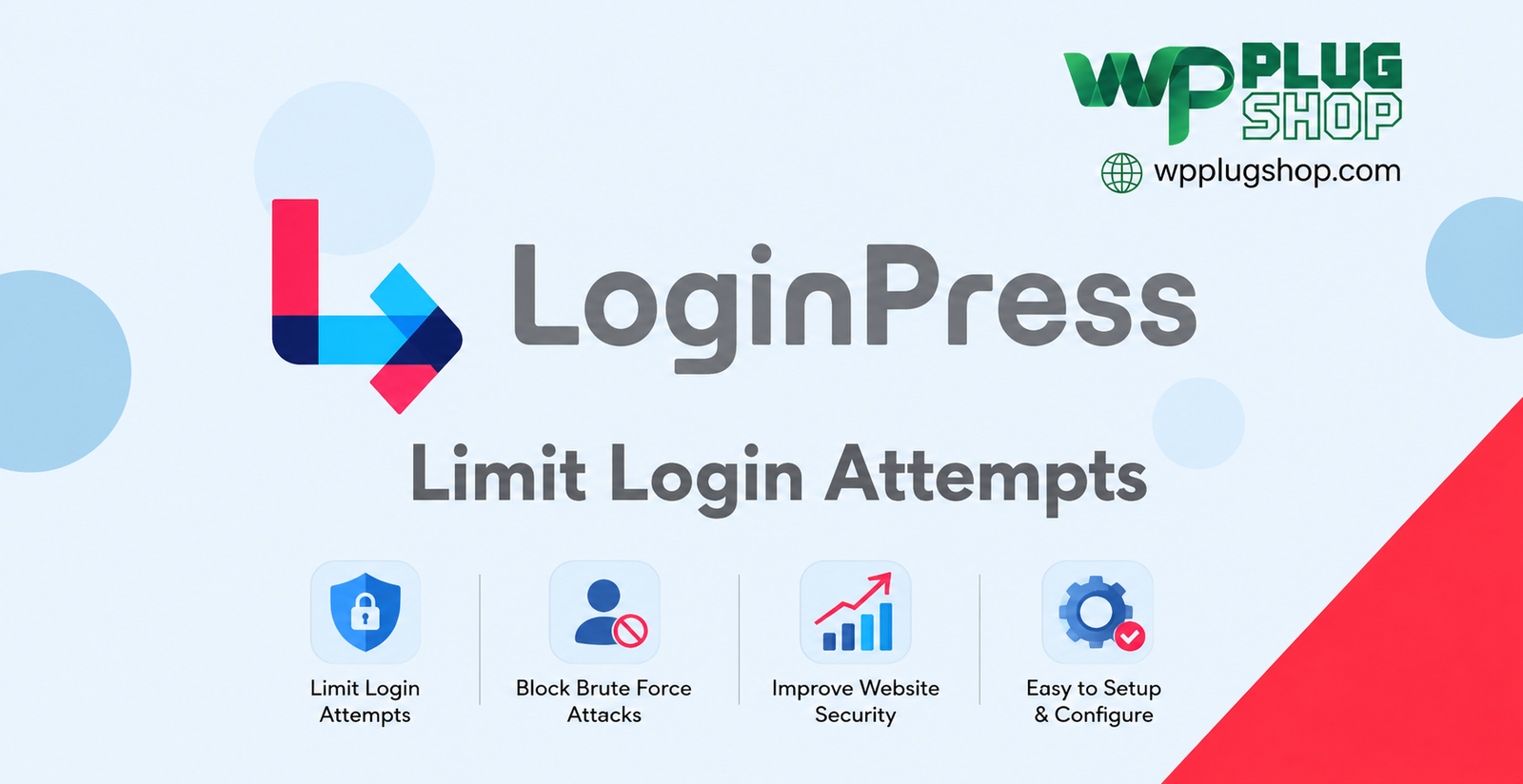
Preview LoginPress Limit Login Attempts – WordPress Login Security Addon
View the product artwork, switch gallery images, and open a larger preview before checkout.
Get secure digital access for real WordPress projects
This section summarizes the buying experience and what customers can expect after checkout.
Product overview, benefits, and digital access details
Review the key product details, practical use cases, and digital access information before checkout.
Frequently Asked Questions
What is LoginPress Limit Login Attempts?
LoginPress Limit Login Attempts is a WordPress security addon designed to help control repeated failed login attempts and strengthen protection against automated brute-force login attacks.
What does LoginPress Limit Login Attempts do?
The addon allows WordPress site administrators to control failed login attempts, configure lockout behavior, manage suspicious IP addresses, and apply additional login security restrictions.
Can I limit failed login attempts in WordPress?
Yes. LoginPress Limit Login Attempts allows administrators to define limits for unsuccessful login attempts before a user or IP address is temporarily restricted.
Does LoginPress Limit Login Attempts protect against brute-force attacks?
Yes. Limiting repeated failed login attempts can help reduce automated brute-force login attempts by restricting repeated authentication failures.
Can I configure WordPress login lockouts?
Yes. The addon provides lockout controls that can be configured to restrict repeated failed login attempts for a defined period.
Can I control the number of login attempts allowed?
Yes. Administrators can configure the permitted number of failed login attempts before the configured restriction or lockout is triggered.
Can I customize the login lockout duration?
Yes. The addon provides controls for configuring how long users or suspicious sources remain restricted after exceeding the allowed login-attempt limit.
Can I block suspicious IP addresses in WordPress?
Yes. LoginPress Limit Login Attempts provides IP-related controls that can help administrators restrict access from unwanted or suspicious IP addresses.
Does LoginPress Limit Login Attempts support IP blacklisting?
Yes. IP blacklisting functionality can be used to prevent specified IP addresses from accessing the WordPress login process.
Does the addon support IP whitelisting?
Yes. IP whitelisting allows administrators to identify trusted IP addresses that should receive special access treatment according to the configured security rules.
Can I automatically blacklist usernames?
Yes. Supported username auto-blacklisting functionality can help administrators restrict login attempts involving specified usernames.
Can LoginPress limit repeated login attempts from attackers?
Yes. By restricting excessive failed authentication attempts, the addon can help reduce repeated login attempts from automated scripts and other suspicious sources.
Is LoginPress Limit Login Attempts useful for WordPress login security?
Yes. It provides additional controls for managing failed authentication attempts, lockouts, IP restrictions, and other login-related security settings.
Does the addon help protect WordPress administrator accounts?
Yes. Limiting repeated failed login attempts can provide an additional layer of protection for WordPress accounts by making repeated password-guessing attempts more difficult.
Can I use LoginPress Limit Login Attempts on a business website?
Yes. The addon can be useful for business websites, blogs, membership websites, agencies, ecommerce stores, and other WordPress sites that need additional login protection.
Can I use this addon for a WooCommerce website?
It can be used as part of the WordPress login-security setup for sites running WooCommerce, although it is primarily focused on controlling WordPress login attempts rather than protecting WooCommerce-specific functionality.
Does LoginPress Limit Login Attempts replace a complete security plugin?
No. It is a specialized login-security addon. A comprehensive WordPress security strategy may require additional measures such as strong passwords, two-factor authentication, secure hosting, updates, backups, and other appropriate protections.
Can I control XML-RPC login-related requests?
Yes. The addon includes controls related to XML-RPC requests, providing additional options for managing potentially unwanted authentication-related requests.
Is LoginPress Limit Login Attempts suitable for agencies?
Yes. Agencies managing multiple WordPress websites can use login-attempt controls as part of their broader WordPress security and access-management strategy.
Is LoginPress Limit Login Attempts suitable for beginners?
Yes. WordPress administrators can configure the available login-attempt and lockout settings according to their site's security requirements without needing to develop a custom login-protection system.
Who should use LoginPress Limit Login Attempts?
The addon is suitable for WordPress site owners, bloggers, businesses, agencies, developers, membership website administrators, and anyone who wants greater control over repeated failed login attempts.
What is the main benefit of LoginPress Limit Login Attempts?
The main benefit is greater control over WordPress login security by limiting repeated failed attempts and providing configurable lockout, IP restriction, username blocking, and related authentication controls.
Frequently Asked Questions
What is LoginPress Limit Login Attempts?
LoginPress Limit Login Attempts is a WordPress security addon that helps control repeated failed login attempts and adds protection against automated brute-force login activity.
What does LoginPress Limit Login Attempts do?
It provides controls for limiting failed login attempts, configuring lockout behavior, managing IP restrictions, blocking specified usernames, and controlling supported XML-RPC requests.
Can I limit failed login attempts in WordPress?
Yes. The addon allows administrators to define how many unsuccessful login attempts are permitted before configured restrictions are applied.
Does it protect WordPress against brute-force attacks?
It can help reduce brute-force login activity by restricting repeated failed authentication attempts and applying configured login lockout rules.
Can I configure WordPress login lockouts?
Yes. You can configure lockout settings to restrict repeated unsuccessful login attempts after the defined limit has been exceeded.
Can I change the number of allowed login attempts?
Yes. Administrators can configure the number of failed attempts permitted before a lockout or other restriction is triggered.
Can I customize the login lockout duration?
Yes. The addon provides settings for controlling how long a restricted user or source remains locked out according to the configured rules.
Can I block IP addresses in WordPress?
Yes. LoginPress Limit Login Attempts provides IP-related controls that can be used to restrict unwanted or suspicious IP addresses.
Does it support IP blacklisting?
Yes. Administrators can use IP blacklisting functionality to restrict specified addresses from accessing the WordPress login process.
Does LoginPress support IP whitelisting?
Yes. IP whitelisting can be used to identify trusted addresses that should receive the configured access treatment.
Can I automatically blacklist usernames?
Yes. Supported username auto-blacklisting functionality can help prevent login attempts involving specified usernames.
Can it help stop repeated login attempts?
Yes. By limiting unsuccessful authentication attempts, the addon can help reduce repeated login activity from automated scripts and suspicious sources.
Is LoginPress Limit Login Attempts a WordPress login security addon?
Yes. It is specifically designed to provide additional controls for WordPress login-attempt management, lockouts, IP restrictions, username blocking, and related security settings.
Can it help protect WordPress administrator accounts?
Yes. Restricting repeated failed authentication attempts adds an additional layer of protection against password-guessing activity targeting WordPress accounts.
Can I use it on a business WordPress website?
Yes. It can be used on business websites, blogs, membership sites, WooCommerce stores, agency websites, and other WordPress installations that require additional login protection.
Can I use LoginPress Limit Login Attempts with WooCommerce?
Yes. It can form part of the WordPress login-security setup on a WooCommerce website, although its primary purpose is controlling WordPress login attempts rather than securing WooCommerce-specific functionality.
Does it replace a complete WordPress security solution?
No. LoginPress Limit Login Attempts focuses specifically on login protection. A broader security strategy may also include strong passwords, two-factor authentication, updates, backups, secure hosting, and other appropriate security measures.
Can LoginPress control XML-RPC requests?
Yes. The addon provides controls related to XML-RPC requests, giving administrators additional options for managing supported authentication-related activity.
Is LoginPress Limit Login Attempts useful for agencies?
Yes. Agencies managing WordPress websites can use configurable login-attempt restrictions as part of a broader website security and access-management strategy.
Is LoginPress Limit Login Attempts suitable for beginners?
Yes. WordPress administrators can configure the available login-attempt, lockout, and restriction settings without having to develop a custom login-protection system.
Who should use LoginPress Limit Login Attempts?
It is suitable for WordPress site owners, businesses, bloggers, agencies, developers, membership website administrators, and anyone who wants greater control over failed login attempts.
What is the main benefit of LoginPress Limit Login Attempts?
The main benefit is greater control over WordPress login security through configurable failed-login limits, lockouts, IP restrictions, username blocking, and related authentication controls.
Frequently Asked Questions
What is LoginPress Limit Login Attempts?
LoginPress Limit Login Attempts is a WordPress login security addon that helps limit repeated failed login attempts and reduce exposure to automated brute-force login activity.
What does LoginPress Limit Login Attempts do?
The addon provides tools for controlling failed login attempts, configuring lockouts, managing IP restrictions, blocking specified usernames, and controlling supported XML-RPC requests.
Can I limit login attempts in WordPress?
Yes. You can define the number of unsuccessful login attempts allowed before the configured security restriction or lockout is applied.
Does LoginPress help prevent brute-force attacks?
Yes. Limiting repeated failed authentication attempts can help reduce brute-force login activity by restricting excessive login attempts.
Can I configure WordPress login lockout settings?
Yes. LoginPress Limit Login Attempts provides configurable lockout settings for handling repeated unsuccessful login attempts.
Can I set the maximum number of failed login attempts?
Yes. Administrators can configure the allowed number of failed attempts before the applicable restriction or lockout is triggered.
Can I configure how long a user remains locked out?
Yes. The addon provides controls for configuring lockout periods according to the security requirements of your WordPress website.
Can I block IP addresses from WordPress login?
Yes. IP address controls allow administrators to restrict unwanted or suspicious addresses from accessing the WordPress login process.
Does LoginPress support IP blacklisting?
Yes. You can use IP blacklisting functionality to restrict specified IP addresses according to your configured login security rules.
Does LoginPress support IP whitelisting?
Yes. IP whitelisting can be used to identify trusted IP addresses and apply the appropriate access treatment to them.
Can LoginPress automatically blacklist usernames?
Yes. Supported username auto-blacklisting functionality can help restrict login attempts involving selected usernames.
Can LoginPress block repeated failed login attempts?
Yes. The addon is designed to restrict excessive unsuccessful login attempts and can help reduce repeated automated authentication attempts.
Is LoginPress Limit Login Attempts a WordPress security plugin?
It is a WordPress login security addon focused specifically on managing failed login attempts, lockouts, IP restrictions, username blocking, and related authentication controls.
Can it protect WordPress administrator login pages?
Yes. By limiting repeated failed authentication attempts, the addon provides an additional security layer for WordPress login access.
Can I use LoginPress Limit Login Attempts on a WooCommerce website?
Yes. It can be used as part of the login security setup on a WooCommerce website, although its primary function is protecting WordPress login attempts.
Can I use this addon on a business website?
Yes. It is suitable for business websites, blogs, membership sites, WooCommerce stores, agency websites, and other WordPress installations.
Does LoginPress Limit Login Attempts replace a complete security plugin?
No. The addon focuses on login-attempt protection. A complete WordPress security strategy may also include strong passwords, two-factor authentication, software updates, backups, secure hosting, and other security measures.
Does LoginPress provide XML-RPC security controls?
Yes. The addon includes controls related to XML-RPC requests, providing additional options for managing supported authentication-related activity.
Is LoginPress Limit Login Attempts suitable for agencies?
Yes. Agencies can use login-attempt restrictions as part of their WordPress security practices when managing websites for clients.
Is LoginPress Limit Login Attempts beginner-friendly?
Yes. WordPress administrators can configure the available login limits, lockout settings, and IP controls without developing a custom login protection system.
Who should use LoginPress Limit Login Attempts?
The addon is suitable for WordPress site owners, businesses, bloggers, agencies, developers, membership website administrators, and anyone who needs greater control over failed login attempts.
What is the main benefit of LoginPress Limit Login Attempts?
The main benefit is greater control over WordPress login security through configurable failed-login limits, lockouts, IP restrictions, username blocking, and related authentication controls.
Quick product answers for buyers and AI search
Clear product answers help buyers, search engines, and AI answer engines understand this product faster.
Best ways to use this WordPress digital product
These use cases help buyers quickly decide if this product fits their workflow.
How digital access works
No physical shipping is required. This is a digital product access purchase designed for account-based downloads.
Secure payment options for digital checkout
WPPlugShop supports trusted checkout options so buyers can complete digital purchases with more confidence.
Frequently asked questions
Buyer-focused answers about digital access, secure payments, downloads, support, and product usage.
Related WordPress tools you may also like
Explore related WordPress tools that may support the same workflow, website type, or project goal.




Choose the right WordPress tool with confidence
Request a product, explore membership access, or contact support if you want help choosing the right WordPress digital product before checkout.