⚡ Premium WordPress Plugins & Themes — Affordable prices, scanned tools, regular updates & fast support.

BuddyPress Profanity Filter
Verified from VirusTotal 100% Original Product and Virus Free. Free New Version Lifetime On Single Purchase. Unlimited Website Usage Price is in US dollars and included tax
Buy confidently with secure digital checkout, account-based downloads, and a cleaner WPPlugShop product experience.
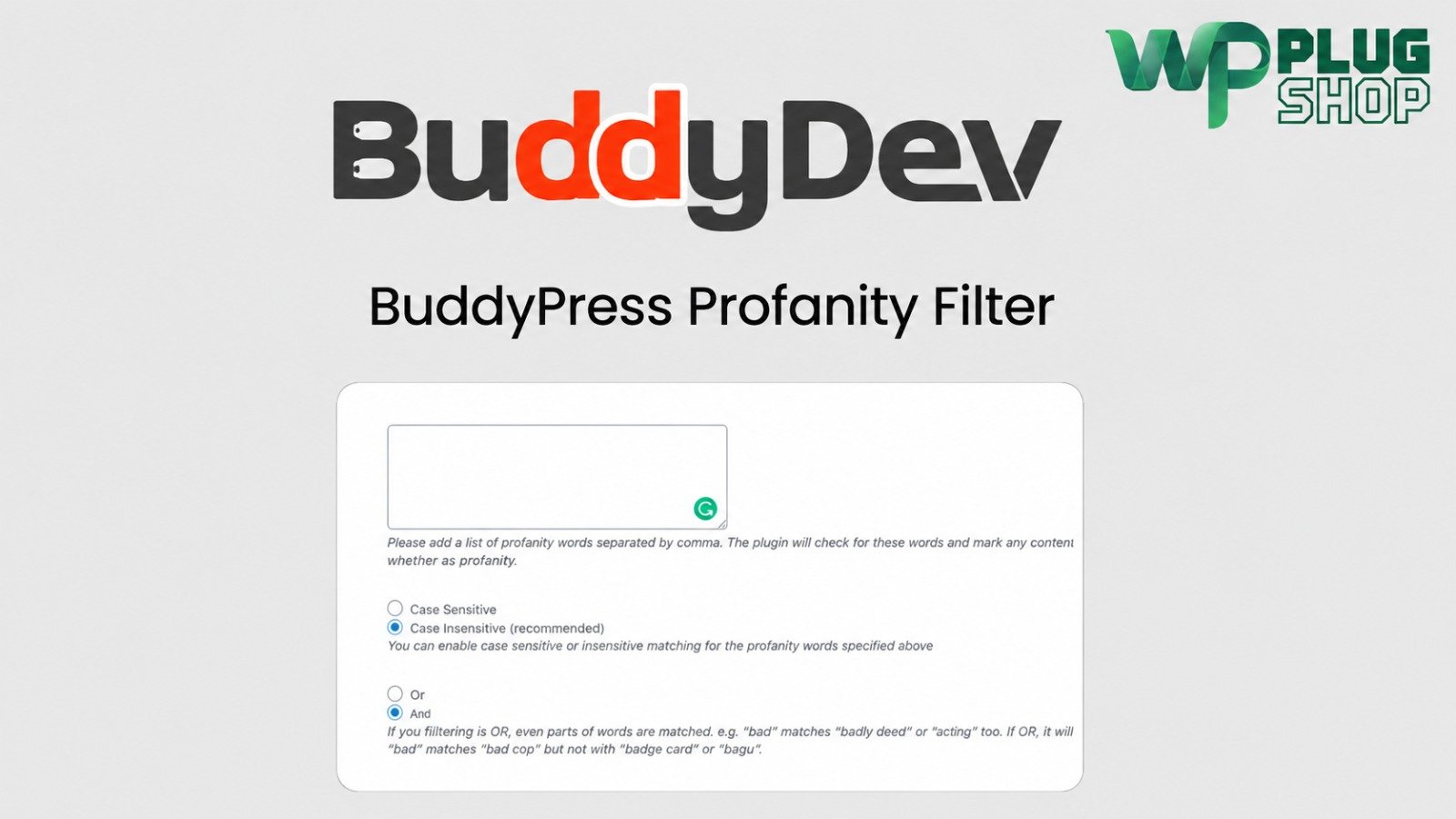
Preview BuddyPress Profanity Filter
View the product artwork, switch gallery images, and open a larger preview before checkout.
Get secure digital access for real WordPress projects
This section summarizes the buying experience and what customers can expect after checkout.
Product overview, benefits, and digital access details
Review the key product details, practical use cases, and digital access information before checkout.
Product Overview
Maintaining a positive, safe, and welcoming online community requires constant vigilance, but manual moderation is exhausting and prone to missing offensive content. The BuddyPress Profanity Filter is an essential moderation plugin designed for WordPress social networks, automatically detecting, filtering, and censoring inappropriate words across activity streams, comments, private messages, and forum discussions in real-time.
Why This Product Is Useful
Unmonitored user-generated content can quickly lead to toxic interactions, harassment, and long-term damage to your brand reputation. This plugin automates word censorship across every critical touchpoint of your social network, ensuring your platform remains professional and family-friendly without requiring round-the-clock manual oversight.
Key Features
Main Benefits
Best Use Cases
Who Should Use This Product?
This extension is ideal for community managers, forum administrators, membership site owners, and WordPress developers building secure social networks with BuddyPress or BuddyBoss.
WP Plug Shop Access Benefits
When you acquire your resources through WP Plug Shop, you secure clean, verified digital files ready for immediate deployment on your WordPress projects. Enjoy budget-conscious access, secure checkout workflows, and reliable resources designed to help you build high-performing digital platforms faster and more efficiently.
Product Details
| Feature / Specification | Details |
|---|---|
| Plugin Name | BuddyPress Profanity Filter |
| Platform | WordPress & Core BuddyPress / BuddyBoss Plugin |
| Core Function | Content Moderation & Word Censorship Addon |
| Compatibility | BuddyPress, BuddyBoss Platform, bbPress, Standard WordPress Themes |
| Access Type | Secure Digital Download (GPL-Friendly Access) |
Feature Comparison
| Capabilities | Default WordPress Comments | Basic Comment Blockers | BuddyPress Profanity Filter |
|---|---|---|---|
| Network Coverage | Standard Blog Posts Only | Limited Activity Feeds | Activity Streams, Messages & Forums |
| Customization | Basic Native Blacklist | Rigid Filters | Strict Matching & Custom Symbols |
| Private Messaging | None | None | Full Direct Message Filtering |
| Admin Alerts | Basic Moderation Queue | None | Instant Keyword Detection Alerts |
Pros and Considerations
| Pros | Considerations |
|---|---|
Automatically filters profanity across activity feeds and private messages Supports custom blacklists and flexible replacement symbols Includes strict word matching and case-sensitivity controls Sends immediate email alerts to site administrators | Requires the core BuddyPress or BuddyBoss plugin to be active Requires initial setup of your custom restricted word blacklist |
Final Verdict
The BuddyPress Profanity Filter extension is an absolute must-have for any active social network built on WordPress. By automating content moderation across activity streams, group walls, and private messages, it protects your community culture and saves hours of manual administrative upkeep.
Frequently Asked Questions
What is BuddyPress Profanity Filter?
It is an automated moderation extension for BuddyPress and BuddyBoss that detects, filters, and replaces inappropriate words across activity streams, comments, private messages, and forums in real-time.
Does it filter private messages between members?
Yes, unlike standard comment filters, this plugin extends its moderation capabilities to private direct messaging threads, keeping member-to-member communication safe and professional.
Can I create my own custom list of restricted words?
Yes, you have full control over your blacklist, allowing you to add, edit, or remove specific words, phrases, and objectionable terms at any time.
Does the plugin support strict matching and embedded strings?
Yes, you can configure the filter to use strict matching for exact standalone words or non-strict matching to catch prohibited terms hidden inside larger words.
What happens to filtered words when they are detected?
The plugin automatically replaces censored words with your chosen characters, such as a string of asterisks or custom symbols, before the content is published.
Does it notify administrators when bad words are used?
Yes, you can configure administrative email alerts to notify your team immediately whenever content containing restricted keywords is posted on your network.
Does this addon require BuddyPress or BuddyBoss?
Yes, this plugin requires either the core BuddyPress or BuddyBoss Platform plugin to be installed and active on your WordPress site.
Is this version safe and verified for live WordPress production sites?
Yes, the digital asset provided through WP Plug Shop is a clean, verified file optimized for secure deployment, allowing you to protect your online community safely and reliably.
Quick product answers for buyers and AI search
Clear product answers help buyers, search engines, and AI answer engines understand this product faster.
Best ways to use this WordPress digital product
These use cases help buyers quickly decide if this product fits their workflow.
How digital access works
No physical shipping is required. This is a digital product access purchase designed for account-based downloads.
Secure payment options for digital checkout
WPPlugShop supports trusted checkout options so buyers can complete digital purchases with more confidence.
Frequently asked questions
Buyer-focused answers about digital access, secure payments, downloads, support, and product usage.
Related WordPress tools you may also like
Explore related WordPress tools that may support the same workflow, website type, or project goal.

WP Bakery Page Builder for WordPress

FluentBooking Pro – Ultimate WordPress

Elementor Pro – Premium WordPress Page Builder with Free Pro Templates

CartFlows Pro WooCommerce Cart Recovery
Choose the right WordPress tool with confidence
Request a product, explore membership access, or contact support if you want help choosing the right WordPress digital product before checkout.