
Zapier Integration for NEX-Forms – WordPress Form Automation
Verified from VirusTotal 100% Original Product and Virus Free. Free New Version Lifetime On Single Purchase. Unlimited Website Usage Price is in US dollars and included tax
Buy confidently with secure digital checkout, account-based downloads, and a cleaner WPPlugShop product experience.
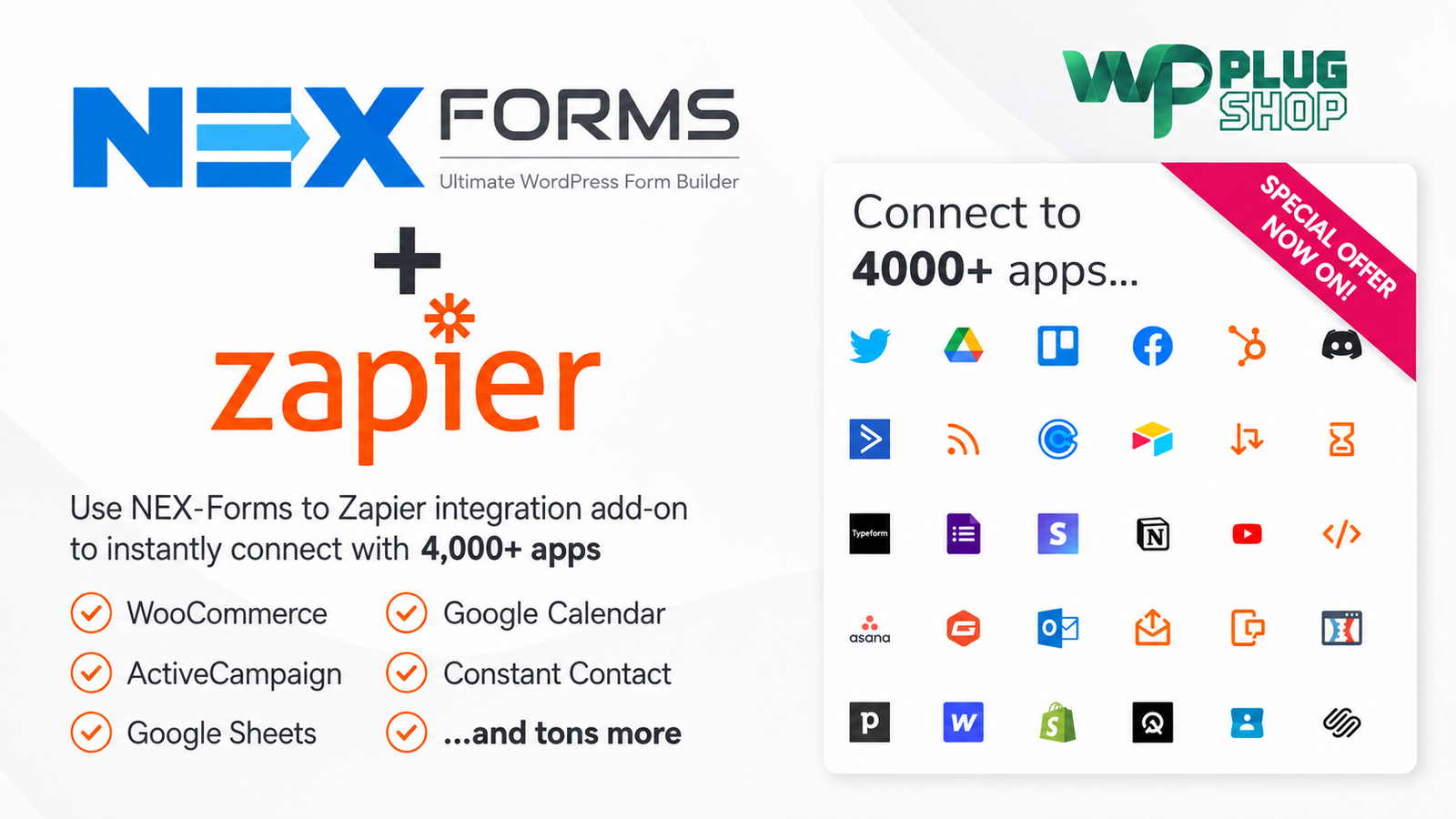
Preview Zapier Integration for NEX-Forms – WordPress Form Automation
View the product artwork, switch gallery images, and open a larger preview before checkout.
Get secure digital access for real WordPress projects
This section summarizes the buying experience and what customers can expect after checkout.
Product overview, benefits, and digital access details
Review the key product details, practical use cases, and digital access information before checkout.
Zapier Integration for NEX-Forms – WordPress Form Automation
Zapier Integration for NEX-Forms connects NEX-Forms with Zapier so you can turn form submissions into automated workflows. Instead of manually moving information from WordPress forms into other services, this integration helps pass submission data into connected applications and automation workflows.
For WordPress users who already rely on NEX-Forms for contact forms, lead forms, surveys, quizzes, polls, booking forms, and other data-collection workflows, this addon provides a practical way to extend what happens after a visitor submits a form.
Automate Your NEX-Forms Submissions
A form submission is often only the beginning of a business process. A new lead may need to be added to another system, a team may need to receive a notification, information may need to be recorded, or another application may need to start a workflow.
With NEX-Forms Zapier integration, form submissions can become part of automated processes instead of requiring repetitive manual data transfer. Zapier acts as the connection layer between NEX-Forms and compatible applications.
Key Features
- Connect NEX-Forms with Zapier-based automation workflows.
- Use NEX-Forms submissions as the starting point for automated processes.
- Send form submission information into connected applications through Zapier.
- Extend NEX-Forms beyond basic form submission handling.
- Suitable for contact forms, lead forms, surveys, quizzes, polls, booking forms, and other NEX-Forms projects.
- Designed for workflow automation without requiring custom API development for every connection.
- Useful for connecting WordPress form data with external business and productivity services.
- Supports automation scenarios involving the broad Zapier application ecosystem.
- Helps reduce repetitive manual data-entry tasks.
- Useful for lead-management and business-process automation.
Product Details
| Detail | Information |
|---|---|
| Product Name | Zapier Integration for NEX-Forms |
| Product Type | NEX-Forms integration addon |
| Platform | WordPress |
| Primary Integration | NEX-Forms with Zapier |
| Automation Purpose | Connect form submissions with external application workflows |
| Form Dependency | NEX-Forms |
| Connected App Ecosystem | Zapier ecosystem with 10,000+ listed apps according to the product source |
| Typical Use | Lead capture, notifications, data transfer, marketing and business automation |
Connect WordPress Forms to Zapier
WordPress forms are often used to collect valuable information from website visitors. The challenge begins when that information needs to move into other tools used for sales, marketing, communication, productivity, or data management.
This WordPress form Zapier integration provides a bridge between NEX-Forms and Zapier, helping users build workflows around submitted form information.
The result is a more connected workflow where the website form can become part of a broader business process rather than remaining isolated inside WordPress.
Useful for Lead Generation
Lead-generation forms can produce repetitive administrative work when every submission needs to be reviewed and transferred manually. Automating the next step can make lead handling more consistent and efficient.
For example, a business can use an NEX-Forms lead form as the starting point for a Zapier workflow. The submitted information can then be passed into a connected application or used to initiate an appropriate automated process.
This makes the addon particularly relevant for agencies, freelancers, service businesses, marketers, consultants, and websites that receive regular inquiries.
Form Submission Automation
NEX-Forms form submission automation can help reduce repetitive actions after a visitor completes a form. Instead of treating every submission as an isolated WordPress entry, you can incorporate the submission into a larger workflow.
Depending on the connected applications and available Zapier workflow configuration, common automation concepts can include transferring information, creating records, sending notifications, organizing data, or starting follow-up processes.
Works with Different NEX-Forms Use Cases
NEX-Forms can be used to create many different types of forms. The Zapier integration can therefore be relevant to a variety of WordPress projects where form submissions need to trigger additional workflows.
- Contact forms: Connect visitor inquiries with downstream workflows.
- Lead forms: Help move captured lead information into connected services.
- Booking forms: Use submitted booking information as part of an automated process.
- Survey forms: Send collected responses into connected workflows where appropriate.
- Quiz forms: Incorporate submitted results into an automation workflow.
- Polls: Connect collected responses with supported external services.
- Business forms: Automate repetitive post-submission tasks.
Designed for Workflow Automation
The main value of this addon is not additional form styling. Its purpose is to extend the workflow that begins when someone submits an NEX-Form.
By connecting NEX-Forms to Zapier, WordPress form data can become part of an automation ecosystem that connects different tools and services. This approach can be especially useful for businesses that already depend on multiple online applications.
Feature Comparison
| Capability | With Zapier Integration | Basic Manual Workflow |
|---|---|---|
| NEX-Forms Submission Capture | Yes | Yes |
| Connect Form Data to External Workflows | Yes | Manual process may be required |
| Zapier Automation | Yes | No |
| Workflow-Based Data Transfer | Yes | Manual transfer |
| Useful for Lead Workflows | Yes | Requires additional manual steps |
| Connect Multiple External Services | Through supported Zapier connections | Usually requires separate processes |
| Custom Form Builder | Provided by NEX-Forms | Depends on the form solution being used |
Who Can Benefit from This NEX-Forms Zapier Addon?
This integration is particularly useful for WordPress users who already use NEX-Forms and want to connect form submissions with other parts of their digital workflow.
- Freelancers managing client websites
- WordPress agencies building business websites
- Small businesses collecting customer inquiries
- Marketing teams managing online leads
- Consultants collecting consultation requests
- Service businesses receiving quote requests
- Bloggers collecting contact or survey information
- Website owners managing multiple form-based workflows
Pros and Considerations
| Pros | Considerations |
|---|---|
| Connects NEX-Forms with Zapier workflows | NEX-Forms is required |
| Helps automate post-submission processes | Zapier account and compatible connected services may be required for specific workflows |
| Useful for lead and business automation | Available automation options depend on the connected services |
| Can reduce repetitive manual data transfer | Workflow configuration still needs to be set up correctly |
| Works with the broad Zapier ecosystem | Third-party app availability and functionality can change independently of the addon |
Why Connect NEX-Forms with Zapier?
Using a WordPress form is only one part of many modern digital workflows. Once a visitor submits information, businesses often need to perform additional actions across different applications.
Zapier Integration for NEX-Forms helps connect that first form interaction with the next stage of the workflow. This can make form-based processes easier to organize and can reduce the need for repetitive copy-and-paste tasks.
Build More Efficient WordPress Workflows
For websites that depend on NEX-Forms for collecting information, connecting form submissions to Zapier can provide a practical automation layer. Instead of keeping form data isolated within WordPress, users can design workflows that connect their website with other tools they already use.
If you are looking for a Zapier integration for NEX-Forms, a NEX-Forms automation addon, or a way to connect WordPress forms to Zapier, this integration is designed specifically around that workflow.
Important Product Information
This product is an integration addon for NEX-Forms and should not be treated as a standalone form builder. NEX-Forms and any required third-party services should be available and compatible with the intended workflow. Zapier's connected applications, APIs, limits, and policies may change independently of this addon.
WP Plug Shop is not the developer of NEX-Forms or Zapier and does not claim ownership of their respective trademarks or software.
Zapier Integration for NEX-Forms – Frequently Asked Questions
What is Zapier Integration for NEX-Forms?
Zapier Integration for NEX-Forms is an addon that connects NEX-Forms with Zapier, allowing form submissions to become part of automated workflows across supported external applications.
Do I need NEX-Forms to use this addon?
Yes. This product is designed as an integration addon for NEX-Forms and is not a standalone WordPress form builder. You should have a compatible NEX-Forms setup before using the integration.
Can I connect NEX-Forms to Zapier?
Yes. The addon is specifically designed to connect NEX-Forms submissions with Zapier-based automation workflows, helping you move form information into connected applications.
Can NEX-Forms submissions trigger automated workflows?
Yes. The integration is designed around using NEX-Forms submissions as part of an automated workflow. The exact actions available depend on the connected Zapier services and the workflow configuration.
How can I automate WordPress form submissions?
You can use NEX-Forms to collect information and connect it with Zapier through this integration. Zapier can then be used to create workflows involving supported external applications, helping reduce repetitive manual processing.
Can this addon help with lead-generation forms?
Yes. Businesses can use NEX-Forms for lead capture and then connect submissions to suitable Zapier workflows. This can help organize follow-up processes, data transfer, notifications, or other connected tasks.
How many applications can be connected through Zapier?
The product source states that the integration can connect NEX-Forms with more than 10,000 apps through the Zapier ecosystem. The availability and functionality of individual applications can depend on Zapier's current integrations and policies.
Can I use the integration with contact forms and surveys?
Yes. The integration can be useful with different NEX-Forms use cases, including contact forms, lead forms, surveys, quizzes, polls, booking forms, and other forms where submitted information needs to enter an automated workflow.
Does this product work with Elementor?
The primary purpose of this addon is NEX-Forms and Zapier integration rather than Elementor integration. Elementor-specific compatibility should therefore not be assumed unless separately confirmed for the particular NEX-Forms setup.
Is Zapier Integration for NEX-Forms useful for WordPress businesses?
Yes. It can be useful for businesses, agencies, freelancers, marketers, and website owners who use NEX-Forms and want to connect submitted form data with other tools through automated workflows instead of handling every process manually.
Quick product answers for buyers and AI search
Clear product answers help buyers, search engines, and AI answer engines understand this product faster.
Best ways to use this WordPress digital product
These use cases help buyers quickly decide if this product fits their workflow.
How digital access works
No physical shipping is required. This is a digital product access purchase designed for account-based downloads.
Secure payment options for digital checkout
WPPlugShop supports trusted checkout options so buyers can complete digital purchases with more confidence.
Frequently asked questions
Buyer-focused answers about digital access, secure payments, downloads, support, and product usage.
Related WordPress tools you may also like
Explore related WordPress tools that may support the same workflow, website type, or project goal.




Choose the right WordPress tool with confidence
Request a product, explore membership access, or contact support if you want help choosing the right WordPress digital product before checkout.