
TagGator Pro – WordPress Auto Tagging Plugin
Verified from VirusTotal 100% Original Product and Virus Free. Free New Version Lifetime On Single Purchase. Unlimited Website Usage Price is in US dollars and included tax
Buy confidently with secure digital checkout, account-based downloads, and a cleaner WPPlugShop product experience.
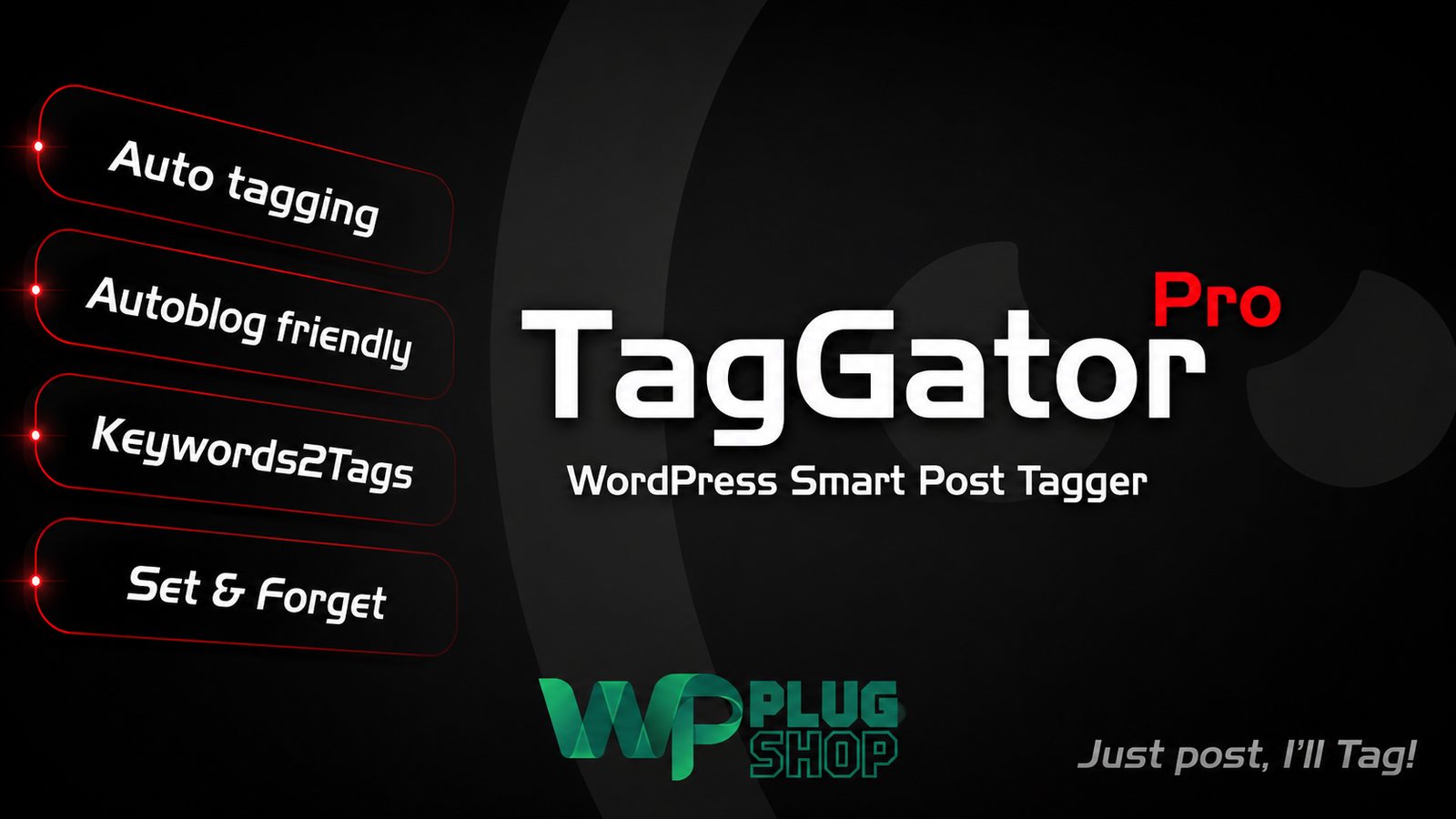
Preview TagGator Pro – WordPress Auto Tagging Plugin
View the product artwork, switch gallery images, and open a larger preview before checkout.
Get secure digital access for real WordPress projects
This section summarizes the buying experience and what customers can expect after checkout.
Product overview, benefits, and digital access details
Review the key product details, practical use cases, and digital access information before checkout.
TagGator Pro – WordPress Auto Tagging Plugin
TagGator Pro – WordPress Auto Tagging Plugin is a WordPress content-management tool designed to automate post tagging using configurable keywords and tag rules. Instead of manually reviewing every article and assigning tags, you can define the terms associated with your tags and let TagGator Pro apply matching tags to your content.
TagGator Pro is especially useful for blogs, magazines, publishers, content-heavy websites, and WordPress projects where maintaining consistent tags across a growing content library can become repetitive. Its Pro functionality adds automatic tagging when posts are saved, keyword-to-tag synonym mapping, exclusion controls, tagging history, and other tools for managing automated tagging workflows.
Automatically Tag WordPress Posts by Keywords
Manual tagging can take considerable time when publishing frequently. TagGator Pro provides a keyword-based WordPress auto-tagging workflow where you define the tags and keywords that should trigger them.
For example, a website covering web development could associate keywords such as WordPress, PHP, JavaScript, or React with appropriate tags. When matching terms appear in eligible content, the plugin can assign the configured tags according to your matching rules.
Key Features
- Automatically tag WordPress posts when they are created or saved.
- Create and assign tags based on configured keywords.
- Map multiple keywords or synonyms to a single tag.
- Set minimum keyword occurrence requirements.
- Configure matching behavior for post content and titles.
- Support tagging for eligible custom post types.
- Choose the taxonomy used for supported post types.
- Exclude selected posts, categories, or authors from automatic tagging.
- Use per-post and per-user exclusion controls.
- Preview potential tagging before applying changes.
- Bulk-tag existing WordPress content.
- View tagging history associated with posts.
- Clean up plugin-managed tags that no longer match the configured rules.
- Support WordPress publishing through the REST API.
- Useful for automated and high-volume publishing workflows.
Product Details
| Detail | Information |
|---|---|
| Product Name | TagGator Pro – WordPress Auto Tagging Plugin |
| Product Type | WordPress Automatic Tagging Plugin |
| Platform | WordPress |
| Primary Function | Keyword-Based Automatic Tagging |
| Automatic Tagging | Yes, Pro functionality |
| Keyword-to-Tag Mapping | Yes |
| Synonym Mapping | Yes |
| Minimum Occurrence Controls | Yes |
| Custom Post Types | Supported for eligible public post types |
| Exclusion Controls | Posts, categories, authors, and additional controls |
| Tagging History | Yes |
| REST API Support | Yes |
| Bulk Tagging | Yes |
How WordPress Auto Tagging Works
TagGator Pro uses a rule-based keyword matching approach. You provide the tags and keywords that should be associated with your content, configure matching conditions, and allow the plugin to apply the appropriate tags when content meets those conditions.
This approach gives website administrators control over their tagging vocabulary instead of relying on completely automatic or unpredictable tag generation.
Keyword-to-Tag Mapping
One of the useful features of TagGator Pro is the ability to associate multiple keywords with a single tag. This is helpful when different words or phrases represent the same content topic.
For example, a single tag can be associated with several related keywords. When one or more configured terms are found according to the matching settings, the corresponding tag can be applied to the post.
Automatic Tagging When Posts Are Saved
With TagGator Pro, eligible posts can be tagged automatically when they are created or saved. This means publishers do not have to remember to manually assign every configured tag after publishing an article.
This workflow is particularly useful for websites that publish frequently and want a consistent automatic WordPress tagging system integrated into their normal editorial process.
Control Keyword Matching
Automatic tagging works best when administrators can control how keywords are matched. TagGator provides matching options including minimum occurrence requirements and configurable matching behavior for content and titles.
These controls can help reduce unnecessary tag assignments by requiring a keyword to meet defined conditions before the corresponding tag is applied.
Tag Existing WordPress Content in Bulk
TagGator is not limited to newly published content. Existing posts can also be scanned and processed through its bulk tagging workflow.
This makes the plugin useful when reorganizing an established WordPress website where hundreds or thousands of existing posts may need a more consistent tagging structure.
Custom Post Type Tagging
Websites often use custom post types for content beyond standard blog posts. TagGator supports eligible public post types and provides controls for selecting the taxonomy used for each supported post type.
This can make the plugin useful for WordPress websites with structured content such as resources, listings, tutorials, portfolios, or other custom content types.
Advanced Exclusion Controls
Not every post should necessarily receive automatic tags. TagGator Pro provides exclusion controls that allow administrators to prevent selected content from being processed.
Depending on the configuration, exclusions can be applied to specific posts, categories, authors, individual posts, or users. These controls provide additional flexibility when automatic tagging needs to operate only on selected parts of a website.
Preview and Tagging History
Automated content management benefits from visibility into what the system is doing. TagGator provides preview and tagging-history functionality so administrators can review tagging activity and understand which tags have been applied.
This can be helpful when refining keyword rules or maintaining a large content archive where manual inspection of every post would be inefficient.
Tag Cleanup
Content rules can change over time. TagGator tracks tags that it applies so its cleanup functionality can remove plugin-managed tags that no longer match the current configuration.
This provides a more controlled approach to tag maintenance and helps avoid treating manually added tags as though they were created by the automatic tagging system.
REST API and Automated Publishing Workflows
TagGator Pro also supports WordPress publishing workflows involving the REST API. This can be useful for websites that create or update content through external publishing systems or automated workflows.
For content-heavy websites, combining automatic tagging with an established publishing process can reduce repetitive taxonomy-management tasks after content is generated or imported.
Feature Comparison
| Capability | TagGator Pro | Manual WordPress Tagging |
|---|---|---|
| Automatic Tag Assignment | Yes | No |
| Keyword-Based Rules | Yes | Manual decision required |
| Multiple Keywords per Tag | Yes | Manual management |
| Minimum Occurrence Controls | Yes | Manual evaluation |
| Bulk Processing | Yes | Time-consuming |
| Custom Post Type Support | Yes, for eligible post types | Depends on WordPress configuration |
| Exclusion Rules | Yes | Manual control |
| Tagging History | Yes | No dedicated automation history |
| Tag Cleanup | Plugin-managed cleanup | Manual |
Best Use Cases
- Large WordPress blogs: Maintain consistent tags across a growing article library.
- News and magazine websites: Apply topic tags as new stories are published.
- Content publishers: Reduce repetitive taxonomy management during frequent publishing.
- Editorial websites: Establish keyword-based tagging rules for recurring topics.
- Custom post type websites: Organize eligible structured content with configured taxonomies.
- Automated publishing workflows: Apply tagging rules when content is created or updated.
- Content archives: Process existing posts through bulk tagging.
- Agencies: Standardize tagging workflows across content-focused WordPress projects.
Who Should Use TagGator Pro?
TagGator Pro is particularly suitable for WordPress users who manage a growing content library and want to reduce repetitive manual tagging.
Bloggers, publishers, agencies, developers, news websites, magazine sites, and content-heavy businesses can use keyword-based rules to create a more consistent approach to WordPress taxonomy management.
Pros and Considerations
| Pros | Considerations |
|---|---|
| Automates WordPress post tagging | Tagging quality depends on the configured keywords and rules |
| Supports multiple keywords for a single tag | Poorly configured keywords can produce unwanted tag assignments |
| Supports bulk processing of existing content | Large content libraries should be processed carefully |
| Provides exclusion controls | Configuration is important when different content types need different rules |
| Supports custom post types | Exact taxonomy behavior depends on the post type configuration |
| Provides tagging history and cleanup tools | Current features and compatibility can vary by installed version |
| Useful for automated publishing workflows | REST API behavior depends on the site's WordPress and integration setup |
WordPress Auto Tagging for Content Organization
Tags can help organize WordPress content into topic-based collections and give visitors additional ways to discover related posts. Maintaining those tags manually becomes increasingly repetitive as the number of published articles grows.
TagGator Pro provides a structured alternative by letting administrators define keyword-based rules and automate the repetitive part of the tagging workflow.
Important SEO Consideration
Automatic tagging can help maintain a more organized WordPress taxonomy, but tags should still be planned carefully. The plugin does not guarantee improved search-engine rankings, and automatically generated tags should not be treated as a replacement for broader SEO strategy, useful content, internal linking, or site architecture.
Compatibility and Product Information
The current TagGator information lists features including automatic tagging on save, keyword-to-tag synonym mapping, custom post-type support, advanced exclusions, tagging history, REST API support, and tag cleanup. The current WordPress.org listing also identifies recent security updates and WordPress compatibility information. Always verify the specific version and compatibility requirements associated with your digital access before installation.
WP Plug Shop is not the developer or official owner of TagGator, WordPress, AngryByte, or any associated third-party trademarks and software.
Automate Your WordPress Tagging Workflow
If manually adding tags to every article has become a repetitive part of your publishing process, TagGator Pro – WordPress Auto Tagging Plugin provides a practical keyword-based automation workflow.
Define your tagging rules, configure the matching conditions, set appropriate exclusions, and let the plugin handle eligible tag assignments as your WordPress content grows.
TagGator Pro – WordPress Auto Tagging Plugin FAQs
What is TagGator Pro?
TagGator Pro is a WordPress auto-tagging plugin that helps automatically assign tags to eligible content based on configured keywords and tagging rules. It is designed to reduce repetitive manual tagging for content-heavy WordPress websites.
Can TagGator automatically tag WordPress posts?
Yes. TagGator Pro can automatically assign configured tags when eligible WordPress posts are created or saved, helping automate a normally manual part of the publishing workflow.
How does automatic tagging work in TagGator Pro?
TagGator Pro uses keyword-based matching. You configure tags and the keywords or related terms associated with them, and the plugin applies matching tags when the configured conditions are met.
Can I assign multiple keywords to one WordPress tag?
Yes. TagGator supports associating multiple keywords or synonyms with a tag. This is useful when different words or phrases should result in the same WordPress tag being assigned.
Can I control how often a keyword must appear?
Yes. TagGator provides minimum occurrence controls that can be used to determine how frequently a configured keyword needs to appear before the associated tag is applied.
Can TagGator Pro automatically tag existing WordPress posts?
Yes. TagGator provides bulk tagging functionality that can be used to process existing content. This can be useful when reorganizing a large WordPress archive or introducing automated tagging to an established website.
Does TagGator support custom post types?
Yes. TagGator supports eligible public custom post types and provides options for working with the relevant taxonomy. The exact behavior depends on the configuration of the custom post type and taxonomy on your website.
Can I exclude specific WordPress posts from automatic tagging?
Yes. TagGator provides exclusion controls that can be used to prevent selected posts and other supported content from being processed by the automatic tagging rules.
Can I exclude categories or authors from auto tagging?
TagGator Pro provides exclusion options for areas such as categories and authors, giving administrators more control over where automatic tagging rules are applied.
Does TagGator provide tagging history?
Yes. TagGator includes tagging-history functionality that can help administrators review automated tagging activity and manage the tags applied through the plugin.
Can TagGator clean up automatically assigned tags?
Yes. TagGator includes cleanup functionality for plugin-managed tags that no longer match the configured rules. This can help maintain a cleaner tagging structure when keyword rules change.
Does TagGator support WordPress REST API workflows?
Yes. TagGator Pro provides REST API support, making it relevant to WordPress publishing workflows where content is created or updated through API-based integrations.
Is TagGator Pro an AI tagging plugin?
TagGator Pro should primarily be understood as a keyword-based automatic tagging solution. Its documented workflow relies on configured keywords, synonyms, matching conditions, and tagging rules rather than requiring an AI content-generation system.
Can automatic WordPress tagging improve SEO?
Automatic tagging can help maintain a more consistent content taxonomy, but it does not guarantee higher search rankings. Tags should be used as part of a broader SEO and content-organization strategy.
Who should use a WordPress auto-tagging plugin?
TagGator Pro can be useful for bloggers, publishers, news websites, magazines, agencies, developers, and other WordPress users who manage large or frequently updated content libraries and want to reduce manual tagging work.
Quick product answers for buyers and AI search
Clear product answers help buyers, search engines, and AI answer engines understand this product faster.
Best ways to use this WordPress digital product
These use cases help buyers quickly decide if this product fits their workflow.
How digital access works
No physical shipping is required. This is a digital product access purchase designed for account-based downloads.
Secure payment options for digital checkout
WPPlugShop supports trusted checkout options so buyers can complete digital purchases with more confidence.
Frequently asked questions
Buyer-focused answers about digital access, secure payments, downloads, support, and product usage.
Related WordPress tools you may also like
Explore related WordPress tools that may support the same workflow, website type, or project goal.




Choose the right WordPress tool with confidence
Request a product, explore membership access, or contact support if you want help choosing the right WordPress digital product before checkout.