
Bookly Files Add-on – Client Document & File Upload Extension for Bookly Pro
Verified from VirusTotal 100% Original Product and Virus Free. Free New Version Lifetime On Single Purchase. Unlimited Website Usage Price is in US dollars and included tax
Buy confidently with secure digital checkout, account-based downloads, and a cleaner WPPlugShop product experience.
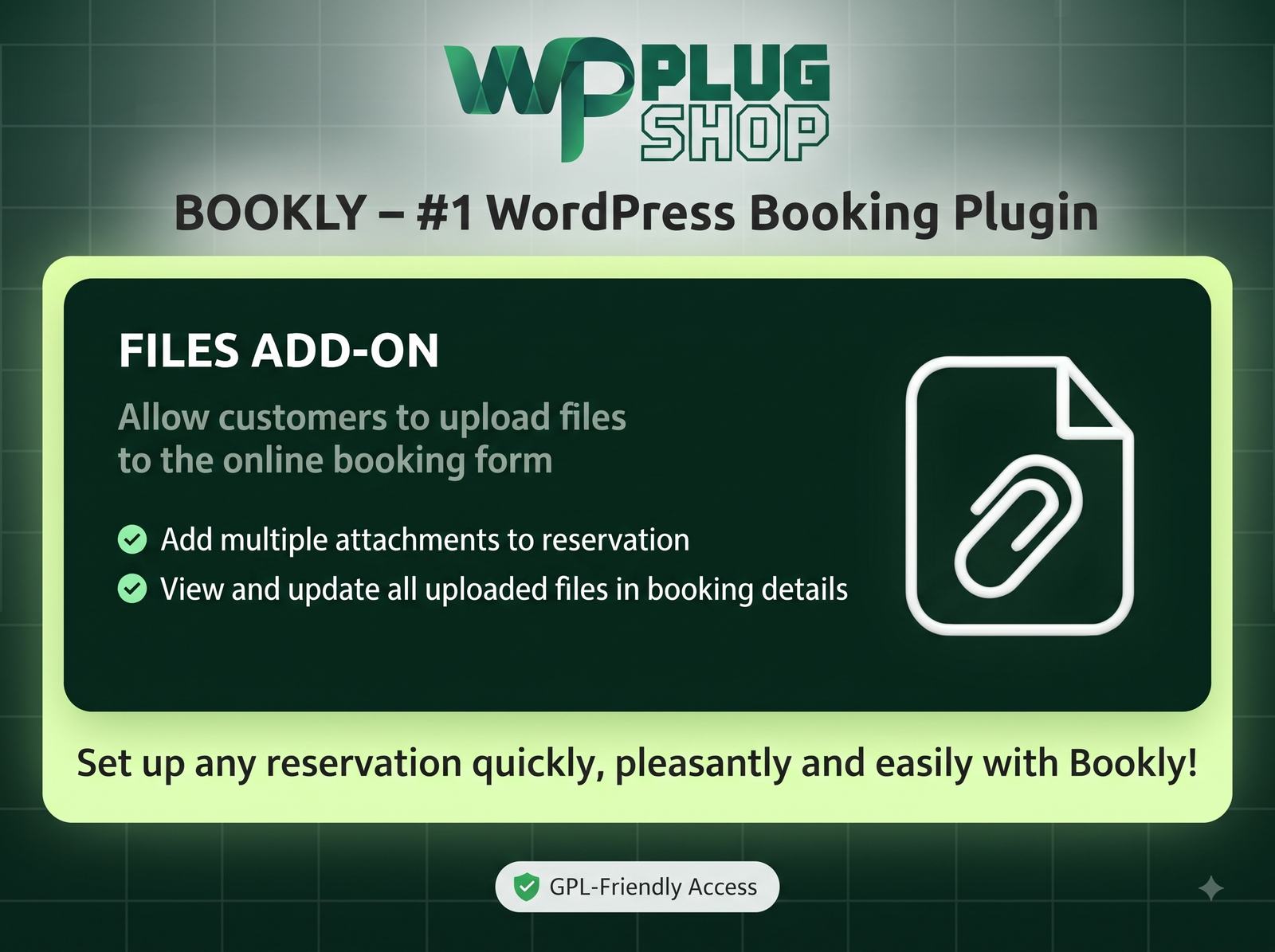
Preview Bookly Files Add-on – Client Document & File Upload Extension for Bookly Pro
View the product artwork, switch gallery images, and open a larger preview before checkout.
Get secure digital access for real WordPress projects
This section summarizes the buying experience and what customers can expect after checkout.
Product overview, benefits, and digital access details
Review the key product details, practical use cases, and digital access information before checkout.
Transform your appointment workflow and eliminate endless back-and-forth email attachments with the Bookly Files Add-on. Designed specifically for WordPress site owners, agencies, and service providers who rely on Bookly Pro, this powerful extension enables your clients to upload essential documents, identity verification forms, medical histories, or project briefs directly within the online booking process. By capturing client files right at the moment of appointment scheduling, you automate intake management, improve operational accuracy, and deliver a smooth onboarding experience.
Streamline Client Document Collection Right at Checkout
Collecting client files prior to consultations, medical visits, or design sessions can be a major friction point. Standard booking systems force you to request documents manually after an appointment is booked, leading to delayed workflows, missing information, and administrative bottlenecks. The Bookly Files Add-on solves this problem by adding secure file upload fields directly into your multi-step Bookly booking form or WooCommerce checkout flow.
Whether you need to collect PDF intake forms, passport scans, tax documents, vehicle damage photos, or creative project briefs, this plugin ensures every file is securely tied directly to the relevant customer booking inside your WordPress administrative portal.
Key Features of Bookly Files Add-on
- Custom File Upload Fields: Place single or multi-file upload steps anywhere within your existing Bookly appointment booking forms.
- Comprehensive Format Support: Accept standard document and media extensions including PDF, DOC/DOCX, PNG, JPG, JPEG, ZIP, CSV, and TXT files.
- File Size & Type Controls: Set precise maximum file upload limits and restrict file extensions to maintain website security and manage server storage.
- Centralized Backend Cabinet: View, download, or update client attachments directly from the Bookly Pro administration dashboard under appointment details.
- Front-End Customer Cabinet: Registered clients can review and manage their uploaded documents directly through their customer portal.
- Automated Email Attachment Notifications: Configure notification emails to attach or include links to uploaded files for instant staff review.
- WooCommerce Integration: Collect files seamlessly during WooCommerce checkout when using Bookly Pro in combination with WooCommerce.
- Lightweight & Optimized: Built with clean PHP and JS standards to ensure rapid load times and complete compatibility with modern WordPress themes and Elementor page builders.
Why Service Businesses Choose Bookly Files Add-on
Every business type that requires preliminary customer paperwork can leverage the power of automated document collection. Here is how various industries benefit from installing this add-on on their WordPress platform:
Healthcare & Telehealth Clinics
Allow patients to upload insurance cards, medical history summaries, or doctor referrals before arriving at the office or logging into a virtual session. This speeds up front-desk checking and keeps medical practices compliant and efficient.
Legal, Accounting & Advisory Services
Gather identity documents, tax records, or signed service contracts directly during consultation scheduling. Legal and financial experts can review assets before starting meetings, leading to higher quality billable hours.
Agencies, Designers & Freelancers
Collect brand guidelines, logo assets, mood boards, and project specification PDFs when clients book onboarding calls or strategy sessions. Eliminate project startup delays and establish immediate trust.
Technical Specifications
| Specification | Details |
|---|---|
| Product Title | Bookly Files Add-on |
| Parent Plugin Required | Bookly Pro (Core WordPress Booking System) |
| Supported File Formats | PDF, DOC, DOCX, JPG, JPEG, PNG, ZIP, CSV, TXT |
| Compatibility | WordPress 5.0+, WooCommerce, Elementor, Gutenberg, Classic Editor |
| Access Type | Instant Digital Access / GPL-Friendly Download |
| Security & Safety | 100% Scanned Digital Files, Malware-Free, Verified Code |
How Bookly Files Add-on Compares
Instead of relying on generic form builders that store client documents in disconnected locations, the Bookly Files Add-on anchors every document directly to the specific appointment entry in Bookly Pro.
| Feature / Capability | Bookly Files Add-on | Generic Form Plugins |
|---|---|---|
| Direct Booking Integration | Yes – Tied to native Bookly appointment IDs | No – Stores entries separately from bookings |
| Front-End Client Cabinet | Yes – Accessible in Bookly user profile | Rarely / Requires complex custom code |
| WooCommerce Checkout Support | Yes – Works in unified WooCommerce cart | No – Requires third-party custom bridges |
| Automated Email Notifications | Yes – Includes file links in staff alerts | Requires separate email notification setup |
Pros and Considerations
| Pros & Strengths | Important Considerations |
|---|---|
| Automates intake paperwork during online booking | Requires active installation of parent Bookly Pro plugin |
| Flexible file type and size constraint controls | File uploads depend on server maximum execution limits |
| Reduces administrative manual email correspondence | Requires proper server storage management for heavy files |
| Budget-conscious GPL-friendly access on WP Plug Shop | Does not include third-party external cloud storage sync natively |
Get Instant GPL-Friendly Access on WP Plug Shop
Enhance your WordPress booking setup today. When you purchase from WP Plug Shop, you gain instant digital access to safe, original, and scanned digital files designed for real WordPress projects. Build better customer workflows and optimize your business intake today!
Frequently Asked Questions About Bookly Files Add-on
What is the Bookly Files Add-on and how does it work?
The Bookly Files Add-on is an extension for Bookly Pro that allows clients and staff to upload files, PDFs, images, and documents directly within the online booking form or backend appointment management interface.
Do I need the core Bookly Pro plugin to use this add-on?
Yes. The Bookly Files Add-on requires the core Bookly Pro WordPress plugin installed on your website to function, as it attaches file upload capabilities directly to Bookly booking workflows.
Which file formats can customers upload during appointment booking?
You can configure the extension to accept standard document and media formats including PDF, DOC, DOCX, PNG, JPG, JPEG, ZIP, CSV, and TXT files, giving you full control over accepted extensions.
Can I set maximum file size limits for uploaded documents?
Yes, you can set maximum file size thresholds and restrict upload types directly in the add-on configuration settings to optimize server storage and enhance website security.
Where can site administrators view and download uploaded client files?
Uploaded documents are automatically attached to the specific appointment entry. Site admins and assigned staff can view and download files directly from the Bookly admin cabinet inside the WordPress dashboard.
Can clients manage or re-upload files after completing a booking?
Yes. Registered clients can log into their front-end Bookly customer cabinet on your site to view, manage, or upload additional attachments for their upcoming appointments.
Is Bookly Files Add-on compatible with WooCommerce checkout?
Yes, when Bookly Pro is integrated with WooCommerce, file upload fields appear smoothly during the WooCommerce cart and checkout workflow for bookable service items.
Are digital downloads on WP Plug Shop safe and scanned?
Yes. All resources available on WP Plug Shop are scanned digital files, verified to be 100% clean, malware-free, and GPL-friendly for authentic WordPress project deployment.
How quickly do I get access after completing my checkout?
You receive instant digital access immediately upon order completion. You can download your file directly from your WP Plug Shop account dashboard and begin installation right away.
Quick product answers for buyers and AI search
Clear product answers help buyers, search engines, and AI answer engines understand this product faster.
Best ways to use this WordPress digital product
These use cases help buyers quickly decide if this product fits their workflow.
How digital access works
No physical shipping is required. This is a digital product access purchase designed for account-based downloads.
Secure payment options for digital checkout
WPPlugShop supports trusted checkout options so buyers can complete digital purchases with more confidence.
Frequently asked questions
Buyer-focused answers about digital access, secure payments, downloads, support, and product usage.
Related WordPress tools you may also like
Explore related WordPress tools that may support the same workflow, website type, or project goal.




Choose the right WordPress tool with confidence
Request a product, explore membership access, or contact support if you want help choosing the right WordPress digital product before checkout.