
Slider Revolution WP Gallery Addon Version
Slider Revolution WP Gallery Addon Version is a premium WordPress digital product available through WPPlugShop for website owners, freelancers, developers, and agencies who want a faster, cleaner way to access useful WordPress tools.
Buy confidently with secure digital checkout, account-based downloads, and a cleaner WPPlugShop product experience.
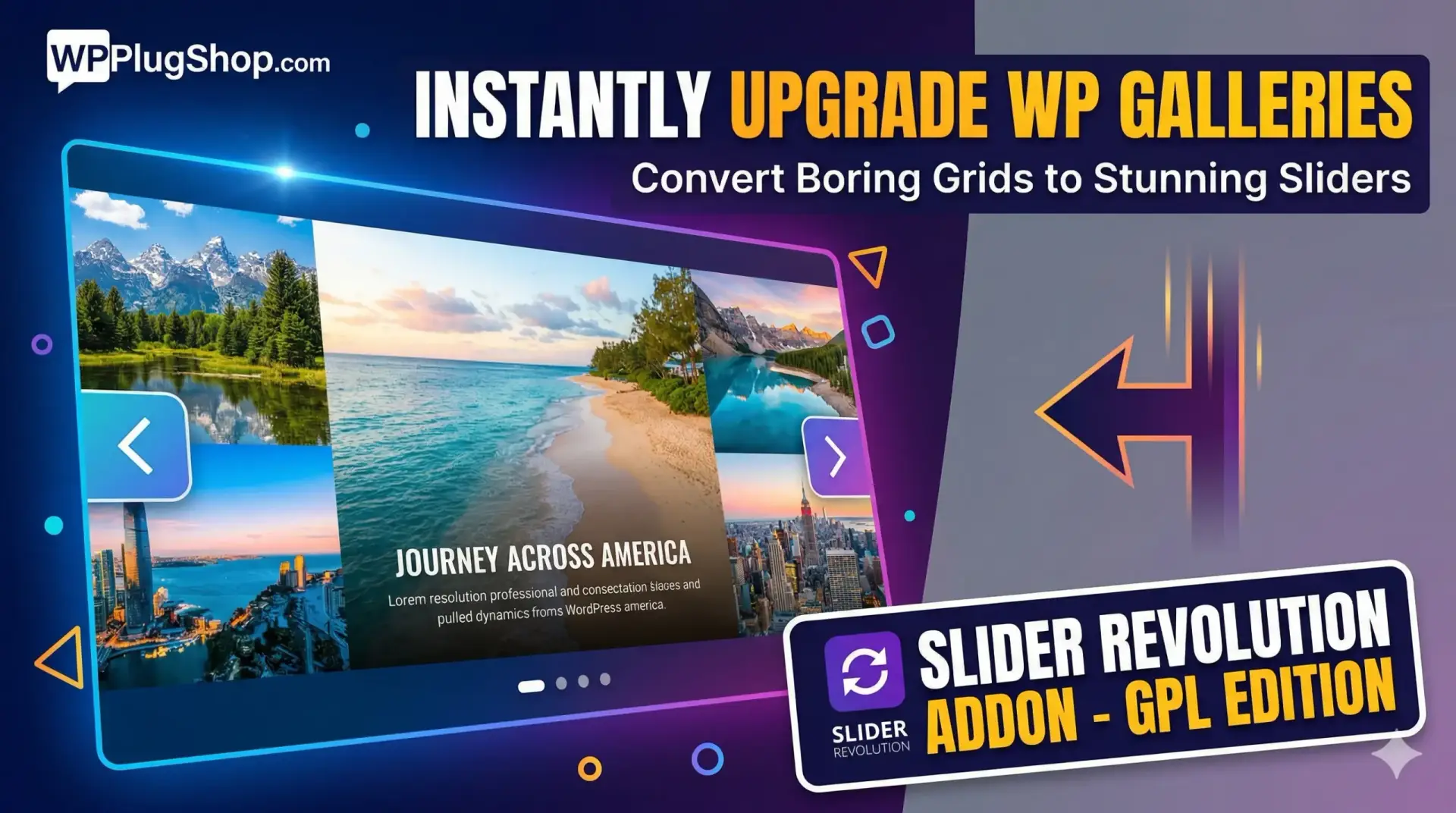
Preview Slider Revolution WP Gallery Addon Version
View the product artwork, switch gallery images, and open a larger preview before checkout.
Get secure digital access for real WordPress projects
This section summarizes the buying experience and what customers can expect after checkout.
Product overview, benefits, and digital access details
Review the key product details, practical use cases, and digital access information before checkout.
Transform your basic WordPress image galleries into stunning, high-performance Slider Revolution modules instantly. This powerful addon automates the conversion process, giving you professional-grade sliders without the manual work.
GPL Version Note: This is a clean, secure, and legally redistributed version under the GPL license. It is a cost-effective alternative for developers and DIYers. Please note that official developer support and auto-updates are not included.
Key Features for USA Site Owners
Automatic Conversion: Instantly turn any native WP Gallery into a premium slider.
Post-Based Dynamic Content: Pulls images directly from your gallery settings.
Full Customization: Control typography, navigation, and layers using the Slider Revolution editor.
SEO Optimized: Lightweight and fast-loading to help your site rank better in US search results.
Quick Setup Guide (Step-by-Step)
Step 1: Installation
Install and activate the AddOn directly from the Slider Revolution main admin dashboard.
Step 2: Module Configuration
Create a new Module and name it (e.g., "Premium Gallery Slider").
Select Post-Based and Specific Post as the Content Source.
Leave the "Specific Posts" list empty; the addon will fetch your gallery images automatically.
Step 3: Background & Image Stream
Set the Slide’s main background to Image.
Enable the "Image from Stream if Exists" option.
Note: Do not manually select images from the Media Library; the addon handles the fetching for you.
Step 4: Designing Layers & Meta Data
Add a Text Layer and customize the font and style to match your brand.
Use the Meta Placeholder from the "Gallery" menu to pull image titles automatically.
Repeat this step if you want to display the Image Caption or Description.
Step 5: Finalize Navigation & Launch
Add navigation elements (arrows, bullets, or thumbnails) so users can browse comfortably.
Ensure your WP Gallery images have Titles and Captions in the Media Library.
Select your created template in the AddOns Modal settings.
Step 6: Go Live
Simply add a standard WordPress Gallery to any page or post. Slider Revolution will detect it and replace the static grid with your beautiful new slider automatically!
Quick product answers for buyers and AI search
Clear product answers help buyers, search engines, and AI answer engines understand this product faster.
Best ways to use this WordPress digital product
These use cases help buyers quickly decide if this product fits their workflow.
How digital access works
No physical shipping is required. This is a digital product access purchase designed for account-based downloads.
Secure payment options for digital checkout
WPPlugShop supports trusted checkout options so buyers can complete digital purchases with more confidence.
Frequently asked questions
Buyer-focused answers about digital access, secure payments, downloads, support, and product usage.
Related WordPress tools you may also like
Explore related WordPress tools that may support the same workflow, website type, or project goal.



Choose the right WordPress tool with confidence
Request a product, explore membership access, or contact support if you want help choosing the right WordPress digital product before checkout.