Meta Box Tabs Addon – Organize Custom Fields into Tabbed Interfaces
Meta Box Tabs Addon – Organize Custom Fields into Tabbed Interfaces
SKU:e60386160daa
The Meta Box Tabs Addon is an essential extension for the popular Meta Box framework, designed specifically to help WordPress developers and site builders create
The Meta Box Tabs Addon is an essential extension for the popular Meta Box framework, designed specifically to help WordPress developers and site builders create cleaner, more intuitive admin interfaces. By allowing you to group multiple custom fields and meta boxes into organized, tabbed sections, this addon transforms cluttered, infinitely scrolling edit screens into professional, user-friendly dashboards.
Why This Product Is Useful
When working with complex Custom Post Types (CPTs)—like real estate listings, advanced product pages, or directory profiles—the number of custom fields can quickly become overwhelming for content editors. Endless vertical scrolling leads to mistakes and frustration. The Meta Box Tabs Addon solves this “scroll fatigue” by condensing dozens of data points into neat, logical tabs, providing your clients with a polished and efficient editing experience.
Key Features
Flexible Tab Layouts: Choose between horizontal or vertical tab orientations to best fit your specific admin design and field requirements.
Visual Indicators: Support for WordPress Dashicons allows you to add visual cues to your tabs, making navigation even faster for users.
Universal Compatibility: Works seamlessly across posts, pages, custom post types, user profiles, and even taxonomy term edit screens.
Conditional Logic Ready: Fully integrates with the Meta Box Conditional Logic addon, allowing you to show or hide entire tabs based on user input.
Lightweight Architecture: Built with performance in mind. It uses minimal CSS and JavaScript, ensuring your WordPress admin remains lightning-fast.
Main Benefits
Benefit
Impact
Decluttered UI
Removes visual noise, making complex data entry simple and intuitive.
Improved Workflow
Saves content managers time by logically grouping related fields together.
Professional Presentation
Delivers a premium, white-label feel to the WordPress backend for your clients.
Seamless Integration
Works flawlessly with the core Meta Box plugin and its ecosystem of addons.
Best Use Cases
Real Estate Websites: Group fields into tabs for “Property Details,” “Pricing,” “Location,” and “Features.”
E-commerce & Product Catalogs: Organize extensive product specifications, shipping dimensions, and custom variations.
Event Management: Separate event schedules, speaker bios, and ticketing information into easy-to-manage sections.
Client Handoffs: Provide a highly organized backend that requires zero training for non-technical users to navigate.
Who Should Use This Product?
This addon is a must-have for WordPress developers, web design agencies, and advanced site builders who rely on the Meta Box framework to manage complex data structures and want to provide a superior backend user experience.
WP Plug Shop Access Benefits
By securing the Meta Box Tabs Addon through WP Plug Shop, you guarantee:
Verified Source Code: Clean, unmodified files that integrate perfectly with your existing Meta Box setup.
Instant Delivery: Immediate access to the tool you need to streamline your client projects today.
Unrestricted Usage: The flexibility to implement tabbed interfaces across all your development sites.
Professional Grade: A trusted, high-performance tool built specifically for modern WordPress architecture.
Product Details
Framework Requirement
Requires the core Meta Box plugin
Compatibility
WordPress 6.0+, Meta Box Framework
Primary Function
Admin UI/UX Optimization
Final Verdict
Don’t let a cluttered backend ruin a great website. The Meta Box Tabs Addon is the smartest way to organize complex data, speed up content entry, and deliver a truly professional WordPress editing experience to your clients.
Frequently Asked Questions
Does the Meta Box Tabs Addon work with the free version of Meta Box?
Yes, it is designed to extend the Meta Box framework. You will need the core Meta Box plugin installed and active on your site to use the Tabs Addon effectively.
Can I use this plugin if I prefer coding over using the UI?
Absolutely. While many users utilize the Meta Box Builder UI for convenience, the Tabs Addon is fully compatible with PHP-based registration. You can define your tabs and assign fields to them directly within your theme’s `functions.php` or custom plugin files using the standard Meta Box registration array.
What tab styles are available?
The plugin supports three distinct styles to match your admin design: default (similar to standard WordPress category tabs), box (similar to editor mode tabs), and left (a sidebar-style layout similar to WooCommerce settings pages).
Can I add icons to my tabs?
Yes. You can use native WordPress Dashicons by default. If you require further customization, you can also use Font Awesome classes or provide a custom URL for your own image-based icons.
Does using tabs affect the performance of my WordPress admin dashboard?
No. The addon is built to be extremely lightweight. It uses efficient CSS and minimal JavaScript to toggle visibility, ensuring that your admin pages load quickly even with a large number of custom fields.
Can I use conditional logic with tabs?
Yes, the plugin is fully compatible with Meta Box’s Conditional Logic. You can control the visibility of entire tabs based on the values of other fields, allowing for highly dynamic and context-aware editing interfaces.
Can I show tabs on taxonomy or user profile pages?
Yes. The Meta Box framework is designed to work across various WordPress screens, including posts, pages, custom post types, taxonomy term edit screens, and user profile pages. As long as your meta boxes are registered for those screens, the Tabs Addon will organize them correctly.
Please note: This is a digital product. Due to its digital nature, all sales are final — no refund will be provided after purchase and delivery. Please see our Refund Policy before purchasing.
1 Reviews
Loading reviews...
Unable to load reviews. Please try again later.
Sandra FordRated 5 out of 5
2 weeks ago
Perfect for my project
Setup took just a few minutes and everything worked on the first try. Configuration was simple and the options are well organized. At this price it is honestly a steal.
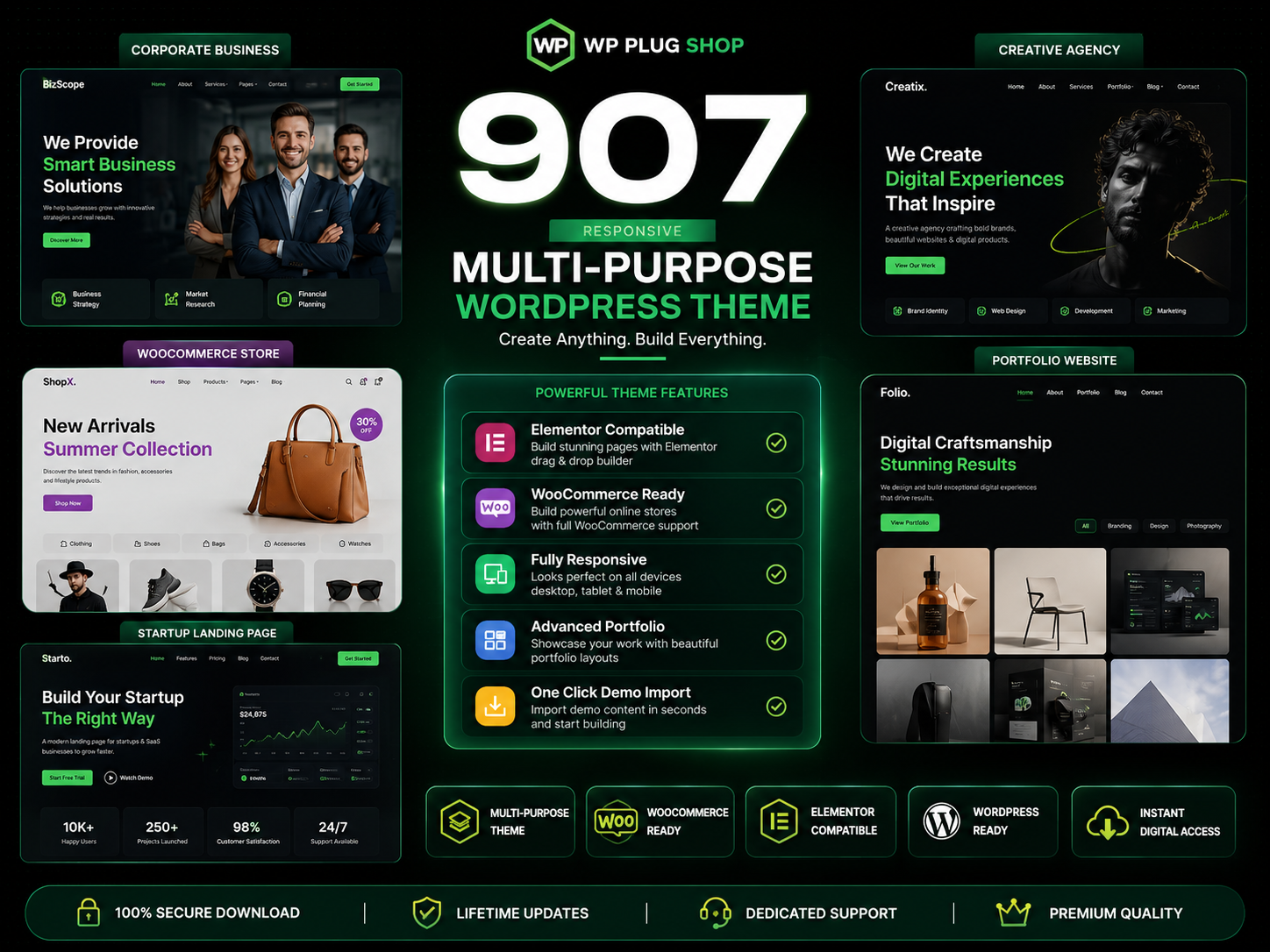
907 Responsive Multi-Purpose WordPress Theme is a flexible and feature-rich WordPress website solution designed for businesses, agencies, freelancers, startups, online
The 907 Theme – Responsive Multi-Purpose WordPress Theme is a flexible and powerful website-building solution designed for users who want to create professional
A.I Autocontent for Elementor 1.0.0 is an AI-powered content generation plugin designed specifically for Elementor users who want to create website content faster and
A.I. AutoContent for Elementor is a groundbreaking extension that brings the power of artificial intelligence directly into your favorite page builder. Designed for
Building an online community, membership portal, or secure corporate intranet using generic WordPress templates often leads to mismatched design aesthetics, severe