Frequently Asked Questions About WP Table Manager
What is WP Table Manager WordPress Plugin?
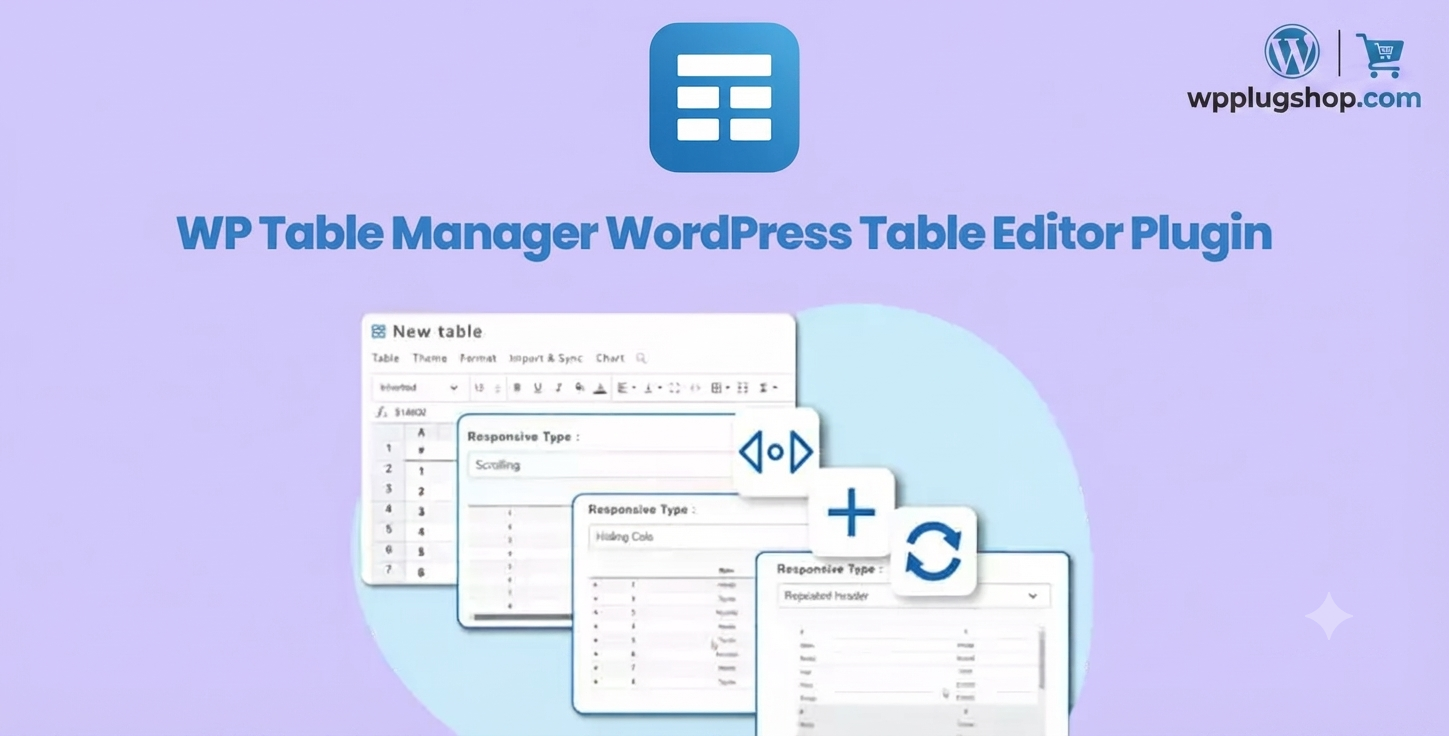
WP Table Manager is an advanced WordPress table editor plugin that allows users to create, edit, manage, and display professional spreadsheet-style tables directly inside WordPress. It provides an Excel-like interface for managing data, tables, charts, and reports without requiring coding skills.
Can WP Table Manager create responsive tables in WordPress?
Yes, WP Table Manager helps you create responsive WordPress tables that work smoothly across desktops, tablets, and mobile devices. You can build professional data tables with sorting, filtering, pagination, and responsive display options.
Does WP Table Manager work like Microsoft Excel?
WP Table Manager provides an Excel-style spreadsheet interface inside WordPress, allowing users to edit cells, organize data, manage rows and columns, apply formulas, and handle tables with a familiar spreadsheet workflow.
Can I import Excel files into WordPress using WP Table Manager?
Yes, WP Table Manager supports spreadsheet-based workflows that make it easier to import and manage external data sources such as Excel files and structured datasets inside WordPress websites.
Can WP Table Manager connect WordPress tables with Google Sheets?
WP Table Manager includes features that help users manage and synchronize spreadsheet-based data, making it useful for websites that need efficient workflows between WordPress tables and external spreadsheet sources.
Is WP Table Manager suitable for WooCommerce websites?
Yes, WP Table Manager can be used on WooCommerce websites for creating product comparison tables, pricing tables, catalogs, inventory lists, and other structured data displays.
Can I create charts and data visualizations with WP Table Manager?
Yes, WP Table Manager allows users to transform table data into visual charts and reports, making it useful for business websites, dashboards, analytics pages, and data-driven content.
Do I need coding skills to use WP Table Manager?
No, WP Table Manager is designed for beginners, website owners, freelancers, and developers. Its spreadsheet-style interface makes creating and managing WordPress tables simple without manually writing HTML or code.
Who should use WP Table Manager Plugin?
WP Table Manager is ideal for WordPress users who need advanced tables, including business owners, WooCommerce store managers, agencies, bloggers, educators, developers, and anyone managing large amounts of structured data.
Why choose WP Table Manager over basic WordPress table plugins?
Unlike simple table plugins, WP Table Manager offers a complete spreadsheet-style table management experience with advanced editing tools, responsive layouts, data organization features, charts, and professional table customization options.
Frequently Asked Questions About WP Table Manager WordPress Plugin
What is WP Table Manager?
WP Table Manager is a powerful WordPress table editor plugin that allows website owners to create, edit, organize, and display advanced tables using an easy spreadsheet-style interface. It helps manage complex data directly inside WordPress without manually creating HTML tables.
What can I create with WP Table Manager?
With WP Table Manager, you can create responsive data tables, pricing tables, comparison tables, product catalogs, business reports, directories, schedules, statistics tables, and interactive data displays for WordPress websites.
Is WP Table Manager an Excel-style table editor for WordPress?
Yes, WP Table Manager provides an Excel-inspired editing experience that makes it easy to manage rows, columns, cells, formulas, and structured data directly from your WordPress dashboard.
Can WP Table Manager handle large amounts of data?
Yes, WP Table Manager is designed for managing large datasets and complex tables. It provides powerful table organization features that help businesses and professionals maintain structured information efficiently.
Does WP Table Manager support responsive WordPress tables?
Yes, WP Table Manager helps create mobile-friendly responsive tables that adapt to different screen sizes, providing a better user experience for visitors on smartphones, tablets, and desktops.
Can I use WP Table Manager for WooCommerce product tables?
Yes, WooCommerce users can use WP Table Manager to display product information, create comparison tables, organize catalogs, and present structured product data in a professional format.
Can WP Table Manager import spreadsheet data?
WP Table Manager supports spreadsheet-based workflows that allow users to import and manage structured data from external sources, making it easier to move existing information into WordPress tables.
Does WP Table Manager support Google Sheets integration?
WP Table Manager includes features designed for efficient spreadsheet data management, helping users maintain WordPress tables with external spreadsheet workflows and updated information.
Can I add sorting and filtering options to WordPress tables?
Yes, WP Table Manager provides advanced table management options including sorting, filtering, and navigation features that make large datasets easier for visitors to explore.
Can WP Table Manager create charts from table data?
Yes, WP Table Manager allows users to convert table information into visual charts and reports, making it useful for analytics dashboards, business reports, and data visualization pages.
Is WP Table Manager beginner friendly?
Yes, WP Table Manager is suitable for beginners and professionals. The spreadsheet-style interface reduces complexity and allows users to create professional WordPress tables without advanced coding knowledge.
Who should use WP Table Manager Plugin?
WP Table Manager is ideal for WordPress developers, freelancers, agencies, WooCommerce store owners, business websites, bloggers, educators, and anyone who needs advanced table management capabilities.
WP Table Manager Plugin FAQs
Why use WP Table Manager instead of default WordPress tables?
Default WordPress tables usually require manual HTML editing and offer limited customization. WP Table Manager provides an advanced table management system with spreadsheet-style editing, powerful customization options, responsive layouts, and better control over large datasets.
Can WP Table Manager replace manual HTML table creation?
Yes, WP Table Manager allows users to build professional WordPress tables through an intuitive visual editor, reducing the need to manually write HTML code for creating and managing tables.
Can I create comparison tables with WP Table Manager?
Yes, WP Table Manager is suitable for creating product comparison tables, feature comparison charts, pricing comparisons, and other structured content tables for websites and online businesses.
Does WP Table Manager work with page builders?
WP Table Manager can be used with WordPress page builders and website editors by adding created tables into your website pages, making it suitable for Elementor-based websites and other WordPress layouts.
Can agencies use WP Table Manager for client websites?
Yes, agencies and freelancers can use WP Table Manager to create professional dashboards, reports, directories, pricing pages, and custom data solutions for their clients.
Can WP Table Manager create searchable data tables?
Yes, WP Table Manager provides table organization features that help visitors search, filter, sort, and navigate through information more efficiently.
Is WP Table Manager useful for business websites?
Yes, businesses can use WP Table Manager for displaying pricing plans, service lists, employee directories, financial reports, schedules, product catalogs, and other important data.
Can WP Table Manager improve website content presentation?
Yes, WP Table Manager helps transform complex information into clean, organized, and visually appealing tables that improve readability and user experience.
Does WP Table Manager support data visualization?
Yes, WP Table Manager supports chart creation and data visualization features, helping users present information through visual reports and interactive displays.
What types of websites benefit from WP Table Manager?
WP Table Manager is useful for WooCommerce stores, business websites, blogs, membership websites, educational platforms, directories, SaaS websites, and data-focused online projects.