Product Overview
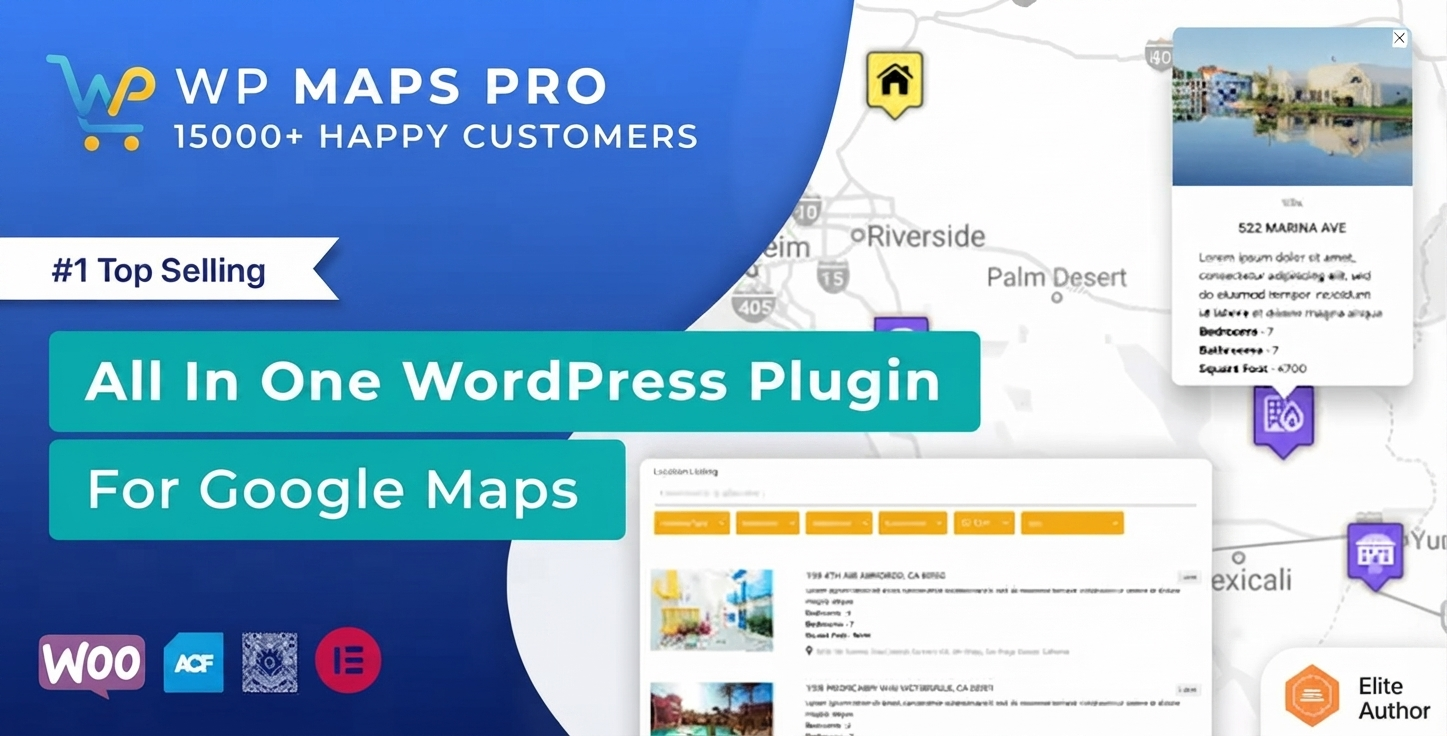
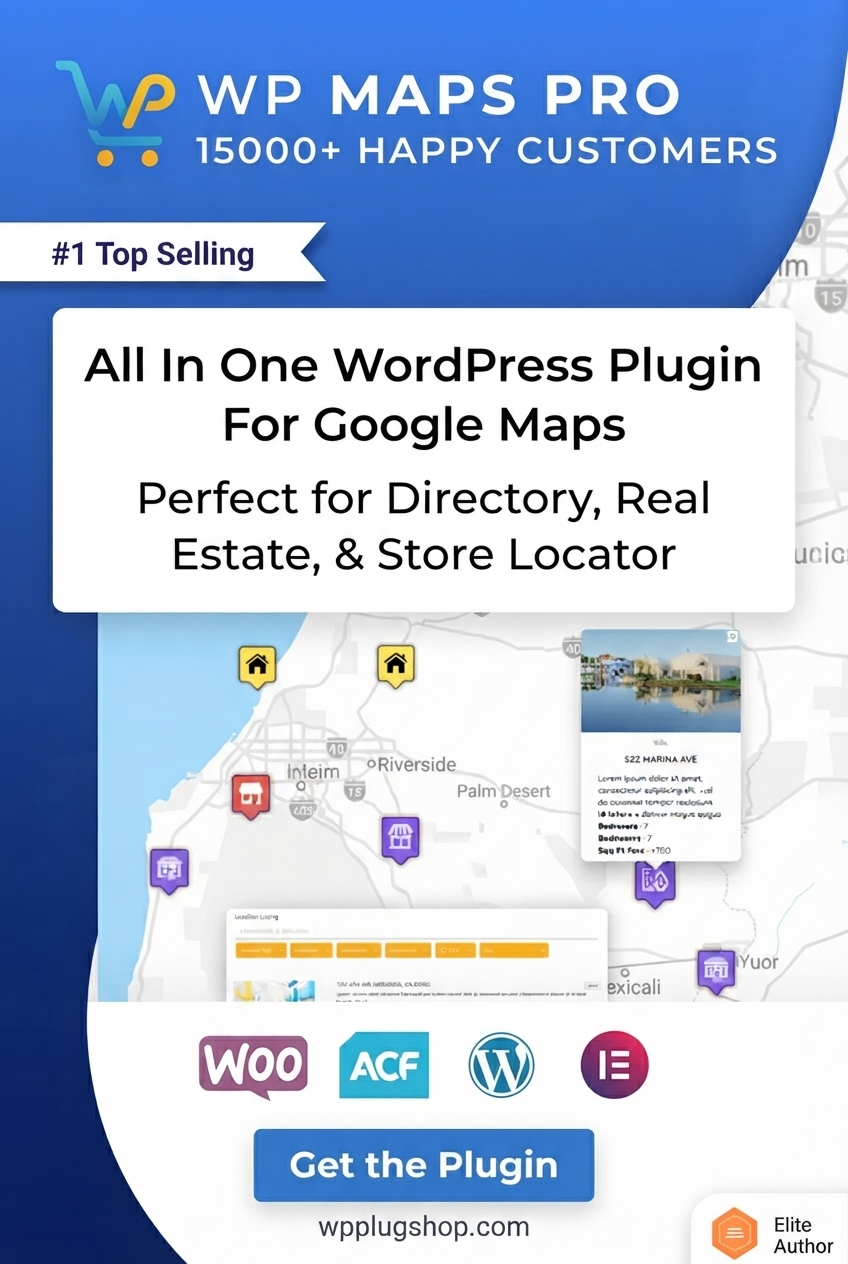
Advanced Google Maps Plugin for WordPress is a powerful mapping solution that helps website owners create interactive Google Maps with custom locations, markers, search features, filters, and location-based directories.
This WordPress Google Maps plugin allows businesses, agencies, developers, and website owners to transform simple map displays into advanced location experiences. You can create searchable maps, store locators, business directories, real estate maps, travel guides, and multi-location websites without building complex mapping functionality from scratch.
With advanced location management features, custom markers, category-based filtering, and interactive map tools, this plugin is ideal for websites that depend on location discovery and local customer engagement.
Why This Product Is Useful
Basic Google Maps embeds are useful for displaying a single address, but modern websites often require more advanced location features. Businesses with multiple branches, directories with hundreds of listings, and service providers with coverage areas need better map management.
Advanced Google Maps Plugin for WordPress helps solve this challenge by providing tools to create professional interactive maps that improve user experience and make location information easier to discover.
- Create interactive Google Maps directly inside WordPress websites.
- Display multiple locations with custom markers and information.
- Build searchable location directories and store locator systems.
- Improve local customer experience with easy navigation tools.
- Manage location-based content more efficiently.
Key Features
- Interactive Google Maps Creation: Build dynamic maps with custom settings, markers, and location information.
- Custom Map Markers: Add personalized markers to highlight businesses, stores, properties, events, or important locations.
- Multiple Location Management: Display and manage multiple locations from a single WordPress website.
- Location Search & Filtering: Allow visitors to search and filter locations based on categories or requirements.
- Store Locator Functionality: Create professional store finder experiences for businesses with multiple branches.
- Location Directory Support: Build map-based directories for businesses, services, properties, or destinations.
- Custom Categories: Organize map locations into different groups for easier browsing.
- CSV Location Import: Add and manage large numbers of locations efficiently.
- Custom Post Type Integration: Display WordPress content and custom post types on interactive maps.
- Route and Direction Features: Help users find routes and navigate between locations.
- Map Customization Options: Adjust map appearance and presentation for different website designs.
Main Benefits
- Improve User Experience: Help visitors discover locations faster with interactive maps and search tools.
- Boost Local Business Visibility: Showcase branches, stores, and service areas professionally.
- Create Better Directory Websites: Build location-based websites with advanced mapping features.
- Save Development Time: Add powerful map functionality without creating a custom mapping system.
- Support Local SEO Strategies: Create location-focused website experiences for customers searching nearby services.
- Manage Locations Easily: Organize multiple map points, categories, and listings from WordPress.
Best Use Cases
- Business Websites: Display office locations, branches, service areas, and customer-facing maps.
- Store Locator Websites: Help customers find nearby stores, dealers, or service centers.
- Real Estate Websites: Showcase properties and listings with interactive location maps.
- Business Directories: Create searchable directories with map-based listings.
- Travel Websites: Display destinations, attractions, hotels, and travel locations.
- Event Websites: Highlight venues, event locations, and multiple destinations.
- Agency Projects: Build custom location solutions for clients.
Who Should Use This Product?
- Business Owners: Add professional maps for branches, stores, and service locations.
- Directory Website Owners: Create interactive location listing websites.
- Real Estate Professionals: Display properties and locations visually.
- Travel Companies: Build destination and attraction maps.
- WordPress Developers: Add advanced mapping functionality to client projects.
- Digital Agencies: Create professional location-based websites.
WP Plug Shop Access Benefits
- WordPress-Ready Resource: Get a useful mapping solution for professional WordPress projects.
- Premium Digital Marketplace Access: Access this resource through the WP Plug Shop marketplace.
- Secure Checkout: Purchase through a convenient and secure digital buying experience.
- Budget-Friendly Website Enhancement: Add advanced map functionality to your website projects.
- Digital Product Access: Receive access according to WP Plug Shop delivery methods.
Product Details
| Detail | Information |
|---|---|
| Product Name | Advanced Google Maps Plugin for WordPress |
| Product Type | WordPress Mapping and Location Plugin |
| Main Purpose | Create interactive Google Maps with locations, markers, and search features |
| Platform | WordPress |
| Best For | Businesses, directories, real estate, travel websites, and agencies |
| Core Functions | Maps, markers, location management, search, filters, and directories |
| Integration | Google Maps |
| Access Type | Digital WordPress product access |
Feature Comparison
| Feature | Basic Google Maps Embed | Advanced Google Maps Plugin for WordPress |
|---|---|---|
| Multiple Locations | Limited setup | Advanced multi-location management |
| Custom Markers | Basic | Custom marker support |
| Location Search | Limited | Search and filtering options |
| Store Locator | Not available | Supports location finder experiences |
| Directory Features | No | Map-based directory functionality |
Pros and Considerations
| Pros | Considerations |
|---|---|
| Creates advanced interactive maps | Requires Google Maps configuration |
| Useful for multi-location websites | Best suited for location-focused projects |
| Supports directories and store locators | Large location databases may require planning |
| Reduces custom development work | Advanced features may require setup time |
Final Verdict
Frequently Asked Questions
What is Advanced Google Maps Plugin for WordPress?
Advanced Google Maps Plugin for WordPress is a mapping plugin that helps website owners create interactive Google Maps with custom markers, multiple locations, search features, filters, and location directories.
Why use an advanced Google Maps plugin instead of a basic map embed?
A basic Google Maps embed usually displays only a single location. An advanced Google Maps plugin provides additional features such as multiple locations, custom markers, search, filters, store locator functionality, and directory-style map experiences.
Can I add multiple locations to my WordPress website?
Yes, this WordPress Google Maps plugin is designed to help users display and manage multiple locations, making it useful for businesses, directories, franchises, and service-based websites.
Can I create a store locator with this WordPress map plugin?
Yes, the plugin can be used to create store locator experiences that help customers find nearby branches, stores, dealers, or service locations.
Does this plugin support custom Google Maps markers?
Yes, Advanced Google Maps Plugin for WordPress supports custom markers to help highlight different types of locations such as businesses, properties, events, or destinations.
Is this WordPress Google Maps plugin useful for business directories?
Yes, it is suitable for creating location-based directories where users can browse businesses, services, listings, or other locations through interactive maps.
Can I use this plugin for real estate websites?
Yes, real estate websites can use this mapping solution to display property locations, community areas, and location-based listings in an interactive format.
Can I create searchable maps in WordPress?
Yes, the plugin provides map search and filtering features that help visitors discover locations more easily based on categories or requirements.
Who should use Advanced Google Maps Plugin for WordPress?
This plugin is ideal for business owners, agencies, developers, directory website creators, travel websites, real estate professionals, and anyone who needs advanced location features in WordPress.
Is Advanced Google Maps Plugin suitable for WooCommerce websites?
Yes, WooCommerce store owners can use it for store locations, pickup points, dealer networks, branch finders, and location-based customer experiences.
Advanced Google Maps Plugin for WordPress is a powerful solution for anyone who needs more than a simple map embed. It helps businesses, agencies, developers, and website owners create professional interactive mapping experiences.
From store locators and business directories to real estate maps and travel websites, this plugin provides the tools needed to manage locations, improve navigation, and create engaging map-based experiences.
For WordPress users looking to add advanced Google Maps functionality, location search, and interactive directories, this plugin offers a practical and flexible mapping solution.
Please note: This is a digital product. Due to its digital nature, all sales are final — no refund will be provided after purchase and delivery. Please see our Refund Policy before purchasing.