
AutomatorWP Google Sheets Addon – WordPress Spreadsheet Automation Plugin
Verified from VirusTotal 100% Original Product and Virus Free. Free New Version Lifetime On Single Purchase. Unlimited Website Usage Price is in US dollars and included tax
Buy confidently with secure digital checkout, account-based downloads, and a cleaner WPPlugShop product experience.
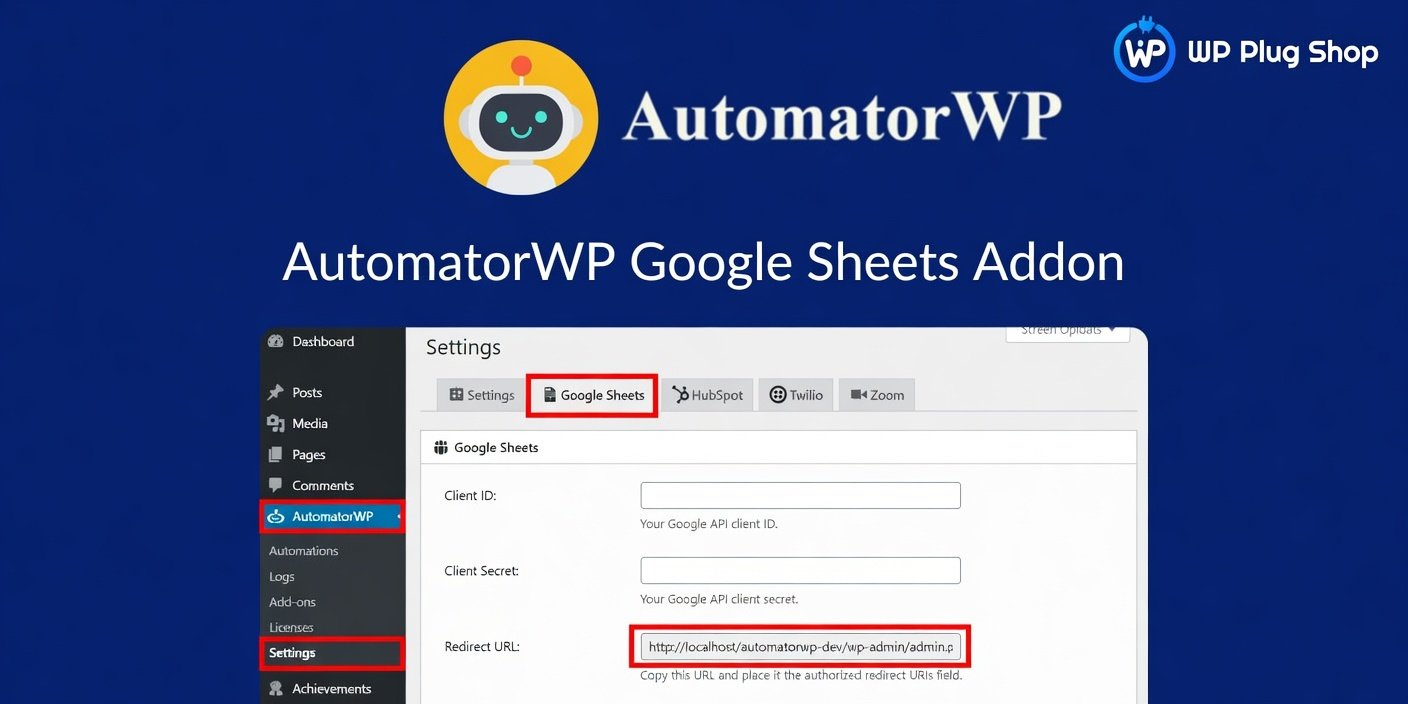
Preview AutomatorWP Google Sheets Addon – WordPress Spreadsheet Automation Plugin
View the product artwork, switch gallery images, and open a larger preview before checkout.
Get secure digital access for real WordPress projects
This section summarizes the buying experience and what customers can expect after checkout.
Product overview, benefits, and digital access details
Review the key product details, practical use cases, and digital access information before checkout.
Product Overview
AutomatorWP Google Sheets Addon 1.0.9 is a powerful WordPress automation extension that connects AutomatorWP workflows with Google Sheets, allowing websites to automatically send and organize data inside spreadsheets. It helps businesses, agencies, marketers, and developers automate repetitive tasks and create efficient data management workflows.
With this add-on, you can automatically add information from WordPress activities such as purchases, registrations, form submissions, course completions, and user actions directly into Google Sheets. This eliminates manual data entry and keeps your reports updated automatically.
Whether you manage a WooCommerce store, membership website, LMS platform, or business website, AutomatorWP Google Sheets Addon provides a flexible way to collect, organize, and analyze website data using familiar spreadsheet tools.
Why Use AutomatorWP Google Sheets Addon?
Many businesses rely on spreadsheets for reporting, tracking, and data organization, but manually transferring WordPress information into Google Sheets can waste valuable time.
AutomatorWP Google Sheets Addon solves this problem by creating automated connections between WordPress events and Google Sheets, allowing your website data to flow directly into customized spreadsheets.
- Automate spreadsheet updates.
- Reduce manual data entry.
- Create real-time reporting workflows.
- Organize WordPress data efficiently.
- Improve business productivity.
Key Features
- Google Sheets Integration: Connect AutomatorWP workflows directly with Google Sheets for automated data management.
- Automatic Row Creation: Add new spreadsheet rows automatically when specific WordPress actions occur.
- Dynamic Data Mapping: Send customized information from WordPress events into selected spreadsheet columns.
- Workflow Automation: Create powerful no-code automations using AutomatorWP triggers and actions.
- WooCommerce Automation: Record customer orders, purchases, and store activities automatically.
- Form Data Collection: Send form submissions into Google Sheets for lead tracking and reporting.
- LMS Integration Support: Track course enrollments, completions, and learner activity.
- Membership Tracking: Record user registrations and membership actions automatically.
- Multiple Spreadsheet Support: Connect workflows with different Google Sheets files as needed.
- Google API Connection: Securely connect your website with Google services.
- Automated Reporting: Build custom reports without exporting data manually.
Main Benefits
- Save Time: Automatically transfer WordPress data into spreadsheets without repetitive work.
- Improve Accuracy: Reduce mistakes caused by manual data entry.
- Better Reporting: Create updated business reports using live website data.
- Centralize Information: Keep important website activities organized in one place.
- No-Code Automation: Build workflows without advanced programming knowledge.
Ideal Use Cases
- WooCommerce sales tracking
- Lead management systems
- Customer databases
- Course enrollment reports
- Membership tracking
- Event registrations
- Marketing analytics
- Business reporting
- Internal workflow automation
- Client reporting systems
Who Should Use This Addon?
- Business Owners: Automate reporting and organize important website information.
- WooCommerce Store Owners: Track orders, customers, and sales activities automatically.
- Marketing Teams: Collect campaign and lead data directly into spreadsheets.
- Agencies: Create automated reporting systems for client websites.
- Developers: Build advanced WordPress workflows with Google Sheets integration.
WP Plug Shop Access Benefits
- Access to a premium AutomatorWP integration add-on.
- Connect WordPress workflows with Google Sheets.
- Automate data collection and reporting tasks.
- Useful for WooCommerce, LMS, membership, and business websites.
- Affordable access to premium WordPress automation tools.
Product Details
| Product Detail | Information |
|---|---|
| Product Name | AutomatorWP Google Sheets Addon |
| Version | 1.0.9 |
| Product Type | WordPress Automation Add-on |
| Main Function | Connect AutomatorWP workflows with Google Sheets |
| Platform | WordPress |
| Required Plugin | AutomatorWP |
| External Service | Google Sheets |
| Best For | Businesses, WooCommerce stores, agencies, marketers, developers, LMS, and membership websites |
| Category | AutomatorWP Add-ons |
Feature Comparison
| Capability | Manual Spreadsheet Management | AutomatorWP Google Sheets Addon |
|---|---|---|
| Data Entry | Manual updates required | Automatic spreadsheet updates |
| Workflow Automation | Not available | Automated WordPress workflows |
| Data Accuracy | Higher risk of mistakes | Consistent automated transfer |
| Reporting | Requires manual exports | Continuous data synchronization |
| Integration | Limited | Native AutomatorWP connection |
Pros & Considerations
| Pros | Considerations |
|---|---|
| Automates WordPress to Google Sheets workflows | Requires AutomatorWP plugin |
| Reduces manual data management | Requires Google account connection |
| Useful for reporting and analytics | Advanced workflows require AutomatorWP knowledge |
| Works with many WordPress activities | Google API permissions are required |
Final Verdict
AutomatorWP Google Sheets Addon 1.0.9 is an excellent solution for WordPress users who want to automate data collection and reporting. By connecting AutomatorWP with Google Sheets, it creates efficient workflows that save time, improve accuracy, and simplify business data management.
From WooCommerce sales tracking to lead management and membership reporting, this add-on provides a flexible automation solution for websites that depend on organized spreadsheet-based workflows.
Frequently Asked Questions
What is AutomatorWP Google Sheets Addon 1.0.9?
AutomatorWP Google Sheets Addon 1.0.9 is a WordPress automation extension that connects AutomatorWP workflows with Google Sheets, allowing websites to automatically send data into spreadsheets.
Do I need AutomatorWP to use this addon?
Yes. This addon requires the AutomatorWP plugin to be installed and activated because it extends AutomatorWP automation capabilities.
What does AutomatorWP Google Sheets Addon do?
It allows you to automatically add WordPress data to Google Sheets when specific events happen, such as purchases, registrations, form submissions, or user activities.
Can I connect WordPress with Google Sheets automatically?
Yes. The addon creates an automated connection between WordPress workflows and Google Sheets, removing the need for manual data entry.
Does it support WooCommerce?
Yes. WooCommerce store owners can use it to record sales, customer information, and order-related activities in Google Sheets.
Can I use it for form submissions?
Yes. You can create workflows that send form submission data into Google Sheets for lead tracking, reporting, and organization.
Is this plugin useful for LMS websites?
Yes. LMS websites can use the addon to track course enrollments, completions, and student activity in spreadsheets.
Can I create automated reports with this addon?
Yes. By sending website data directly to Google Sheets, you can create custom reports, dashboards, and analytics systems.
Does it support multiple Google Sheets?
Yes. You can configure workflows to send data to different Google Sheets files depending on your automation requirements.
Is coding required to use this addon?
No. The addon works with AutomatorWP's visual automation system, allowing users to create workflows without advanced coding knowledge.
What type of data can be sent to Google Sheets?
You can send different types of WordPress activity data depending on your AutomatorWP triggers and workflow configuration, including user details, purchases, submissions, and other events.
Who should use AutomatorWP Google Sheets Addon?
This addon is ideal for businesses, marketers, agencies, WooCommerce owners, educators, membership websites, and developers who need automated data management.
Why choose AutomatorWP Google Sheets Addon?
It provides a simple way to connect WordPress automation workflows with Google Sheets, helping users save time, improve reporting, and manage website data more efficiently.
Quick product answers for buyers and AI search
Clear product answers help buyers, search engines, and AI answer engines understand this product faster.
Best ways to use this WordPress digital product
These use cases help buyers quickly decide if this product fits their workflow.
How digital access works
No physical shipping is required. This is a digital product access purchase designed for account-based downloads.
Secure payment options for digital checkout
WPPlugShop supports trusted checkout options so buyers can complete digital purchases with more confidence.
Frequently asked questions
Buyer-focused answers about digital access, secure payments, downloads, support, and product usage.
Related WordPress tools you may also like
Explore related WordPress tools that may support the same workflow, website type, or project goal.




Choose the right WordPress tool with confidence
Request a product, explore membership access, or contact support if you want help choosing the right WordPress digital product before checkout.