
Bookly Advanced Google Calendar Add-on – Real-Time Two-Way Calendar Synchronization
Verified from VirusTotal 100% Original Product and Virus Free. Free New Version Lifetime On Single Purchase. Unlimited Website Usage Price is in US dollars and included tax
Buy confidently with secure digital checkout, account-based downloads, and a cleaner WPPlugShop product experience.
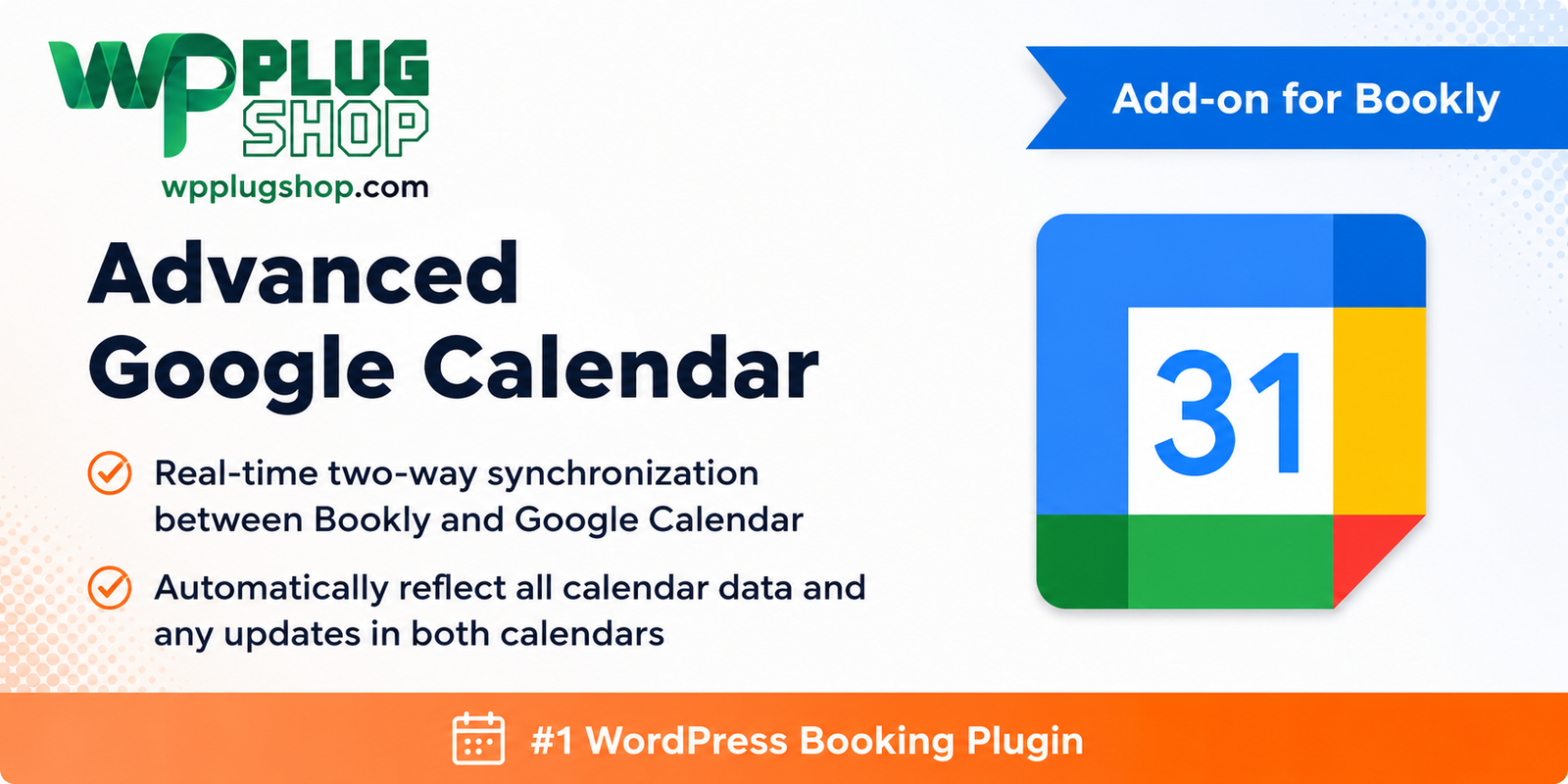
Preview Bookly Advanced Google Calendar Add-on – Real-Time Two-Way Calendar Synchronization
View the product artwork, switch gallery images, and open a larger preview before checkout.
Get secure digital access for real WordPress projects
This section summarizes the buying experience and what customers can expect after checkout.
Product overview, benefits, and digital access details
Review the key product details, practical use cases, and digital access information before checkout.
Product Overview
Bookly Advanced Google Calendar Add-on is a premium extension for Bookly PRO that enables real-time two-way synchronization between your Bookly appointments and Google Calendar. Every new booking, cancellation, reschedule, or update is automatically synchronized across both calendars, helping you maintain accurate schedules and eliminate manual calendar management.
Whether you operate a salon, clinic, consulting business, fitness studio, coaching service, or any appointment-based business, this add-on ensures your team always works with up-to-date calendar information while reducing scheduling conflicts and missed appointments.
Built specifically for Bookly PRO, this extension integrates seamlessly with your WordPress booking system to automate calendar synchronization and improve operational efficiency.
Why This Product Is Useful
Managing appointments across multiple calendars can lead to scheduling conflicts, double bookings, and unnecessary administrative work. Bookly Advanced Google Calendar Add-on automates the synchronization process by keeping both Bookly and Google Calendar updated in real time.
This allows businesses to streamline appointment management, improve staff coordination, and provide a more reliable booking experience for customers.
- Real-time two-way synchronization.
- Automatic booking updates.
- Google Calendar integration.
- Reduce scheduling conflicts.
- Improve appointment accuracy.
- Simple WordPress integration.
Key Features
- Real-time two-way calendar synchronization.
- Automatic appointment updates.
- Google Calendar integration.
- Synchronize new bookings instantly.
- Sync appointment cancellations.
- Reflect booking modifications automatically.
- Staff calendar synchronization.
- Custom Google Calendar event titles.
- Custom event descriptions.
- Booking history synchronization.
- Easy configuration.
- WordPress-native integration.
- Bookly PRO compatibility.
- Scheduling automation.
- Professional booking workflow.
Main Benefits
- Prevent double bookings.
- Save administrative time.
- Keep calendars synchronized.
- Improve scheduling accuracy.
- Enhance customer experience.
- Reduce manual data entry.
- Improve staff coordination.
- Automate appointment management.
- Increase business productivity.
- Maintain reliable booking schedules.
Best Use Cases
- Salons and spas.
- Medical and dental clinics.
- Consultants.
- Coaches.
- Fitness studios.
- Beauty professionals.
- Freelancers.
- Repair services.
- Education and tutoring businesses.
- Event booking websites.
- Agencies.
- Service-based businesses.
Who Should Use This Product?
- WordPress website owners
- Appointment-based businesses
- Salon owners
- Healthcare providers
- Consultants
- Fitness trainers
- Digital agencies
- Freelancers
- Business managers
- WooCommerce store owners offering bookings
- Developers
- Service professionals
WP Plug Shop Access Benefits
When you download Bookly Advanced Google Calendar Add-on from WP Plug Shop, you receive a professionally managed digital download suitable for appointment-based WordPress websites, agencies, and service businesses.
- GPL-friendly digital access.
- Instant digital download.
- Secure checkout.
- Scanned digital files.
- Affordable solution for WordPress professionals.
- Suitable for personal and client WordPress projects under the applicable GPL terms.
Product Details
| Feature | Details |
|---|---|
| Product Name | Bookly Advanced Google Calendar Add-on |
| Category | WordPress Plugin |
| Plugin Type | Bookly PRO Calendar Synchronization Add-on |
| Compatible With | Bookly PRO |
| Main Purpose | Real-time Google Calendar synchronization |
| Synchronization | Two-way calendar sync |
| Best For | Appointment scheduling, service businesses, agencies, clinics, salons |
| Setup | Easy WordPress integration |
| Calendar Platform | Google Calendar |
Feature Comparison
| Capability | Bookly PRO | Bookly Advanced Google Calendar Add-on |
|---|---|---|
| Google Calendar Integration | Basic | ✔ Advanced |
| Real-Time Two-Way Sync | Limited | ✔ |
| Automatic Booking Updates | Basic | ✔ |
| Appointment Cancellation Sync | Limited | ✔ |
| Staff Calendar Synchronization | Basic | ✔ |
| Custom Calendar Events | Limited | ✔ |
| Scheduling Automation | Basic | ✔ Enhanced |
| Calendar Accuracy | Standard | ✔ Advanced |
Pros and Considerations
Frequently Asked QuestionsWhat is Bookly Advanced Google Calendar Add-on?Bookly Advanced Google Calendar Add-on is a premium extension for Bookly PRO that enables real-time two-way synchronization between your Bookly booking calendar and Google Calendar. It automatically syncs appointments, updates, cancellations, and schedule changes to help keep both calendars accurate.Do I need Bookly PRO to use this add-on?Yes. This extension is designed specifically for Bookly PRO and requires the main Bookly PRO plugin to be installed and activated before the add-on can function.Does the add-on support real-time two-way synchronization?Yes. The add-on supports bidirectional synchronization, allowing appointment changes made in Bookly or Google Calendar to be reflected across both calendars, depending on the supported synchronization settings.Can it help prevent double bookings?Yes. By keeping Bookly and Google Calendar synchronized automatically, the add-on helps reduce scheduling conflicts and minimizes the risk of double bookings.Can multiple staff members synchronize their calendars?Yes. The add-on is suitable for businesses with multiple staff members, allowing individual schedules to be synchronized with their connected Google Calendar accounts where supported.Does it work with WooCommerce booking websites?Yes. It can be used on WooCommerce-powered websites that utilize Bookly PRO for appointment scheduling, creating a streamlined booking and calendar management workflow.Is the setup process beginner-friendly?Yes. After installing Bookly PRO and the add-on, you can connect your Google Calendar account and configure synchronization settings through the plugin interface.What types of businesses benefit from this add-on?This add-on is ideal for salons, spas, medical clinics, consultants, coaches, fitness studios, beauty professionals, repair services, agencies, educational businesses, and other appointment-based organizations.Can I customize Google Calendar event information?Yes. Depending on the available plugin features, you can configure how appointment details such as event titles and descriptions are synchronized with Google Calendar.What are the advantages of downloading Bookly Advanced Google Calendar Add-on from WP Plug Shop?WP Plug Shop provides GPL-friendly digital access, instant downloads, secure checkout, and scanned digital files, making it a convenient choice for WordPress professionals, agencies, freelancers, and business owners managing appointment-based websites.
| Pros | Considerations |
|---|---|
| Real-time two-way synchronization | Requires Bookly PRO |
| Reduces scheduling conflicts | Requires a Google Calendar account |
| Automatic calendar updates | Initial calendar connection is required |
| Easy integration | Features depend on supported Bookly functionality |
| Improves business productivity | Designed specifically for Bookly-powered websites |
Final Verdict
Bookly Advanced Google Calendar Add-on is an excellent solution for businesses that rely on accurate appointment scheduling. Its real-time two-way synchronization between Bookly PRO and Google Calendar helps eliminate manual calendar management, prevent double bookings, and improve operational efficiency.
Whether you manage a salon, healthcare practice, consulting business, coaching service, fitness center, or any appointment-driven website, this add-on provides a reliable and automated scheduling workflow that keeps your calendars synchronized and your bookings organized.
Quick product answers for buyers and AI search
Clear product answers help buyers, search engines, and AI answer engines understand this product faster.
Best ways to use this WordPress digital product
These use cases help buyers quickly decide if this product fits their workflow.
How digital access works
No physical shipping is required. This is a digital product access purchase designed for account-based downloads.
Secure payment options for digital checkout
WPPlugShop supports trusted checkout options so buyers can complete digital purchases with more confidence.
Frequently asked questions
Buyer-focused answers about digital access, secure payments, downloads, support, and product usage.
Related WordPress tools you may also like
Explore related WordPress tools that may support the same workflow, website type, or project goal.




Choose the right WordPress tool with confidence
Request a product, explore membership access, or contact support if you want help choosing the right WordPress digital product before checkout.