
Bookly Customer Information Add-on – Custom Customer Fields
Verified from VirusTotal 100% Original Product and Virus Free. Free New Version Lifetime On Single Purchase. Unlimited Website Usage Price is in US dollars and included tax
Buy confidently with secure digital checkout, account-based downloads, and a cleaner WPPlugShop product experience.
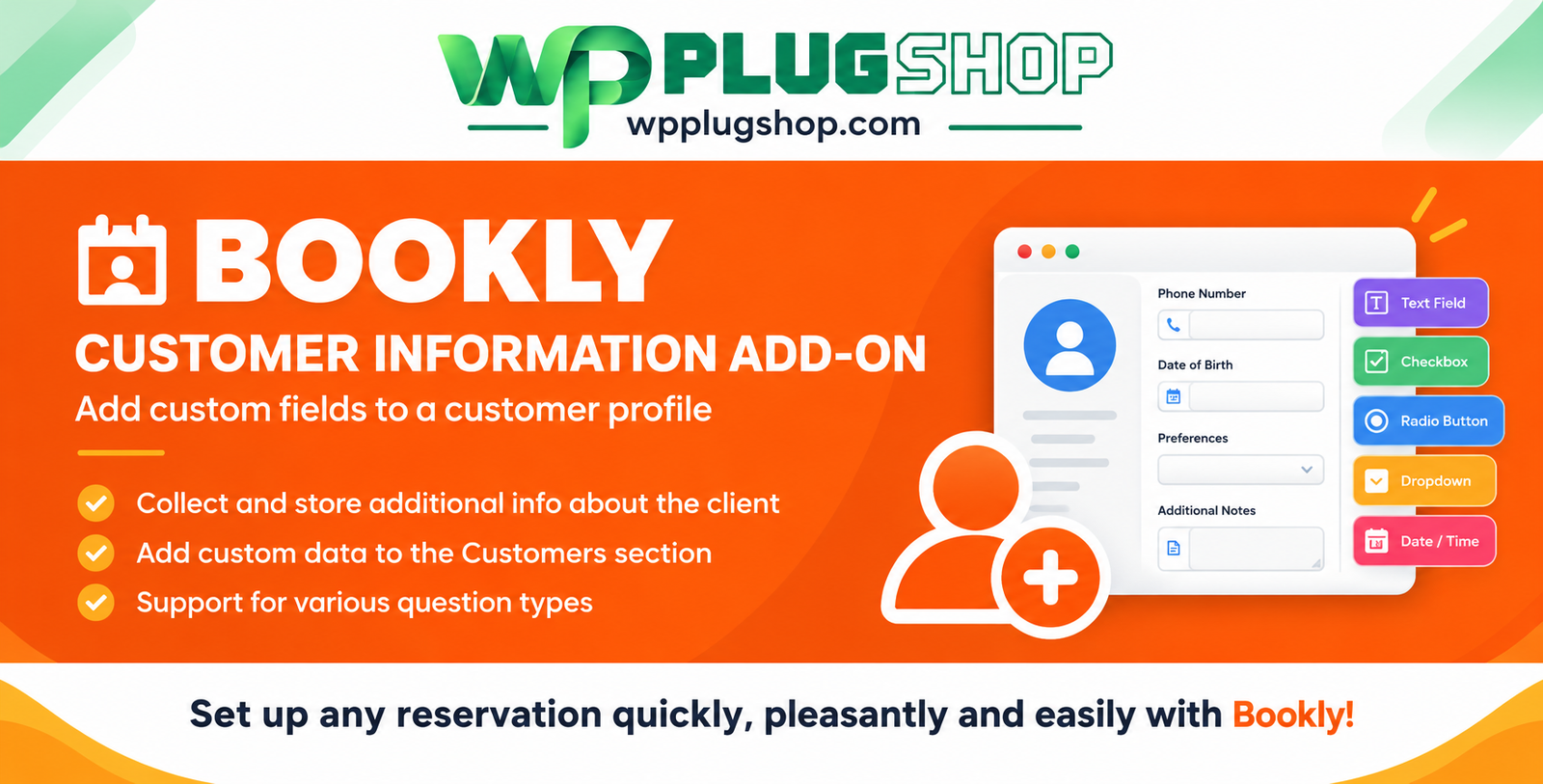
Preview Bookly Customer Information Add-on – Custom Customer Fields
View the product artwork, switch gallery images, and open a larger preview before checkout.
Get secure digital access for real WordPress projects
This section summarizes the buying experience and what customers can expect after checkout.
Product overview, benefits, and digital access details
Review the key product details, practical use cases, and digital access information before checkout.
Bookly Customer Information Add-on – Custom Customer Fields
Bookly Customer Information Add-on extends the Bookly appointment
booking system by allowing you to collect additional information from customers
through custom fields. It is designed for businesses that need more than the
standard booking details and want to keep additional client information organized
within their Bookly customer profiles.
With this add-on, you can create different types of custom customer fields, decide
whether information is required or optional, and collect relevant details during
the booking process. The submitted information can then be stored with the
customer's profile for future reference.
If your business needs a more flexible way to collect customer details before or
during an appointment, Bookly Customer Information provides a
practical extension for the Bookly booking workflow.
Why Use Bookly Customer Information Add-on?
Every appointment-based business has different customer-information requirements.
A salon may need customer preferences, a consultant may need additional background
information, and a service provider may need specific details before an appointment.
Bookly Customer Information lets you customize the information collected from your
customers instead of relying only on predefined booking fields.
- Create custom customer-information fields.
- Collect additional information during the booking process.
- Make selected fields required or optional.
- Use different field types for different information requirements.
- Store submitted information in the customer's Bookly profile.
- Edit customer information when necessary.
- Reuse stored customer information for future bookings.
- Create internal fields for information that should not be shown to customers.
- Organize customer data according to your business workflow.
Key Features
Custom Customer Information Fields
Create additional fields to collect information that is specific to your business.
This gives your Bookly booking form greater flexibility and allows you to ask
questions that are not included in the standard booking details.
Multiple Field Types
Bookly Customer Information supports several types of custom fields, allowing you
to choose an appropriate format for the information you want to collect.
- Text fields
- Text areas
- Checkbox groups
- Radio button groups
- Drop-down fields
- Numeric fields
- Date fields
- Time fields
Required or Optional Fields
Choose whether a custom customer-information field should be required or optional.
Required fields can help ensure that important information is collected before an
appointment is completed.
Display Custom Fields During Booking
Custom customer fields can be displayed during the booking Details step, allowing
customers to provide the additional information required by your business as part
of the appointment workflow.
Store Information in Customer Profiles
Information submitted through the custom fields can be stored in the customer's
Bookly profile. This provides a convenient way to keep customer-specific information
available for future interactions.
Edit Customer Information
Saved customer information can be managed and edited when changes are required,
helping businesses keep customer profiles up to date.
Ask Questions Once or Repeatedly
Depending on your requirements, custom questions can be configured so that they are
asked once or during subsequent bookings. This can help avoid repeatedly requesting
information that has already been provided by a returning customer.
Internal Customer Fields
The add-on also supports internal fields that can be used for information intended
for staff or internal business workflows rather than customer-facing questions.
Custom Field Codes
Custom field codes can be used with supported Bookly notifications and calendar
records, allowing collected customer information to be incorporated into relevant
booking-related communications and records.
Bookly Customer Information Feature Overview
| Feature | Purpose |
|---|---|
| Custom Customer Fields | Collect additional customer information |
| Text Fields | Collect short text-based information |
| Text Areas | Collect longer customer responses |
| Checkbox Groups | Allow customers to select applicable options |
| Radio Buttons | Allow selection from available options |
| Drop-down Fields | Provide selectable predefined choices |
| Numeric Fields | Collect numerical information |
| Date & Time Fields | Collect date- or time-based information |
| Required Fields | Make selected information mandatory |
| Optional Fields | Collect additional information when needed |
| Customer Profile Storage | Keep submitted information with the customer profile |
| Internal Fields | Store information for internal business use |
| Custom Field Codes | Use supported customer information in Bookly records and notifications |
How Bookly Customer Information Works
- Create Custom Fields: Add the customer-information fields your
business needs. - Choose Field Types: Select an appropriate format such as text,
dropdown, checkbox, numeric, date, or time. - Configure Requirements: Decide whether each field should be
required or optional. - Collect Information: Customers provide the requested information
during the supported Bookly booking step. - Store Customer Data: Submitted information can be associated with
the customer's Bookly profile. - Manage Information: Review and edit stored customer information
when required.
Who Can Use Bookly Customer Information?
- Salons and beauty businesses
- Spas and wellness businesses
- Consultants
- Coaches
- Fitness professionals
- Appointment-based service providers
- Small businesses
- Professional service providers
- Clinics and appointment-based practices
- Freelancers using Bookly for appointments
- WordPress website owners using Bookly PRO
Practical Use Cases
Salon & Beauty Appointments
Collect customer preferences, service-related information, or other details that
may help staff prepare for an appointment.
Consulting Services
Create custom questions that allow clients to provide useful information before
their consultation.
Coaching & Fitness
Use custom fields to collect relevant customer details, preferences, or
appointment-related information.
Professional Services
Customize the booking workflow around the specific information required by your
service business.
Returning Customers
Keep previously submitted customer information associated with the customer's
profile so relevant details can remain available for future bookings.
Customize Your Bookly Booking Workflow
A standard appointment form may not always provide enough space for the information
your business needs. Bookly Customer Information gives you additional flexibility
by allowing you to create custom fields around your own customer-management
requirements.
You can decide what information to request, how customers should provide it, and
whether particular fields should be mandatory or optional.
Customer Information Management
Collecting customer information is only useful when that information remains
organized. Bookly Customer Information connects submitted custom-field data with
customer profiles, helping you maintain a more complete record of customer details.
This can be especially useful for businesses with returning customers because
relevant information can remain available rather than requiring the same questions
to be answered repeatedly.
Bookly Customer Information Add-on Benefits
- More Flexible Forms: Add fields based on your business needs.
- Better Information Collection: Ask customers for relevant details during booking.
- Structured Data: Use different field types for different requirements.
- Required Information: Make selected fields mandatory.
- Customer Profiles: Keep submitted information associated with customer records.
- Returning Customer Convenience: Reduce unnecessary repeated questions.
- Internal Organization: Use internal fields for supported business workflows.
Bookly PRO Requirement
Important: Bookly Customer Information is an add-on for the Bookly
appointment booking system. Bookly PRO must be installed and activated
for Bookly add-ons to function.
Bookly Customer Information vs. Standard Booking Details
| Standard Booking Workflow | Customer Information Add-on |
|---|---|
| Uses available standard booking information | Adds customizable customer-information fields |
| Limited to predefined information requirements | Create fields around your business needs |
| Basic customer details | Additional customer-specific information |
| Standard booking process | More flexible information-collection workflow |
Why Choose Bookly Customer Information?
If you already use Bookly and need to collect information beyond the standard
booking details, this add-on provides a focused way to extend your customer
information workflow.
Its combination of custom fields, multiple input types, required and optional
settings, customer-profile storage, internal fields, and supported custom-field
codes makes it suitable for a wide range of appointment-based businesses.
What You Get
- Bookly Customer Information Add-on
- Custom customer-information field functionality
- Multiple supported field types
- Required and optional field settings
- Customer-profile information storage
- Customer information management options
- Internal field functionality
- Supported custom-field code functionality
Final Thoughts
Bookly Customer Information Add-on – Custom Customer Fields is
designed for Bookly users who need greater control over the customer information
collected during the appointment-booking process.
From custom questions and required fields to customer-profile storage and flexible
field types, the add-on helps businesses build a customer-information workflow
around their specific services.
If your WordPress website uses Bookly PRO and you want to
collect, organize, and retain additional customer information,
Bookly Customer Information can be a useful extension to your appointment-booking
setup.
Note: Bookly PRO is required. Product version, included files, update
availability, and access/support terms should be verified against the specific
resource supplied with your purchase. Bookly and the Bookly ecosystem are
third-party products; WP Plug Shop is not the original developer.
Frequently Asked Questions About Bookly Customer Information Add-on
1. What is the Bookly Customer Information Add-on?
Bookly Customer Information is an add-on that extends Bookly by allowing you to
create custom fields and collect additional customer information during the
booking process.
2. Does Bookly Customer Information require Bookly PRO?
Yes. Bookly PRO must be installed and activated for Bookly add-ons such as Customer
Information to function.
3. Can I create custom customer fields with this add-on?
Yes. You can create custom fields for collecting additional information that is
relevant to your business and appointment workflow.
4. What types of custom fields are available?
The add-on supports several field types, including text fields, text areas,
checkbox groups, radio buttons, drop-down fields, numeric fields, date fields,
and time fields.
5. Can I make a customer-information field required?
Yes. Custom fields can be configured as required or optional, allowing you to
make important information mandatory when appropriate.
6. Where is the information submitted by customers stored?
Submitted customer information can be stored in the customer's Bookly profile,
making it available for customer management and future interactions.
7. Can I ask customers a question only once?
Yes. Supported settings allow custom questions to be configured so they can be
asked once rather than repeatedly during subsequent bookings.
8. Can I create internal customer-information fields?
Yes. The add-on supports internal fields for information intended for internal
business use rather than information that needs to be shown to customers.
9. Can custom customer information be used in Bookly notifications?
Supported custom-field codes can be used with Bookly notifications and calendar
records, allowing relevant customer information to be incorporated into supported
booking-related communications and records.
10. Who should use Bookly Customer Information Add-on?
It is suitable for businesses using Bookly PRO that need to collect additional
customer details, such as salons, consultants, coaches, fitness businesses,
appointment-based service providers, and other WordPress websites using Bookly.
Important: Bookly Customer Information is an add-on rather than a
standalone replacement for Bookly. Verify the product version, included files, and
access terms for the specific resource supplied with your purchase.
Quick product answers for buyers and AI search
Clear product answers help buyers, search engines, and AI answer engines understand this product faster.
Best ways to use this WordPress digital product
These use cases help buyers quickly decide if this product fits their workflow.
How digital access works
No physical shipping is required. This is a digital product access purchase designed for account-based downloads.
Secure payment options for digital checkout
WPPlugShop supports trusted checkout options so buyers can complete digital purchases with more confidence.
Frequently asked questions
Buyer-focused answers about digital access, secure payments, downloads, support, and product usage.
Related WordPress tools you may also like
Explore related WordPress tools that may support the same workflow, website type, or project goal.




Choose the right WordPress tool with confidence
Request a product, explore membership access, or contact support if you want help choosing the right WordPress digital product before checkout.