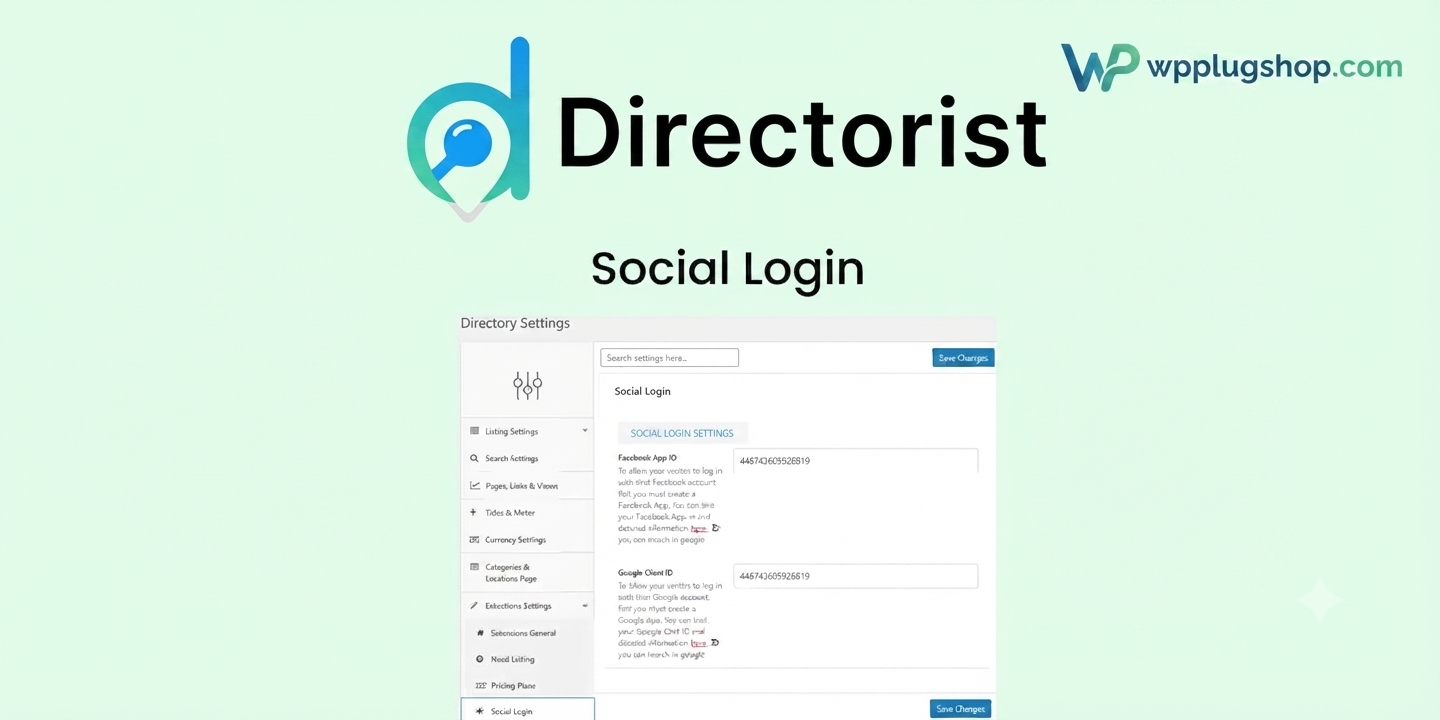
Directorist Social Login – Frequently Asked Questions
1. What is Directorist Social Login?
Directorist Social Login is a premium extension for the Directorist plugin that allows users to register and sign in to your WordPress directory website using supported social media accounts. It simplifies the login process and reduces registration friction for visitors.
2. Which social login providers are supported?
Directorist Social Login supports Google and Facebook authentication, enabling users to log in with their existing social accounts instead of creating a new username and password.
3. Do I need the Directorist plugin to use this extension?
Yes. Directorist Social Login is an extension for the Directorist plugin and requires a working Directorist installation on your WordPress website.
4. How does social login improve user experience?
Social login reduces the number of steps required to register or sign in, allowing users to access your directory website with a single click. This can improve user convenience and help reduce abandoned registrations.
5. Is coding knowledge required to configure the plugin?
No. The plugin is designed with an easy-to-use interface. However, you'll need to create and configure API credentials from the supported social providers to enable authentication.
6. Can existing users log in with their social accounts?
Yes. Depending on your configuration and matching email addresses, existing users can authenticate using supported social login providers without creating duplicate accounts.
7. Does the plugin work with modern WordPress themes?
Directorist Social Login is designed to work alongside Directorist and most modern WordPress themes. Compatibility may vary depending on your theme, installed plugins, and website configuration.
8. Is Directorist Social Login suitable for business directory websites?
Yes. It is ideal for business directories, local listings, classified websites, service directories, restaurant directories, real estate listings, event directories, and other websites built with Directorist.
9. Can I customize the login experience?
The available customization options depend on the plugin version and your website setup. You can typically integrate social login into your existing Directorist login and registration workflow for a seamless user experience.
10. Is Directorist Social Login secure?
The plugin uses the authentication systems provided by supported social platforms. For the best security, keep WordPress, Directorist, the extension, and your authentication credentials up to date while following recommended security practices.
11. Who should use Directorist Social Login?
This extension is ideal for directory website owners, agencies, freelancers, developers, membership site owners, local business directories, and organizations that want to simplify user registration and login.
12. Why choose Directorist Social Login?
Directorist Social Login helps streamline the registration process, improve user convenience, reduce login friction, and provide a faster authentication experience using trusted social login providers.
Frequently Asked Questions (FAQs)
1. What is Directorist Social Login?
Directorist Social Login is a premium add-on for the Directorist directory plugin that allows users to register and log in using their Google or Facebook accounts. It simplifies the authentication process and improves the overall user experience on WordPress directory websites.
2. Which social media platforms are supported?
Directorist Social Login currently supports Google Login and Facebook Login, allowing visitors to authenticate securely using their existing social accounts.
3. Do I need the Directorist plugin to use this add-on?
Yes. Directorist Social Login is an extension of the Directorist plugin and requires an active Directorist installation on your WordPress website.
4. How does social login improve my directory website?
Social login reduces registration barriers by allowing visitors to sign in with one click. This can improve user engagement, increase registrations, and create a smoother onboarding experience.
5. Is coding knowledge required to configure Directorist Social Login?
No. The plugin includes a user-friendly interface. However, you'll need to create API credentials for Google and Facebook through their respective developer platforms to enable authentication.
6. Can existing users log in with their Google or Facebook accounts?
Yes. If the social account uses the same email address as an existing Directorist user account, users can typically authenticate without creating duplicate accounts, depending on your configuration.
7. Is Directorist Social Login compatible with WooCommerce?
The add-on is primarily designed for Directorist-powered directory websites. Compatibility with WooCommerce depends on your site's setup and how user authentication is integrated across your plugins.
8. Does the plugin work with modern WordPress themes?
Yes. Directorist Social Login is built to work with Directorist and most modern WordPress themes. As with any plugin, compatibility should be verified with your theme and other installed plugins.
9. Can I customize the login buttons?
Customization options may vary depending on the plugin version. Many website owners can adjust the placement and appearance of social login buttons using theme settings, custom CSS, or page builder tools.
10. Is social login secure?
Yes. Directorist Social Login relies on secure authentication methods provided by Google and Facebook. For optimal security, keep WordPress, Directorist, the add-on, and all API credentials properly maintained.
11. Who should use Directorist Social Login?
This plugin is ideal for business directories, local listing websites, classified directories, service marketplaces, real estate directories, event directories, restaurant directories, agency websites, and any WordPress site using Directorist.
12. What are the main benefits of Directorist Social Login?
Key benefits include one-click user authentication, faster registration, improved user experience, reduced login friction, support for trusted social providers, seamless Directorist integration, and simplified account management.
13. Why choose Directorist Social Login for your directory website?
Directorist Social Login helps streamline user onboarding, improve registration completion rates, and provide visitors with a convenient way to access your directory using familiar social accounts, making it an excellent enhancement for modern directory websites.
Directorist Social Login – Frequently Asked Questions
1. What is Directorist Social Login?
Directorist Social Login is a premium authentication extension for the Directorist plugin that enables users to register and sign in to your WordPress directory website using supported social media accounts such as Google and Facebook.
2. Why should I use social login on my directory website?
Social login simplifies user registration by allowing visitors to authenticate with existing social accounts. This reduces registration friction, improves user experience, and can encourage more users to create accounts.
3. Which social login providers are supported?
The extension supports Google Login and Facebook Login. Supported providers may expand in future releases depending on the plugin version.
4. Is Directorist Social Login compatible with the Directorist plugin?
Yes. This extension is specifically developed for Directorist and requires the core Directorist plugin to function properly.
5. Does the plugin require API credentials?
Yes. To enable social authentication, you'll need to create and configure API credentials from the supported social providers according to their developer documentation.
6. Can existing users log in using their social accounts?
Yes. When the social account email matches an existing user account, users can generally authenticate without creating duplicate accounts, depending on your site configuration.
7. Does Directorist Social Login work with all WordPress themes?
The extension is designed to work with Directorist and most modern WordPress themes. Compatibility can vary based on your theme, plugins, and customizations, so testing is recommended.
8. Is coding knowledge required to use Directorist Social Login?
No. The plugin offers a user-friendly setup process. Basic configuration of API keys is required, but no advanced programming knowledge is necessary for most installations.
9. Is Directorist Social Login suitable for business directory websites?
Absolutely. It is ideal for business directories, local listing websites, service directories, classified directories, restaurant directories, event listings, property directories, and other directory-based platforms built with Directorist.
10. Is social authentication secure?
The plugin uses the secure authentication systems provided by supported social platforms. Keeping WordPress, Directorist, the extension, and your API credentials up to date helps maintain a secure authentication process.
11. Can I improve user registration with Directorist Social Login?
Yes. One-click login reduces the effort required to create an account, making the registration process faster and more convenient for visitors while helping improve user engagement.
12. Who should use Directorist Social Login?
This extension is recommended for directory website owners, freelancers, agencies, developers, membership communities, local business directories, online marketplaces, and organizations that want to simplify user authentication.
13. What are the key benefits of Directorist Social Login?
Key benefits include one-click authentication, faster user onboarding, improved registration experience, reduced password management, seamless Directorist integration, secure social authentication, and a more convenient login process for directory users.
14. Why choose Directorist Social Login for your WordPress directory?
Directorist Social Login helps modernize your directory website by providing a simple, familiar, and efficient login experience. By reducing barriers to registration, it supports better user engagement and a smoother onboarding process.