Product Overview
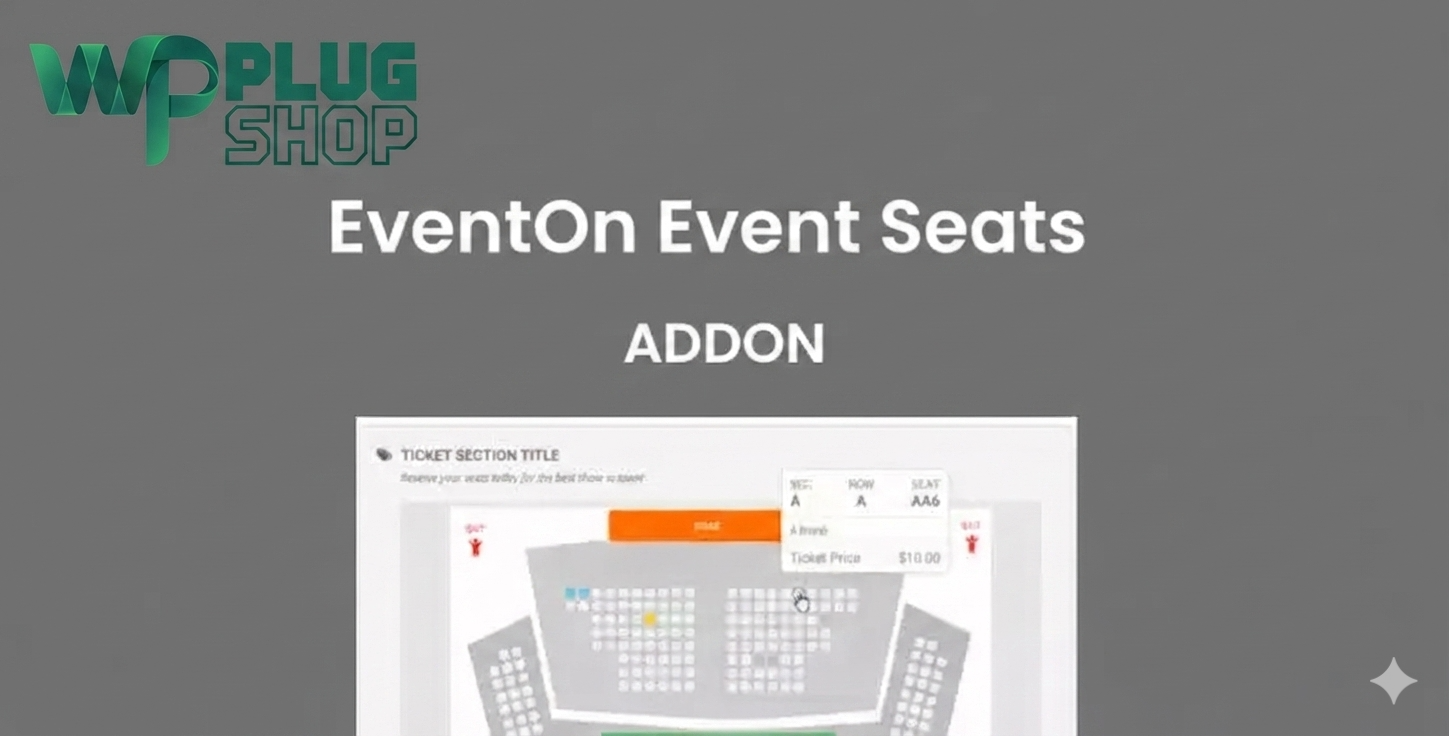
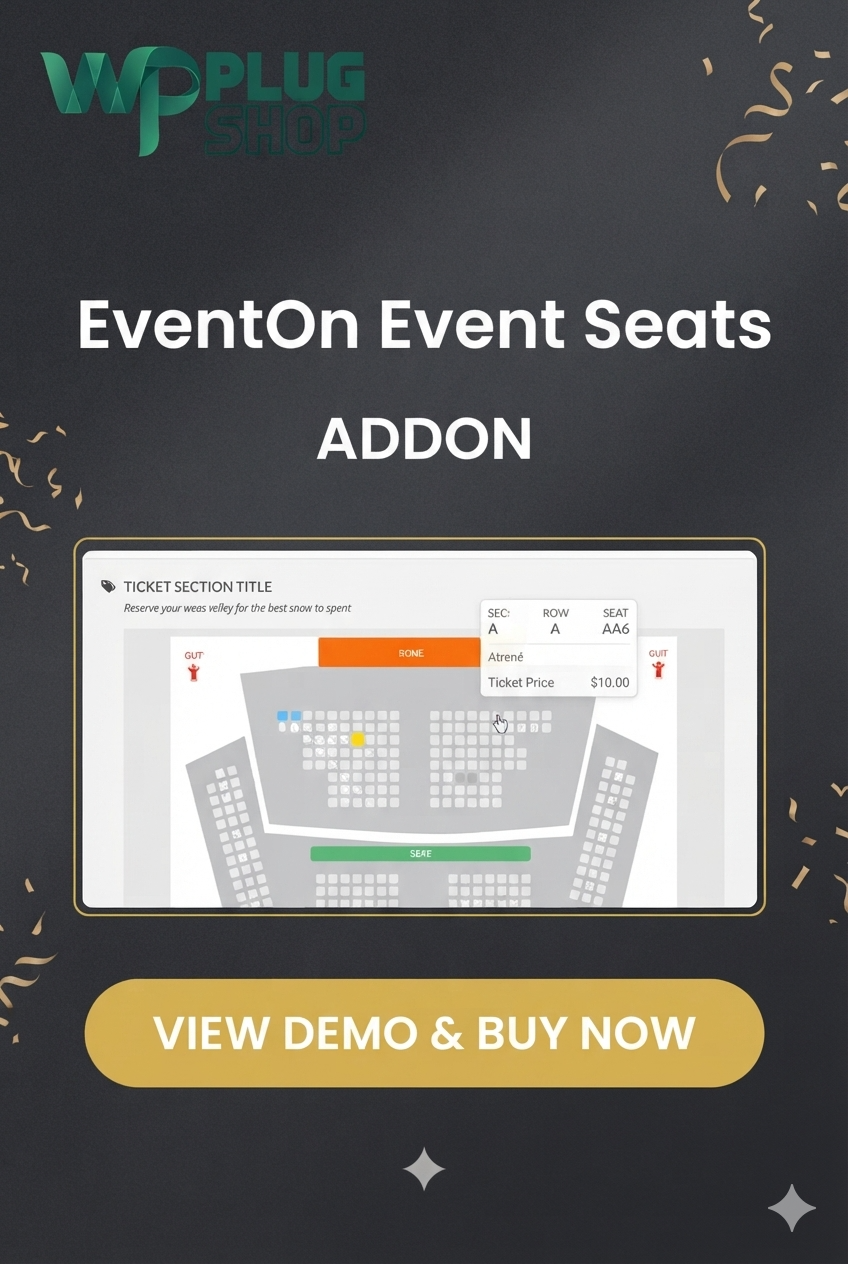
EventON Event Seats Addon GPL is a powerful event seating management extension that enhances the EventON ecosystem by enabling interactive seat selection and assigned seating for event ticket sales. Designed for venues, theaters, conferences, concerts, seminars, training events, and reserved seating environments, this addon allows attendees to choose their preferred seats directly from a visual seating chart.
Instead of relying on general admission tickets, event organizers can offer a more professional ticketing experience with interactive seat maps, seat-level pricing, reserved seating sections, VIP seating areas, and real-time seat availability. The addon works alongside EventON Tickets and WooCommerce to streamline event registration and ticket sales.
Whether you manage a theater, conference center, auditorium, concert venue, university event, church gathering, or corporate seminar, EventON Event Seats Addon helps deliver a premium attendee experience while improving event organization and venue management.
Why This Product Is Useful
Many event organizers struggle with managing reserved seating, preventing double bookings, and giving attendees flexibility when purchasing tickets. General admission systems often fail to provide the seating control required for professional venues.
EventON Event Seats Addon solves this challenge by providing interactive seating charts that allow customers to visually select seats before checkout. This improves customer satisfaction, supports premium seat pricing, and creates a more professional ticket booking workflow.
- Interactive Seat Selection: Allow attendees to choose their exact seats before purchasing tickets.
- Assigned Seating: Eliminate confusion by assigning seats automatically during booking.
- Venue Visualization: Help customers view seating layouts before making decisions.
- Premium Ticket Sales: Create VIP sections and premium seating categories.
- Improved Event Management: Manage reservations and seating arrangements more efficiently.
Key Features
- Interactive Seating Maps: Create visual seating layouts for venues and events.
- Assigned Seating System: Allow guests to reserve specific seats during ticket purchase.
- Seat-Level Pricing: Configure different pricing structures for standard, premium, and VIP seats.
- WooCommerce Integration: Connect seat selection with WooCommerce-powered ticket checkout.
- EventON Tickets Compatibility: Extend EventON ticket sales with advanced seating functionality.
- Reserved Seating Management: Prevent duplicate bookings and maintain seating accuracy.
- Custom Seating Charts: Design venue-specific layouts based on auditorium or venue structure.
- Mobile-Friendly Booking Experience: Allow customers to choose seats from smartphones and tablets.
- VIP Seating Areas: Create premium seating zones for higher-value ticket sales.
- Visual Seat Availability: Display available, reserved, and occupied seats clearly.
Main Benefits
- Enhance Customer Experience: Give attendees complete control over seat selection.
- Increase Ticket Revenue: Offer premium seating options with customized pricing.
- Reduce Administrative Work: Automate seat assignment and reservation management.
- Improve Event Organization: Maintain structured seating arrangements for every event.
- Support Professional Venues: Ideal for theaters, concerts, conferences, and auditoriums.
- Create a Premium Booking Process: Deliver a modern and interactive ticket purchasing experience.
Best Use Cases
- Concert ticket booking websites
- Theater reservation systems
- Cinema seat selection platforms
- Conference ticketing websites
- Seminar registration systems
- Auditorium event management
- University event ticket sales
- Church event seating reservations
- Sports and stadium events
- Live entertainment venues
Who Should Use This Product?
- Event Organizers: Manage assigned seating and ticket sales professionally.
- Theater Owners: Provide visual seat selection for performances and shows.
- Conference Managers: Organize seating arrangements for business events and seminars.
- Venue Operators: Manage reserved seating across multiple event types.
- WordPress Agencies: Build advanced event ticketing systems for clients.
- WooCommerce Developers: Add professional seat booking functionality to event websites.
WP Plug Shop Access Benefits
- GPL-friendly digital access.
- Suitable for professional WordPress event websites.
- Useful for agencies, freelancers, and event businesses.
- Secure digital delivery.
- Budget-conscious solution for event ticketing projects.
- Compatible with EventON-based event management workflows.
Product Details
| Detail | Information |
|---|---|
| Product Name | EventON Event Seats Addon |
| Product Type | Event Seating & Ticket Booking Addon |
| Platform | WordPress |
| Primary Plugin | EventON |
| Ecommerce Integration | WooCommerce Compatible |
| Main Function | Interactive Seat Selection & Assigned Seating |
| Best For | Theaters, Conferences, Concerts, Venues, Events |
| Ticket Type | Reserved Seating Events |
| Seat Pricing | Supported |
| License Type | GPL-Friendly Digital Access |
Feature Comparison
| Feature | Standard Event Tickets | EventON Event Seats Addon |
|---|---|---|
| Interactive Seat Selection | No | Yes |
| Assigned Seating | Limited | Yes |
| VIP Seat Pricing | Limited | Supported |
| Visual Seating Charts | No | Yes |
| Venue Layout Management | No | Yes |
| WooCommerce Integration | Basic | Advanced Event Ticket Workflow |
Pros and Considerations
| Pros | Considerations |
|---|---|
| Interactive seat booking experience | Requires EventON ecosystem components |
| Assigned seating support | Best suited for reserved seating events |
| WooCommerce compatibility | May require EventON Tickets depending on setup |
| Premium ticket pricing flexibility | Initial seat map setup requires planning |
| Professional venue management features | Advanced workflows depend on event requirements |
Final Verdict
EventON Event Seats Addon GPL is an excellent solution for event organizers who need assigned seating, interactive seat maps, and advanced ticket management capabilities. By integrating with EventON and WooCommerce, it helps create a modern ticket booking experience that improves attendee satisfaction and supports premium event operations.
For organizations running theaters, conferences, concerts, seminars, educational events, and reserved seating venues, this addon provides the tools needed to deliver a professional event registration and ticket sales workflow.
If you are searching for an EventON Seats Addon, WordPress Seat Booking Plugin, Interactive Seating Chart Plugin, or WooCommerce Event Seating Solution, this addon is a strong choice for building advanced event ticketing systems.
Frequently Asked Questions
What is EventON Event Seats Addon?
EventON Event Seats Addon is a WordPress event seating extension that allows attendees to select specific seats from an interactive seating chart when purchasing event tickets. It enhances the EventON ticketing experience with assigned seating and venue management functionality.
Does EventON Event Seats Addon work with WooCommerce?
Yes. The addon integrates with WooCommerce, allowing event organizers to sell tickets with seat selection capabilities through a familiar checkout process. This makes it suitable for concerts, conferences, theaters, and other ticketed events.
Can attendees choose their own seats during booking?
Yes. One of the primary features of EventON Event Seats Addon is interactive seat selection. Customers can view available seats and choose their preferred location before completing the ticket purchase.
Is EventON Event Seats Addon suitable for theaters and concert venues?
Absolutely. The addon is designed for venues that require assigned seating, including theaters, concert halls, cinemas, auditoriums, conference centers, sports venues, churches, and educational institutions.
Can I create VIP seating sections with different pricing?
Yes. Event organizers can configure different seating areas and apply unique pricing structures for VIP seats, premium seating zones, front-row tickets, or reserved sections depending on venue requirements.
Does the addon help prevent double booking of seats?
Yes. The seating management system tracks seat availability and reservations, helping prevent duplicate bookings while maintaining accurate seat allocation throughout the ticket purchasing process.
Do I need EventON to use EventON Event Seats Addon?
Yes. This addon is designed to extend the functionality of EventON and typically requires compatible EventON components. EventON Tickets may also be required depending on your ticketing setup and event workflow.
Can I use EventON Event Seats Addon on mobile devices?
Yes. Interactive seating charts are designed to be mobile-friendly, allowing attendees to browse seat maps, review availability, and reserve seats from smartphones and tablets.
What types of events can benefit from seat booking functionality?
The addon works well for concerts, conferences, seminars, theater performances, training sessions, sports events, school functions, university events, church gatherings, exhibitions, and any event requiring assigned seating.
Why choose EventON Event Seats Addon instead of general admission ticketing?
Assigned seating improves the attendee experience by allowing customers to choose their preferred seats before purchase. It also helps organizers manage venue capacity, create premium pricing strategies, and provide a more professional ticket booking experience.
Please note: This is a digital product. Due to its digital nature, all sales are final — no refund will be provided after purchase and delivery. Please see our Refund Policy before purchasing.