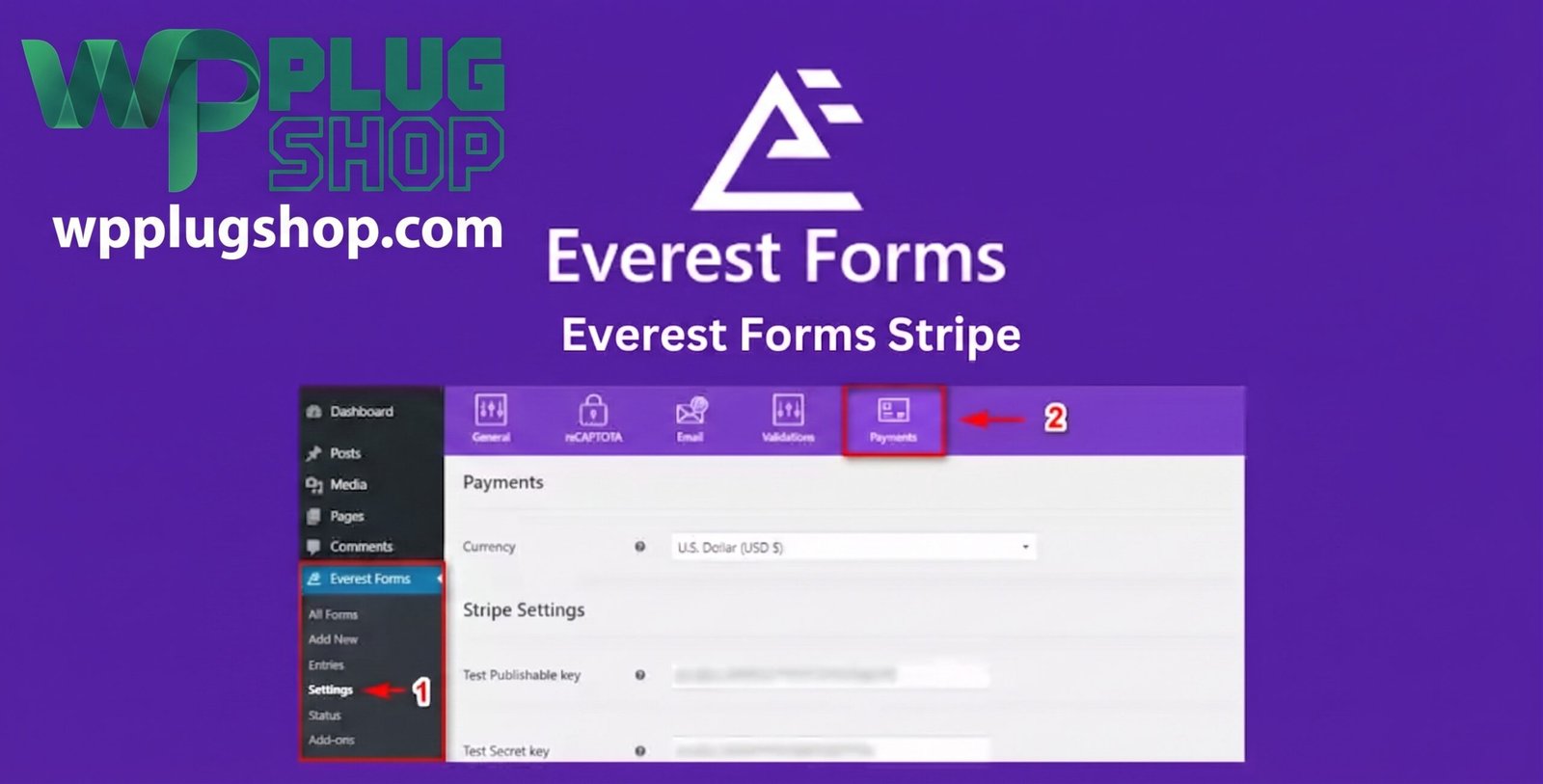

Everest Forms Stripe – Payment Gateway Addon
Everest Forms Stripe adds Stripe payment functionality to Everest Forms, allowing you to create WordPress forms that can collect payments directly from your website.
With this addon, you can accept credit and debit card payments, create one-time payment forms, accept donations, sell products or services, and configure recurring subscription payments. Everest Forms also supports payment fields such as single items, multiple choices, checkboxes, quantities, totals, and subscription plans. :contentReference[oaicite:1]{index=1}
Whether you need a simple payment form, donation form, service-payment form, registration form, or recurring subscription form, Everest Forms Stripe provides a way to connect your Everest Forms workflow with Stripe.
What Is Everest Forms Stripe?
Everest Forms Stripe is a payment gateway addon for Everest Forms that connects your WordPress forms with Stripe.
After connecting your Stripe account, you can enable Stripe on an Everest Forms form and configure the payment fields required for your transaction.
Visitors can enter their payment information through the form while the payment is processed through Stripe. The current Everest Forms documentation supports both one-time payments and recurring subscription payments. :contentReference[oaicite:2]{index=2}
Accept Stripe Payments Through WordPress Forms
Everest Forms Stripe lets you combine your form fields and payment functionality into one workflow.
For example, you can collect:
- Customer name
- Email address
- Phone number
- Product or service selection
- Quantity
- Donation amount
- Subscription plan
- Billing information
- Payment details
This makes it possible to build customized payment forms without creating a separate form and payment workflow.
Key Features of Everest Forms Stripe
Stripe Credit and Debit Card Payments
Allow visitors to pay through Stripe using card payment information directly within your Everest Forms payment workflow. The current Stripe integration provides on-page card entry when Stripe is selected as the payment gateway. :contentReference[oaicite:3]{index=3}
One-Time Payments
Create forms for one-time purchases such as products, services, registrations, event tickets, or donations.
Recurring Subscription Payments
Use the Subscription Plan field to configure recurring billing plans such as monthly or yearly subscriptions. Everest Forms supports subscription plans with configurable pricing and billing periods. :contentReference[oaicite:4]{index=4}
Trial Periods
For supported subscription workflows, you can configure a trial period before the subscriber’s first charge. Trial duration can be configured using the available subscription settings. :contentReference[oaicite:5]{index=5}
Subscription Expiry Dates
You can configure an expiry date for subscription-based payment forms when your subscription workflow requires payments to stop automatically on a specified date. :contentReference[oaicite:6]{index=6}
Single Item Payments
Use the Single Item field when you need to charge a fixed amount for one product or service.
User-Defined Payment Amounts
For suitable payment forms, a user-defined amount can allow visitors to enter the amount they want to pay. This is particularly useful for donation forms. :contentReference[oaicite:7]{index=7}
Multiple Choice Payment Options
Let customers select one option from multiple choices, such as different products, service packages, sizes, or pricing levels.
Checkbox Payment Options
Allow visitors to select multiple chargeable items through checkbox-based payment fields.
Quantity-Based Payments
Use quantity fields when customers need to purchase multiple units of a product or service.
Total Payment Field
Display the calculated total amount for forms containing multiple payment selections. This makes it easier for customers to understand the amount they are about to pay.
Payment Gateway Field
Current versions of Everest Forms provide a Payment Gateway field that can be used to enable Stripe and other supported payment gateways within the same form. When Stripe is selected, the corresponding card payment interface can appear directly within the form. :contentReference[oaicite:8]{index=8}
Conditional Payment Logic
Everest Forms supports conditional logic for payment workflows, allowing forms to adapt based on user selections and form conditions. The Stripe documentation also describes using conditional logic to allow users to choose between available payment gateways. :contentReference[oaicite:9]{index=9}
Customer Information Mapping
You can map information collected through your form to corresponding Stripe transaction details. Supported customer information can include details such as name, email, phone, address, and transaction description. :contentReference[oaicite:10]{index=10}
Tax Number Mapping
For applicable business payment workflows, you can map a tax-number field from your form to Stripe transaction information. :contentReference[oaicite:11]{index=11}
Stripe Test Mode
Everest Forms provides Stripe test-mode functionality so you can test your payment workflow using Stripe test credentials before processing live payments. :contentReference[oaicite:12]{index=12}
What Can You Build With Everest Forms Stripe?
Product Payment Forms
Create customized product-order forms where customers select products, quantities, and payment options before completing payment through Stripe.
Service Payment Forms
Allow customers to submit service information and pay for the selected service through the same Everest Forms workflow.
Donation Forms
Create donation forms that allow visitors to provide their information and submit a contribution. User-defined payment amounts can be useful for donation workflows. :contentReference[oaicite:13]{index=13}
Event Registration Forms
Combine attendee information and payment collection into one registration form for paid events, workshops, conferences, or other activities.
Subscription Forms
Create recurring payment forms for services or memberships that use subscription billing. The Subscription Plan field supports recurring plans such as monthly and yearly billing. :contentReference[oaicite:14]{index=14}
Booking Payment Forms
Use Everest Forms payment fields to collect booking details and payment information in a customized form workflow.
Application Fees
Create application or registration forms that require an applicable fee to be paid during submission.
How Everest Forms Stripe Works
- Install and activate Everest Forms Pro.
- Install and activate the Everest Forms Stripe addon.
- Open your Everest Forms payment settings.
- Connect your Stripe account using the required Stripe credentials.
- Enable Stripe for the form where payments should be accepted.
- Add the appropriate payment fields.
- Configure the product, service, donation, or subscription amount.
- Add customer information fields such as name and email.
- Configure the payment gateway settings.
- Test the payment workflow using Stripe test mode.
- Save and publish your form.
The official documentation requires Everest Forms Pro for installing and using the Stripe addon. Stripe credentials can then be configured through the Everest Forms payment settings. :contentReference[oaicite:15]{index=15}
Simple One-Time Payment Setup
A basic one-time payment form can be created using the following structure:
- Add the Payment Gateway field.
- Enable Stripe.
- Add a Single Item field and configure the price.
- Add a Total field so visitors can see the amount.
- Add an Email field for customer information.
- Save the form.
- Embed the form on your WordPress page.
When a visitor selects Stripe and submits the form, the Stripe payment interface is presented and the payment is processed through Stripe. :contentReference[oaicite:16]{index=16}
Recurring Payment Setup
Everest Forms Stripe can also be used for subscription-style payment forms.
- Add the Payment Gateway field.
- Enable Stripe.
- Add the Subscription Plan field.
- Create monthly, yearly, or other applicable plans.
- Configure the plan prices.
- Optionally configure a trial period.
- Optionally configure an expiry date.
- Save the form.
The current Everest Forms documentation explains that when the Payment Gateway and Subscription Plan fields are used together, the form can operate in subscription mode. :contentReference[oaicite:17]{index=17}
Payment Field Options
| Payment Field | Best Used For |
|---|---|
| Single Item | One fixed-price product or service |
| Single Item – User Defined | Donations or customer-entered amounts |
| Multiple Choice | Choosing one product, package, or pricing option |
| Checkbox | Selecting multiple products or optional services |
| Quantity | Purchasing multiple units |
| Subscription Plan | Recurring monthly or yearly payments |
| Total | Displaying the calculated payment total |
These payment-field options are documented by Everest Forms for Stripe payment forms. :contentReference[oaicite:18]{index=18}
Benefits of Everest Forms Stripe
Accept Payments Through Existing Forms
Add payment functionality to your Everest Forms workflow instead of forcing customers to complete a separate payment process.
Create Flexible Payment Experiences
Combine contact information, product selections, quantities, pricing, and payment information in a single form.
Support Multiple Payment Scenarios
Use the addon for product purchases, service payments, donations, registrations, and recurring subscription workflows.
Offer Recurring Billing
Create subscription forms with recurring billing plans, trial periods, and expiry settings where appropriate. :contentReference[oaicite:19]{index=19}
Customize Payment Forms
Because the payment process is built around Everest Forms, you can combine payment fields with the form fields needed for your particular workflow.
Test Before Going Live
Stripe test mode allows you to test your payment configuration before switching to live payment processing. :contentReference[oaicite:20]{index=20}
Best Use Cases
- Product order forms
- Service payment forms
- Donation forms
- Event registration payments
- Course registration payments
- Subscription forms
- Membership-related payment forms
- Application fee forms
- Booking payment forms
- Custom online payment forms
Who Should Use Everest Forms Stripe?
This addon is suitable for WordPress users who already use Everest Forms and want to add Stripe payment functionality to their forms.
- WordPress website owners
- Small businesses
- Freelancers
- Digital agencies
- Service providers
- Consultants
- Event organizers
- Course creators
- Nonprofit organizations
- Donation websites
- Membership websites
- Online businesses
Required Software
Everest Forms Pro
The official Everest Forms documentation states that the Stripe addon requires Everest Forms Pro. The addon is installed separately and works as an extension of Everest Forms. :contentReference[oaicite:21]{index=21}
Stripe Account
A Stripe account is required to connect the payment gateway and process payments. Stripe credentials are configured in the Everest Forms payment settings. :contentReference[oaicite:22]{index=22}
Stripe Configuration
After installing the addon, configure Stripe through the Everest Forms payment settings and enter the required Stripe credentials.
For testing, Everest Forms supports Stripe test credentials and test mode. Once your payment workflow has been verified, you can configure the live Stripe credentials for real transactions. :contentReference[oaicite:23]{index=23}
Everest Forms Stripe vs Standard Contact Form
| Standard Contact Form | Everest Forms + Stripe |
|---|---|
| Collects visitor information | Collects information and payment |
| No payment gateway | Stripe payment gateway |
| Basic submission workflow | Payment-enabled submission workflow |
| Not designed for paid orders | Products and services can be charged |
| No subscription payment workflow | Recurring subscription payments supported |
Product Details
| Product Detail | Information |
|---|---|
| Product Name | Everest Forms Stripe |
| Product Type | Payment Gateway Addon |
| Platform | WordPress |
| Parent Plugin | Everest Forms |
| Payment Gateway | Stripe |
| Payment Types | One-time and recurring payments |
| Payment Fields | Single Item, Multiple Choice, Checkbox, Quantity, Total, Subscription Plan |
| Use Cases | Products, services, donations, registrations, subscriptions |
| Required Plugin | Everest Forms Pro |
Important Considerations
- Everest Forms Pro is required for the Stripe addon according to the official documentation. :contentReference[oaicite:24]{index=24}
- A Stripe account is required to process Stripe payments.
- Stripe credentials must be configured before live payments can be processed.
- Use Stripe test mode to verify your payment workflow before going live. :contentReference[oaicite:25]{index=25}
- Recurring payments require the appropriate subscription configuration in Everest Forms. :contentReference[oaicite:26]{index=26}
- Stripe processes the payment; Everest Forms provides the form and payment workflow.
Why Choose Everest Forms Stripe?
If your WordPress website already uses Everest Forms and you need to collect payments through your forms, Everest Forms Stripe provides a direct Stripe integration for building payment-enabled forms.
You can create forms for products, services, donations, registrations, subscriptions, and other payment workflows while continuing to use the Everest Forms form builder.
With support for one-time payments, recurring subscriptions, payment fields, conditional logic, customer-data mapping, and Stripe test mode, the addon provides a flexible foundation for creating customized WordPress payment forms. :contentReference[oaicite:27]{index=27}
Final Verdict
Everest Forms Stripe is a practical payment gateway addon for Everest Forms users who want to accept Stripe payments through WordPress forms.
Its strongest use cases include product payments, service payments, donations, event registrations, and recurring subscriptions. The ability to combine payment fields with normal form fields makes it useful when you need to collect both customer information and payment details in the same workflow.
If you already use Everest Forms and want to turn your forms into Stripe-enabled payment forms, Everest Forms Stripe is designed specifically for that purpose.
Create a payment-enabled WordPress form and let your customers pay through Stripe directly from your Everest Forms workflow.
Frequently Asked Questions
What is Everest Forms Stripe?
Everest Forms Stripe is a payment gateway addon for Everest Forms that connects WordPress forms with Stripe, allowing you to accept payments directly through your forms.
What can I use Everest Forms Stripe for?
You can use it to create payment forms for products, services, donations, registrations, events, subscriptions, and other online payment workflows.
Does Everest Forms Stripe support one-time payments?
Yes. You can configure one-time payments for products, services, registrations, donations, and other transactions.
Does Everest Forms Stripe support recurring payments?
Yes. The Stripe integration supports recurring subscription payments through the Subscription Plan field.
Can I create subscription plans with Everest Forms Stripe?
Yes. You can create subscription plans with recurring billing periods and configure the applicable pricing through Everest Forms.
Can I offer a trial period for subscriptions?
Yes. Supported subscription configurations can include a trial period before the first recurring payment.
Can I set an expiry date for a subscription?
Yes. Subscription configurations can include an expiry date when your payment workflow requires recurring billing to end at a specified time.
Does Everest Forms Stripe accept credit card payments?
Yes. Stripe can process supported credit and debit card payments through the Everest Forms payment workflow.
Do I need a Stripe account?
Yes. A Stripe account is required to connect Stripe and process payments through the addon.
Do I need Everest Forms Pro?
Yes. Everest Forms Pro is required for the Stripe addon according to the official Everest Forms documentation.
Is Everest Forms Stripe a standalone form builder?
No. It is an addon for Everest Forms and adds Stripe payment functionality to forms created with Everest Forms.
Is Everest Forms Stripe a standalone payment gateway?
No. It connects Stripe to Everest Forms so that your forms can collect payments through the Stripe payment gateway.
Can I accept donations with Everest Forms Stripe?
Yes. You can create donation forms and allow visitors to submit their desired payment amount where the applicable user-defined payment field is configured.
Can customers enter their own donation amount?
Yes. A user-defined payment amount can be used for suitable donation workflows where visitors need to enter the amount they want to contribute.
Can I sell products using Everest Forms Stripe?
Yes. You can create product payment forms using payment fields such as Single Item, Multiple Choice, Checkbox, Quantity, and Total.
Can I sell multiple products?
Yes. Multiple payment selections can be configured using the appropriate payment fields, including multiple-choice and checkbox-based options.
Can I charge different prices for different options?
Yes. Payment fields can be configured with different pricing options, allowing customers to select the product, package, or service that matches their needs.
Can I charge customers based on quantity?
Yes. Quantity-based payment fields can be used when customers need to purchase multiple units of a product or service.
Can I display the total payment amount?
Yes. The Total field can be used to display the calculated payment amount based on the configured payment fields.
What payment fields are available?
Everest Forms provides payment-related fields including Single Item, Multiple Choice, Checkbox, Quantity, Total, and Subscription Plan for applicable payment workflows.
What is the Single Item payment field?
The Single Item field is useful when you need to charge a fixed price for one product, service, registration, or other item.
What is the Multiple Choice payment field?
The Multiple Choice payment field allows visitors to select one option from several available products, packages, services, or pricing choices.
What is the Checkbox payment field?
The Checkbox payment field can be used when customers need to select multiple chargeable products, services, or optional items.
What is the Quantity payment field?
The Quantity field is useful when the amount should depend on the number of units a customer purchases.
What is the Subscription Plan field?
The Subscription Plan field is designed for recurring payment workflows where you want to offer subscription plans with recurring billing.
What is the Payment Gateway field?
The Payment Gateway field allows you to configure available payment gateways within an Everest Forms form. Stripe can be enabled as a payment gateway for supported payment workflows.
Can I use Stripe and other payment gateways on the same form?
Everest Forms supports payment gateway selection and conditional payment workflows, allowing suitable forms to provide different payment gateway options based on the configured settings.
Does Everest Forms Stripe support conditional logic?
Yes. Everest Forms supports conditional logic that can be used to create dynamic payment workflows and control applicable form behavior.
Can I collect customer information and payment in the same form?
Yes. You can combine normal Everest Forms fields with payment fields so customers can provide information and complete payment through the same form.
Can I collect customer names and email addresses?
Yes. Standard Everest Forms fields can be used to collect customer information such as names and email addresses alongside payment details.
Can customer information be mapped to Stripe?
Yes. Everest Forms provides customer-information mapping options for applicable Stripe payment workflows.
Can I map a customer’s phone number?
Yes. Supported customer information can be mapped to the relevant Stripe transaction information according to the configured payment settings.
Can I map customer address information?
Yes. Applicable address information can be mapped through the Stripe payment configuration.
Can I map a tax number?
Yes. Everest Forms provides a tax-number mapping option for applicable Stripe payment workflows.
Does Everest Forms Stripe have test mode?
Yes. Stripe test mode can be used to test the payment workflow before switching to live payment processing.
Why should I use Stripe test mode?
Test mode allows you to verify your payment form, Stripe configuration, and submission workflow without processing real live transactions.
Can I use Everest Forms Stripe for event registration?
Yes. You can create event registration forms that collect attendee information and payment through the same Everest Forms workflow.
Can I use it for course registration?
Yes. Course creators can use payment-enabled forms to collect registration information and applicable course fees.
Can I use it for service payments?
Yes. Service providers can create forms that collect customer requirements and payment for selected services.
Can I use it for booking payments?
Yes. Everest Forms can be used to create booking-related forms that collect customer information and applicable payment amounts.
Can I use Everest Forms Stripe for membership payments?
Yes. It can be used for suitable membership-related payment forms, including recurring payment workflows where the required subscription configuration is available.
Can I create monthly subscriptions?
Yes. Subscription plans can be configured with recurring billing periods such as monthly payments.
Can I create yearly subscriptions?
Yes. Subscription plans can be configured with recurring billing periods such as yearly payments.
Can I create different subscription plans?
Yes. You can configure multiple subscription plans with different prices and billing periods according to your payment requirements.
Can I offer different product or service packages?
Yes. Multiple-choice and other payment fields can be used to present different products, packages, services, or pricing options.
Can I create a custom Stripe payment form in WordPress?
Yes. Everest Forms allows you to combine standard form fields with Stripe payment fields to create customized payment forms for your specific workflow.
Can I embed the payment form on a WordPress page?
Yes. Once your Everest Forms payment form is configured, it can be embedded on the appropriate WordPress page or post using the normal Everest Forms embedding options.
Does Everest Forms Stripe work with WordPress?
Yes. Everest Forms Stripe is designed specifically to add Stripe payment functionality to Everest Forms on WordPress websites.
Who should use Everest Forms Stripe?
It is suitable for WordPress website owners, businesses, freelancers, agencies, service providers, event organizers, course creators, nonprofits, and other Everest Forms users who need to accept payments.
What is required before installing Everest Forms Stripe?
You need a compatible WordPress installation, Everest Forms Pro, the Everest Forms Stripe addon, and a Stripe account for processing payments.
Is coding required to create a Stripe payment form?
Basic payment forms can be configured through the Everest Forms interface. Advanced customizations may require WordPress development knowledge depending on the requirements.
Can I test my payment form before accepting real payments?
Yes. Stripe test mode can be used to verify your payment configuration and form workflow before enabling live transactions.
Does Everest Forms Stripe process payments itself?
No. Stripe is the payment processor. Everest Forms Stripe connects your Everest Forms payment workflow with Stripe so that payments can be processed through the Stripe platform.
Is Everest Forms Stripe suitable for small businesses?
Yes. Small businesses can use it to create payment forms for products, services, bookings, registrations, applications, and other transactions.
Is Everest Forms Stripe suitable for agencies?
Yes. Agencies and WordPress developers can use the addon when building customized payment forms for client websites that use Everest Forms.
What is the main benefit of Everest Forms Stripe?
The main benefit is the ability to combine Everest Forms’ form-building functionality with Stripe payment processing, allowing businesses to collect information and payments through a customized WordPress form.
Why choose Everest Forms Stripe?
Choose Everest Forms Stripe when you already use Everest Forms and need a flexible Stripe payment solution for one-time payments, recurring subscriptions, products, services, donations, registrations, or other payment-enabled forms.
Please note: This is a digital product. Due to its digital nature, all sales are final — no refund will be provided after purchase and delivery. Please see our Refund Policy before purchasing.