
Field Icons for Gravity Forms WP Plug Shop
Verified from VirusTotal 100% Original Product and Virus Free. Free New Version Lifetime On Single Purchase. Unlimited Website Usage Price is in US dollars and included tax
Buy confidently with secure digital checkout, account-based downloads, and a cleaner WPPlugShop product experience.
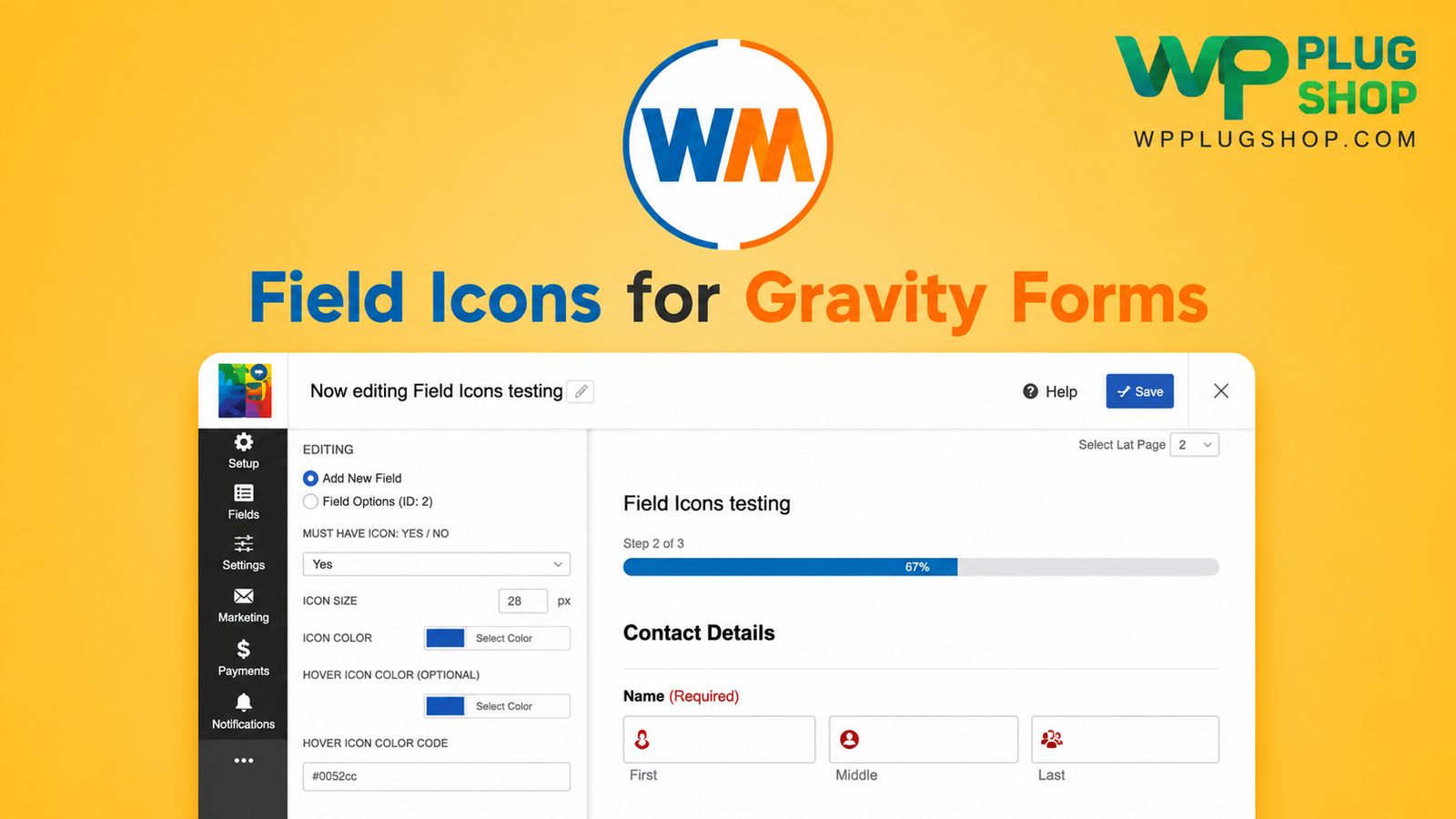
Preview Field Icons for Gravity Forms WP Plug Shop
View the product artwork, switch gallery images, and open a larger preview before checkout.
Get secure digital access for real WordPress projects
This section summarizes the buying experience and what customers can expect after checkout.
Product overview, benefits, and digital access details
Review the key product details, practical use cases, and digital access information before checkout.
Product Overview
Field Icons for Gravity Forms by WPMonks is a specialized design extension that allows you to seamlessly integrate FontAwesome and custom image icons directly into Gravity Forms input fields and labels. It eliminates the need for complex, brittle custom CSS stylesheets by offering smart auto-detection, dynamic resizing, and absolute alignment controls to elevate your form aesthetics and user engagement.
Why This Product Is Useful
Standard web forms often look clinical and uninspiring, which can negatively impact user trust and completion rates. While adding icons to input fields typically requires writing custom CSS selectors that break during form updates, Field Icons for Gravity Forms solves this by providing an intuitive, set-and-forget configuration interface that places icons precisely where you need them.
Key Features
- FontAwesome & Image Support: Choose instantly from comprehensive vector icon libraries or upload custom brand image icons.
- Smart Auto-Detection: Automatically identifies form input fields and streamlines icon insertion across your layout.
- Dynamic Icon Resizing: Automatically scales icons to fit cleanly and proportionally inside specific input boundaries.
- Precision Padding & Alignment: Fine-tune icon positioning (left or right alignment) and inner field padding with zero code required.
- Broad Field Compatibility: Supports single-line text, email addresses, phone numbers, website fields, datepickers, and number inputs.
Main Benefits
- Boost Form Conversions: Visually polished, modern forms increase user trust and encourage higher completion rates.
- Save Development Time: Bypass hours of trial-and-error custom CSS adjustments for form field iconography.
- Ensure Brand Consistency: Align your lead-capture forms seamlessly with your website’s overall design language.
- Lightweight Execution: Clean, optimized codebase ensures your forms load instantly without server slowdowns.
Best Use Cases
- High-Stakes Lead Generation: Ideal for quote requests, consultation bookings, and contact forms where visual clarity matters.
- E-Commerce & Registration Pages: Perfect for checkout, sign-up, and onboarding forms where icons help users identify requested data instantly.
- Agency Client Projects: Essential for web designers building polished, custom-branded user interfaces for clients.
Who Should Use This Product?
This extension is vital for WordPress developers, web designers, agency owners, and form-heavy site managers looking to enhance the visual appeal and conversion potential of their Gravity Forms.
WP Plug Shop Access Benefits
When you acquire your digital resources through WP Plug Shop, you gain immediate, secure access to premium WordPress tools optimized for modern creators. Enjoy budget-conscious access, clean virus-scanned files, and instant account-based downloads designed to empower your real-world WordPress projects safely and efficiently.
Product Details
| Feature / Specification | Details |
|---|---|
| Product Type | Gravity Forms Design Extension (Digital Download) |
| Core Focus | FontAwesome Icons, Image Icons, & Input Field Styling |
| Customization | Dynamic Resizing, Padding, & Left/Right Alignment Controls |
| Supported Inputs | Text, Email, Phone, Numbers, URLs, & Date Fields |
| License Type | GPL-Friendly Resource / Secure Digital Access |
Feature Comparison
| Capabilities | Custom CSS / Default Forms | Field Icons for Gravity Forms |
|---|---|---|
| Icon Integration | Requires manual CSS classes and positioning rules | Intuitive backend controls with instant deployment |
| Maintenance | Often breaks when Gravity Forms updates styling | Stable, dedicated extension built for seamless compatibility |
| Resizing & Alignment | Tedious pixel adjustments via stylesheets | Built-in auto-resizing and padding controls |
| Design Flexibility | Limited by developer time and CSS knowledge | Supports both FontAwesome vectors and custom image icons |
Pros and Considerations
| Pros | Considerations |
|---|---|
| Eliminates the need for complex custom CSS code for form icons | Requires an active self-hosted WordPress installation running Gravity Forms |
| Supports both extensive FontAwesome libraries and custom uploads | Best utilized on forms styled to match modern UI standards |
| Smart auto-detection speeds up form design workflows | Lightweight architecture prevents unnecessary site bloat |
| Budget-friendly digital access via WP Plug Shop | Secure account-based dashboard file downloads |
Final Verdict
The Field Icons for Gravity Forms extension transforms plain, standard forms into modern, professional lead-capture tools without requiring a single line of CSS. Secure your digital download today from WP Plug Shop and give your forms the visual edge they deserve.
Frequently Asked Questions
What is Field Icons for Gravity Forms?
It is a specialized design extension by WPMonks that enables you to seamlessly integrate FontAwesome and custom image icons directly into Gravity Forms input fields and labels without writing custom CSS.
Can I use custom image icons instead of FontAwesome?
Yes, the plugin supports both extensive FontAwesome vector icon libraries and custom image uploads, giving you complete flexibility over your form branding.
Does the plugin automatically resize icons inside input fields?
Yes, it features smart auto-resizing capabilities that scale icons proportionally to fit cleanly inside your form input boundaries.
What specific Gravity Form fields are supported?
The extension supports a wide range of native input types, including single-line text, email addresses, phone numbers, website fields, datepickers, and number inputs.
Do I need to know how to code CSS to use this extension?
Not at all. The plugin provides intuitive configuration controls for alignment, padding, and positioning, eliminating the need for custom stylesheets.
Are files downloaded from WP Plug Shop safe to install?
All digital products offered through WP Plug Shop are 100% original, clean, virus-scanned, and prepared for secure deployment on self-hosted WordPress sites.
How do I access future updates for this plugin?
You can securely download new version releases and updates directly through your WP Plug Shop user account dashboard whenever they become available.
Does this plugin require Gravity Forms to be active?
Yes, because this is an extension built specifically to enhance the core Gravity Forms architecture, an active installation of Gravity Forms is required.
Quick product answers for buyers and AI search
Clear product answers help buyers, search engines, and AI answer engines understand this product faster.
Best ways to use this WordPress digital product
These use cases help buyers quickly decide if this product fits their workflow.
How digital access works
No physical shipping is required. This is a digital product access purchase designed for account-based downloads.
Secure payment options for digital checkout
WPPlugShop supports trusted checkout options so buyers can complete digital purchases with more confidence.
Frequently asked questions
Buyer-focused answers about digital access, secure payments, downloads, support, and product usage.
Related WordPress tools you may also like
Explore related WordPress tools that may support the same workflow, website type, or project goal.




Choose the right WordPress tool with confidence
Request a product, explore membership access, or contact support if you want help choosing the right WordPress digital product before checkout.