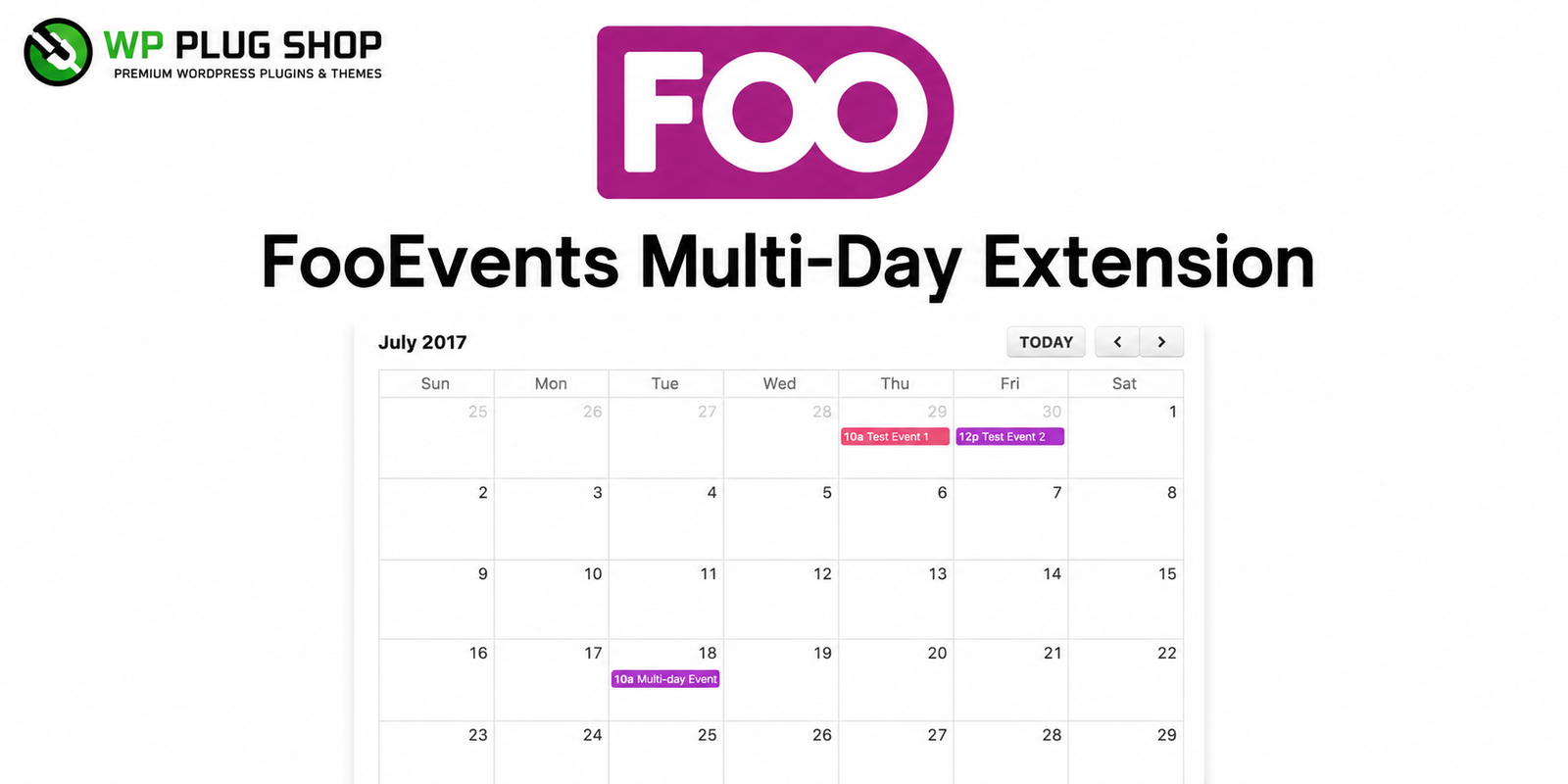
FooEvents Calendar Extension – Frequently Asked Questions
1. What is FooEvents Calendar Extension?
FooEvents Calendar Extension is a premium add-on for FooEvents that lets you display your WooCommerce events in responsive calendar and list views. It helps visitors browse upcoming events, schedules, and ticket availability through a clean and interactive event calendar.
2. Who should use FooEvents Calendar Extension?
This extension is ideal for event organizers, conference managers, training providers, educational institutions, concert organizers, webinar hosts, sports clubs, churches, agencies, and businesses that sell event tickets using WooCommerce.
3. Does FooEvents Calendar Extension require WooCommerce?
Yes. The extension is designed to work with FooEvents and WooCommerce. It requires both plugins installed on your WordPress website to display ticketed events within a calendar interface.
4. Can I display events in both calendar and list views?
Yes. The extension supports multiple display layouts, including responsive monthly calendars and event list views, allowing visitors to browse events in their preferred format.
5. Is the event calendar mobile responsive?
Yes. FooEvents Calendar Extension is designed to display events properly across desktops, tablets, and smartphones, providing an excellent browsing experience on all devices.
6. Can I display recurring or multi-day events?
The extension supports displaying events created within the FooEvents ecosystem, including events that span multiple dates when configured appropriately through compatible FooEvents functionality.
7. Can visitors purchase tickets directly from the calendar?
Yes. Visitors can open individual event pages from the calendar and continue to the WooCommerce ticket purchasing process, creating a seamless booking experience.
8. Does the plugin support event categories and filtering?
Yes. You can organize events into categories, making it easier for visitors to browse specific event types and improve overall navigation.
9. Is coding knowledge required to use FooEvents Calendar Extension?
No. The extension integrates with WordPress using a user-friendly interface, allowing administrators to configure and display event calendars without programming knowledge.
10. What are the main benefits of FooEvents Calendar Extension?
The extension improves event visibility, provides an attractive calendar interface, enhances user experience, simplifies event discovery, and helps increase ticket sales through WooCommerce integration.
11. Can I use FooEvents Calendar Extension for conferences, workshops, and concerts?
Absolutely. It is suitable for conferences, seminars, workshops, festivals, concerts, webinars, training sessions, exhibitions, sporting events, educational programs, and community events.
12. Why download FooEvents Calendar Extension from WP Plug Shop?
WP Plug Shop offers secure digital access, GPL-friendly downloads, instant delivery, and a growing collection of premium WordPress plugins, WooCommerce extensions, and event management tools for professionals and businesses.
Frequently Asked Questions – FooEvents Calendar Extension
1. What is FooEvents Calendar Extension?
FooEvents Calendar Extension is a premium add-on for FooEvents that displays your WooCommerce events in beautiful calendar and list layouts. It helps visitors easily browse upcoming events, view schedules, and access event details from a responsive calendar interface.
2. Who should use FooEvents Calendar Extension?
This extension is ideal for event organizers, conference managers, training centers, educational institutions, concert organizers, webinar hosts, sports clubs, churches, agencies, and businesses that manage and sell event tickets with WooCommerce.
3. Does FooEvents Calendar Extension require FooEvents?
Yes. FooEvents Calendar Extension is designed to work alongside FooEvents and requires the FooEvents plugin. It also works with WooCommerce to display ticketed events on your WordPress website.
4. Can I display events in different calendar layouts?
Yes. The extension supports multiple calendar display options, including monthly calendar and list views, making it easy for visitors to browse upcoming events in the format that best suits your website.
5. Is the calendar fully responsive?
Yes. The calendar is optimized for desktops, tablets, and mobile devices, ensuring visitors can browse events and schedules from any screen size.
6. Can visitors purchase tickets directly from calendar events?
Yes. Visitors can click on an event displayed in the calendar to access the event page, where they can view additional information and purchase tickets through WooCommerce.
7. Does the extension support event categories?
Yes. You can organize events using categories and display them in a structured way, helping users quickly find the events that interest them.
8. Can I display recurring or multi-day events?
The extension displays events created with FooEvents, including multi-day events when configured through compatible FooEvents functionality, making it suitable for conferences, festivals, exhibitions, and training programs.
9. Is coding knowledge required?
No. FooEvents Calendar Extension provides an easy-to-use interface and shortcode support, allowing you to display professional event calendars without writing code.
10. What are the benefits of using FooEvents Calendar Extension?
The extension improves event visibility, enhances user experience, provides professional calendar layouts, simplifies event discovery, and helps increase WooCommerce ticket sales through an organized event schedule.
11. Which types of events can I display?
You can display conferences, seminars, workshops, webinars, concerts, festivals, sports events, exhibitions, corporate meetings, educational classes, church events, community programs, and many other event types.
12. Is FooEvents Calendar Extension suitable for business websites?
Absolutely. Businesses, agencies, universities, training organizations, event companies, and nonprofit organizations can use the extension to present professional event calendars and improve attendee engagement.
13. Why download FooEvents Calendar Extension from WP Plug Shop?
WP Plug Shop provides secure digital access, GPL-friendly WordPress resources, instant downloads, and an extensive collection of premium plugins, WooCommerce extensions, and business tools for WordPress professionals.
14. Why choose FooEvents Calendar Extension over a basic event calendar?
Unlike standard calendar plugins, FooEvents Calendar Extension integrates with FooEvents and WooCommerce to display ticketed events, making it an excellent solution for businesses that organize and sell events through WordPress.
Frequently Asked Questions About FooEvents Calendar Extension
1. What is FooEvents Calendar Extension?
FooEvents Calendar Extension is a premium add-on for FooEvents that displays your WooCommerce events in attractive calendar and list layouts. It helps visitors easily browse event schedules, view upcoming events, and access ticket information from a responsive calendar interface.
2. What can I do with FooEvents Calendar Extension?
You can showcase upcoming events, display monthly and list-based event calendars, organize event schedules, improve event visibility, and make it easier for visitors to discover and purchase tickets through WooCommerce.
3. Does FooEvents Calendar Extension require FooEvents and WooCommerce?
Yes. This extension is built specifically for the FooEvents ecosystem and requires both FooEvents and WooCommerce to display ticketed events on your WordPress website.
4. Can I display events in multiple calendar formats?
Yes. The extension supports responsive calendar and list layouts, allowing you to present events in a clean, user-friendly format that works across desktop and mobile devices.
5. Is the calendar mobile-friendly?
Yes. FooEvents Calendar Extension is fully responsive, ensuring your event calendar looks great on smartphones, tablets, laptops, and desktop computers.
6. Can visitors purchase tickets directly from calendar events?
Yes. Users can click an event within the calendar to open its event page, where they can view event details and purchase tickets using WooCommerce.
7. Can I organize events by categories?
Yes. Events can be categorized and displayed in an organized manner, making it easier for visitors to filter and browse events based on their interests.
8. Does the extension support shortcodes?
Yes. FooEvents Calendar Extension includes shortcode support, allowing you to place event calendars on pages, posts, or widget-ready areas throughout your WordPress website.
9. Which types of events can I display?
The extension is suitable for conferences, seminars, workshops, concerts, festivals, exhibitions, webinars, training sessions, educational programs, sports events, church gatherings, business meetings, and community events.
10. Is coding knowledge required to use FooEvents Calendar Extension?
No. The plugin is designed with a beginner-friendly interface, allowing WordPress users to display professional event calendars without writing code.
11. What are the main benefits of FooEvents Calendar Extension?
It improves event presentation, enhances user experience, increases event visibility, simplifies event discovery, supports responsive layouts, and helps drive more WooCommerce ticket sales.
12. Who should use FooEvents Calendar Extension?
This extension is perfect for event organizers, universities, schools, agencies, businesses, training centers, conference organizers, theaters, concert venues, sports clubs, nonprofits, and anyone selling event tickets with WooCommerce.
13. Can I display upcoming events anywhere on my website?
Yes. Using the available display options and shortcode functionality, you can place event calendars on landing pages, homepages, event directories, or dedicated event pages.
14. Why download FooEvents Calendar Extension from WP Plug Shop?
WP Plug Shop offers secure digital access, GPL-friendly WordPress resources, instant downloads, and a carefully selected collection of premium WordPress plugins, WooCommerce extensions, and business tools for professionals.
15. Why choose FooEvents Calendar Extension instead of a standard calendar plugin?
Unlike general calendar plugins, FooEvents Calendar Extension is designed specifically for FooEvents and WooCommerce, providing seamless event scheduling, ticket integration, and professional event displays for WordPress websites.