
Product Overview
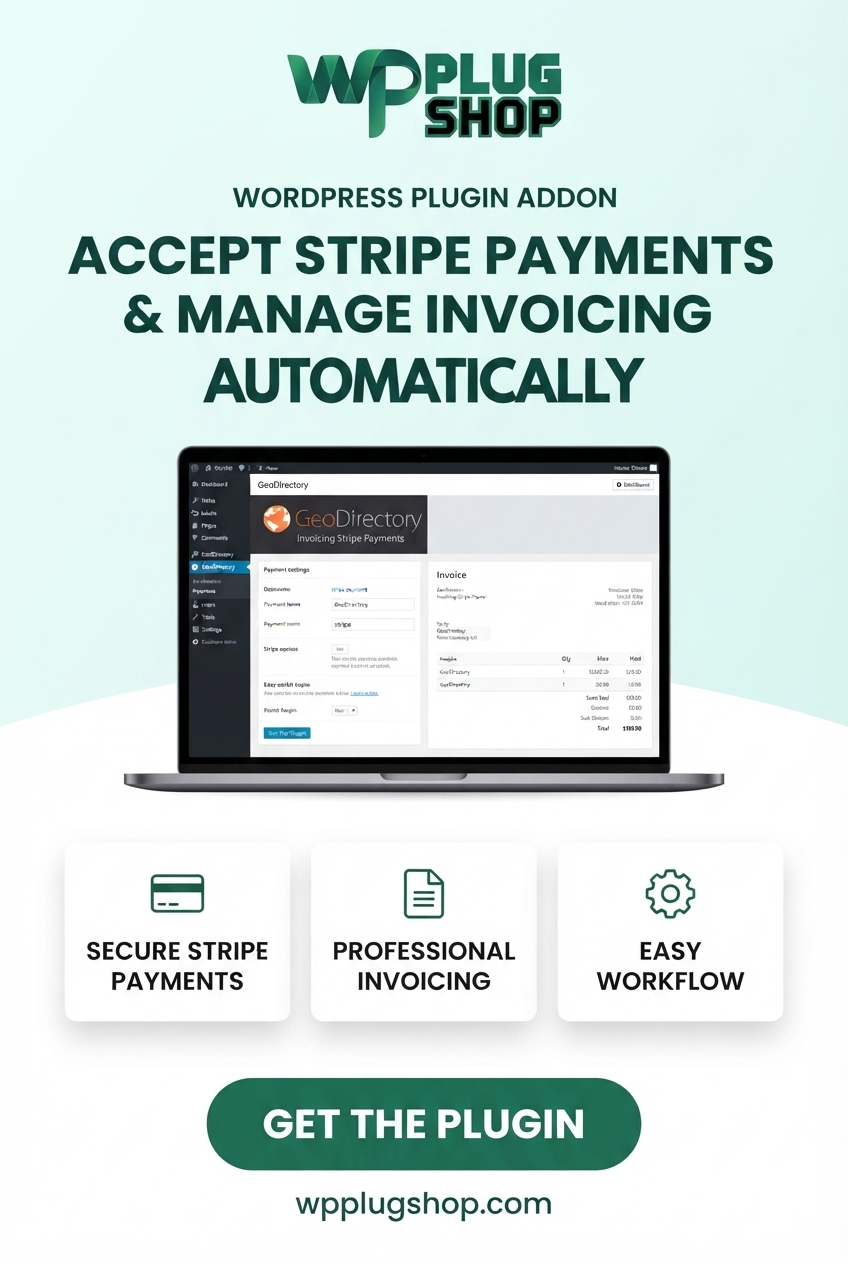
GeoDirectory Invoicing & Stripe Payments – Payment Gateway is a WordPress-focused payment and invoicing solution for websites built with the GeoDirectory ecosystem. It is designed to connect directory payment workflows with Stripe online payments and invoicing, making it useful for websites that monetize listings, packages, memberships, or other paid directory services.
For a directory website that accepts payments, having a clear transaction workflow is important. GeoDirectory Stripe Payments provides a way to connect supported GeoDirectory payment workflows with Stripe, while the invoicing functionality adds a structured billing layer for applicable transactions.
The product is particularly relevant to business directories, local business directories, paid listing websites, service directories, classified platforms, and directory marketplaces that need online payment functionality. Depending on the configured GeoDirectory and invoicing environment, it can support both one-time and recurring payment workflows.
Stripe configuration generally requires appropriate Stripe account credentials and webhook configuration. The exact features available can depend on the product version and the GeoDirectory/payment components installed on the website.
Why This Product Is Useful
Many directory websites generate revenue by charging businesses or users for listing packages, premium placements, memberships, or other directory-related services. Managing those transactions manually can create unnecessary administrative work and a less convenient checkout experience.
By connecting GeoDirectory with Stripe payments and invoicing, website owners can create a more structured payment workflow for supported directory transactions. Stripe provides an online payment gateway while invoicing adds useful billing and transaction-management capabilities.
This makes the product especially useful for directory owners who want to move beyond a basic free-listing model and introduce paid listings, premium directory packages, recurring payment plans, or other monetization options.
Instead of treating payments as a separate process, a properly configured integration can connect the directory’s monetization workflow with online payment processing and invoices.
Key Features
- Stripe payment integration: Connect supported GeoDirectory payment workflows with Stripe.
- Invoicing functionality: Add invoice-based billing capabilities to applicable directory transactions.
- Online payment processing: Give users a convenient payment method for supported paid directory services.
- One-time payments: Support applicable single-payment workflows.
- Recurring payment workflows: Useful for supported subscription or recurring billing scenarios.
- GeoDirectory integration: Designed around the GeoDirectory directory ecosystem.
- Payment gateway configuration: Configure Stripe credentials and payment settings for the website.
- Stripe test mode: Useful for testing payment configurations before moving to live transactions where supported.
- Stripe live mode: Configure the payment gateway for live transactions after the required Stripe settings are completed.
- Stripe API credentials: Supports the required Stripe key configuration used by the payment gateway.
- Stripe webhook workflow: Supports webhook-based communication where required by the configured Stripe integration.
- Paid listing support: Useful for directory websites that charge for listing packages or other paid services.
- Directory monetization: Helps connect paid directory offerings with online payment processing.
Main Benefits
- Accept online payments: Connect supported GeoDirectory transactions with Stripe for convenient online payment processing.
- Support paid directory models: Useful for websites that monetize business listings, listing packages, memberships, or premium services.
- Add invoicing to payment workflows: Give applicable transactions a more structured billing and invoice process.
- Support recurring business models: Where supported by the configured environment, recurring payments can be useful for subscription-based directory packages.
- Improve the customer payment experience: Online payment processing can be more convenient than relying entirely on manual or offline payment methods.
- Reduce disconnected payment workflows: A GeoDirectory-focused payment integration can help keep directory transactions connected to the website’s existing ecosystem.
- Support directory monetization: Create a foundation for paid listing and premium directory services.
- Useful for agencies and developers: Provides payment functionality that can be incorporated into suitable GeoDirectory projects.
- Test before going live: Stripe’s testing environment can be useful for validating payment configuration before processing real transactions.
Best Use Cases
Paid Business Directories
Business directory owners can use supported payment workflows to charge businesses for listing packages, premium listings, upgrades, or other directory services.
Local Business Directories
Local directory websites can introduce paid listing options and connect applicable transactions with Stripe payment processing and invoicing.
Directory Listing Marketplaces
Directory marketplace operators can use payment functionality as part of a broader monetization strategy for businesses or service providers that want to publish listings.
Premium Listing Packages
Websites offering multiple listing packages can connect applicable package purchases with online payment processing.
Membership-Based Directories
Where recurring billing is supported by the configured setup, the product can be useful for directories offering recurring memberships or subscription-style packages.
Service Directories
Service-provider directories can use online payments for applicable premium listings, packages, or paid directory services.
Classified Directories
Classified websites can incorporate payment workflows for premium listings, featured placements, or other paid services where supported by the directory configuration.
Professional Business Portals
Professional and industry-specific directories can use invoicing and Stripe payments to create a more structured process for monetizing directory participation.
Who Should Use This Product?
- GeoDirectory website owners
- WordPress business directory operators
- Paid listing website owners
- Local directory administrators
- Directory marketplace operators
- Service directory owners
- Classified website administrators
- Membership directory operators
- WordPress developers
- WordPress freelancers
- WordPress agencies
- Directory website builders
- Businesses building monetized listing platforms
WP Plug Shop Access Benefits
WP Plug Shop provides digital WordPress resources for website owners, developers, freelancers, agencies, and digital creators. GeoDirectory Invoicing & Stripe Payments can be a useful resource for directory projects that require a payment gateway and invoicing workflow.
- WordPress-ready resource: Designed around WordPress and the GeoDirectory ecosystem.
- Payment-focused functionality: Provides Stripe payment and invoicing capabilities for applicable directory workflows.
- Useful for real directory projects: Suitable for paid business directories, listing marketplaces, service directories, and other monetized directory websites.
- Directory monetization support: Useful when introducing paid listing packages or other paid services.
- Developer-friendly use case: Can be considered when building or extending a GeoDirectory payment workflow.
- Budget-conscious digital access: Provides a practical WordPress resource for suitable projects.
- Secure checkout: Purchase digital resources through the WP Plug Shop marketplace.
Product version, compatibility, update availability, support arrangements, licensing terms, and access conditions should be verified against the specific package supplied by WP Plug Shop before purchase.
Product Details
| Detail | Information |
|---|---|
| Product Name | GeoDirectory Invoicing & Stripe Payments |
| Product Type | GeoDirectory payment and invoicing addon |
| Platform | WordPress |
| Primary Ecosystem | GeoDirectory |
| Payment Gateway | Stripe |
| Primary Function | Stripe payment processing and invoicing for supported GeoDirectory workflows |
| One-Time Payments | Supported for applicable payment workflows |
| Recurring Payments | Supported for applicable configured workflows |
| Invoicing | Supported |
| Stripe Test Mode | Available where supported by the configured Stripe integration |
| Stripe Live Mode | Available after appropriate live Stripe configuration |
| Stripe API Credentials | Required for Stripe gateway configuration |
| Webhook Configuration | Used where required by the Stripe integration |
| Best For | Paid directories, listing marketplaces, business directories, and monetized directory websites |
| WooCommerce Dependency | Not the primary product ecosystem |
| Elementor Dependency | Not the primary product ecosystem |
Feature Comparison
| Capability | Manual Payment Workflow | GeoDirectory Invoicing & Stripe Payments |
|---|---|---|
| Online card payment gateway | Requires a separate payment solution | Stripe integration |
| GeoDirectory payment workflow | May require manual coordination | Designed for supported GeoDirectory payment workflows |
| Invoice workflow | Often handled separately | Invoicing functionality available |
| One-time payments | Manual or separate system | Supported for applicable workflows |
| Recurring payments | Requires separate recurring billing setup | Supported for applicable configured workflows |
| Stripe integration | Not included by default | Included as the primary payment gateway integration |
| Paid listing monetization | Requires manual payment management | Can be incorporated into supported GeoDirectory payment workflows |
| Payment testing | Depends on the external payment system | Stripe test-mode configuration can be used where supported |
| Directory-focused payment workflow | May require multiple disconnected tools | Designed around the GeoDirectory ecosystem |
Pros and Considerations
| Pros | Considerations |
|---|---|
| Designed for the GeoDirectory ecosystem | Requires a compatible GeoDirectory setup |
| Integrates Stripe as a payment gateway | A Stripe account is required for Stripe payment processing |
| Provides invoicing functionality | Exact invoice capabilities depend on the configured invoicing environment |
| Useful for paid directory listings | Listing monetization depends on the wider GeoDirectory configuration |
| Supports applicable one-time payment workflows | Supported transaction types depend on the installed and configured components |
| Can support applicable recurring payment workflows | Recurring billing should be verified for the specific product version and setup |
| Stripe test mode can help with payment testing | Live transactions require correct Stripe credentials and configuration |
| Useful for directory monetization | Payment processing fees and Stripe account requirements are separate from the plugin |
| Can reduce reliance on manual payment collection | Webhook and payment configuration may require technical setup |
Final Verdict
GeoDirectory Invoicing & Stripe Payments – Payment Gateway is a specialized solution for WordPress directory websites that need to connect supported GeoDirectory payment workflows with Stripe and invoicing.
Its strongest use case is a monetized directory where businesses, service providers, or other users need to pay for listings, packages, memberships, upgrades, or other directory-related services.
By combining Stripe payment processing with invoicing functionality, the product can provide a more structured approach to directory transactions than relying entirely on manual payment collection.
The product is particularly relevant to business directories, local directories, listing marketplaces, service directories, classified websites, and premium listing platforms.
If your goal is to accept Stripe payments and manage invoices within a GeoDirectory-based WordPress project, this addon provides a focused payment and invoicing layer for applicable directory monetization workflows.
Before deployment, verify compatibility between the specific addon version, GeoDirectory components, invoicing system, Stripe account configuration, and your intended payment model.
Frequently Asked Questions
What is GeoDirectory Invoicing & Stripe Payments?
GeoDirectory Invoicing & Stripe Payments is a WordPress addon designed to connect supported GeoDirectory payment workflows with Stripe and invoicing functionality. It is useful for directory websites that accept payments for listings, packages, memberships, or other paid services.
Can I accept Stripe payments on a GeoDirectory website?
Yes. The addon is designed to integrate Stripe as a payment gateway for supported GeoDirectory payment workflows, allowing a compatible directory website to accept online payments through Stripe.
Can GeoDirectory Invoicing & Stripe Payments create invoices?
Yes. Invoicing is a core part of the product’s functionality, providing an invoice-based billing workflow for applicable directory transactions.
Can I use Stripe for paid GeoDirectory listings?
Yes. The Stripe payment integration can be useful for directories that charge users for listing packages, premium listings, upgrades, or other supported paid directory services.
Does this GeoDirectory Stripe addon support recurring payments?
The product supports applicable recurring payment workflows. The exact recurring billing capabilities depend on the specific product version and the GeoDirectory and invoicing components configured on your website.
Can I use this addon for one-time payments?
Yes. One-time payment workflows are supported for applicable GeoDirectory transactions, making the addon suitable for directory websites that sell individual listing packages or other single-payment services.
What types of websites can use GeoDirectory Stripe Payments?
The addon can be useful for business directories, local business directories, service directories, real estate directories, classified websites, listing marketplaces, and other WordPress directory websites that need online payment functionality.
Does the addon require a Stripe account?
Yes. A Stripe account is required to process payments through Stripe. The website administrator also needs to configure the appropriate Stripe credentials and payment settings for the integration.
Does GeoDirectory Stripe Payments require API keys?
Stripe integrations generally require the appropriate publishable and secret API keys. Depending on the configured integration, webhook settings may also be required for communication between Stripe and the WordPress website.
Can I test Stripe payments before accepting real payments?
Stripe provides test and live environments. Using the appropriate test configuration allows website administrators to validate payment workflows before switching to live payment processing.
Is GeoDirectory Invoicing & Stripe Payments a WooCommerce plugin?
No. Its primary ecosystem is GeoDirectory and WordPress rather than WooCommerce. WooCommerce should not be considered a core requirement or primary feature of this product.
How can Stripe payments help monetize a GeoDirectory website?
Stripe can provide an online payment gateway for supported paid directory services. This can be useful when monetizing listing packages, premium listings, memberships, upgrades, or other directory-related offerings.
Please note: This is a digital product. Due to its digital nature, all sales are final — no refund will be provided after purchase and delivery. Please see our Refund Policy before purchasing.