Product Overview
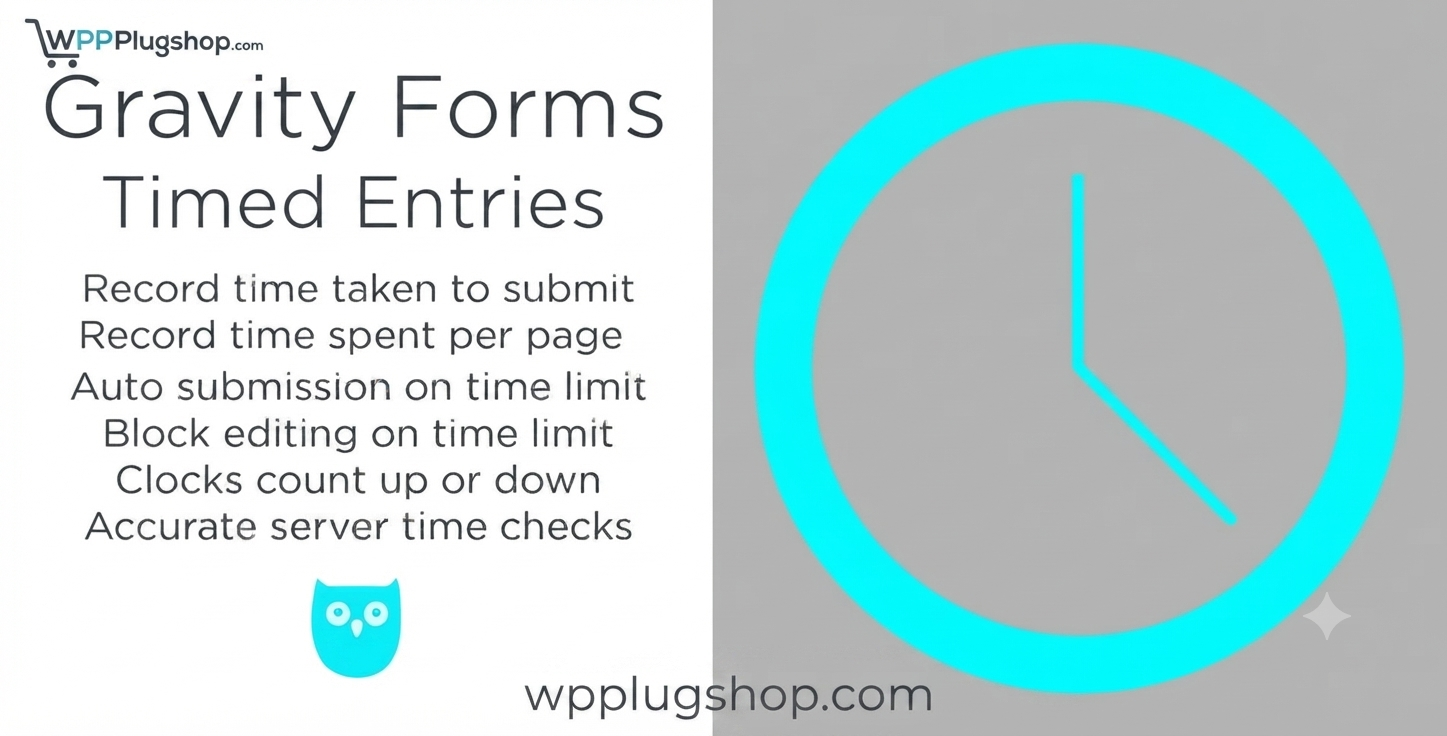
The Gravity Forms Timed Entries Extension is a professional-grade add-on that brings precision control over your form availability. Whether you are running a time-sensitive contest, an online quiz, or a registration window for an event, this extension allows you to set specific start and end times for your Gravity Forms. Once the deadline passes, the form is automatically disabled or hidden, ensuring you never accept late submissions again.
Why This Product Is Useful
Managing deadlines manually is a recipe for errors. If you forget to unpublish a form after a contest ends, you create administrative headaches. This extension automates the entire lifecycle of your forms. By simply defining a start and end time in the form settings, you ensure your forms are active exactly when they need to be, providing a professional experience for your users and peace of mind for your team.
Key Features
- Automated Start/End Scheduling: Define exact dates and times for form availability.
- Customizable Expiration Message: Display a personalized notice when a form is closed or outside its time window.
- User-Friendly Settings: Integrated directly into the Gravity Forms settings panel for seamless configuration.
- Perfect for Limited-Time Offers: Ideal for flash sales, event registrations, and time-bound quizzes.
- Clean and Lightweight: Developed for high performance without bloating your site’s backend.
- Support for Time Zones: Ensure your deadlines are accurate regardless of your server location.
Main Benefits
- Eliminate Manual Tasks: No more logging in at midnight to close a form manually.
- Improve Professionalism: Automatically manage expectations with clear expiration messaging.
- Increase Urgency: Use firm deadlines to drive higher completion rates for time-sensitive offers.
- Error-Proof Your Workflow: Prevent late entries or unauthorized form usage with automated locking.
Best Use Cases
- Contests & Giveaways: Strictly enforce entry deadlines.
- Online Quizzes/Exams: Keep forms closed until the scheduled start time.
- Event Registrations: Manage limited enrollment windows effortlessly.
- Flash Sales: Automate time-bound product inquiry or order forms.
Who Should Use This Product?
This tool is perfect for marketers, event coordinators, educators, and website owners who rely on Gravity Forms for time-sensitive data collection and want to streamline their administrative workflow.
WP Plug Shop Access Benefits
When you acquire the Gravity Forms Timed Entries Extension through WP Plug Shop, you receive clean, scanned, and GPL-friendly files. We ensure you have everything needed to deploy professional-grade tools securely within your WordPress environment.
Product Details
| Attribute | Specification |
|---|---|
| Compatibility | Requires Gravity Forms Core Plugin |
| Category | Gravity Forms Extensions / Form Addons |
| Updates | Latest Stable Version |
| Access | Instant Digital Download |
Feature Comparison
| Feature | Manual Form Management | Timed Entries Extension |
|---|---|---|
| Scheduling | Manual/Required Login | Automated/Set-and-Forget |
| Accuracy | Human Error Risk | Automated Precision |
| Communication | No Auto-Message | Custom Expiration Notice |
Pros and Considerations
| Pros | Considerations |
|---|---|
| Highly reliable automation | Ensure server time is correct |
| Easy to configure | Check time zone settings |
| Improves workflow efficiency | – |
Final Verdict
The Gravity Forms Timed Entries Extension is an essential utility for anyone managing time-bound form submissions. It brings automation and reliability to your WordPress backend, allowing you to focus on your content rather than managing form statuses. Upgrade your Gravity Forms workflow today.
Frequently Asked Questions
Can I set both a start and an end time?
Yes, the extension allows you to define both a specific start date/time and an end date/time for every form you choose to schedule.
What happens when the deadline passes?
The form automatically closes, and users will see your pre-configured expiration message instead of the input fields.
Is this compatible with all Gravity Forms?
Yes, once installed, the scheduling settings become available for any form you choose to manage through the Gravity Forms interface.
Does it account for time zones?
The extension follows the settings established in your WordPress dashboard, ensuring scheduling remains consistent with your local time configuration.
Can I update the time after the form is published?
Certainly. You can return to the form settings at any time to extend or shorten the deadline as your campaign requirements change.
Will this impact site performance?
No, the plugin is lightweight and performs checks only when the form is loaded, ensuring your site speed remains optimal.
Are the files from WP Plug Shop secure?
Yes, all resources provided by WP Plug Shop are verified and scanned, ensuring you get clean, GPL-friendly digital files for your professional projects.
Please note: This is a digital product. Due to its digital nature, all sales are final — no refund will be provided after purchase and delivery. Please see our Refund Policy before purchasing.