
Header Footer Code Manager Pro
Verified from VirusTotal 100% Original Product and Virus Free. Free New Version Lifetime On Single Purchase. Unlimited Website Usage Price is in US dollars and included tax
Buy confidently with secure digital checkout, account-based downloads, and a cleaner WPPlugShop product experience.
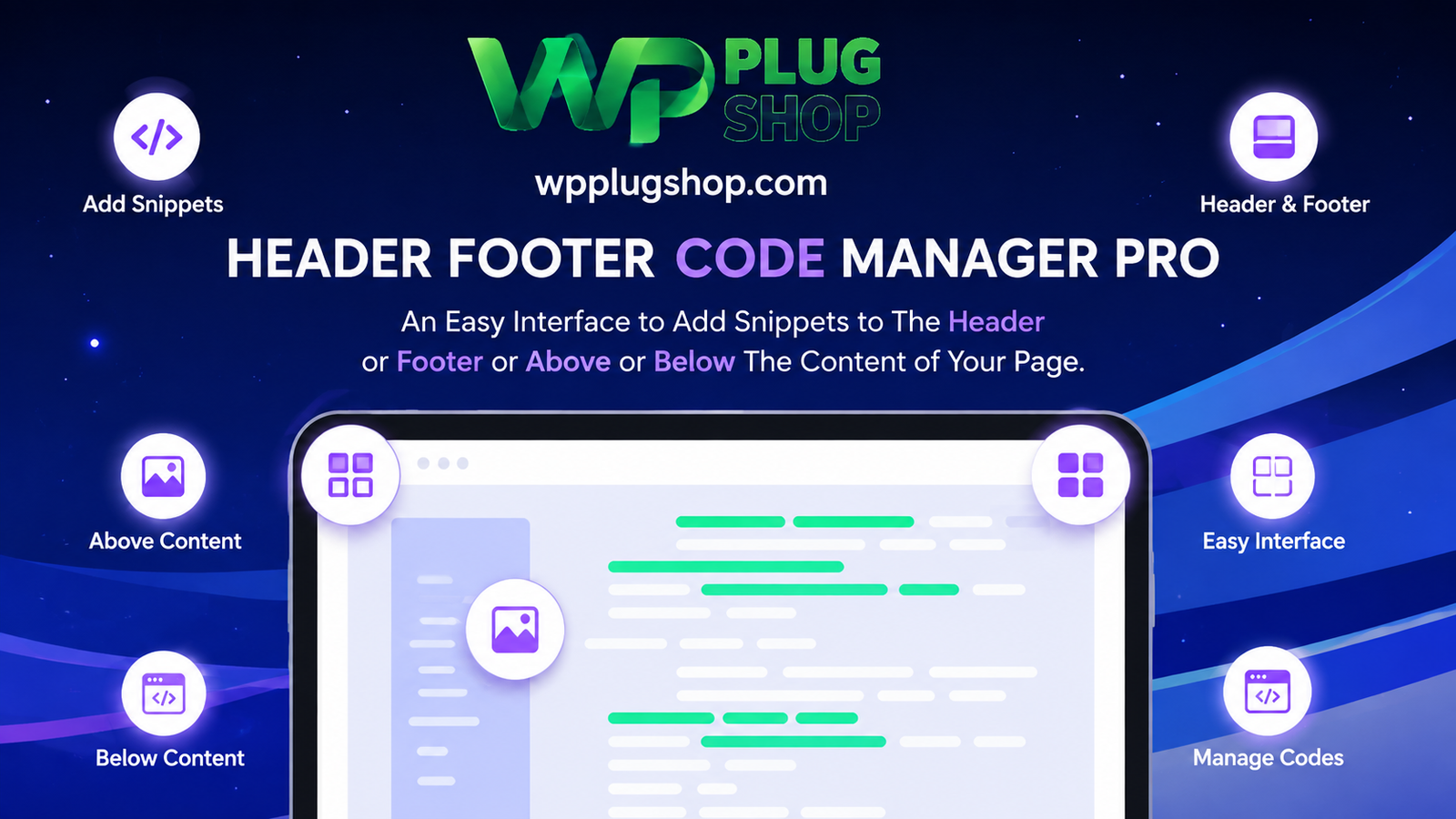
Preview Header Footer Code Manager Pro
View the product artwork, switch gallery images, and open a larger preview before checkout.
Get secure digital access for real WordPress projects
This section summarizes the buying experience and what customers can expect after checkout.
Product overview, benefits, and digital access details
Review the key product details, practical use cases, and digital access information before checkout.
Product Overview
Take total control of your website's scripts, tracking pixels, and custom code blocks with the Header Footer Code Manager Pro plugin. Built for professional site administrators, digital marketers, and developers, this advanced snippet manager allows you to inject code anywhere on your WordPress site safely—without ever risking a site crash or editing raw theme files.
Why This Product Is Useful
Manually pasting codes into your `functions.php` file or relying on a dozen single-purpose plugins creates messy codebases and leaves your site vulnerable to fatal errors during theme updates. Header Footer Code Manager Pro centralizes all your tracking tags, custom stylesheets, JavaScript snippets, and PHP functions into one clean, organized interface backed by built-in safety validations.
Key Features
- PHP Code Snippet Support: Safely execute custom PHP functions with built-in code validation failsafes that automatically disable snippets causing fatal errors.
- Advanced Page & Device Targeting: Specify exactly where snippets load—site-wide, on individual posts/pages, custom post types, or targeted specifically to mobile or desktop visitors.
- Flexible Injection Hooks: Insert codes into the `` section, footer, immediately after the opening `` tag, or above/below content areas.
- User-Role Visibility Rules: Restrict scripts to display exclusively for logged-in users or unregistered site visitors.
- Snippet Organization & Tagging: Group, tag, and search through large collections of marketing pixels and custom scripts effortlessly.
- Cloning & Priority Control: Duplicate complex snippets instantly and define precise execution order priorities when multiple scripts overlap.
Main Benefits
- Eliminate Plugin Bloat: Replace numerous single-feature plugins with one centralized, lightweight script management hub.
- Protect Your Site Integrity: Prevent site-breaking syntax mistakes through intelligent error checking and safe code validation.
- Seamless Marketing Integration: Effortlessly deploy Google Analytics, Meta (Facebook) Pixels, conversion trackers, and live chat modules.
- GPL-Friendly Access: Secure, scanned digital files ready for your web projects under flexible, budget-friendly terms.
Best Use Cases
- Deploying and managing analytics scripts and conversion tracking pixels across e-commerce stores.
- Adding custom CSS tweaks or JavaScript enhancements to specific landing pages.
- Injecting live chat support widgets or third-party marketing tools selectively.
- Executing custom PHP snippets safely without modifying core template files.
Who Should Use This Product?
This plugin is ideal for digital marketers managing multiple conversion tags, agency developers streamlining client setups, and WordPress administrators demanding secure, error-free script execution.
WP Plug Shop Access Benefits
When you acquire your digital resources through WP Plug Shop, you gain immediate, secure access to clean, scanned files. Enjoy budget-conscious digital downloads backed by secure checkout, making professional code management accessible for every project.
Product Details
| Feature Category | Specification Details |
|---|---|
| Product Type | Premium Code Snippet & Script Manager Plugin |
| Supported Languages | HTML, CSS, JavaScript, PHP (with Validation) |
| Injection Hooks | Head, Footer, Opening Body Tag, Above/Below Content |
| Compatibility | WordPress Core, Custom Post Types, WooCommerce |
| Access Type | Secure Digital Download (GPL-Friendly) |
Feature Comparison
| Capabilities | HFCM Free Version | HFCM Pro (WP Plug Shop) |
|---|---|---|
| PHP Snippet Execution | Not Supported | Fully Supported with Fatal Error Prevention Failsafes |
| Body Tag Hook Location | Not Available | Inject Code Immediately After Opening Body Tag |
| User-Role Targeting | Global Display Only | Target Logged-In vs. Unregistered Visitors |
| Snippet Management | Basic Listing Only | Includes Cloning, Priority Ordering, & Tag Organization |
Pros and Considerations
| Advantages (Pros) | Points to Consider |
|---|---|
| Advanced PHP safety validation prevents accidental site lockouts. | Requires administrator-level privileges to create and edit snippets. |
| Granular control over device-specific and page-level script loading. | Requires a self-hosted WordPress environment. |
| Cost-effective digital access through WP Plug Shop. | Third-party developer updates depend on your selected access plan. |
Final Verdict
If you need a reliable, secure way to manage tracking codes, pixels, and custom functions without jeopardizing your site stability, Header Footer Code Manager Pro is the ultimate solution. Combining granular targeting rules with intelligent PHP validation, it streamlines your workflow entirely. Download securely from WP Plug Shop today.
Frequently Asked Questions
What is Header Footer Code Manager Pro?
Header Footer Code Manager Pro is an advanced WordPress plugin that allows you to safely insert, organize, and control tracking codes, conversion pixels, custom HTML, CSS, JavaScript, and PHP snippets anywhere on your site without modifying theme files.
Does the Pro version support PHP code snippets?
Yes, HFCM Pro fully supports custom PHP execution and includes built-in code validation failsafes that automatically disable snippets if they trigger a fatal site error.
Can I target code snippets to specific devices or users?
Absolutely. You can configure scripts to load exclusively on desktop or mobile devices, as well as restrict their visibility to logged-in users or unregistered visitors.
Where can I inject code snippets using this plugin?
You can insert code into the website `` section, footer, immediately after the opening `` tag, or directly above and below content areas.
Is this digital product safe and GPL-friendly?
Yes, all digital files available through WP Plug Shop are secure, scanned resources ready for your WordPress projects under flexible, budget-friendly access terms.
Do I need coding skills to use Header Footer Code Manager Pro?
No advanced coding experience is required. The clean dashboard makes it easy to paste, label, and manage marketing pixels or custom scripts.
How do I download my plugin files after purchase?
Once your secure checkout on WP Plug Shop is complete, your download files become immediately accessible inside your account dashboard.
Can I export and import my snippets across different sites?
Yes, the plugin features a built-in import/export tool that lets you move snippet configurations easily between staging and production environments.
Quick product answers for buyers and AI search
Clear product answers help buyers, search engines, and AI answer engines understand this product faster.
Best ways to use this WordPress digital product
These use cases help buyers quickly decide if this product fits their workflow.
How digital access works
No physical shipping is required. This is a digital product access purchase designed for account-based downloads.
Secure payment options for digital checkout
WPPlugShop supports trusted checkout options so buyers can complete digital purchases with more confidence.
Frequently asked questions
Buyer-focused answers about digital access, secure payments, downloads, support, and product usage.
Related WordPress tools you may also like
Explore related WordPress tools that may support the same workflow, website type, or project goal.




Choose the right WordPress tool with confidence
Request a product, explore membership access, or contact support if you want help choosing the right WordPress digital product before checkout.