Product Overview
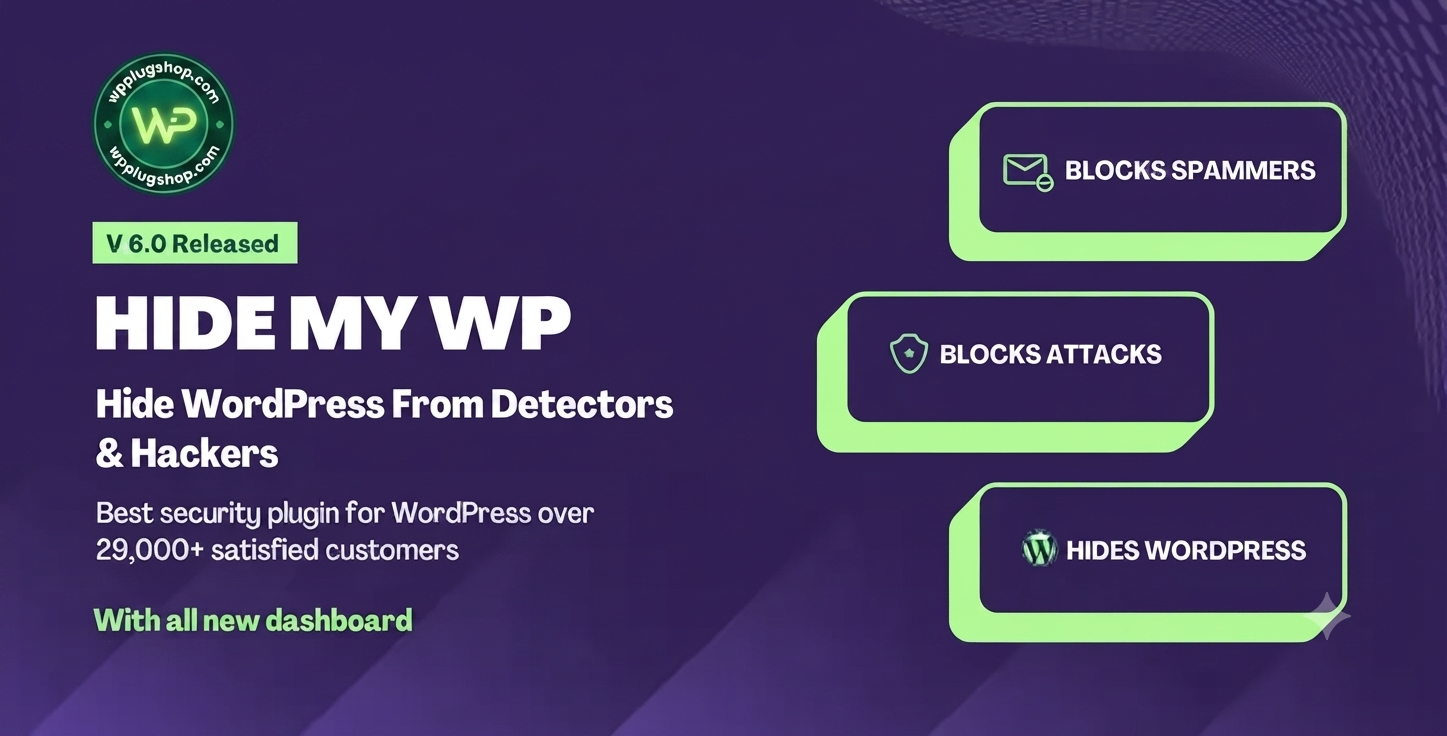
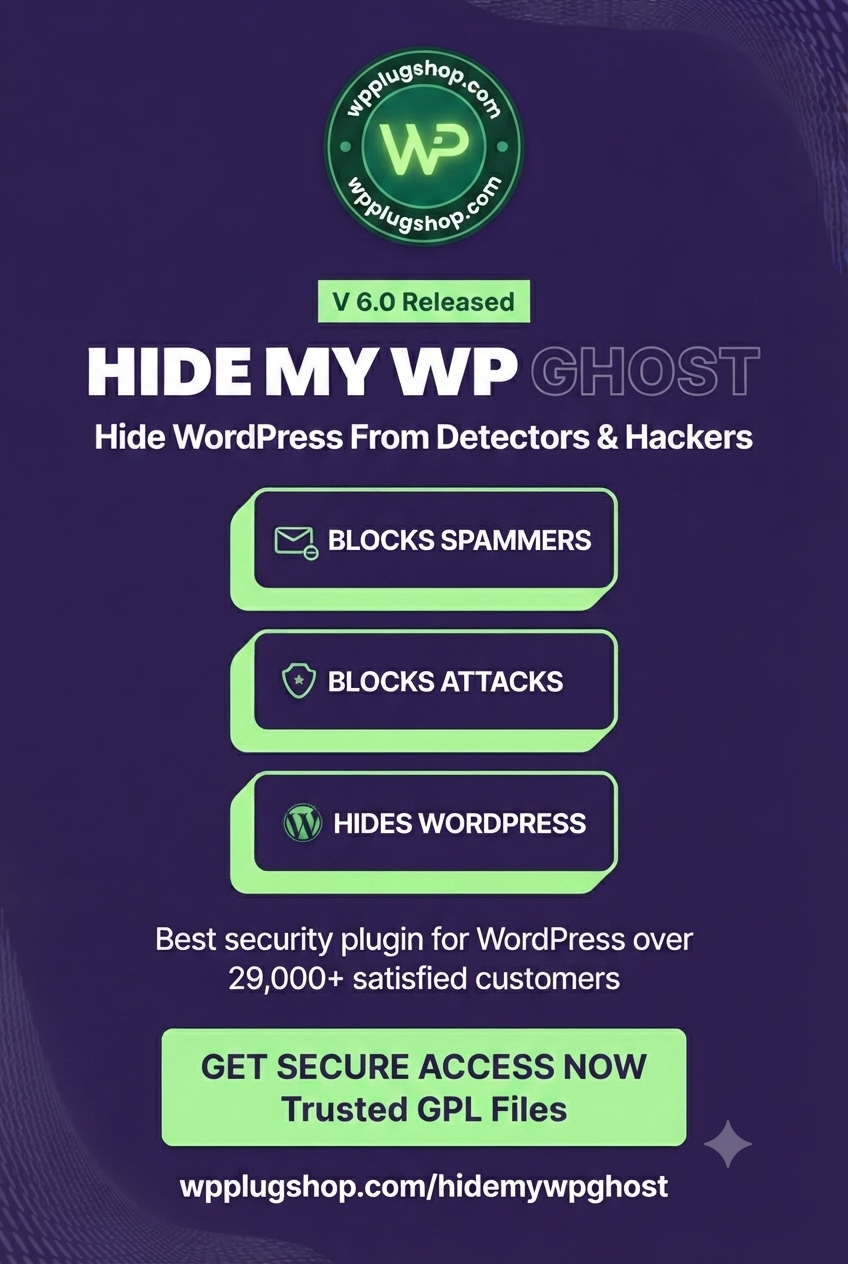
Hide My WP WordPress Security Plugin is a powerful WordPress security enhancement tool designed to help website owners, developers, agencies, and businesses improve website protection by reducing WordPress exposure and hiding common CMS identifiers.
This WordPress security plugin helps create a more private and protected website environment by changing visible WordPress footprints, securing important paths, and adding additional layers of protection against automated scans, unwanted detection attempts, and common website threats.
Whether you manage a business website, WooCommerce store, blog, membership platform, or client project, Hide My WP provides useful security-focused features for strengthening your WordPress setup.
Why This Product Is Useful
WordPress powers millions of websites worldwide, which makes security awareness important for website owners. Attackers and automated bots often scan websites to identify CMS information, login locations, and common WordPress structures.
Hide My WP WordPress Security Plugin helps reduce unnecessary exposure by allowing users to customize visible WordPress elements and create a less predictable website structure.
It is especially useful for freelancers, agencies, developers, and businesses managing multiple WordPress websites that need an additional security layer beyond standard WordPress settings.
Key Features
- WordPress Fingerprint Protection: Helps hide common WordPress identifiers from public visibility.
- CMS Information Hiding: Reduces visible WordPress traces that automated tools may detect.
- Login Protection Features: Helps improve security around WordPress login areas.
- Custom WordPress Paths: Provides options for changing default WordPress-related paths.
- Bot and Scanner Protection: Helps reduce exposure to automated detection tools.
- Security Hardening Options: Adds extra protection settings for WordPress websites.
- WooCommerce Website Support: Suitable for online stores and business websites running WordPress.
- Developer-Friendly Controls: Useful for agencies and professionals managing client websites.
- Privacy-Focused Website Protection: Helps maintain a cleaner and more controlled website footprint.
- WordPress Compatibility: Built for WordPress-based websites requiring additional security measures.
Main Benefits
- Improve WordPress website privacy and security awareness.
- Reduce visible CMS information exposed to automated scanners.
- Create a more customized WordPress website structure.
- Add an additional protection layer to business websites.
- Support safer management of client and commercial websites.
- Help protect important WordPress areas from unnecessary exposure.
- Provide security-focused controls without requiring advanced coding knowledge.
Best Use Cases
- Business Websites: Add additional security-focused controls to professional websites.
- WooCommerce Stores: Useful for online stores that need stronger website protection practices.
- Agency Projects: Help manage and protect multiple client WordPress websites.
- Membership Websites: Improve privacy and security settings for user-based websites.
- Blog Websites: Add additional protection options for content publishers.
- Developer Websites: Useful for professionals building and maintaining WordPress projects.
Who Should Use This Product?
- WordPress website owners
- WooCommerce store owners
- Freelance WordPress developers
- Digital agencies
- Security-conscious businesses
- Bloggers and content creators
- Website administrators
- WordPress professionals managing client websites
WP Plug Shop Access Benefits
- Digital Access: Get convenient access to a WordPress-ready security resource.
- Budget-Friendly Option: A practical choice for users looking for useful WordPress tools.
- Quick Availability: Access digital files through a simple download process.
- Useful for Real Projects: Suitable for freelancers, agencies, businesses, and website owners.
- Secure Digital Delivery: Receive digital resources through a streamlined purchasing experience.
Product Details
| Product Detail | Information |
|---|---|
| Product Name | Hide My WP WordPress Security Plugin |
| Product Type | WordPress Security Plugin |
| Platform | WordPress |
| Main Purpose | Website protection, WordPress privacy, and security enhancement |
| Suitable For | Businesses, agencies, developers, WooCommerce stores, bloggers |
| Website Compatibility | WordPress websites and online business projects |
| Security Focus | CMS hiding, fingerprint protection, website hardening |
Feature Comparison
| Feature | Hide My WP Security Plugin | Basic WordPress Setup |
|---|---|---|
| Hide WordPress Information | Provides tools to reduce visible WordPress footprints | Default WordPress information remains visible |
| Security Customization | Offers additional protection settings | Limited built-in options |
| CMS Privacy | Designed to improve WordPress privacy | Requires manual adjustments |
| Website Hardening | Supports additional security practices | Depends on manual configuration |
| Agency Usage | Suitable for managing professional websites | May require extra tools |
Pros and Considerations
| Pros | Considerations |
|---|---|
| Helps hide WordPress identifiers | Should be used as part of a complete security strategy |
| Useful additional protection layer | Website security also depends on hosting, updates, and best practices |
| Suitable for business and client websites | Configuration requirements may vary by website setup |
| Supports WordPress privacy improvements | Advanced features may require proper setup |
Final Verdict
Hide My WP WordPress Security Plugin is a valuable security-focused tool for website owners who want to reduce WordPress exposure and improve their website protection approach. It provides useful features for hiding WordPress fingerprints, customizing visible website elements, and strengthening security practices.
For users searching for a WordPress Security Plugin, WordPress protection tool, or website hardening solution, Hide My WP offers practical features for improving privacy and security management across WordPress projects.
Frequently Asked Questions
What is Hide My WP WordPress Security Plugin?
Hide My WP is a WordPress security plugin designed to help hide WordPress fingerprints, reduce visible CMS information, and add additional protection features for WordPress websites.
Why should I use a WordPress security plugin like Hide My WP?
A WordPress security plugin can help website owners improve security practices by adding extra protection layers, reducing unnecessary exposure, and providing more control over visible WordPress information.
Can Hide My WP hide WordPress information from scanners?
Hide My WP includes features designed to reduce detectable WordPress footprints and make common WordPress identifiers less visible to automated scanners and detection tools.
Is Hide My WP suitable for WooCommerce websites?
Yes, Hide My WP can be useful for WooCommerce store owners who want additional WordPress security controls and privacy-focused protection features for their online stores.
Who should use Hide My WP WordPress Security Plugin?
The plugin is suitable for WordPress website owners, agencies, developers, bloggers, businesses, and WooCommerce users who want additional security-focused website management options.
Does Hide My WP replace other WordPress security practices?
No, Hide My WP should be considered an additional security tool. Website owners should also follow WordPress security best practices such as keeping software updated, using strong passwords, and maintaining reliable backups.
Can developers use Hide My WP for client websites?
Yes, freelancers and agencies can use Hide My WP as part of their WordPress website management toolkit when building or maintaining client projects.
Is Hide My WP useful for business websites?
Yes, business websites can benefit from additional WordPress protection features that help improve privacy, reduce exposure, and support better website security management.
What types of websites can use Hide My WP?
Hide My WP can be used for blogs, business websites, WooCommerce stores, membership websites, agency projects, and other WordPress-based websites requiring extra security controls.
What makes Hide My WP different from a basic WordPress setup?
Unlike a standard WordPress installation, Hide My WP provides additional tools focused on hiding WordPress details, customizing website visibility, and improving security-oriented configurations.
Please note: This is a digital product. Due to its digital nature, all sales are final — no refund will be provided after purchase and delivery. Please see our Refund Policy before purchasing.