
JoomUnited WP Media Folder Addon – Advanced WordPress Media Library Folder Manager Plugin
Verified from VirusTotal 100% Original Product and Virus Free. Free New Version Lifetime On Single Purchase. Unlimited Website Usage Price is in US dollars and included tax
Buy confidently with secure digital checkout, account-based downloads, and a cleaner WPPlugShop product experience.
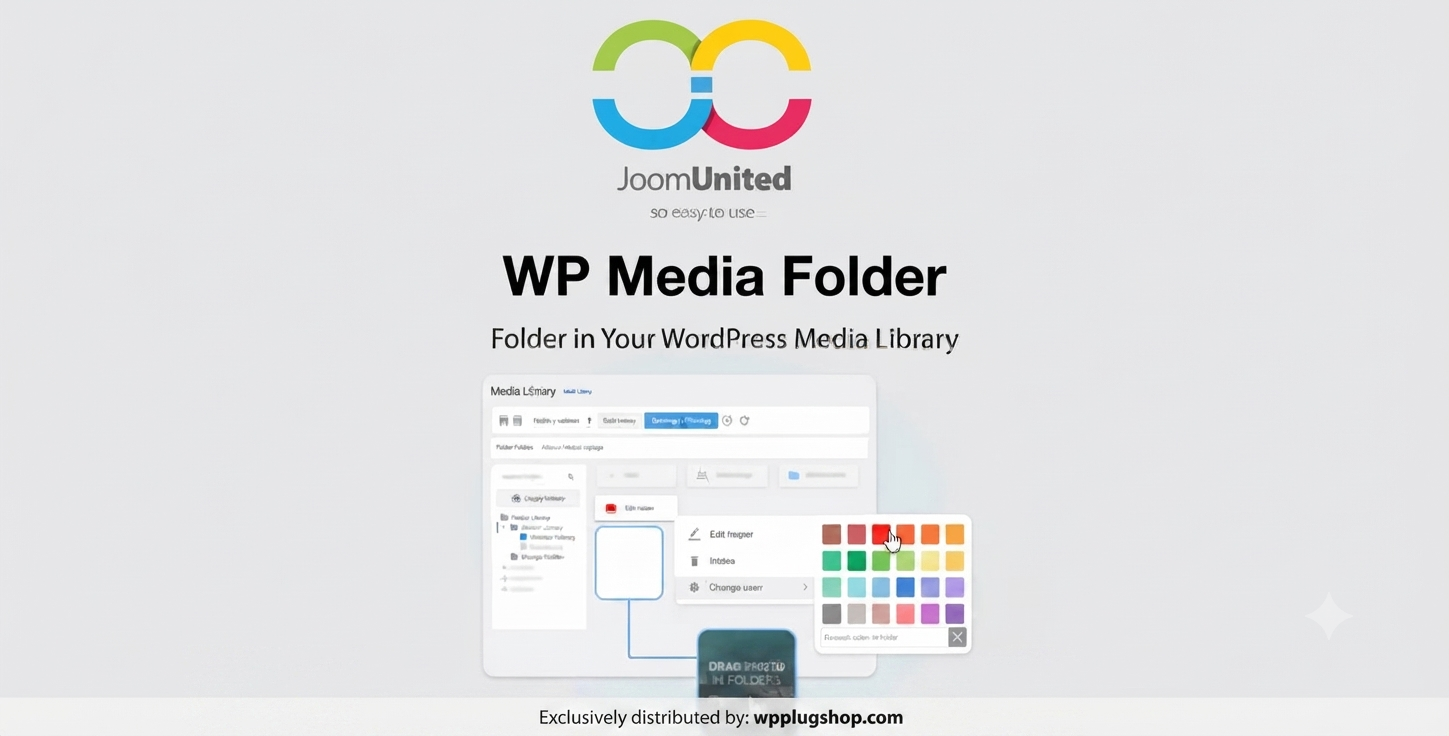
Preview JoomUnited WP Media Folder Addon – Advanced WordPress Media Library Folder Manager Plugin
View the product artwork, switch gallery images, and open a larger preview before checkout.
Get secure digital access for real WordPress projects
This section summarizes the buying experience and what customers can expect after checkout.
Product overview, benefits, and digital access details
Review the key product details, practical use cases, and digital access information before checkout.
Frequently Asked Questions
What is JoomUnited WP Media Folder Addon?
JoomUnited WP Media Folder Addon is a WordPress media management plugin that helps users organize images, documents, and other media files into folders and subfolders. It improves the default WordPress Media Library workflow with advanced organization, filtering, and file management features.
Why should I use WP Media Folder Addon for WordPress?
WP Media Folder Addon makes it easier to manage large WordPress websites by organizing thousands of media files into structured folders. It helps bloggers, agencies, developers, and website owners quickly find, manage, and reuse their digital assets.
Can I create folders inside the WordPress Media Library?
Yes, WP Media Folder Addon allows you to create unlimited folders and subfolders inside your WordPress Media Library. This helps keep images, videos, documents, and other uploads organized.
Is WP Media Folder Addon useful for WooCommerce websites?
Yes, WooCommerce store owners can use WP Media Folder Addon to better organize product images, banners, marketing graphics, and other media files. It helps improve media management for online stores with large product catalogs.
Does WP Media Folder Addon support drag-and-drop media management?
Yes, the plugin provides an easier drag-and-drop workflow for organizing WordPress media files. Users can move and manage files efficiently without manually searching through a crowded media library.
Can I connect cloud storage services with WP Media Folder Addon?
WP Media Folder Addon supports cloud storage integrations that help WordPress users manage external media resources and improve their overall content workflow.
Who should use JoomUnited WP Media Folder Addon?
This WordPress media organizer plugin is suitable for website owners, freelancers, developers, agencies, photographers, bloggers, WooCommerce store managers, and businesses that need better media library organization.
How does WP Media Folder Addon improve WordPress workflow?
The plugin reduces the time spent searching for files by providing a structured media organization system. Users can manage images, documents, and website assets faster with improved filtering and folder-based navigation.
Is WP Media Folder Addon compatible with the WordPress editor?
Yes, WP Media Folder Addon works with the WordPress editing environment and helps users access organized media files while creating pages, posts, and other website content.
Where can I get WP Media Folder Addon for my WordPress project?
You can get JoomUnited WP Media Folder Addon from WP Plug Shop as a WordPress-ready digital resource designed for users who need efficient media organization and improved website management.
Frequently Asked Questions
What is JoomUnited WP Media Folder Addon?
JoomUnited WP Media Folder Addon is a WordPress media management plugin that helps users organize images, documents, and other media files into folders and subfolders. It improves the default WordPress Media Library workflow with advanced organization, filtering, and file management features.
Why should I use WP Media Folder Addon for WordPress?
WP Media Folder Addon makes it easier to manage large WordPress websites by organizing thousands of media files into structured folders. It helps bloggers, agencies, developers, and website owners quickly find, manage, and reuse their digital assets.
Can I create folders inside the WordPress Media Library?
Yes, WP Media Folder Addon allows you to create unlimited folders and subfolders inside your WordPress Media Library. This helps keep images, videos, documents, and other uploads organized.
Is WP Media Folder Addon useful for WooCommerce websites?
Yes, WooCommerce store owners can use WP Media Folder Addon to better organize product images, banners, marketing graphics, and other media files. It helps improve media management for online stores with large product catalogs.
Does WP Media Folder Addon support drag-and-drop media management?
Yes, the plugin provides an easier drag-and-drop workflow for organizing WordPress media files. Users can move and manage files efficiently without manually searching through a crowded media library.
Can I connect cloud storage services with WP Media Folder Addon?
WP Media Folder Addon supports cloud storage integrations that help WordPress users manage external media resources and improve their overall content workflow.
Who should use JoomUnited WP Media Folder Addon?
This WordPress media organizer plugin is suitable for website owners, freelancers, developers, agencies, photographers, bloggers, WooCommerce store managers, and businesses that need better media library organization.
How does WP Media Folder Addon improve WordPress workflow?
The plugin reduces the time spent searching for files by providing a structured media organization system. Users can manage images, documents, and website assets faster with improved filtering and folder-based navigation.
Is WP Media Folder Addon compatible with the WordPress editor?
Yes, WP Media Folder Addon works with the WordPress editing environment and helps users access organized media files while creating pages, posts, and other website content.
Where can I get WP Media Folder Addon for my WordPress project?
You can get JoomUnited WP Media Folder Addon from WP Plug Shop as a WordPress-ready digital resource designed for users who need efficient media organization and improved website management.
Frequently Asked Questions
What is JoomUnited WP Media Folder Addon for WordPress?
JoomUnited WP Media Folder Addon is an advanced WordPress media organization solution that helps users manage images, documents, videos, and other uploaded files using folders and a structured media library workflow.
How does WP Media Folder Addon improve the WordPress Media Library?
WP Media Folder Addon improves the default WordPress Media Library by adding folder management, better file organization, filtering options, and a more efficient way to handle large collections of website assets.
Can I organize WordPress images into folders with WP Media Folder Addon?
Yes, this WordPress media folder plugin allows you to organize images, documents, and other media files into folders and subfolders, making it easier to find and reuse content across your website.
Is JoomUnited WP Media Folder Addon useful for WooCommerce websites?
Yes, WooCommerce store owners can use WP Media Folder Addon to manage product images, promotional banners, graphics, and other store-related media files more efficiently.
Can freelancers and agencies use WP Media Folder Addon?
Yes, freelancers, WordPress agencies, developers, and creative professionals can benefit from better media organization when managing multiple websites and large amounts of digital content.
Does WP Media Folder Addon support drag-and-drop media management?
Yes, the plugin provides a user-friendly media management workflow that makes organizing and moving files easier through an intuitive drag-and-drop experience.
Can I create unlimited media folders in WordPress?
WP Media Folder Addon is designed to help WordPress users create structured folder systems for better media management, allowing websites with extensive content libraries to stay organized.
Does WP Media Folder Addon work with WordPress editors?
Yes, WP Media Folder Addon works alongside the WordPress content creation workflow, helping users quickly access and manage organized media files while building pages and posts.
Who should use a WordPress media folder management plugin?
This type of plugin is ideal for bloggers, photographers, WooCommerce store owners, developers, agencies, businesses, and anyone who needs a cleaner way to manage WordPress media files.
Where can I get JoomUnited WP Media Folder Addon?
You can access JoomUnited WP Media Folder Addon through WP Plug Shop as a WordPress-ready digital resource for improving media organization, workflow efficiency, and website content management.
Quick product answers for buyers and AI search
Clear product answers help buyers, search engines, and AI answer engines understand this product faster.
Best ways to use this WordPress digital product
These use cases help buyers quickly decide if this product fits their workflow.
How digital access works
No physical shipping is required. This is a digital product access purchase designed for account-based downloads.
Secure payment options for digital checkout
WPPlugShop supports trusted checkout options so buyers can complete digital purchases with more confidence.
Frequently asked questions
Buyer-focused answers about digital access, secure payments, downloads, support, and product usage.
Related WordPress tools you may also like
Explore related WordPress tools that may support the same workflow, website type, or project goal.




Choose the right WordPress tool with confidence
Request a product, explore membership access, or contact support if you want help choosing the right WordPress digital product before checkout.