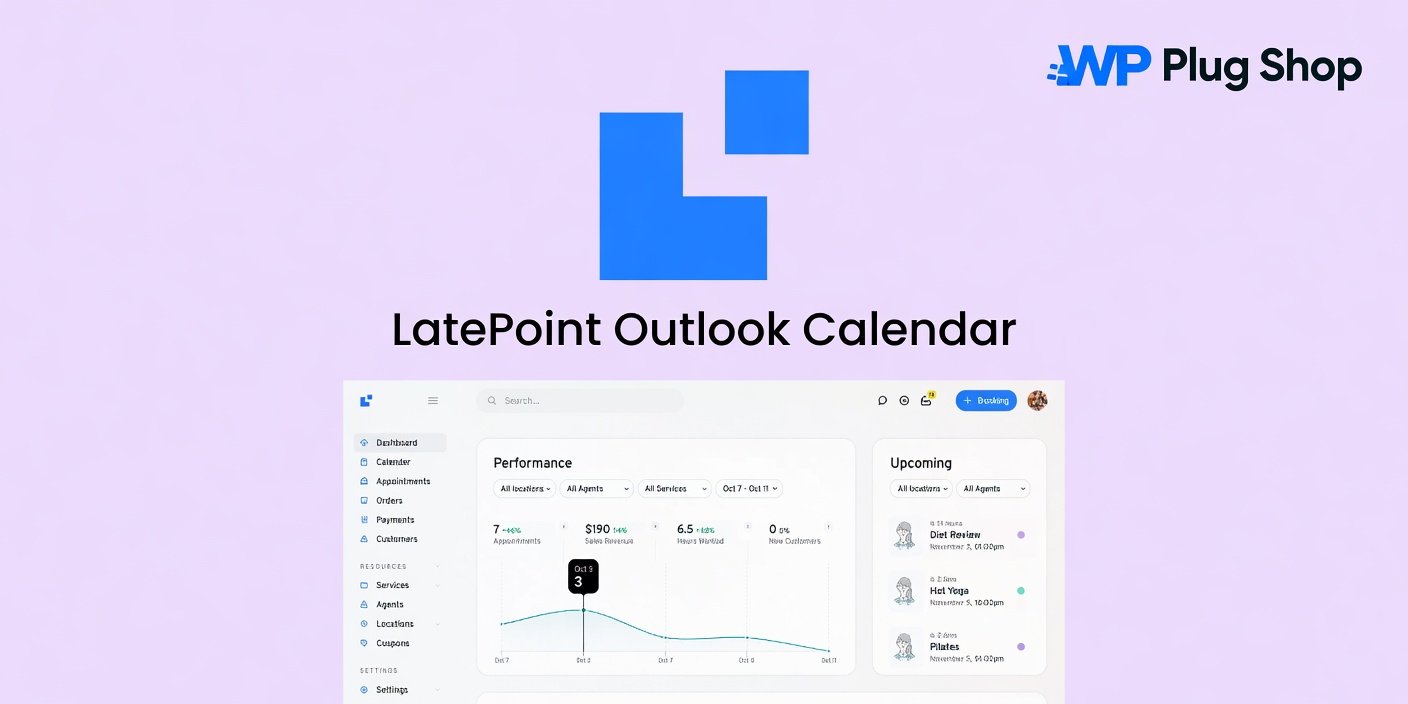
Product Overview
LatePoint Outlook Calendar – WordPress Appointment Booking Calendar Sync Addon is a powerful calendar integration extension that connects the LatePoint appointment booking system with Microsoft Outlook Calendar. It helps businesses synchronize appointments, manage availability, and keep schedules organized across platforms.
With this addon, LatePoint users can connect their booking workflow with Outlook, allowing service providers and teams to manage appointments more efficiently. It reduces manual calendar updates and helps maintain a smoother scheduling experience.
Whether you run a consulting service, coaching platform, healthcare website, salon, agency, or any appointment-based business, LatePoint Outlook Calendar helps keep your booking system and professional calendar aligned.
Why This Product Is Useful
Managing appointments across different calendars can become time-consuming and may lead to scheduling conflicts. LatePoint Outlook Calendar provides a simple solution by synchronizing booking information with Microsoft Outlook.
Instead of manually copying appointments between systems, businesses can maintain a more organized workflow with connected calendar management.
- Better scheduling management: Keep appointments organized between LatePoint and Outlook.
- Reduced manual work: Save time by automating calendar synchronization.
- Improved availability tracking: Manage schedules more efficiently.
- Professional workflow: Provide a smoother appointment experience for customers.
Key Features
- Outlook Calendar Integration: Connect LatePoint appointments with Microsoft Outlook Calendar.
- Appointment Synchronization: Keep booking schedules updated across platforms.
- Calendar Availability Management: Manage business availability more effectively.
- LatePoint Agent Support: Help service providers organize their schedules.
- Automated Scheduling Workflow: Reduce repetitive calendar management tasks.
- Business Calendar Organization: Keep appointments structured and accessible.
- Professional Booking Experience: Improve customer scheduling processes.
- WordPress Integration: Extend LatePoint booking capabilities inside WordPress.
Main Benefits
- Sync appointments with Outlook Calendar.
- Improve business scheduling efficiency.
- Reduce calendar management tasks.
- Maintain organized appointment records.
- Help prevent scheduling conflicts.
- Improve team availability management.
- Create professional booking workflows.
- Save time for service providers.
Best Use Cases
- Consulting websites
- Coaching platforms
- Healthcare appointment websites
- Beauty and wellness businesses
- Professional service providers
- Education booking platforms
- Agency appointment systems
- Freelancer booking websites
- Corporate scheduling websites
- Online service businesses
Who Should Use This Product?
LatePoint Outlook Calendar is designed for businesses and professionals who use LatePoint for appointments and rely on Microsoft Outlook for calendar management.
- Business Owners: Keep customer appointments synchronized with daily schedules.
- Service Providers: Manage availability and bookings more efficiently.
- Agencies: Build professional appointment systems for clients.
- Developers: Extend LatePoint websites with calendar integration.
- Teams: Coordinate schedules across multiple professionals.
WP Plug Shop Access Benefits
- Premium WordPress business solutions.
- Professional scheduling and automation tools.
- Advanced booking extension resources.
- Convenient digital product access.
- Business productivity plugins.
Product Details
| Product Detail | Information |
|---|---|
| Product Type | WordPress Calendar Sync Addon |
| Platform | WordPress |
| Main Purpose | Connect LatePoint with Outlook Calendar |
| Best For | Appointment-based businesses |
| Required Plugin | LatePoint Booking Plugin |
Feature Comparison
| Feature | LatePoint Outlook Calendar | Manual Scheduling |
|---|---|---|
| Calendar synchronization | Available | Manual |
| Appointment management | Enhanced | Basic |
| Outlook integration | Supported | Unavailable |
| Scheduling efficiency | Improved | Limited |
| Business workflow | Automated | Time-consuming |
Pros and Considerations
| Pros | Considerations |
|---|---|
| Connects bookings with Outlook | Requires LatePoint plugin |
| Improves appointment organization | Requires calendar configuration |
| Reduces manual scheduling work | Outlook account setup may be needed |
| Useful for professional services | Features depend on LatePoint setup |
Final Verdict
LatePoint Outlook Calendar – WordPress Appointment Booking Calendar Sync Addon is a valuable extension for businesses that want to connect their appointment booking system with Microsoft Outlook Calendar.
By improving calendar synchronization, availability management, and scheduling workflows, this addon helps service businesses create a more organized and professional booking experience.
Frequently Asked Questions
What is LatePoint Outlook Calendar?
LatePoint Outlook Calendar is an addon that connects the LatePoint appointment booking system with Microsoft Outlook Calendar for easier appointment synchronization and schedule management.
Does LatePoint Outlook Calendar require LatePoint?
Yes, this addon requires the LatePoint booking plugin installed on a WordPress website.
Can I sync LatePoint appointments with Outlook Calendar?
Yes, the addon allows businesses to connect their LatePoint bookings with Microsoft Outlook Calendar.
Does it help prevent scheduling conflicts?
Yes, calendar synchronization helps businesses maintain better availability tracking and reduce manual scheduling issues.
Can multiple service providers use this addon?
Yes, it is suitable for businesses with multiple agents or service providers who manage appointments.
Is LatePoint Outlook Calendar useful for service businesses?
Yes, it is ideal for consultants, coaches, healthcare providers, salons, agencies, and other appointment-based businesses.
Does this plugin work with WordPress websites?
Yes, LatePoint Outlook Calendar is designed specifically for WordPress websites using the LatePoint appointment system.
Can I use Outlook Calendar for business scheduling?
Yes, this addon helps businesses combine LatePoint booking workflows with Outlook calendar management.
Does LatePoint Outlook Calendar automate appointment management?
Yes, it helps streamline scheduling by reducing manual calendar updates and improving workflow organization.
Who should use LatePoint Outlook Calendar?
It is best suited for WordPress website owners, service providers, agencies, and businesses that need reliable appointment and calendar synchronization.
Please note: This is a digital product. Due to its digital nature, all sales are final — no refund will be provided after purchase and delivery. Please see our Refund Policy before purchasing.