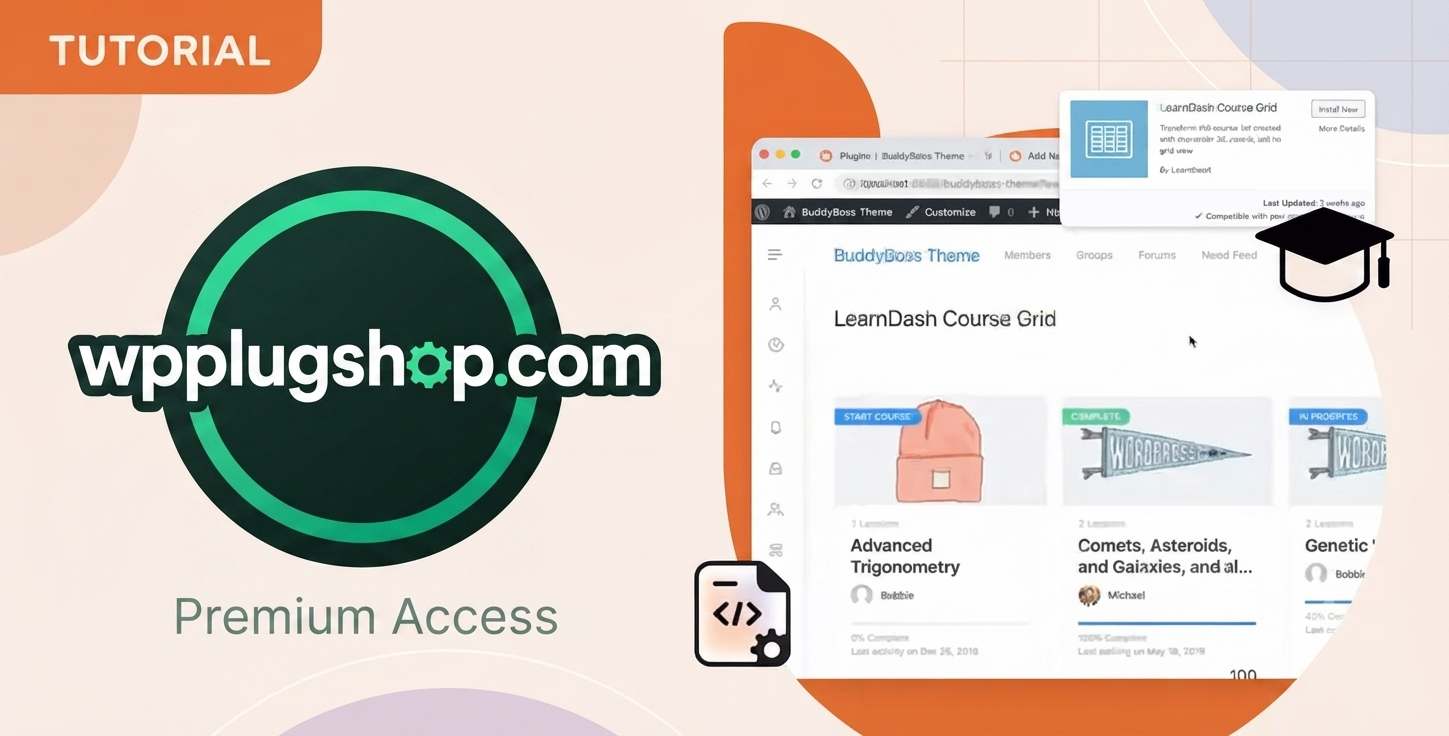

What is the LearnDash Course Grid Addon?
The LearnDash Course Grid Addon is a premium WordPress plugin designed to transform your standard LearnDash course list into a professional, responsive, and visual grid layout. It allows site owners to display courses in an organized catalog, making it easier for students to browse, filter, and discover the learning material that matters to them.
Can I filter courses by category using this plugin?
Yes, one of the core features of the Course Grid Addon is its built-in filtering capability. You can easily enable a category selector, allowing your users to search for specific course topics or categories instantly without reloading the page, which significantly enhances the overall user experience.
Does this addon work with all WordPress themes?
The LearnDash Course Grid Addon is designed to be theme-agnostic and should integrate seamlessly with the vast majority of well-coded WordPress themes. Since it utilizes standard WordPress shortcode and block systems, it is highly compatible with popular page builders like Elementor, Divi, and Beaver Builder.
Can I customize the grid layout and columns?
Absolutely. The addon provides extensive layout controls, allowing you to select the number of columns (ranging from one to twelve) to match your site’s design. You can also customize featured images, course descriptions, and button text to ensure the grid aligns perfectly with your brand identity.
Does it support progress bars for enrolled students?
Yes, for students who are logged in and enrolled in a course, the grid can display a dynamic progress bar. This visual indicator helps students track their learning journey directly from the course catalog, which is a powerful tool for improving student engagement and retention.
Is this product suitable for WooCommerce-based LMS sites?
,
Responsive grid, category filter, course progress bar, featured video support, course thumbnail, dynamic pricing display, customizable columns, shortcode ready, Gutenberg block, frontend course display
,
Definitely. If you are using WooCommerce to sell your courses, the Course Grid Addon complements your shop-front by providing a clean, conversion-focused layout. It displays key information like course pricing and enrollment status, helping prospective students make faster purchasing decisions.
How do I display the course grid on my website?
You have two primary ways to implement the grid: using the dedicated Gutenberg block for a seamless Block Editor experience, or using a simple shortcode if you prefer the Classic Editor or a page builder. Both methods are straightforward and require no custom coding to get started.
Why should I choose WP Plug Shop for this digital resource?
WP Plug Shop provides high-quality, GPL-friendly access to premium digital resources at a fraction of the official cost. Our files are verified, secure, and ready for your WordPress projects, offering budget-conscious professionals the tools they need to build, scale, and manage their online academies without the overhead of expensive licenses.
Frequently Asked Questions
What is the LearnDash Course Grid Addon?
The LearnDash Course Grid Addon is a premium WordPress plugin designed to transform your standard LearnDash course list into a professional, responsive, and visual grid layout. It allows site owners to display courses in an organized catalog, making it easier for students to browse, filter, and discover the learning material that matters to them.
Can I filter courses by category using this plugin?
Yes, one of the core features of the Course Grid Addon is its built-in filtering capability. You can easily enable a category selector, allowing your users to search for specific course topics or categories instantly without reloading the page, which significantly enhances the overall user experience.
Does this addon work with all WordPress themes?
The LearnDash Course Grid Addon is designed to be theme-agnostic and should integrate seamlessly with the vast majority of well-coded WordPress themes. Since it utilizes standard WordPress shortcode and block systems, it is highly compatible with popular page builders like Elementor, Divi, and Beaver Builder.
Can I customize the grid layout and columns?
Absolutely. The addon provides extensive layout controls, allowing you to select the number of columns (ranging from one to twelve) to match your site’s design. You can also customize featured images, course descriptions, and button text to ensure the grid aligns perfectly with your brand identity.
Does it support progress bars for enrolled students?
Yes, for students who are logged in and enrolled in a course, the grid can display a dynamic progress bar. This visual indicator helps students track their learning journey directly from the course catalog, which is a powerful tool for improving student engagement and retention.
Is this product suitable for WooCommerce-based LMS sites?
Definitely. If you are using WooCommerce to sell your courses, the Course Grid Addon complements your shop-front by providing a clean, conversion-focused layout. It displays key information like course pricing and enrollment status, helping prospective students make faster purchasing decisions.
How do I display the course grid on my website?
You have two primary ways to implement the grid: using the dedicated Gutenberg block for a seamless Block Editor experience, or using a simple shortcode if you prefer the Classic Editor or a page builder. Both methods are straightforward and require no custom coding to get started.
Why should I choose WP Plug Shop for this digital resource?
WP Plug Shop provides high-quality, GPL-friendly access to premium digital resources at a fraction of the official cost. Our files are verified, secure, and ready for your WordPress projects, offering budget-conscious professionals the tools they need to build, scale, and manage their online academies without the overhead of expensive licenses.
LearnDash Course Grid Addon – Display Courses in Beautiful Responsive Grid Layouts
LearnDash Course Grid Addon is a powerful extension for LearnDash LMS that allows you to display your online courses in attractive, responsive grid layouts. Instead of showing plain course lists, this addon creates visually engaging course cards with featured images, pricing, progress, categories, instructors, and enrollment buttons, improving both user experience and conversions.
Whether you’re selling courses, offering free training, or building a complete eLearning marketplace, the LearnDash Course Grid Addon helps organize and showcase your content professionally on any WordPress website.
Key Features of LearnDash Course Grid Addon
- Create beautiful responsive course grid layouts.
- Display featured course images automatically.
- Show course title, excerpt, and description.
- Display course price and enrollment status.
- Support for free and premium LearnDash courses.
- Show student progress for logged-in users.
- Display course categories and tags.
- Instructor information support.
- Customizable number of columns.
- Responsive design for desktop, tablet, and mobile.
- Filter courses using categories and taxonomies.
- Display course difficulty and custom metadata.
- Compatible with LearnDash shortcodes.
- Works with Gutenberg and Classic Editor.
- Supports popular WordPress themes.
- Lightweight and optimized for performance.
- SEO-friendly course display.
- Easy shortcode implementation.
- Professional course listing pages.
- Regular updates and LearnDash compatibility.
Why Choose LearnDash Course Grid Addon?
The LearnDash Course Grid Addon transforms standard LearnDash course listings into visually appealing grids that improve navigation, user engagement, and course discovery. Visitors can easily browse courses while enjoying a modern and professional layout that works perfectly across all devices.
Whether you operate an online academy, membership site, coaching platform, university portal, or corporate training website, this addon provides a clean and efficient way to present your educational content.
Perfect For
- Online course marketplaces
- Educational institutions
- Universities
- Training centers
- Corporate LMS websites
- Coaching businesses
- Membership websites
- Professional instructors
- Digital learning platforms
- WordPress eLearning websites
Why Download from WP Plug Shop?
- 100% Original GPL Licensed Files
- Latest Version Available
- Safe & Secure Downloads
- Regular Updates
- Affordable Pricing
- Instant Digital Download
- No Recurring Subscription Required
- Clean, Malware-Free Files
- Easy Download Process
- Excellent Customer Support
Please note: This is a digital product. Due to its digital nature, all sales are final — no refund will be provided after purchase and delivery. Please see our Refund Policy before purchasing.