
LearnDash LMS Visual Customizer: Premium WordPress Course Design & Styling Plugin
Verified from VirusTotal 100% Original Product and Virus Free. Free New Version Lifetime On Single Purchase. Unlimited Website Usage Price is in US dollars and included tax
Buy confidently with secure digital checkout, account-based downloads, and a cleaner WPPlugShop product experience.
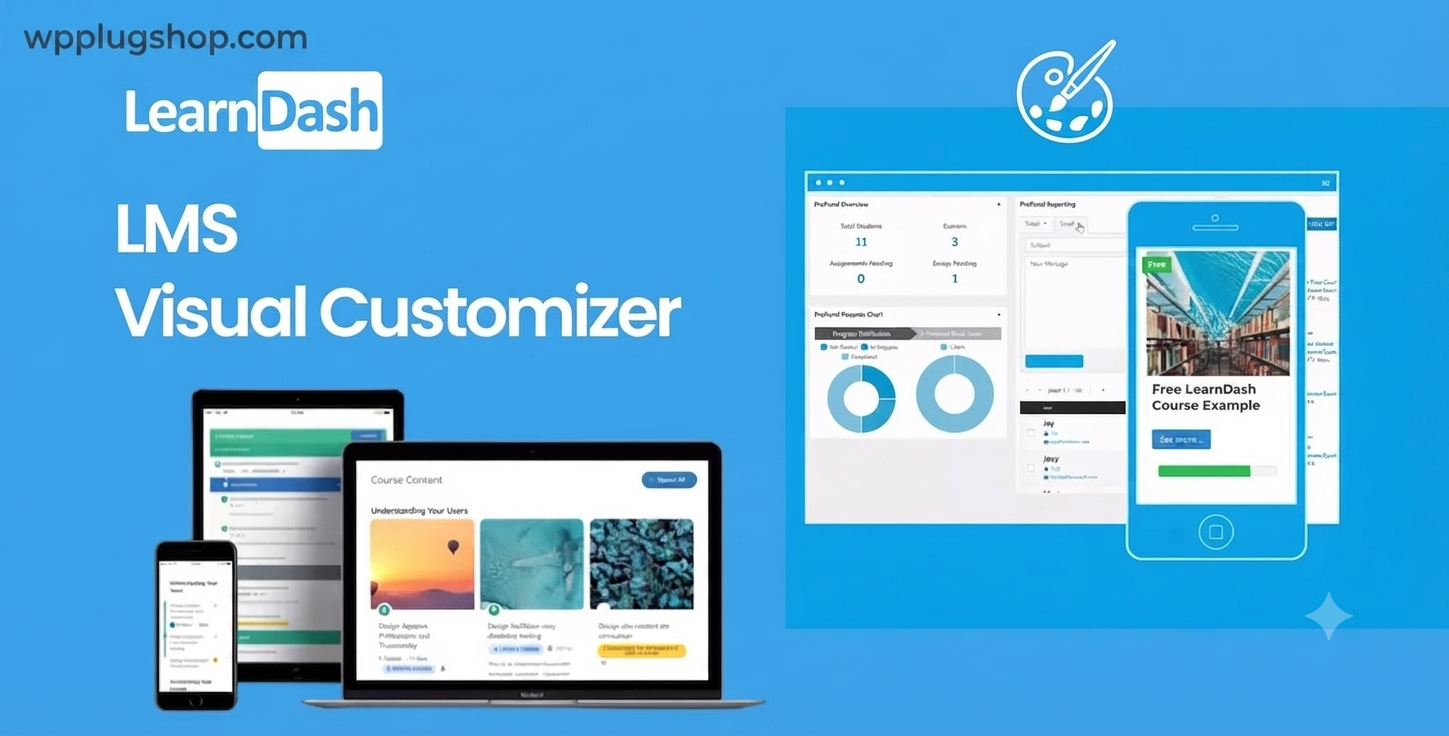
Preview LearnDash LMS Visual Customizer: Premium WordPress Course Design & Styling Plugin
View the product artwork, switch gallery images, and open a larger preview before checkout.
Get secure digital access for real WordPress projects
This section summarizes the buying experience and what customers can expect after checkout.
Product overview, benefits, and digital access details
Review the key product details, practical use cases, and digital access information before checkout.
Product Overview
LearnDash LMS Visual Customizer is the ultimate design companion for your e-learning platform. If you are using LearnDash to deliver online courses, you know that default layouts can sometimes feel generic. This powerful plugin allows you to customize your course pages, lesson structures, and quiz interfaces visually, ensuring your e-learning site matches your brand identity perfectly without requiring a single line of CSS.
Why This Product Is Useful
Branding is vital for online education. A professional, custom-designed interface increases student trust, improves course completion rates, and elevates your status as an expert instructor. With this customizer, you can bridge the gap between a standard LMS setup and a high-end, bespoke educational experience, helping you stand out in a competitive digital marketplace.
Key Features
- Visual Design Interface: Real-time editing of course layouts, colors, and typography.
- Custom Course Grids: Create unique course navigation and listing displays.
- Interactive Lesson Styling: Modify how students interact with lessons, quizzes, and assignments.
- Responsive Controls: Ensure your courses look flawless on desktop, tablet, and mobile devices.
- No-Code Experience: Change button styles, spacing, and layouts with intuitive settings.
- Seamless LMS Integration: Fully compatible with the latest versions of LearnDash LMS.
Main Benefits
- Enhanced Student Engagement: A clean, intuitive design reduces friction and keeps students focused on learning.
- Build Brand Consistency: Align every page of your LMS with your corporate or personal brand colors and fonts.
- Faster Development: Skip the hours of CSS troubleshooting and design your dream course layout in minutes.
- Monetization Appeal: Professional-looking courses command higher price points and attract more premium members.
Best Use Cases
- Professional Training Academies: Create branded learning portals for corporate training.
- Course Creators: Launch beautiful, unique course sites for personal development or hobbyist topics.
- E-Learning Agencies: Rapidly deploy custom-designed LMS sites for clients.
- WooCommerce Course Stores: Style your product and course pages to drive more enrollments.
Who Should Use This Product?
This plugin is essential for e-learning site owners, instructional designers, WordPress developers, and online entrepreneurs who prioritize design and user experience as much as the quality of their educational content.
WP Plug Shop Access Benefits
When you download from WP Plug Shop, you gain:
- Instant Digital Access: Download immediately after purchase.
- Scanned Digital Files: Verified for safety and performance.
- Budget-Conscious Access: Professional tools for your real-world WordPress projects.
Product Details
| Specification | Detail |
|---|---|
| Plugin Type | LMS Visual Design Extension |
| Compatibility | LearnDash LMS, WordPress |
| Interface | Visual/Real-time Editor |
| Skill Required | No coding required |
Feature Comparison
| Feature | Default LearnDash | With Visual Customizer |
|---|---|---|
| Layout Flexibility | Limited | High/Unlimited |
| Design Control | Requires CSS | Point-and-Click |
| Brand Alignment | Restricted | Fully Custom |
| Responsive Styling | Basic | Granular Control |
Pros and Considerations
| Pros | Considerations |
|---|---|
| Significantly faster design workflow | Requires active LearnDash installation |
| No coding knowledge needed | Best for brand-conscious creators |
| Highly responsive and mobile-ready | Performance-optimized |
Final Verdict
For any serious LearnDash user, the Visual Customizer is a game-changer. It transforms your LMS from a functional database of content into a premium educational platform that students will love. It is a must-have tool for building trust and maximizing the impact of your online courses.
Frequently Asked Questions
Do I need to know how to code to use the LearnDash Visual Customizer?
Not at all! The plugin is designed for non-coders, offering a point-and-click interface that allows you to make design changes visually. You won't need to write any custom CSS or HTML.
Is this compatible with my existing LearnDash courses?
Yes, the plugin is designed to layer over your current LearnDash setup. You can start customizing your existing courses immediately without having to rebuild them from scratch.
Does it work with Elementor or other page builders?
Yes, the Visual Customizer is designed to respect your theme and page builder settings, allowing you to enhance your LearnDash pages while maintaining the layout structure of your overall WordPress site.
Will this plugin slow down my learning site?
The plugin is coded with performance in mind. It uses efficient styles to ensure that your course pages remain fast and responsive, which is critical for maintaining student satisfaction.
Can I customize the quiz interface as well?
Yes, the plugin provides styling options for major LearnDash elements, including lessons, topics, and quiz interfaces, giving you a cohesive look throughout the entire learning path.
Can I use this on multiple student projects?
WP Plug Shop provides access suitable for your real-world projects. Please refer to our site guidelines regarding usage limits for digital resources.
What happens if I change my WordPress theme?
Because the customizer applies styles directly to LearnDash elements, your course design will remain consistent even if you switch your base theme, providing great long-term flexibility.
Is this the official LearnDash development team product?
This is a high-quality third-party extension designed specifically for the LearnDash ecosystem. It provides the design tools needed to enhance the native LearnDash functionality.
Quick product answers for buyers and AI search
Clear product answers help buyers, search engines, and AI answer engines understand this product faster.
Best ways to use this WordPress digital product
These use cases help buyers quickly decide if this product fits their workflow.
How digital access works
No physical shipping is required. This is a digital product access purchase designed for account-based downloads.
Secure payment options for digital checkout
WPPlugShop supports trusted checkout options so buyers can complete digital purchases with more confidence.
Frequently asked questions
Buyer-focused answers about digital access, secure payments, downloads, support, and product usage.
Related WordPress tools you may also like
Explore related WordPress tools that may support the same workflow, website type, or project goal.




Choose the right WordPress tool with confidence
Request a product, explore membership access, or contact support if you want help choosing the right WordPress digital product before checkout.