Product Overview
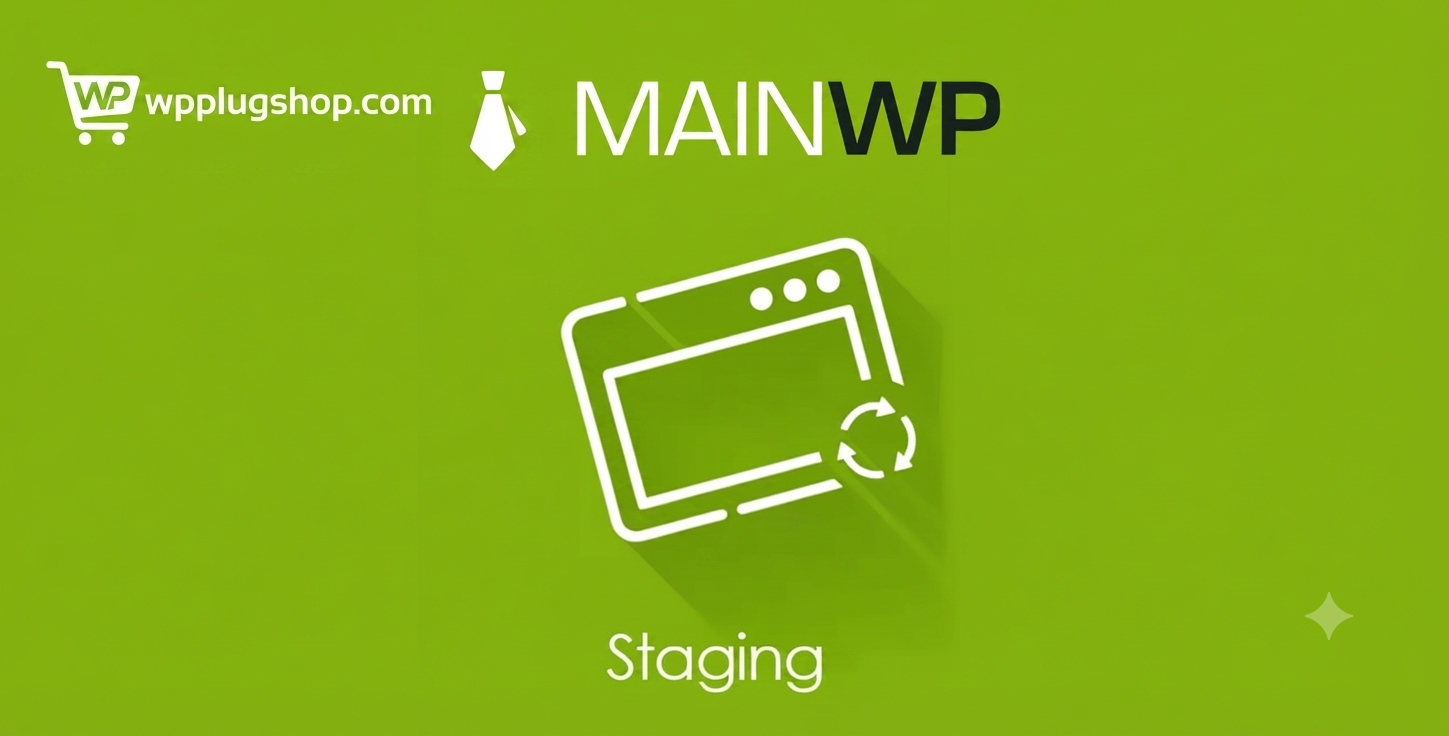
MainWP Staging Extension is a professional MainWP Dashboard addon that integrates with the free WP Staging plugin, allowing you to create, manage, update, and remove WordPress staging sites directly from a centralized dashboard. It provides a safe environment for testing plugin updates, theme modifications, WordPress core upgrades, and custom development before deploying changes to live websites.
Designed for agencies, developers, freelancers, and businesses managing multiple WordPress websites, this extension minimizes downtime, reduces update risks, and streamlines website maintenance by centralizing staging management across all connected child sites.
Why Choose MainWP Staging Extension?
Making changes directly on a live website can lead to broken layouts, compatibility issues, plugin conflicts, or unexpected downtime. Testing every update manually on each website is both time-consuming and risky.
MainWP Staging Extension solves this challenge by integrating staging site management into your MainWP Dashboard. With just a few clicks, you can create staging environments, safely test updates, verify functionality, and confidently deploy changes after successful testing.
Key Features
- Create WordPress staging sites directly from MainWP.
- Manage multiple staging environments from one dashboard.
- Update or delete staging copies whenever needed.
- Works with the free WP Staging plugin.
- Automatically connect staging sites to MainWP Child.
- Include or exclude specific files and database tables.
- Assign custom names to staging sites.
- Support bulk installation of WP Staging on child sites.
- Monitor staging environments centrally.
- Designed for safe testing before production deployment.
Main Benefits
- Reduce the risk of website downtime.
- Safely test WordPress core, plugin, and theme updates.
- Improve quality assurance before deploying changes.
- Centralize staging management for multiple websites.
- Increase productivity for agencies and developers.
- Simplify maintenance workflows.
- Protect WooCommerce stores during updates.
- Maintain more reliable WordPress websites.
Ideal Use Cases
- WordPress agencies.
- WooCommerce stores.
- Membership websites.
- Corporate websites.
- Website redesign projects.
- Plugin compatibility testing.
- Theme development.
- Managed WordPress hosting.
Who Should Use This Extension?
- MainWP Dashboard users.
- WordPress developers.
- Website maintenance professionals.
- Freelancers managing multiple websites.
- Digital agencies.
- WooCommerce developers.
- Quality assurance teams.
- Businesses managing WordPress portfolios.
WP Plug Shop Benefits
- Instant digital download after purchase.
- GPL-friendly WordPress-ready resource.
- Secure checkout process.
- Scanned digital files for additional confidence.
- Affordable licensing for agencies and developers.
- Suitable for professional WordPress management workflows.
Product Details
| Feature | Details |
|---|---|
| Plugin Type | MainWP Dashboard Extension |
| Main Purpose | Centralized WordPress staging management |
| Compatible Platform | WordPress, MainWP Dashboard, WP Staging |
| Primary Function | Create, manage, update, and delete staging sites |
| Testing Support | Plugins, themes, WordPress core, and custom development |
| Ideal Users | Agencies, developers, freelancers, and website maintenance professionals |
Feature Comparison
| Feature | Without MainWP Staging Extension | With MainWP Staging Extension |
|---|---|---|
| Website Testing | Updates performed directly on live sites | Safe staging environments before deployment |
| Staging Management | Manual management on each website | Centralized management from MainWP Dashboard |
| Plugin & Theme Updates | Higher risk of production issues | Test changes before publishing live |
| Agency Workflow | More manual maintenance tasks | Improved efficiency and scalability |
| Website Reliability | Greater chance of downtime | Reduced deployment risks |
Pros and Considerations
| Pros | Considerations |
|---|---|
| Provides centralized staging site management. | Requires an active MainWP Dashboard installation. |
| Works seamlessly with the free WP Staging plugin. | WP Staging must be installed on connected child sites. |
| Helps prevent downtime during updates. | Staging environments require additional server resources. |
| Improves development and testing workflows. | Most beneficial for users managing multiple WordPress websites. |
| Excellent for agencies and WooCommerce maintenance. | Production deployment should still follow best practices after testing. |
Final Verdict
MainWP Staging Extension is an essential productivity tool for agencies, developers, and businesses that maintain multiple WordPress websites. By integrating WP Staging directly into the MainWP Dashboard, it simplifies staging management, reduces update risks, and improves the overall quality of website maintenance.
If you regularly update WordPress plugins, themes, WooCommerce stores, or client websites, this extension provides a centralized, reliable, and efficient staging workflow that helps protect live websites while increasing productivity.
Frequently Asked Questions
What is the MainWP Staging Extension?
The MainWP Staging Extension is a premium MainWP Dashboard addon that integrates with the free WP Staging plugin, allowing you to create, manage, update, and delete WordPress staging sites from one centralized dashboard.
Do I need MainWP to use this extension?
Yes. The extension requires an active MainWP Dashboard installation because it is designed specifically to extend MainWP’s centralized website management capabilities.
Is the WP Staging plugin required?
Yes. The MainWP Staging Extension works with the free WP Staging plugin, which must be installed on the child websites where you want to create and manage staging environments.
Can I create staging sites for multiple WordPress websites?
Yes. The extension allows you to create and manage staging copies for multiple connected child sites directly from your MainWP Dashboard, making it ideal for agencies and businesses managing numerous WordPress installations.
What can I test on a staging website?
You can safely test WordPress core updates, plugin updates, theme changes, WooCommerce extensions, custom code, design modifications, and other website improvements before deploying them to your live website.
Can I manage staging sites without coding?
Yes. The extension provides an intuitive interface within the MainWP Dashboard, allowing you to create and manage staging environments without requiring programming knowledge.
Who should use the MainWP Staging Extension?
This extension is ideal for WordPress developers, agencies, freelancers, WooCommerce store owners, website maintenance providers, managed hosting companies, and businesses responsible for maintaining multiple WordPress websites.
Does using staging sites help reduce website downtime?
Yes. Testing updates and modifications in a staging environment before applying them to production significantly reduces the risk of downtime, compatibility issues, and unexpected errors on live websites.
Can I delete staging sites when they are no longer needed?
Yes. The extension allows you to remove staging environments directly from the MainWP Dashboard, helping you keep your website management workflow organized.
What are the benefits of downloading the MainWP Staging Extension from WP Plug Shop?
WP Plug Shop provides instant digital access, secure checkout, GPL-friendly WordPress-ready resources, and scanned digital files. It is an affordable solution for agencies, developers, and businesses looking to improve WordPress testing and website maintenance workflows.
Please note: This is a digital product. Due to its digital nature, all sales are final — no refund will be provided after purchase and delivery. Please see our Refund Policy before purchasing.