
Motionger – Animated Heading for Elementor
Verified from VirusTotal 100% Original Product and Virus Free. Free New Version Lifetime On Single Purchase. Unlimited Website Usage Price is in US dollars and included tax
Buy confidently with secure digital checkout, account-based downloads, and a cleaner WPPlugShop product experience.
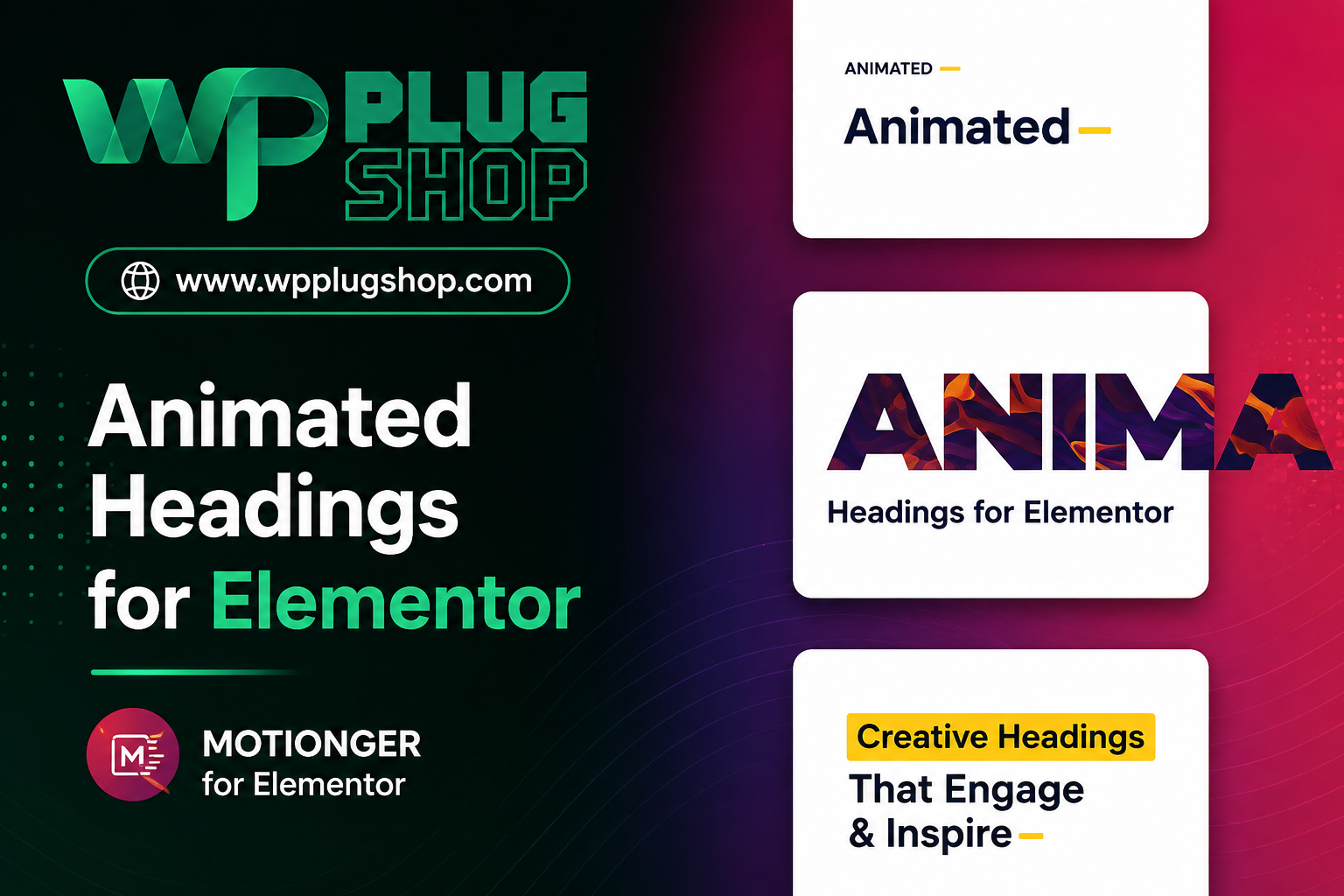
Preview Motionger – Animated Heading for Elementor
View the product artwork, switch gallery images, and open a larger preview before checkout.
Get secure digital access for real WordPress projects
This section summarizes the buying experience and what customers can expect after checkout.
Product overview, benefits, and digital access details
Review the key product details, practical use cases, and digital access information before checkout.
Frequently Asked Questions About Motionger
What is Motionger for Elementor?
Motionger is an Elementor widget designed to create animated headings and text effects on WordPress websites. It helps you add visually engaging heading animations to Elementor pages without building the animation from scratch.
What can I create with Motionger?
Motionger can be used to create animated headings, animated titles, and dynamic text effects for Elementor websites. It is useful for hero sections, landing pages, promotional sections, service pages, portfolio websites, and other areas where animated typography can attract attention.
Does Motionger work with Elementor?
Yes. Motionger is specifically designed as an animated heading solution for Elementor, allowing users to configure animated heading content through the Elementor editing workflow.
Can Motionger animate heading text in WordPress?
Yes. Motionger allows WordPress users to create animated heading and text effects within Elementor. This can help make important titles and messaging more visually distinctive.
How many animation effects are available in Motionger?
Motionger includes multiple animation styles for creating animated headings. The available effects allow users to choose different visual treatments for their Elementor heading content and create more dynamic typography.
Can I customize the typography of animated headings?
Yes. Motionger provides customization options for the appearance of animated headings, including typography-related settings. This allows the heading design to better match the visual identity of an Elementor website.
Can I change colors and backgrounds in Motionger?
Yes. Motionger provides styling controls that can be used to customize elements such as text colors, backgrounds, gradients, borders, and other visual properties depending on the selected configuration.
Is Motionger suitable for landing pages?
Yes. Animated headings can be useful for Elementor landing pages where the primary goal is to draw attention to a headline, promotional message, service benefit, campaign statement, or call-to-action section.
Can Motionger be used for business websites?
Yes. Motionger can be useful for business websites built with Elementor, including agency websites, service businesses, startups, portfolios, creative websites, and professional landing pages that need more engaging heading presentation.
Is Motionger useful for WooCommerce websites?
Motionger is primarily an Elementor animated heading widget rather than a dedicated WooCommerce extension. However, it can be useful on WooCommerce websites when Elementor is used to design promotional sections, banners, landing pages, product-related content, or other visual store sections.
Can Motionger be used to create animated hero headings?
Yes. Motionger is well suited to hero sections where animated typography can emphasize the main website message. It can be used to create more visually engaging headline presentations within Elementor layouts.
Does Motionger require coding to create animated headings?
Motionger is designed for use within Elementor, allowing heading animations and styling to be configured through the visual page-building workflow rather than requiring users to manually code each animation effect.
Can Motionger be used on responsive WordPress websites?
Motionger is designed for Elementor-based WordPress layouts and provides responsive styling controls so heading presentations can be configured for different screen sizes where supported by the widget settings.
Who should use Motionger?
Motionger can be useful for WordPress website owners, Elementor users, freelancers, agencies, designers, marketers, bloggers, creative professionals, and businesses that want to add animated heading effects to their website designs.
Why use an animated heading widget for Elementor?
An animated heading widget can help important text stand out within a page layout. Motionger provides a focused way to add animated typography to Elementor designs, making it useful for hero sections, promotional content, landing pages, services, portfolios, and other attention-focused website sections.
Frequently Asked Questions About Motionger Animated Heading for Elementor
What is Motionger Animated Heading for Elementor?
Motionger is a WordPress Elementor widget that lets you create animated headings and text effects for Elementor-designed websites. It provides a focused way to add motion and visual emphasis to important titles, headlines, and promotional text.
Can Motionger create animated headings in Elementor?
Yes. Motionger is specifically designed for creating animated headings within Elementor. You can use it to add movement and visual effects to heading content and make important sections of a website more engaging.
What types of websites can use Motionger?
Motionger can be used on many Elementor-powered WordPress websites, including business websites, agency websites, portfolios, landing pages, creative websites, blogs, marketing pages, service websites, and online stores.
Can I use Motionger for animated hero section headings?
Yes. Animated hero headings are one of the natural use cases for Motionger. You can use animated typography to emphasize a primary headline, marketing message, service statement, or other important content in an Elementor hero section.
Does Motionger provide different heading animation effects?
Yes. Motionger includes multiple animation effects and heading styles, giving Elementor users different ways to present animated text. The available animation options can be selected according to the visual style and purpose of the page.
Can Motionger animate individual words in a heading?
Yes. Motionger supports animated heading presentations where animation can be applied to heading content and individual words, helping users create more dynamic text effects within Elementor layouts.
Can I customize the appearance of Motionger headings?
Yes. Motionger provides styling controls for customizing the appearance of animated headings. Depending on the selected settings, users can adjust typography, colors, backgrounds, gradients, borders, spacing, and other visual properties.
Does Motionger work with the Elementor page builder?
Yes. Motionger is built specifically for Elementor and is intended to be configured through the Elementor editing experience. This makes it suitable for users who prefer visual WordPress page building.
Does Motionger require custom CSS or JavaScript?
Motionger is designed to provide animated heading functionality through its Elementor widget interface, so users can configure the available effects and styling without manually creating every animation from scratch.
Can Motionger be used for Elementor landing pages?
Yes. Motionger is well suited to landing pages where animated headings can help emphasize headlines, promotional messages, product benefits, services, or calls to action.
Is Motionger useful for WooCommerce websites?
Motionger is primarily an Elementor animated heading widget rather than a dedicated WooCommerce extension. However, it can be useful on Elementor-powered WooCommerce websites for promotional sections, campaign pages, product-focused layouts, banners, and other visual content areas.
Can freelancers and agencies use Motionger?
Yes. Freelancers and agencies can use Motionger when designing Elementor websites that require animated typography for client projects, landing pages, agency websites, portfolios, promotional campaigns, and service pages.
Can Motionger headings be customized for different screen sizes?
Motionger is designed for Elementor-based responsive layouts and provides responsive styling options where supported by its widget settings. This can help users adapt animated heading presentations for desktop, tablet, and mobile layouts.
Is Motionger suitable for business and professional websites?
Yes. Motionger can be used on professional websites when animated typography supports the site's visual hierarchy. It can help emphasize business headlines, service statements, value propositions, promotional messages, and other important content without requiring a separate animation-building workflow.
Who should use Motionger Animated Heading for Elementor?
Motionger is suitable for Elementor users, WordPress website owners, freelancers, agencies, designers, marketers, bloggers, creative professionals, businesses, and WooCommerce store owners who want to add animated heading effects to their website layouts.
Frequently Asked Questions About Motionger Animated Heading for Elementor
What is Motionger Animated Heading for Elementor?
Motionger is a WordPress Elementor widget for creating animated headings and text effects. It helps Elementor users add movement and visual emphasis to headings, titles, and other important text within their website layouts.
Can Motionger create animated headings in Elementor?
Yes. Motionger is specifically designed for creating animated headings in Elementor. It provides different animation options that can be applied to heading content to create more dynamic and engaging page sections.
How many animation styles does Motionger include?
Motionger includes 16 animation types and 5 animated heading templates, giving Elementor users multiple options for creating different animated text presentations.
Can Motionger animate individual words?
Yes. Motionger supports animated heading effects that can be applied to individual words within heading content, allowing users to create more dynamic typography and emphasize specific parts of a headline.
Can I customize Motionger heading typography?
Yes. Motionger provides typography customization options that allow users to adjust the visual appearance of animated headings and align them with the design of an Elementor website.
Can I customize colors, backgrounds, and gradients?
Yes. Motionger provides styling controls for elements such as text colors, backgrounds, gradients, borders, and other visual properties, allowing animated headings to be adapted to different website designs.
Can Motionger be used for animated hero headings?
Yes. Motionger is suitable for Elementor hero sections where animated headlines can help draw attention to a primary message, service statement, promotional offer, or other important website content.
Is Motionger suitable for Elementor landing pages?
Yes. Motionger can be used on Elementor landing pages to create animated headlines, promotional text, feature statements, and other attention-focused typography without requiring a separate animation design workflow.
Does Motionger work with WordPress?
Yes. Motionger is designed for WordPress websites using Elementor. Its primary purpose is to extend Elementor designs with animated heading and text effects.
Does Motionger require coding to create animated headings?
Motionger is designed to be configured through the Elementor widget interface, allowing users to create animated heading effects through visual controls rather than manually coding each animation.
Can Motionger be used on WooCommerce websites?
Motionger is primarily an Elementor animated heading widget rather than a dedicated WooCommerce extension. However, it can be useful on Elementor-powered WooCommerce websites for promotional sections, product-focused landing pages, banners, campaigns, and other visual store content.
Can Motionger be used for business websites?
Yes. Motionger can be used on Elementor business websites to add animated typography to hero sections, service pages, marketing sections, portfolio layouts, promotional areas, and other important content blocks.
Is Motionger useful for freelancers and agencies?
Yes. Freelancers, agencies, and web designers can use Motionger when creating Elementor websites that need animated headlines or text effects for client projects, landing pages, portfolios, campaigns, and business websites.
Can Motionger headings be adapted for responsive layouts?
Motionger is designed for Elementor websites and includes responsive styling options that can help users configure animated heading presentations for different screen sizes according to the available widget controls.
Who should use Motionger Animated Heading for Elementor?
Motionger is suitable for WordPress users, Elementor designers, freelancers, agencies, marketers, bloggers, businesses, creative professionals, and WooCommerce store owners who want to add animated heading and text effects to their website designs.
Quick product answers for buyers and AI search
Clear product answers help buyers, search engines, and AI answer engines understand this product faster.
Best ways to use this WordPress digital product
These use cases help buyers quickly decide if this product fits their workflow.
How digital access works
No physical shipping is required. This is a digital product access purchase designed for account-based downloads.
Secure payment options for digital checkout
WPPlugShop supports trusted checkout options so buyers can complete digital purchases with more confidence.
Frequently asked questions
Buyer-focused answers about digital access, secure payments, downloads, support, and product usage.
Related WordPress tools you may also like
Explore related WordPress tools that may support the same workflow, website type, or project goal.




Choose the right WordPress tool with confidence
Request a product, explore membership access, or contact support if you want help choosing the right WordPress digital product before checkout.